
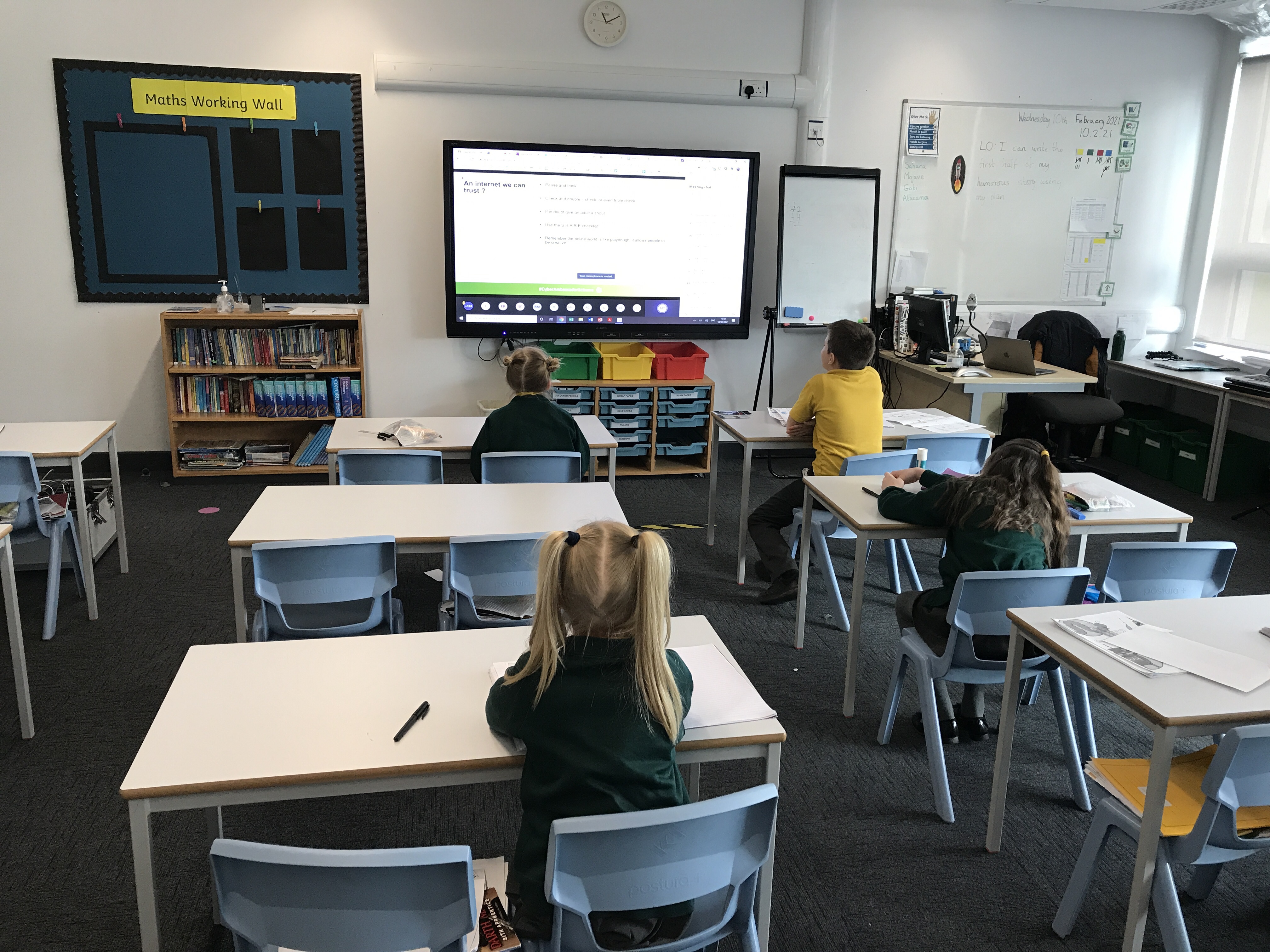
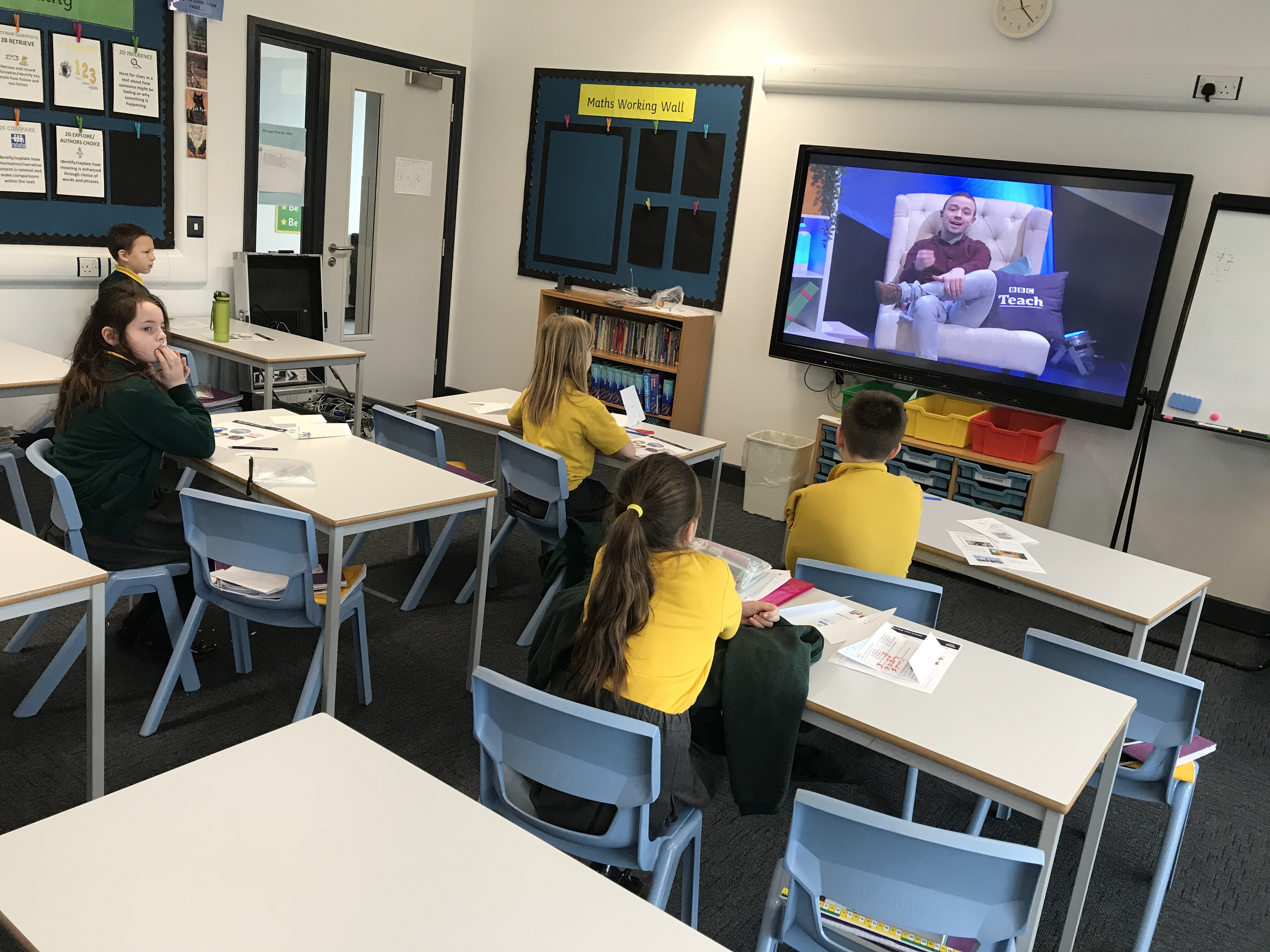
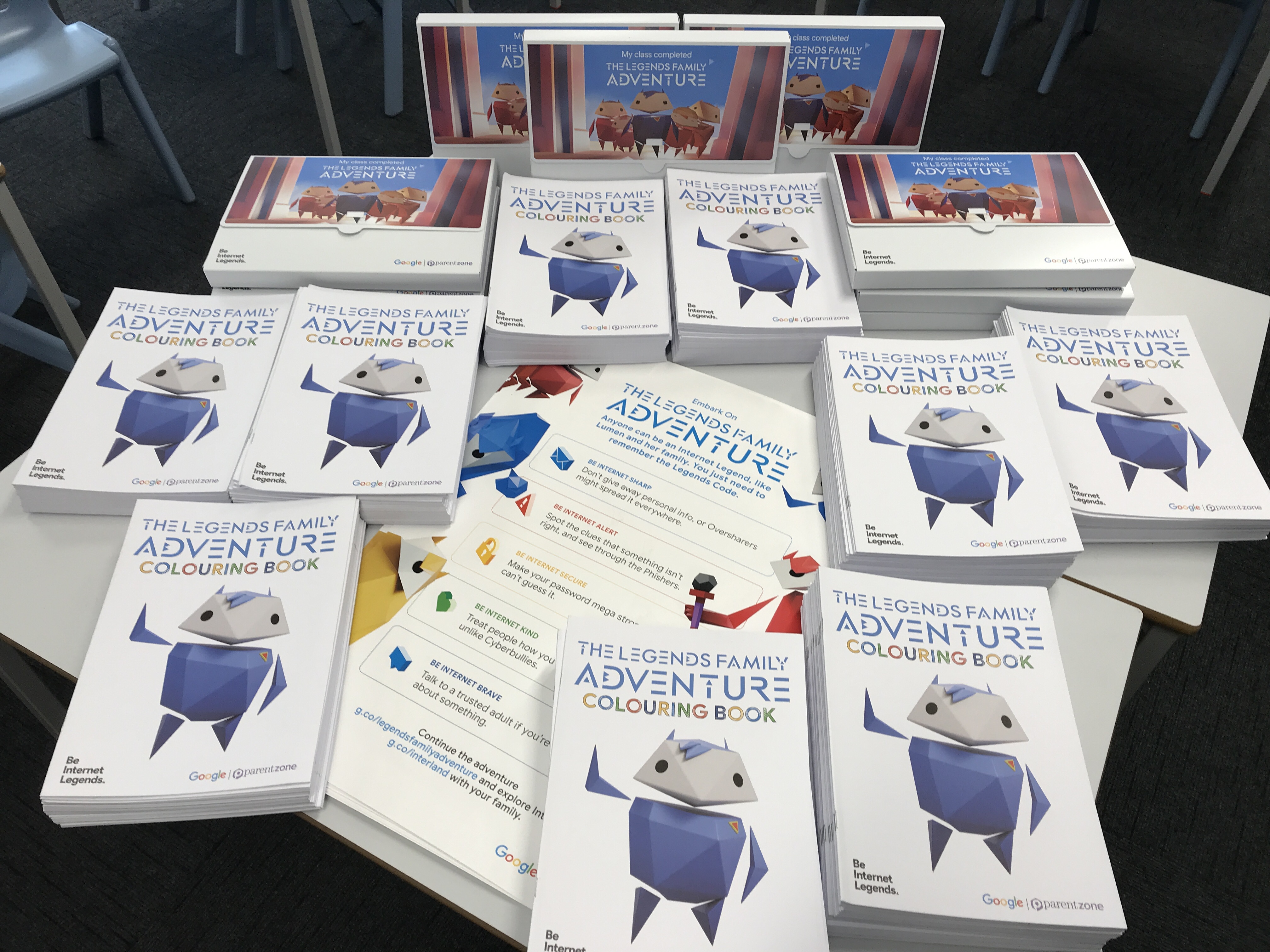
For safer internet day we joined in with lots of online activities to explore how we can stay safe online. We created posters and leaflets to share this knowledge with others. We also took part in a virtual escape room where we had tp apply our knowledge to a range of situations.
Author: mrberryman
Networks L3 – what is a website?
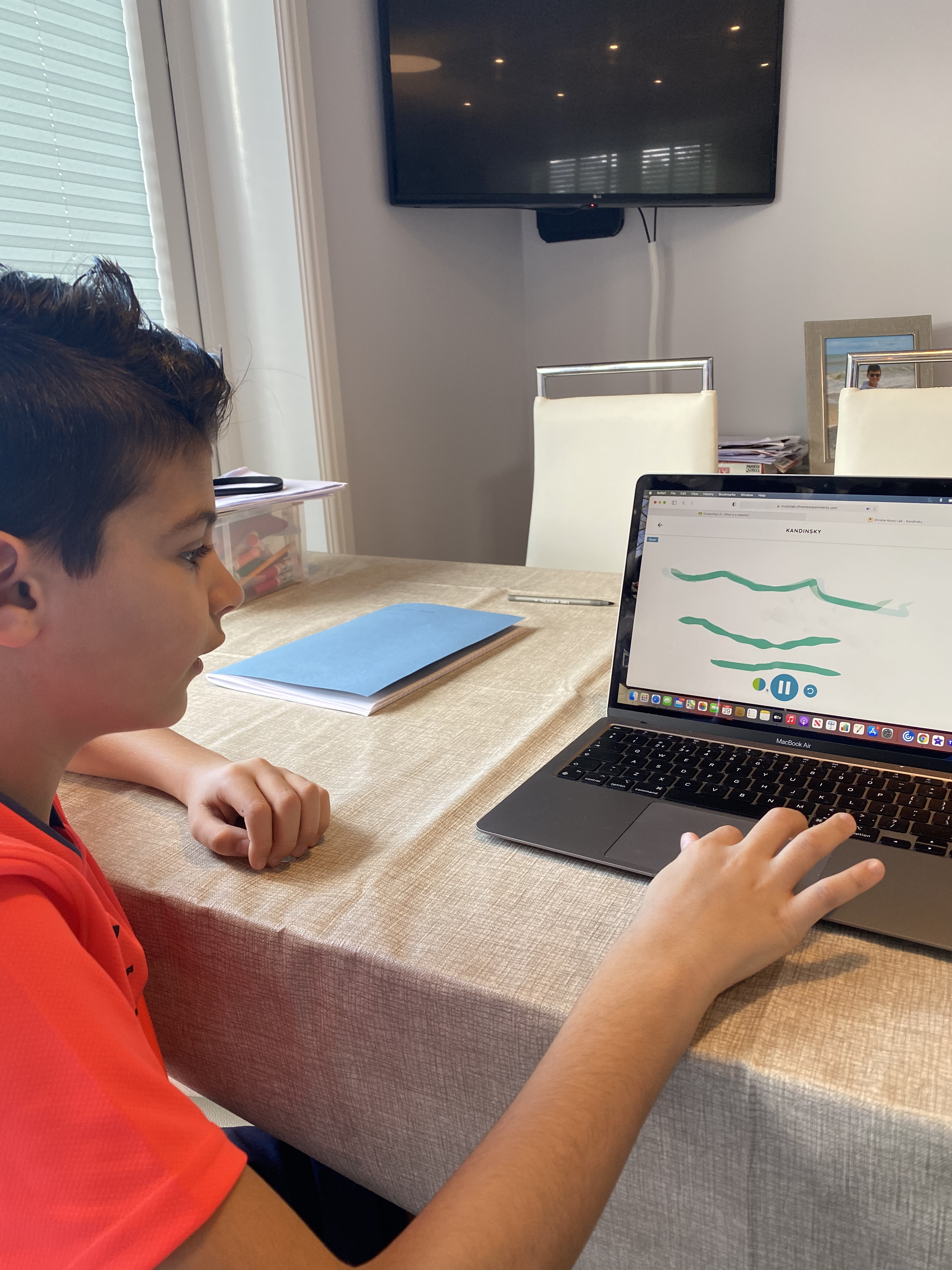
In this lesson we described how content can be added and accessed on the World Wide Web. We really enjoyed using Chrome Music Lab to make our own compositions.
Networks L2 – sharing information
In this lesson we explained the types of media t(at can be shared on t(e World Wide Web. We also thought about where websites are stored and thought about how they were accessed.
Networks L1 – what is the internet made of?
In this lesson we recognised how network devices make up the internet. We talked about the fact that the internet allows us to view the World Wide Web and they are not the same thing.
Week 13 – Scratch Assessment
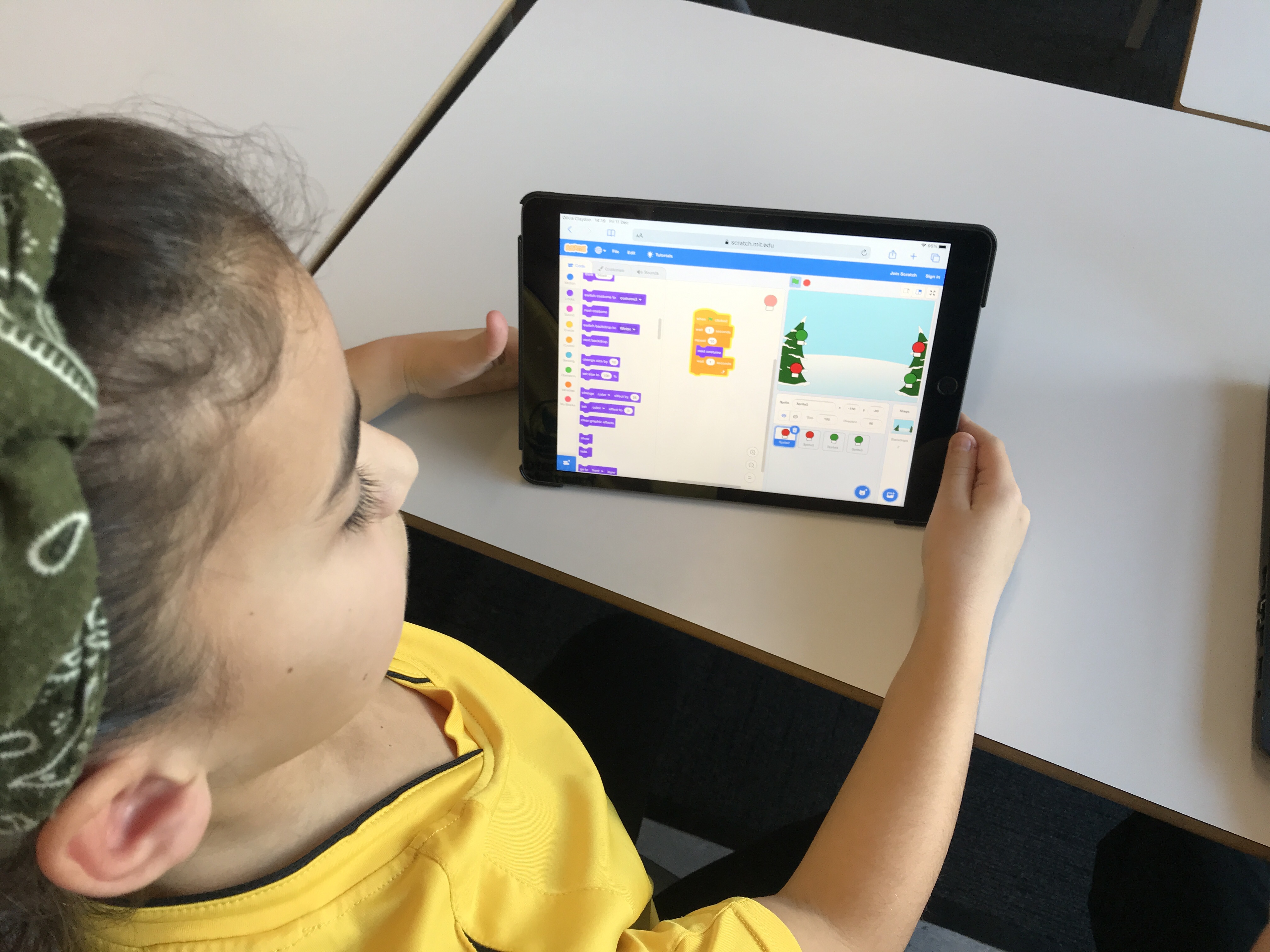
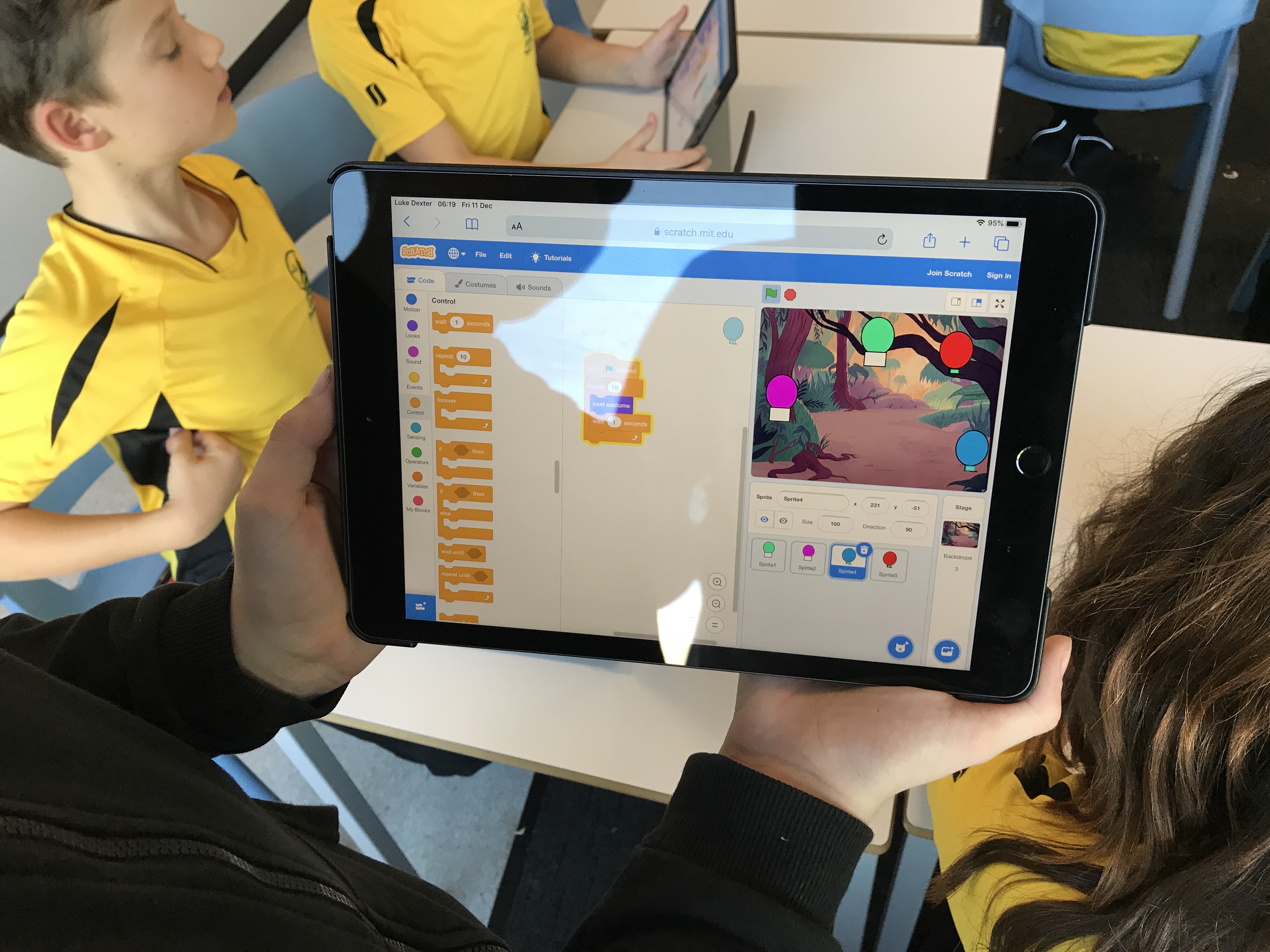
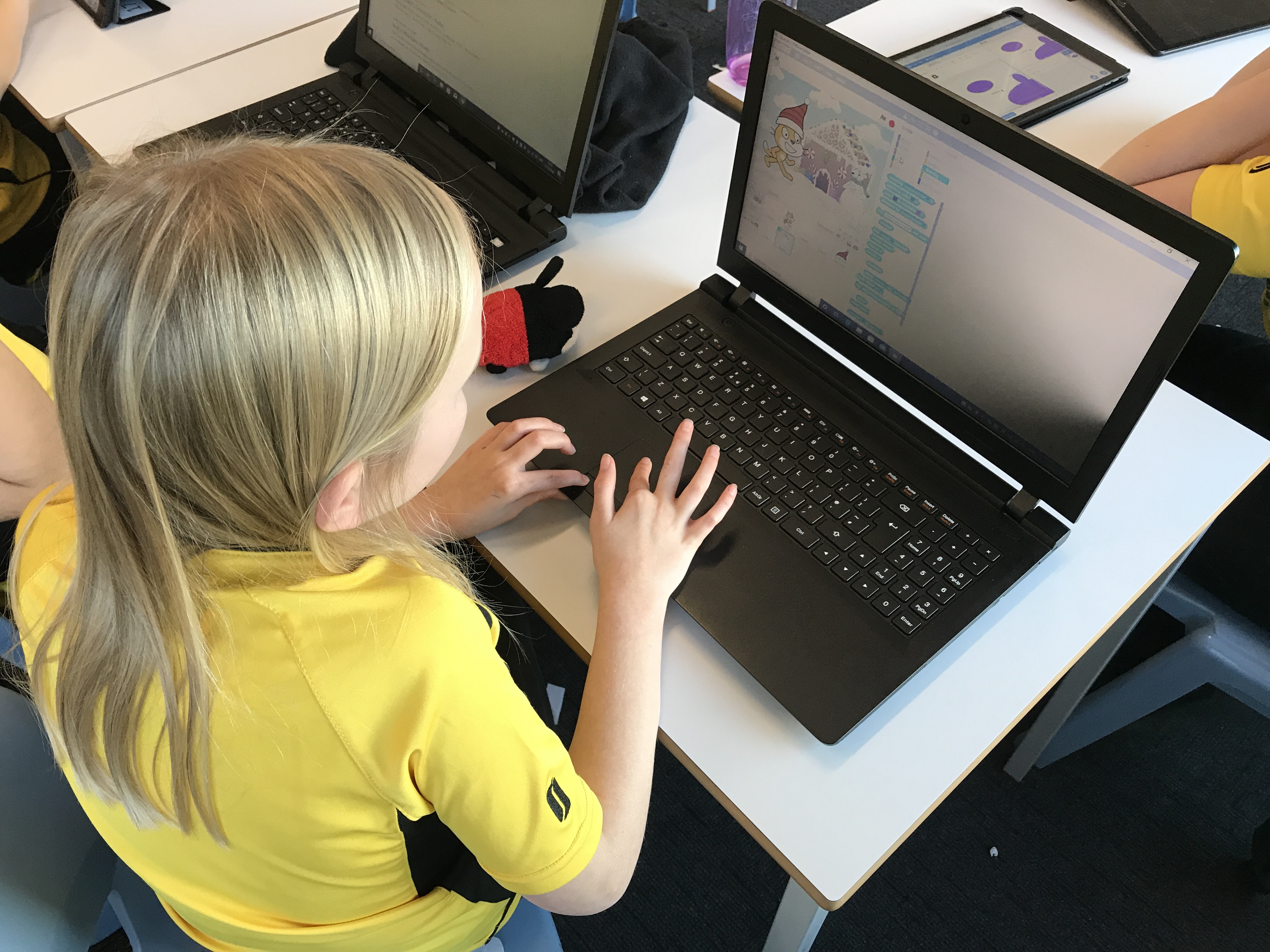
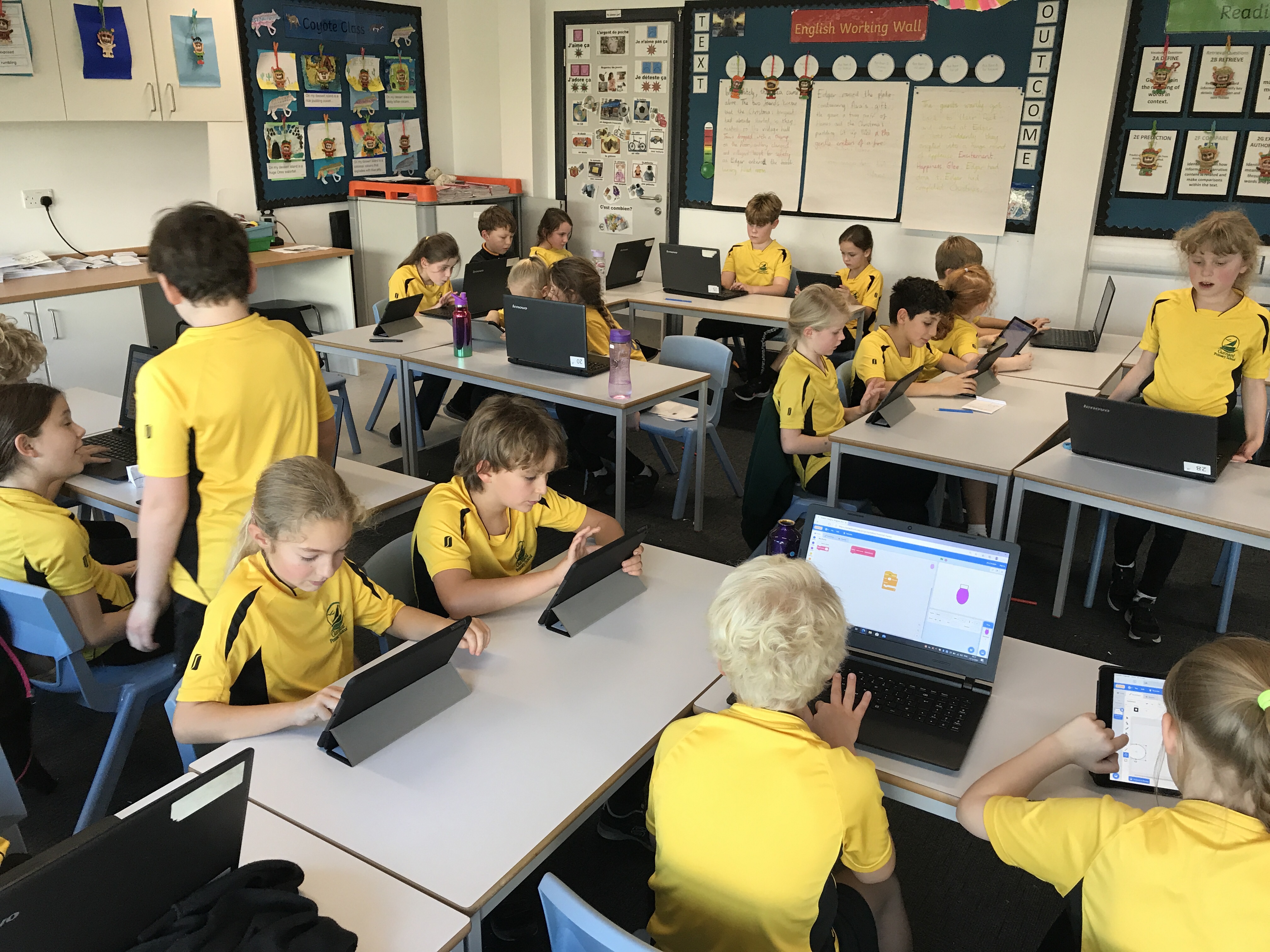
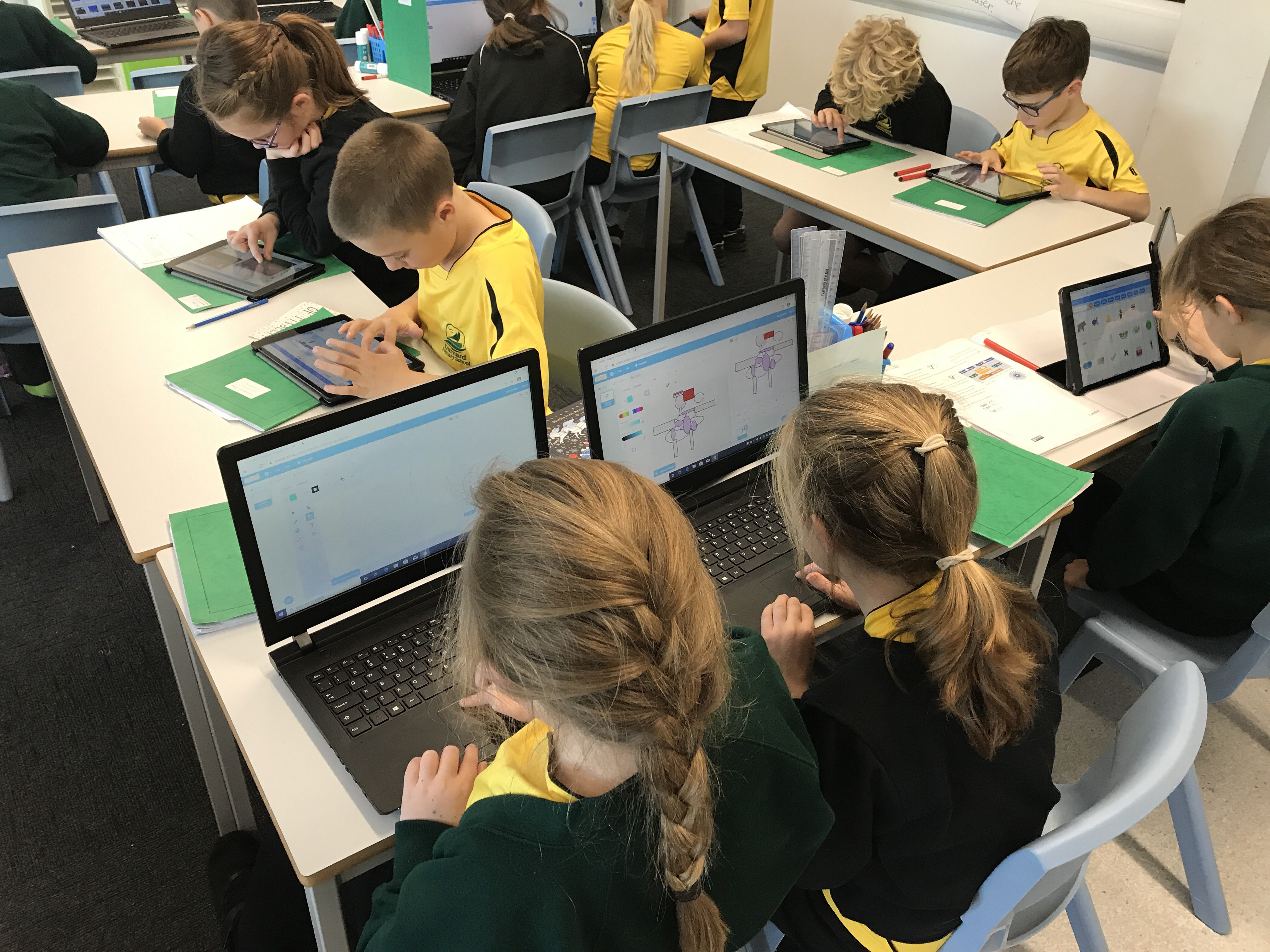
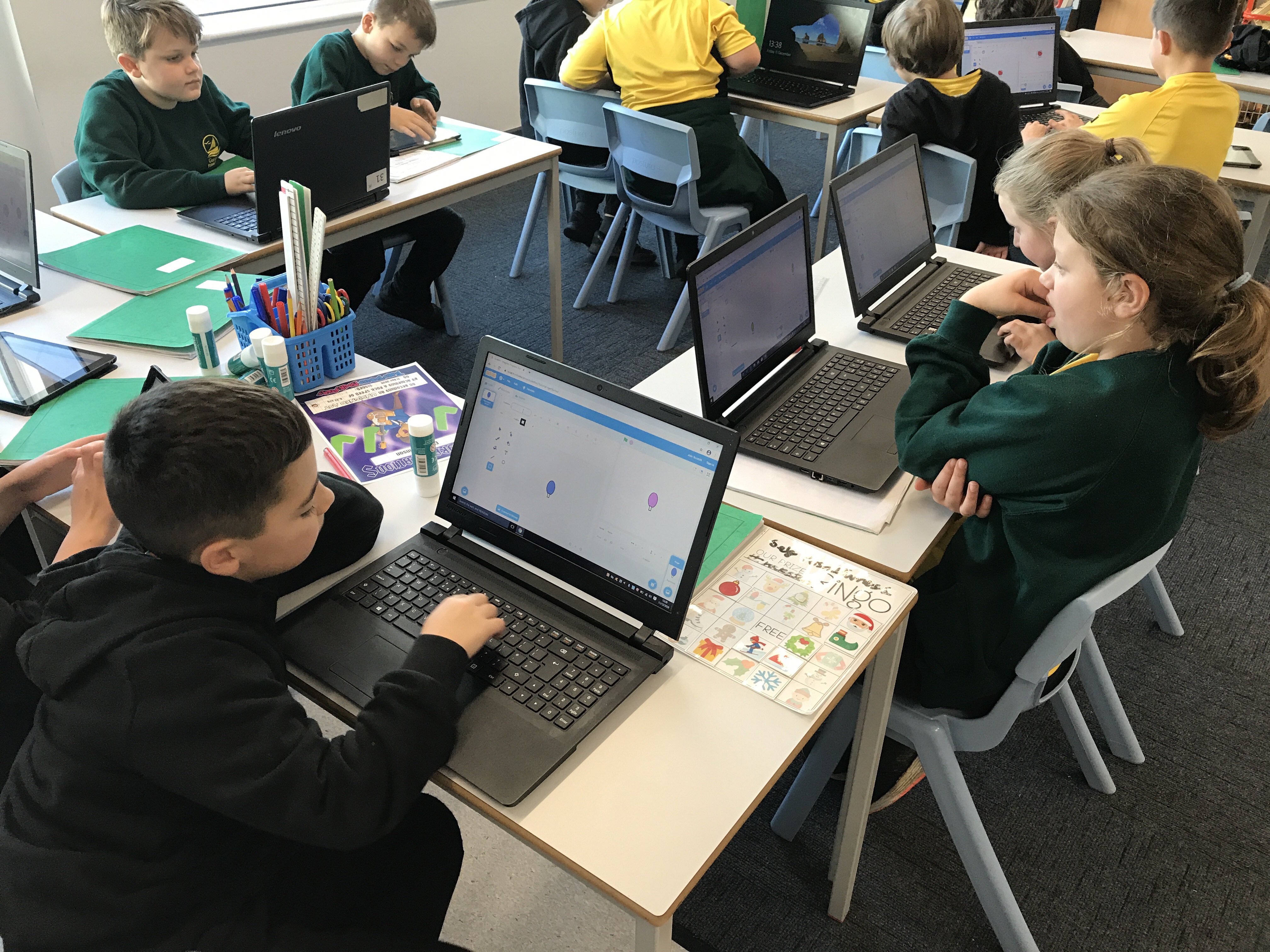
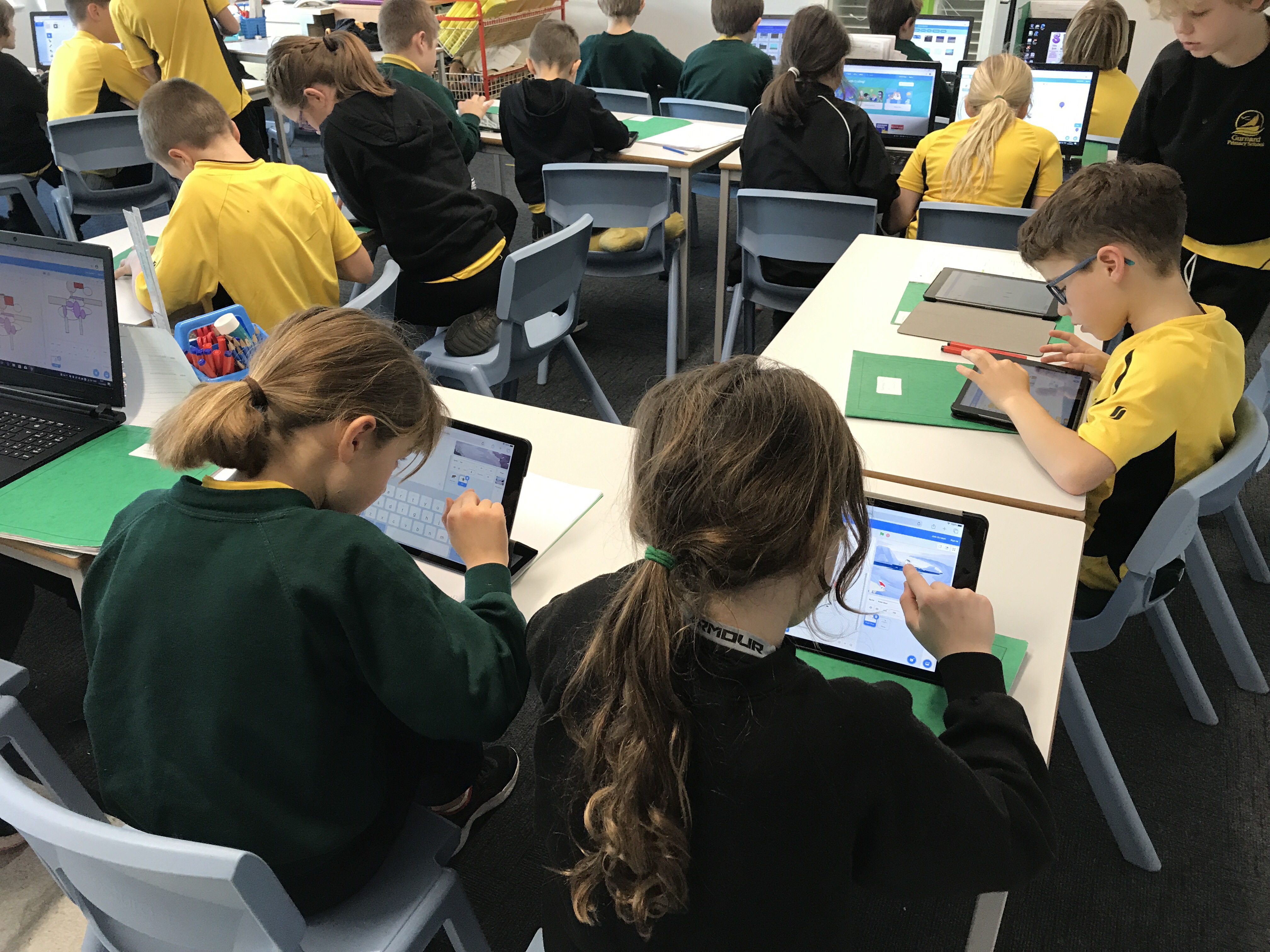
This week we had to make our own Scratch projects to show what we have learned so far. We enjoyed making Christmas themed animations and games to share with our friends..
Week 12 – Google Classroom
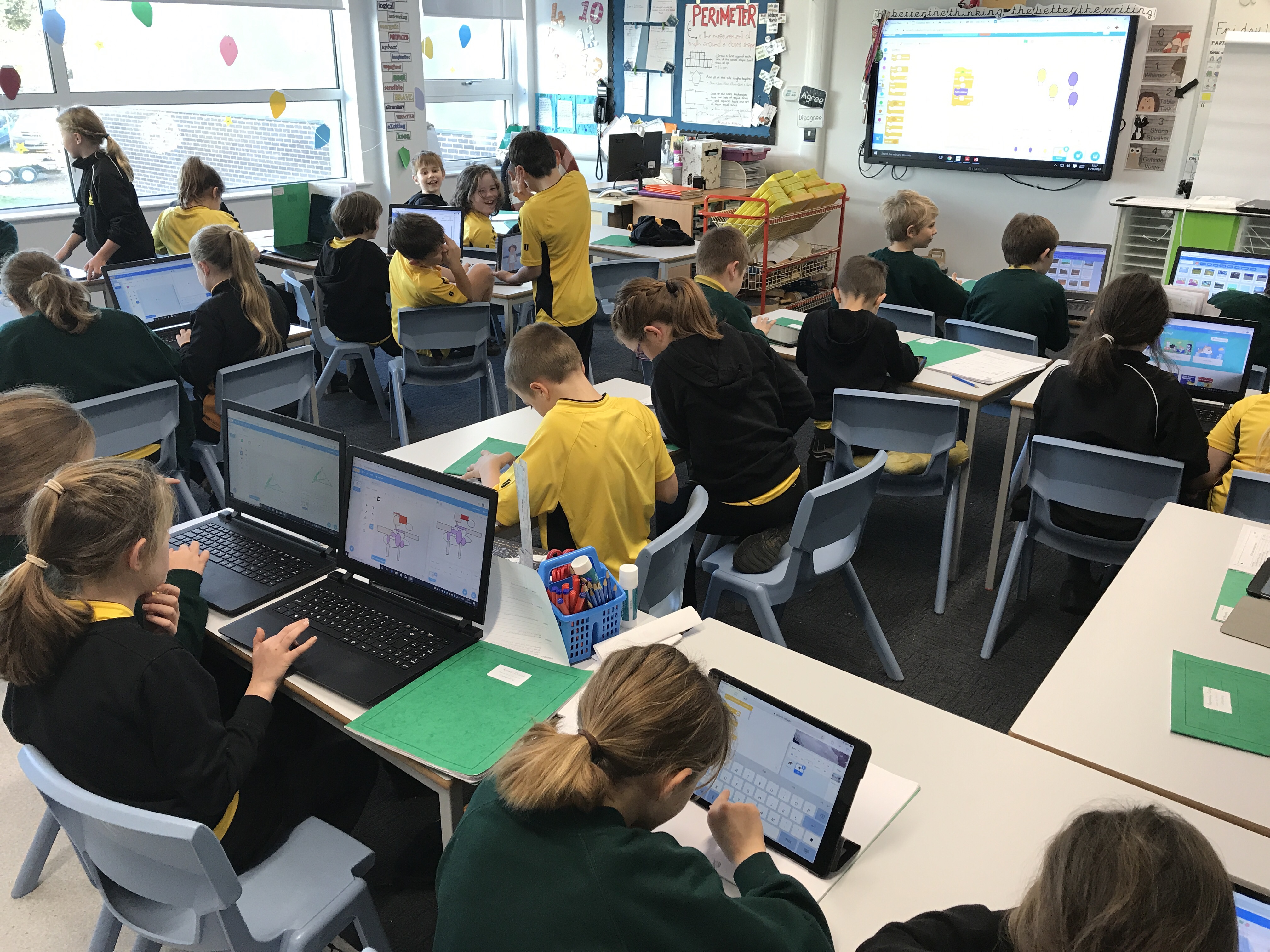
This week we learned how to login to Google Classroom and our new accounts on the iPads. We used the comments box to say hello to our friends!
Week 11 – Christmas Elves! (Loops)
This week we used repetition in code to animate our own Elf characters! We enjoyed editing our photographs to make an elf face and then animating by creating a loop which made it look like we were talking!
Week 8 & 10 – Sequence to Loop
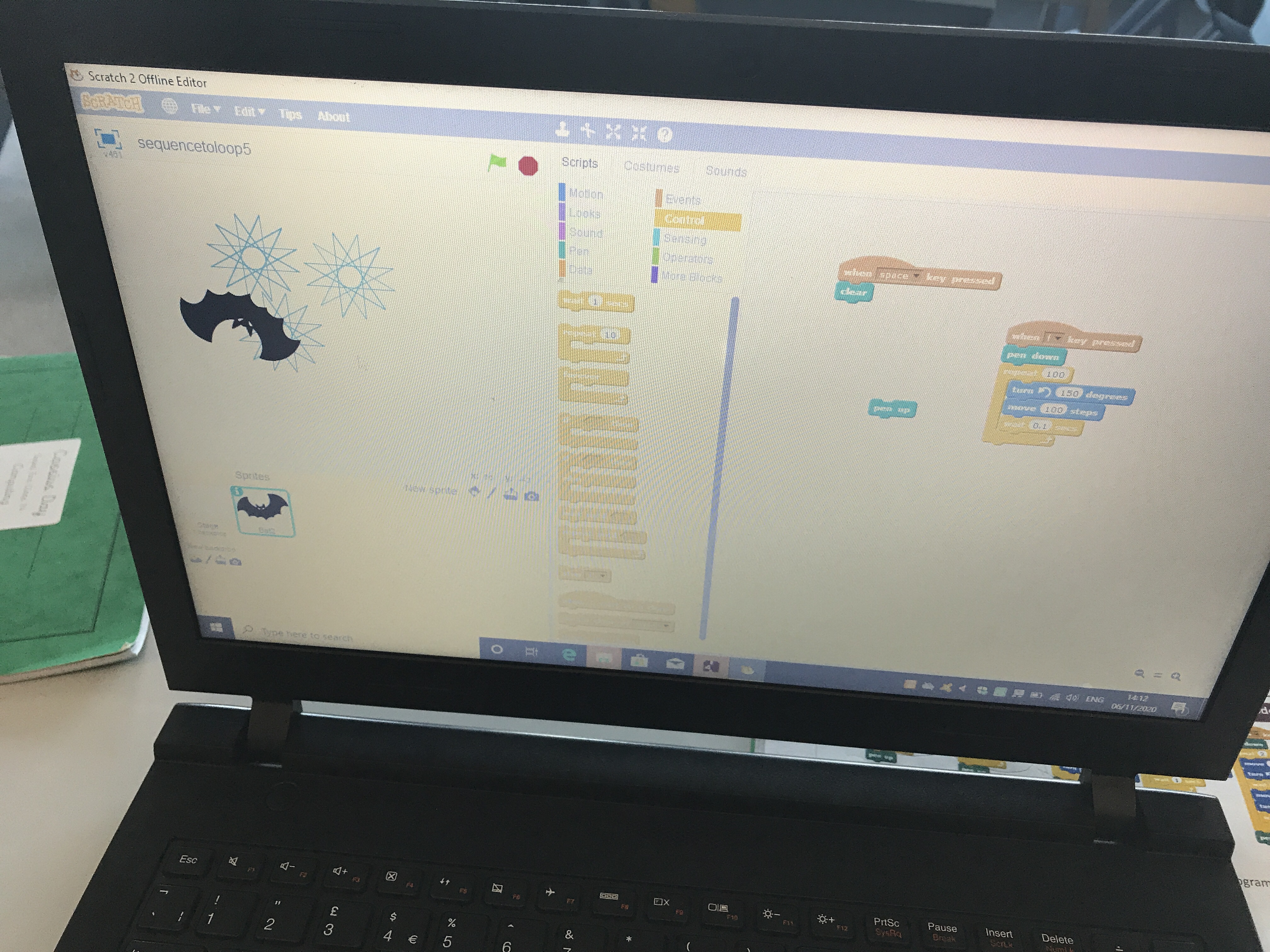
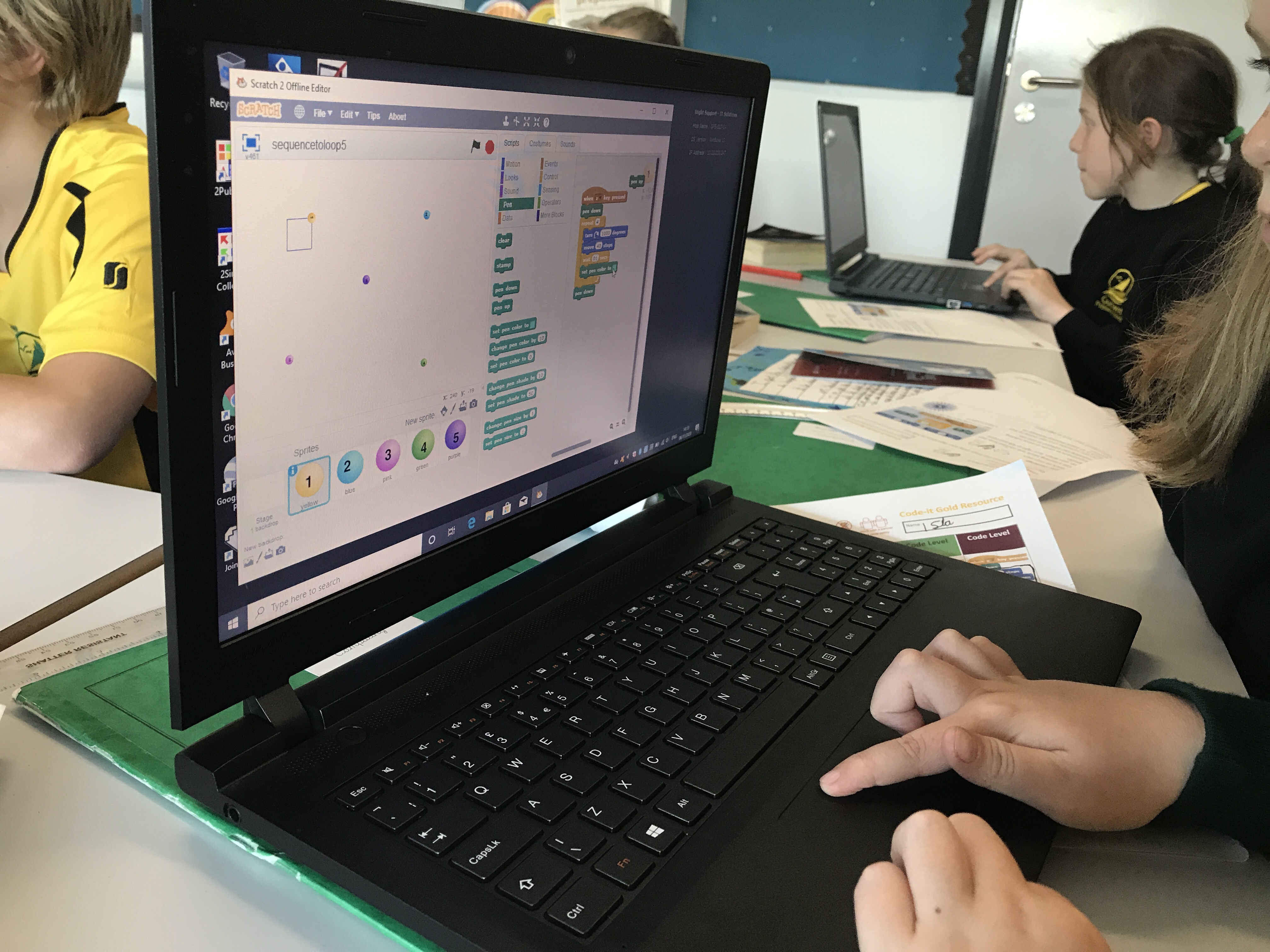
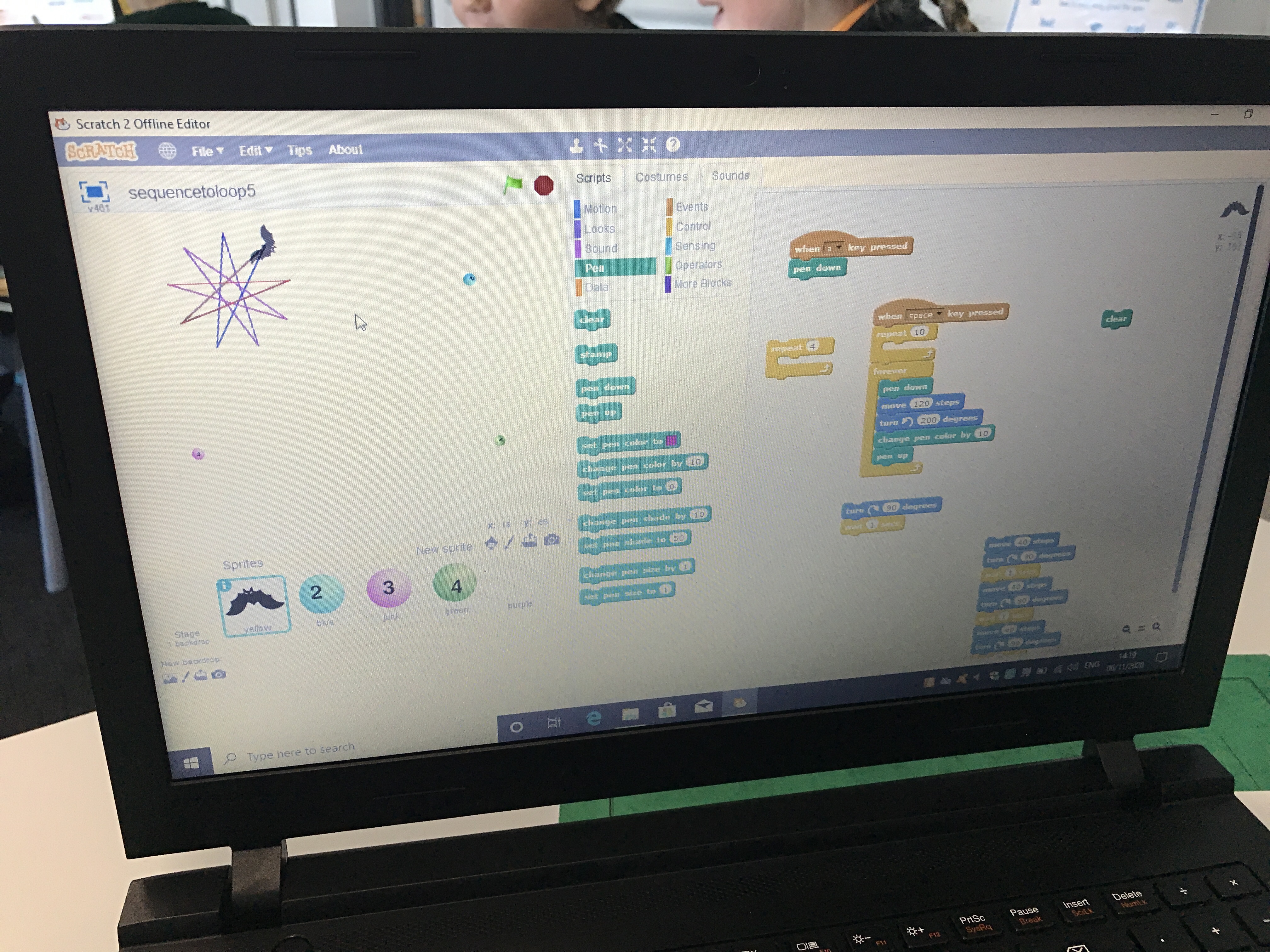
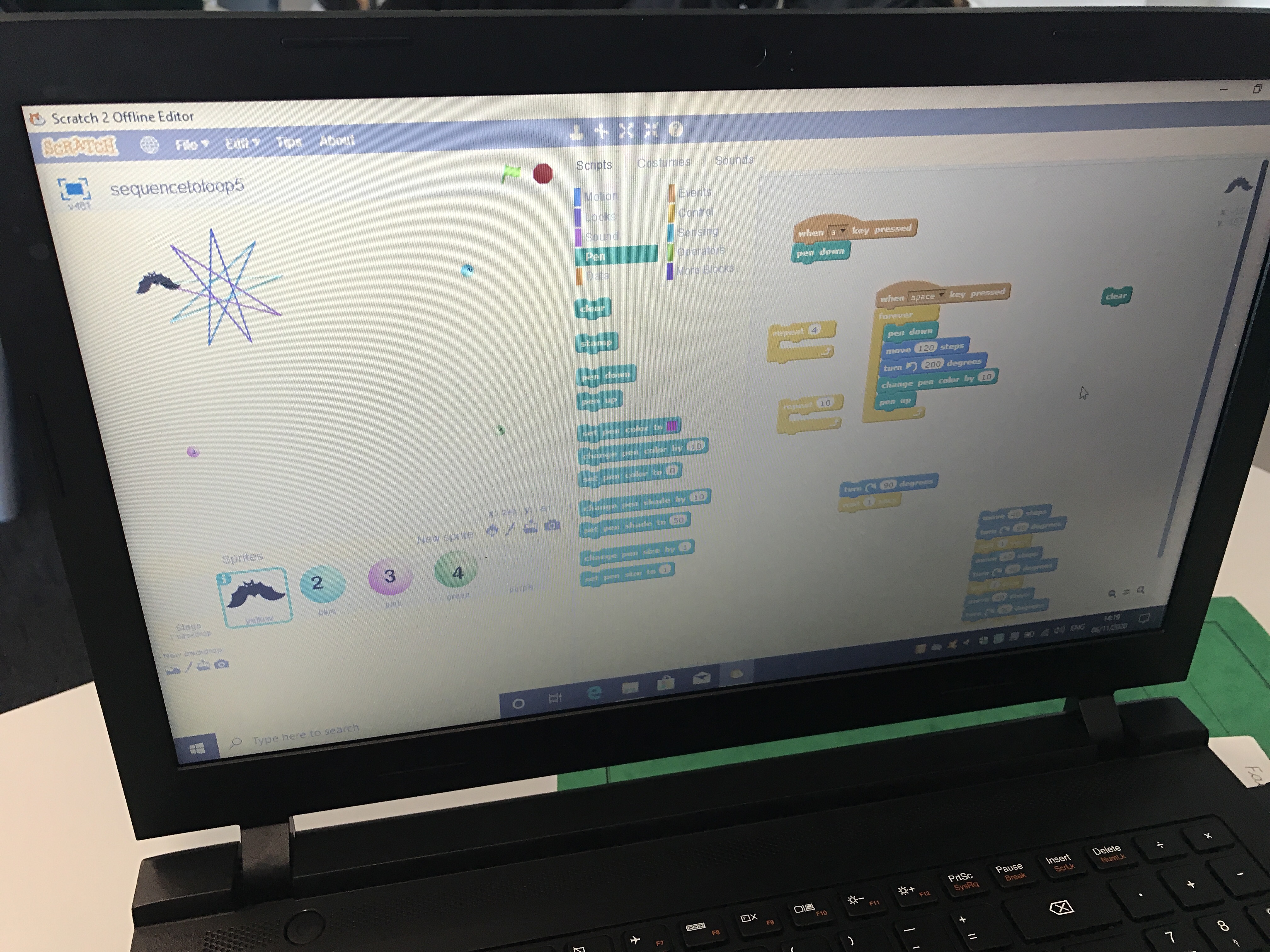
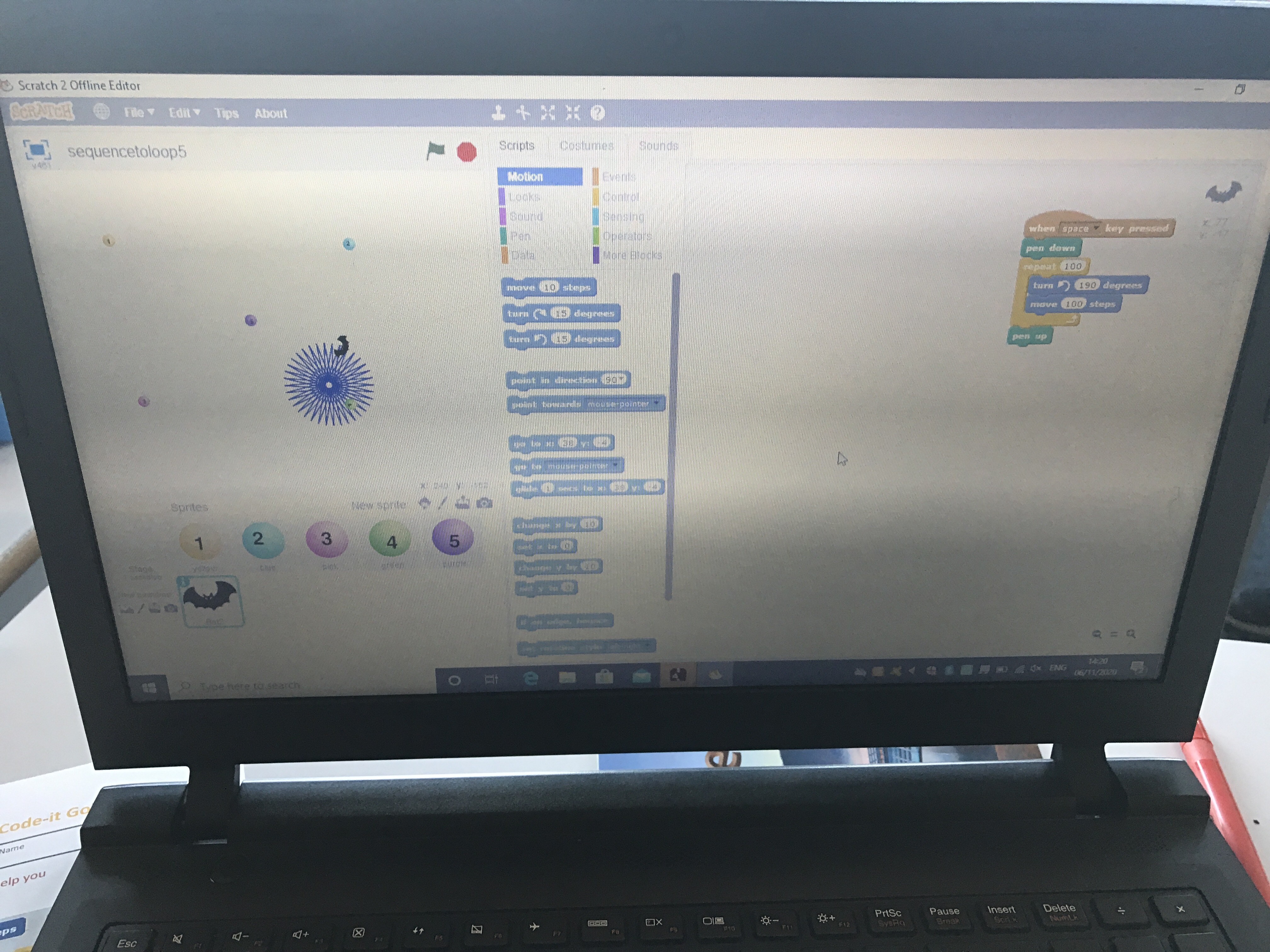
This week we have been exploring how repetition can be used to loop actions in Scratch. We looked at the code first and made predictions about what each would draw before running it and checking if our ideas were correct. ‘Reading’ code is really important as it helps us when we are writing and debugging our own code.
Week 6 & 7 – Exploring Loops
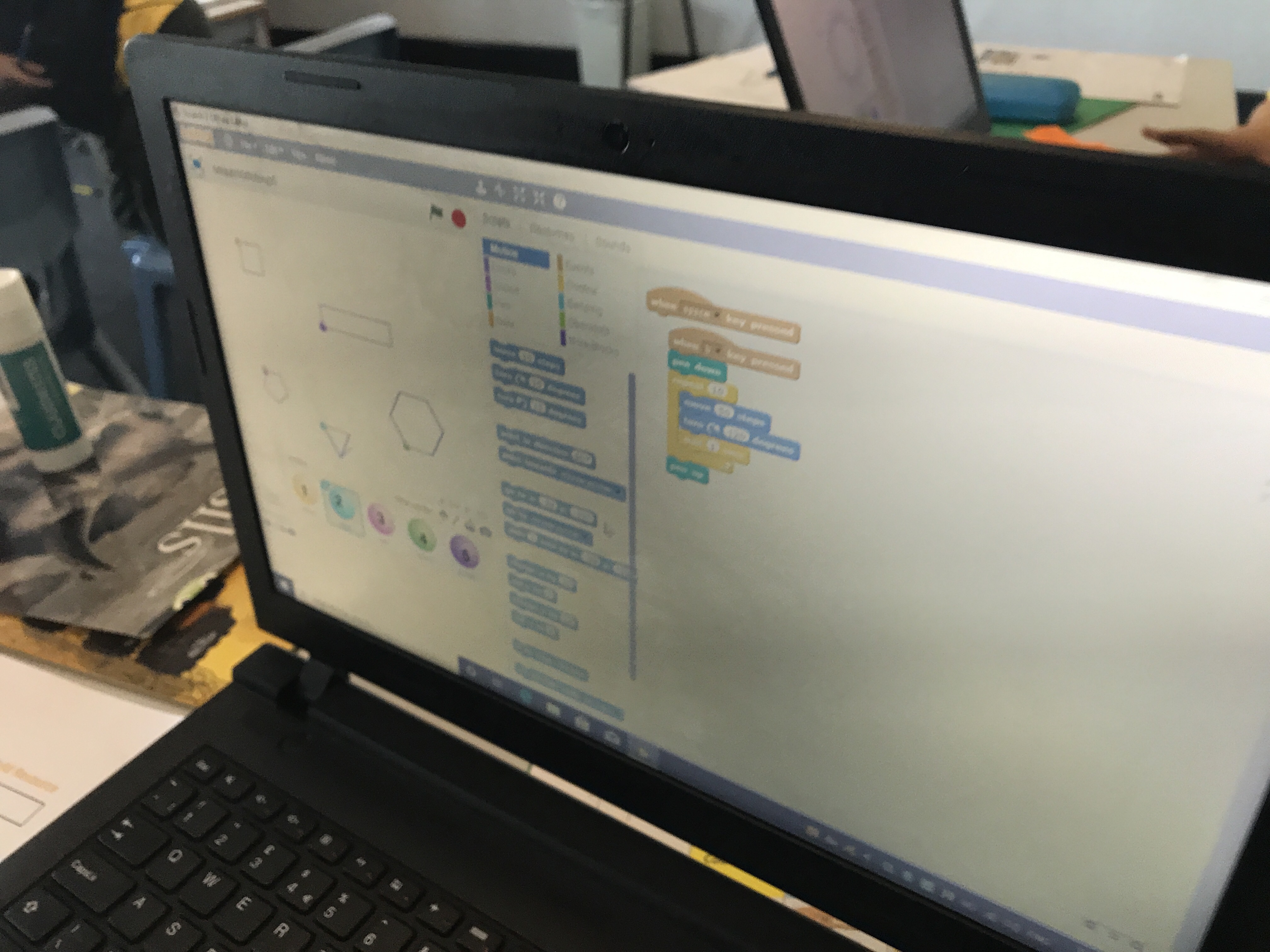
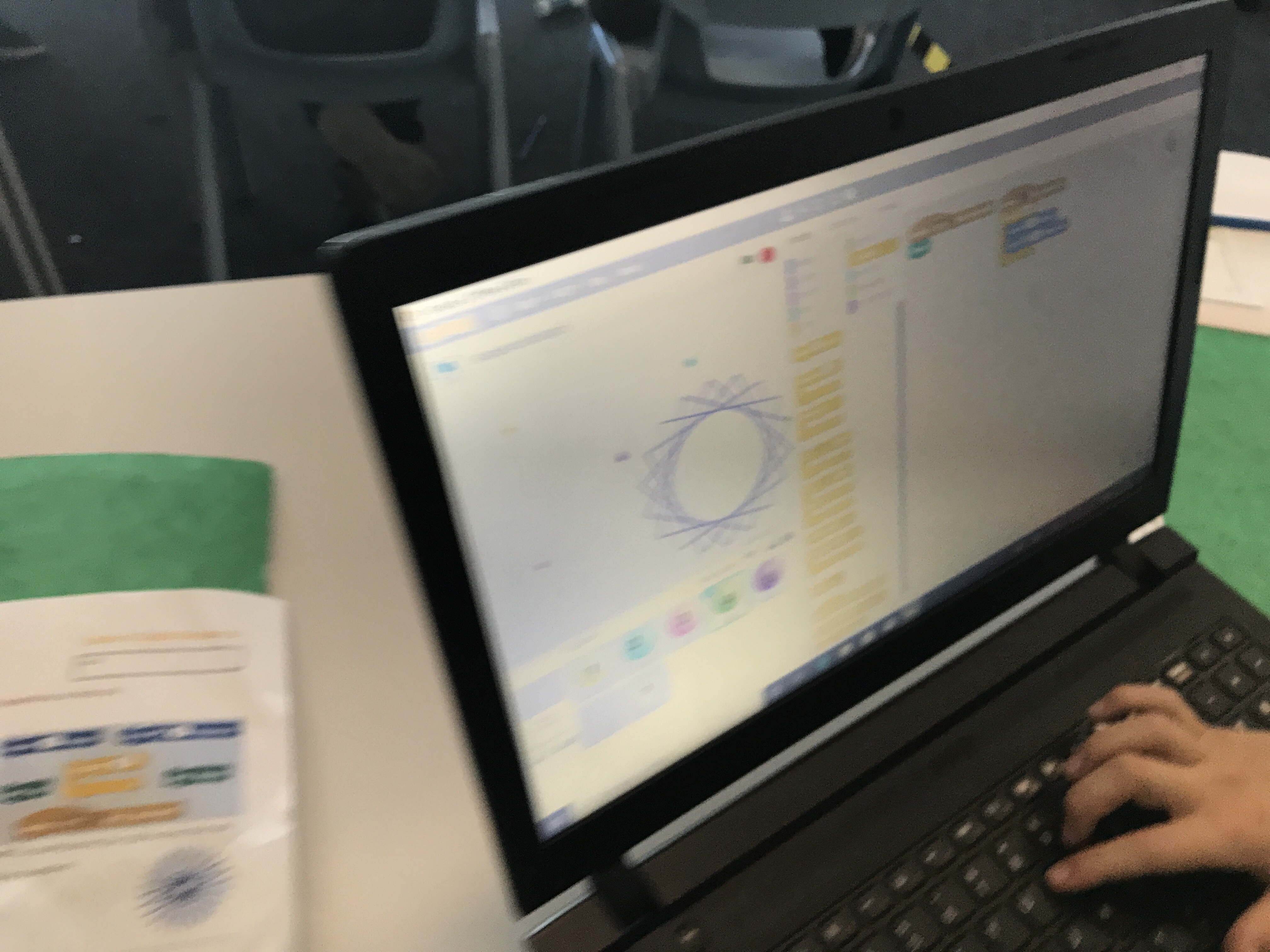
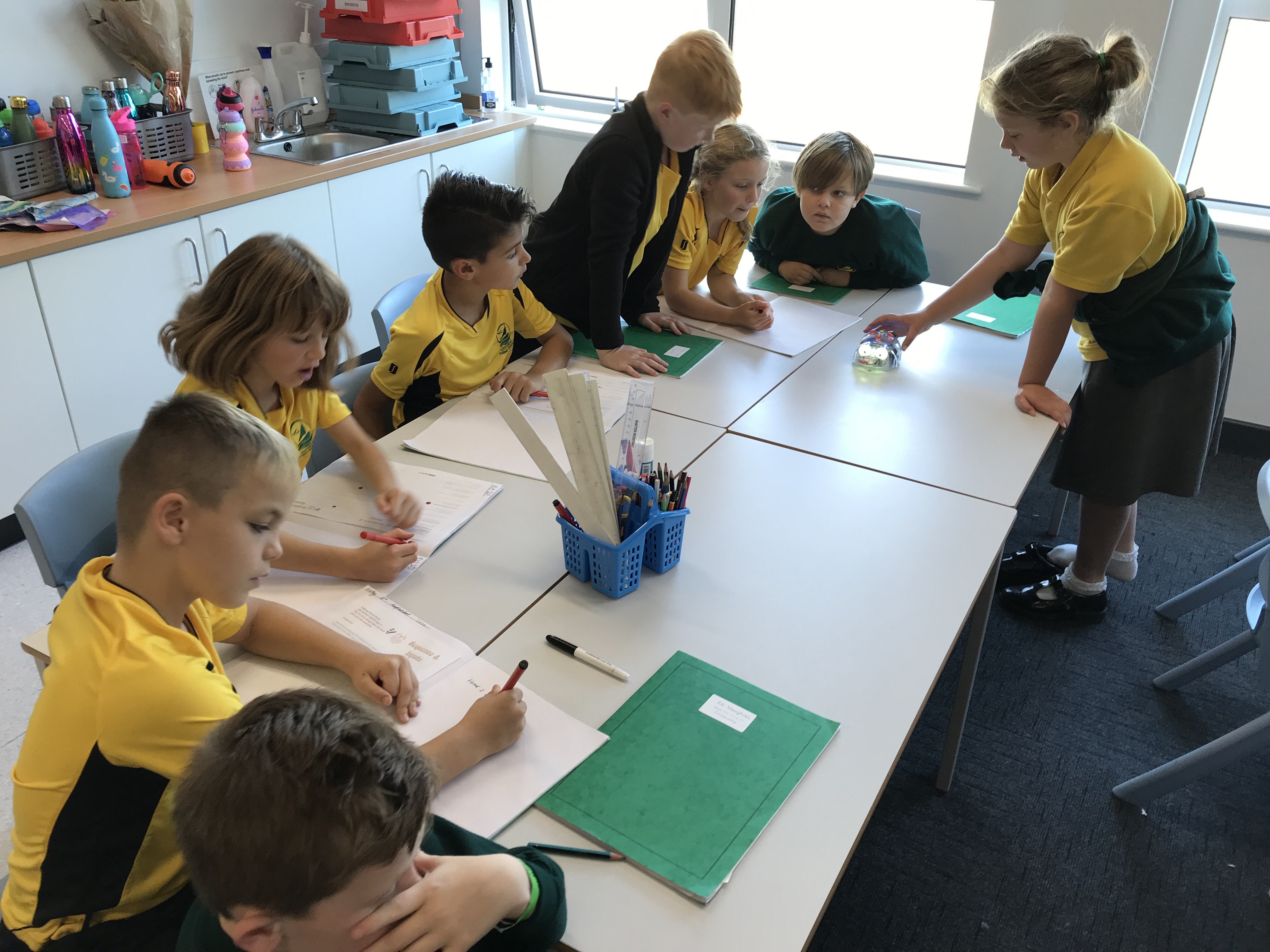
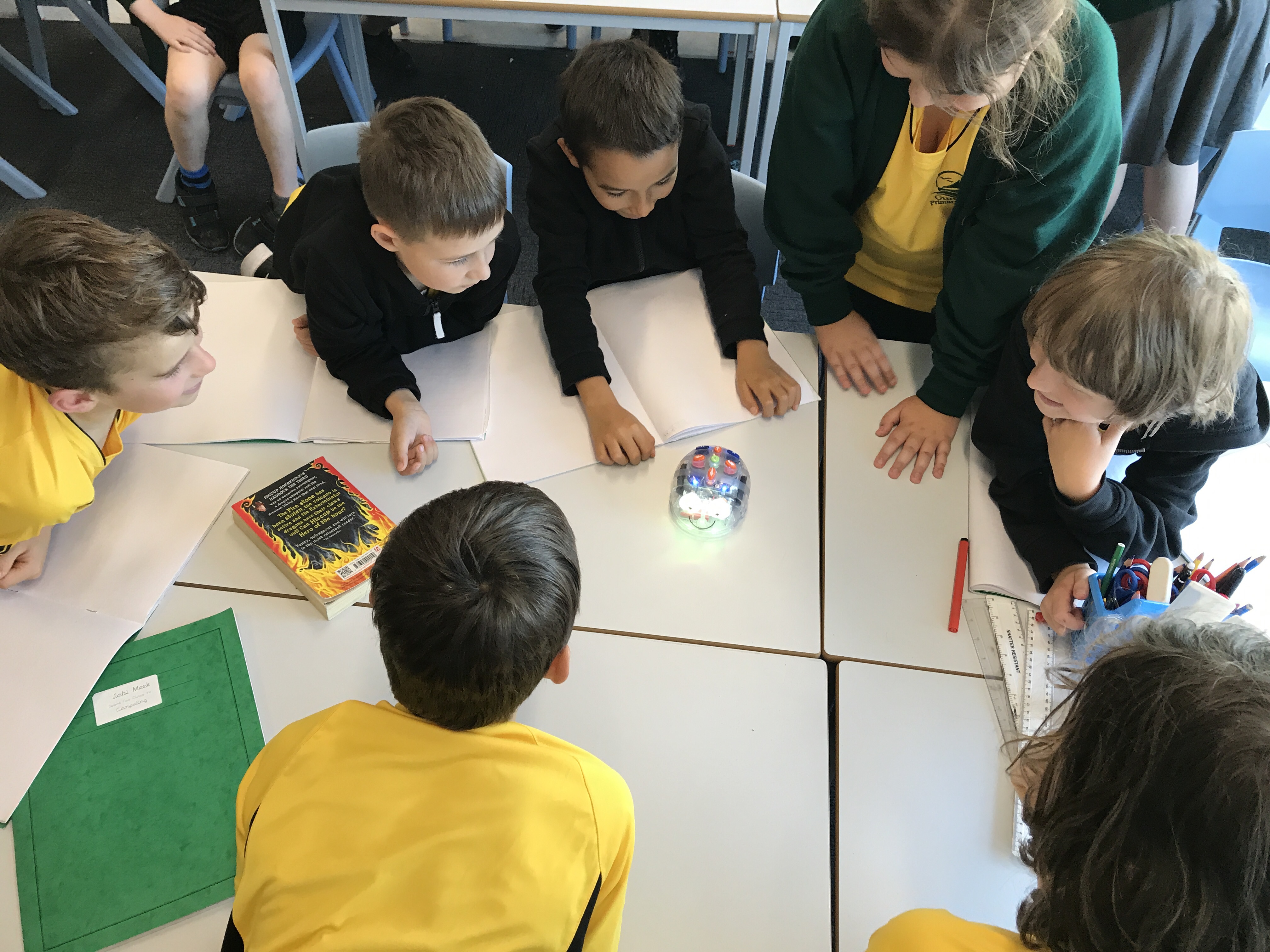
This week we have been learning about repetition in code. We began by using the Bee-Bot to explore how a shape could be made and what the code might look like. Then we explored count controlled and forever loops in Scratch and used these to draw shapes.
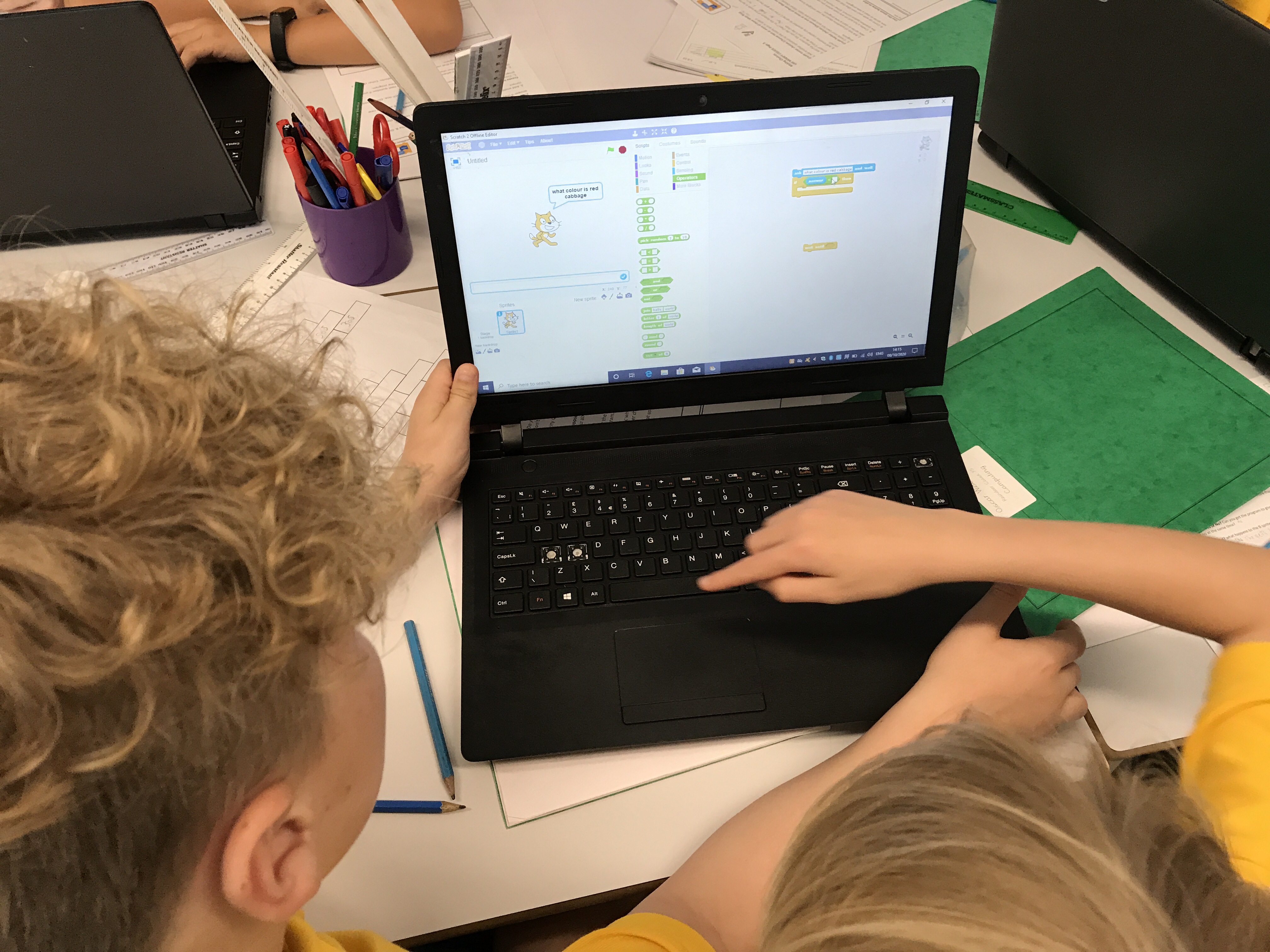
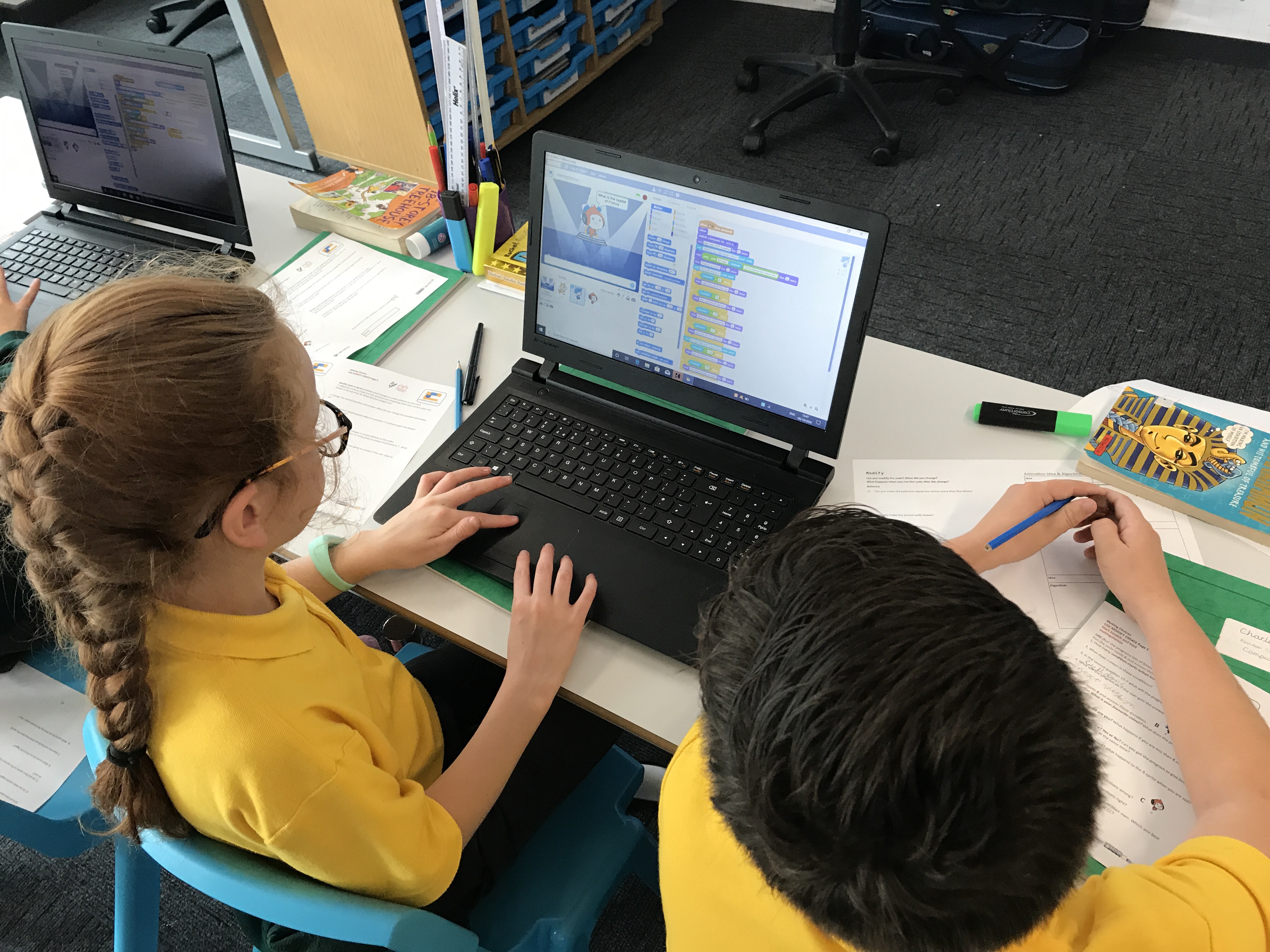
Week 4 & 5 – Sequence and Input
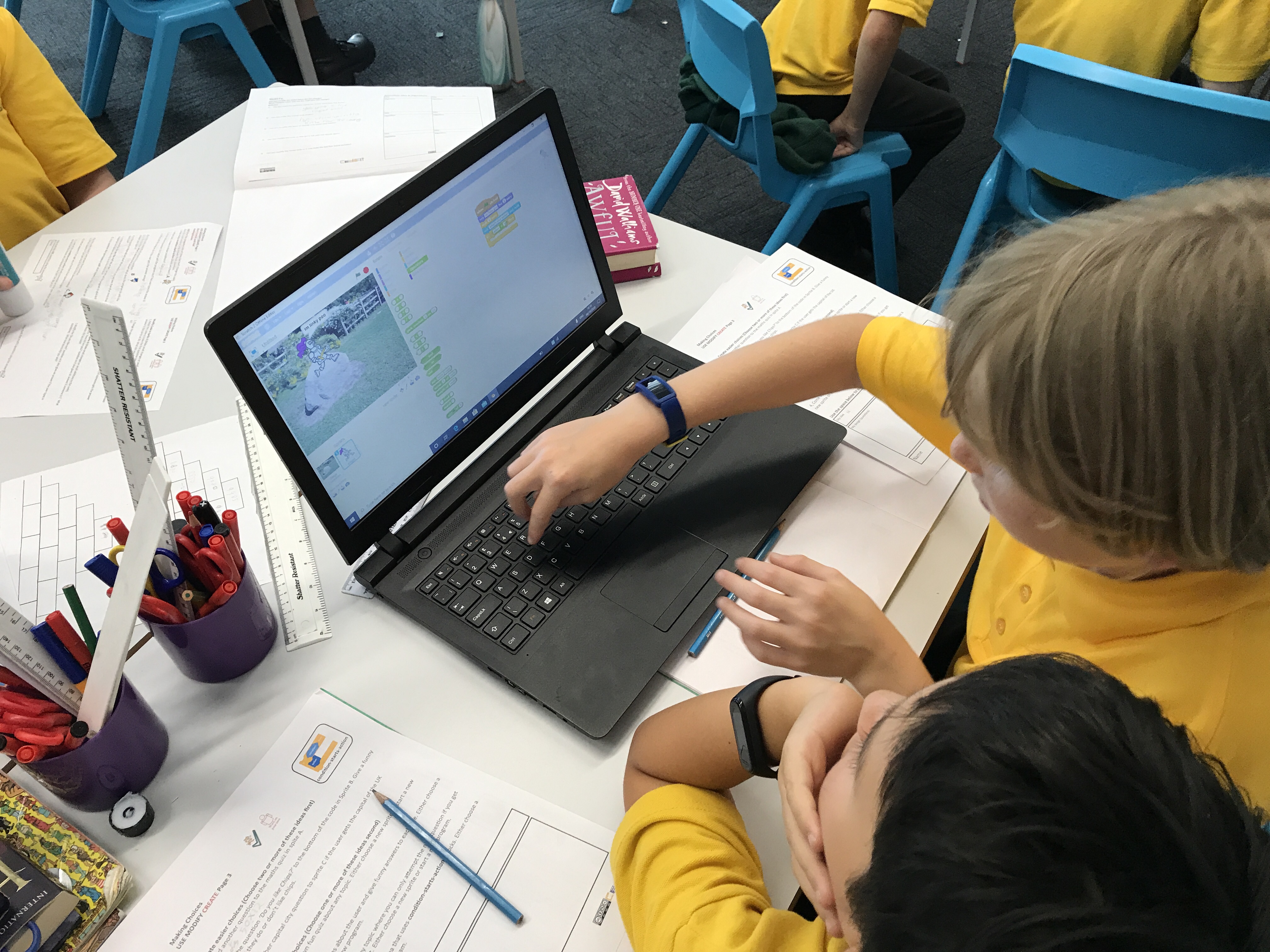
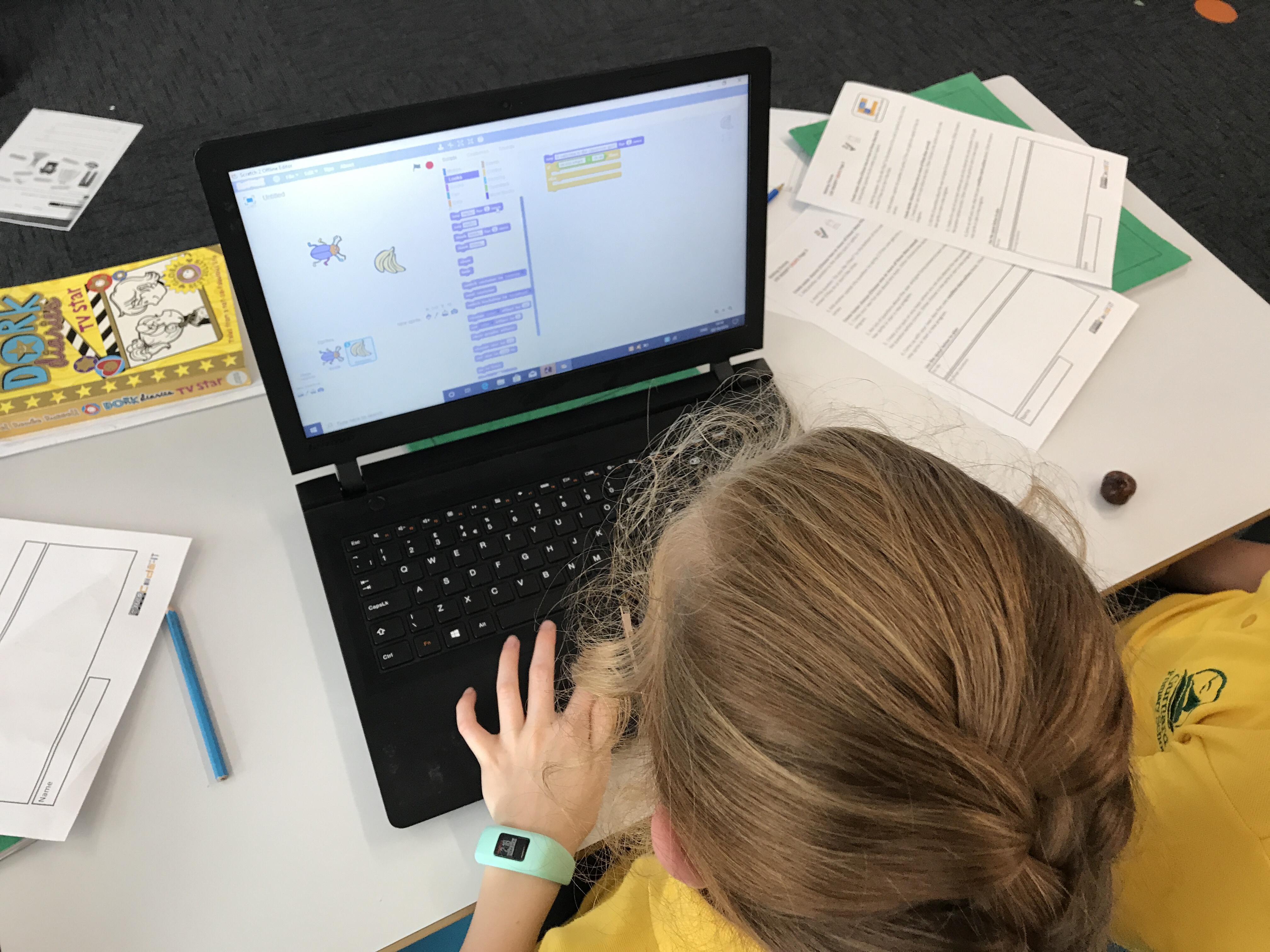
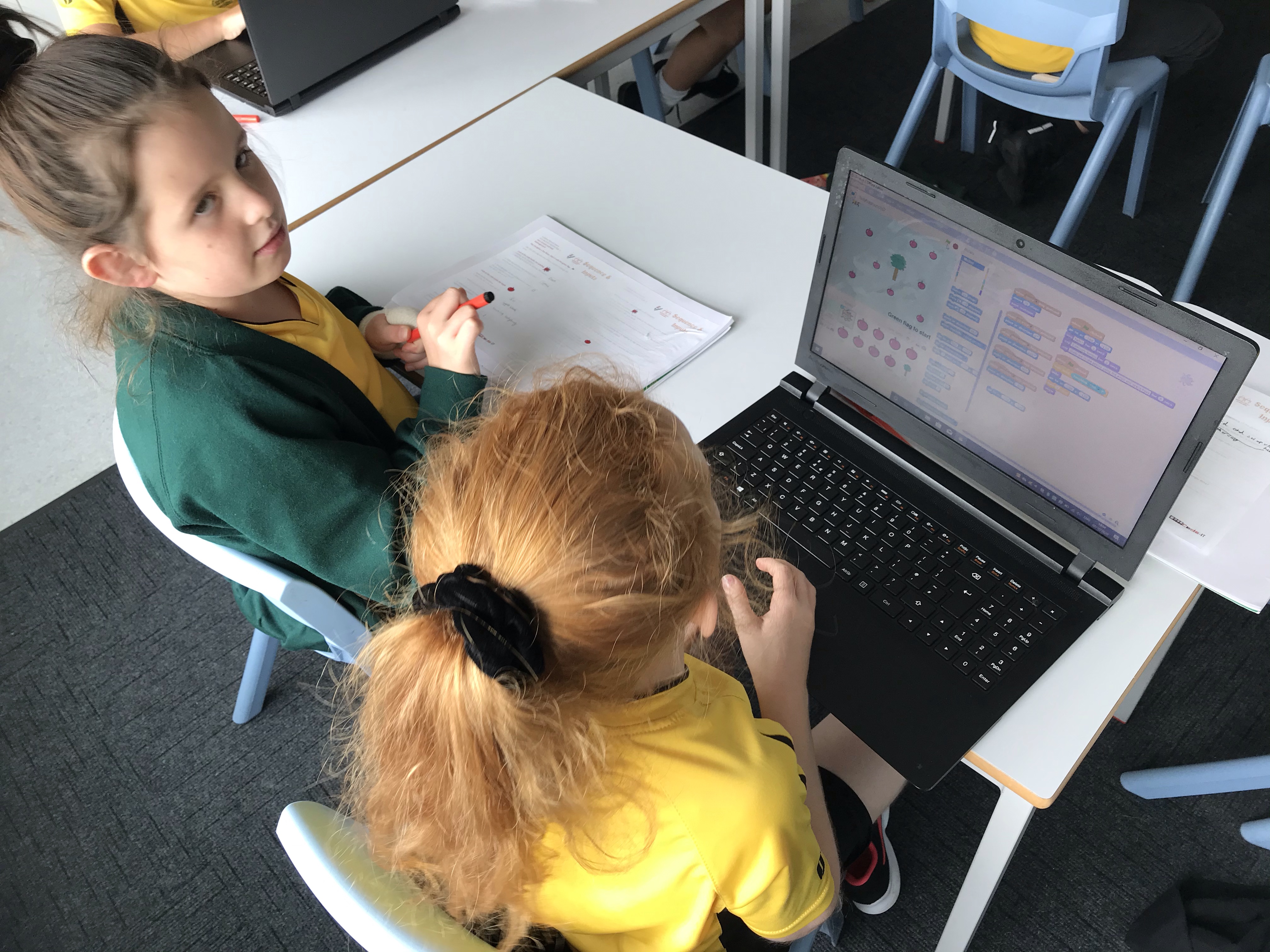
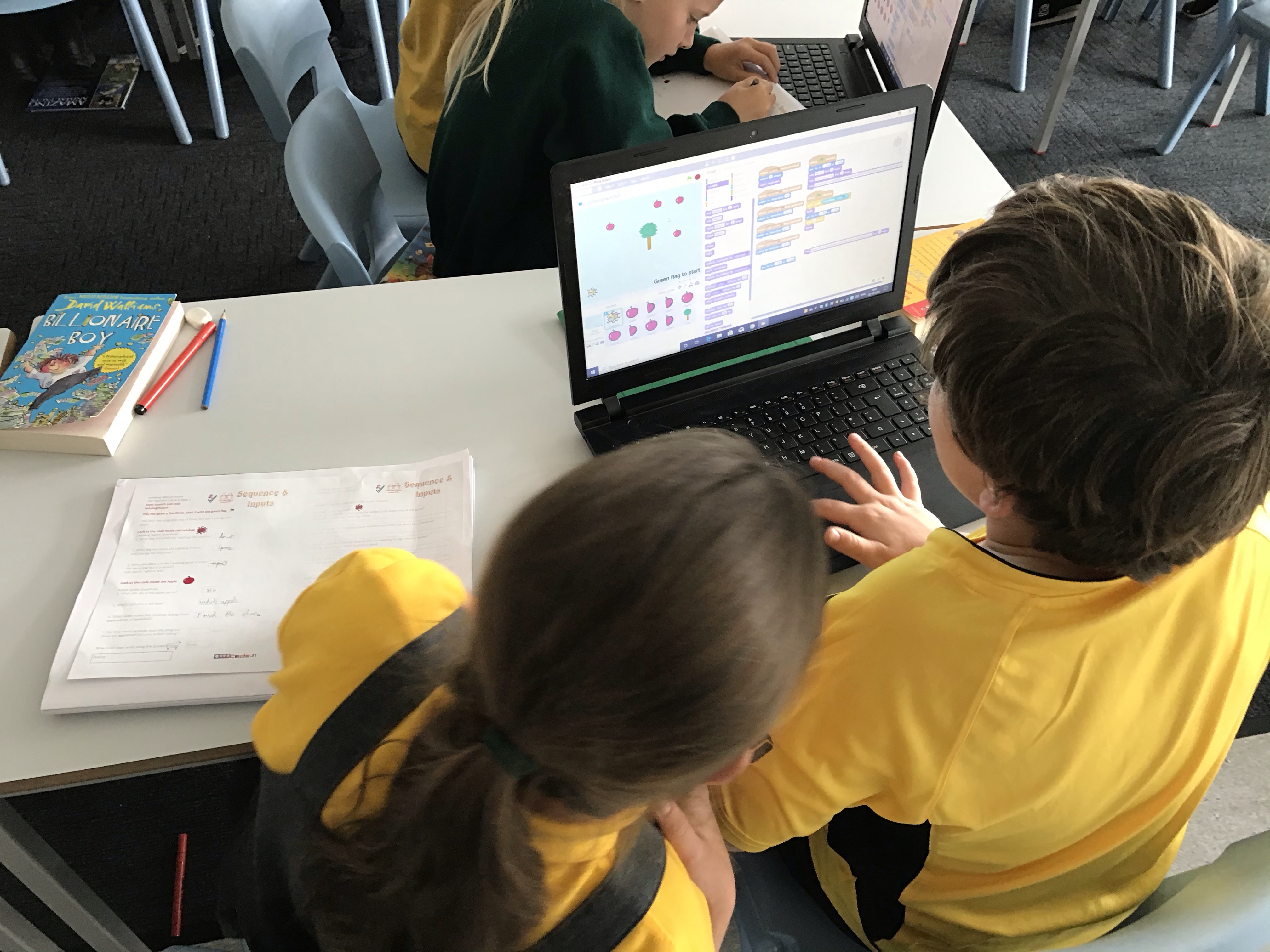
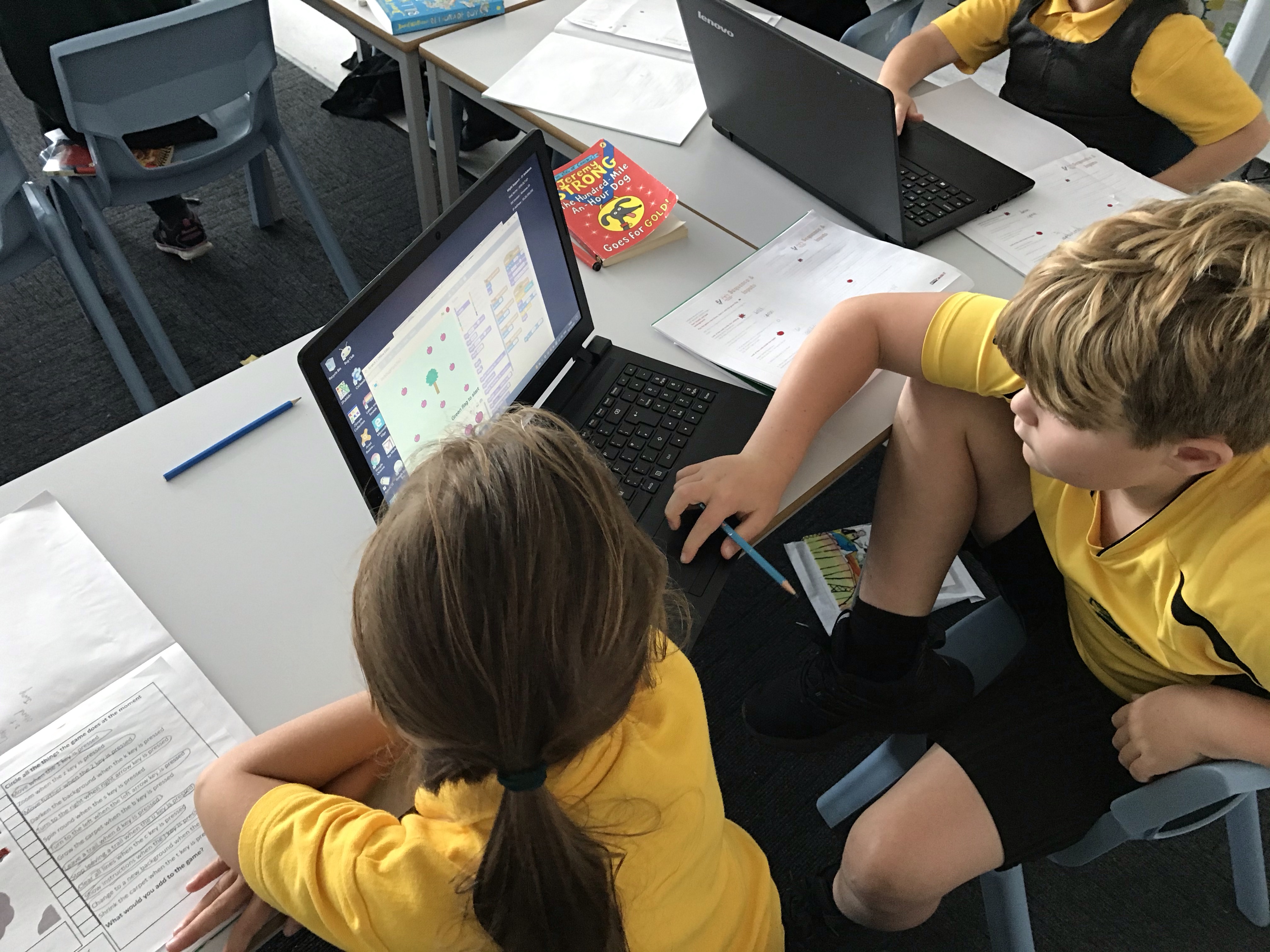
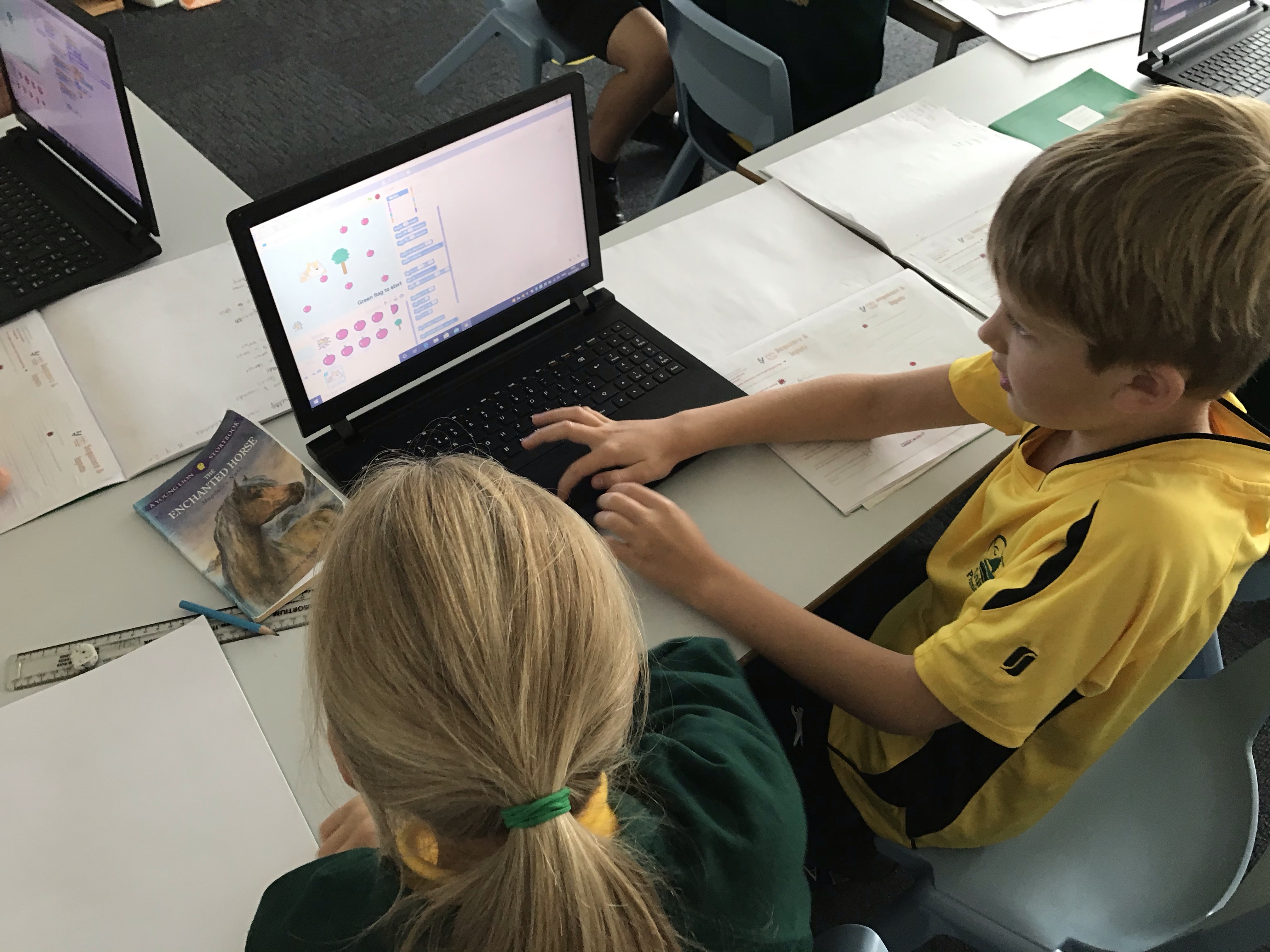
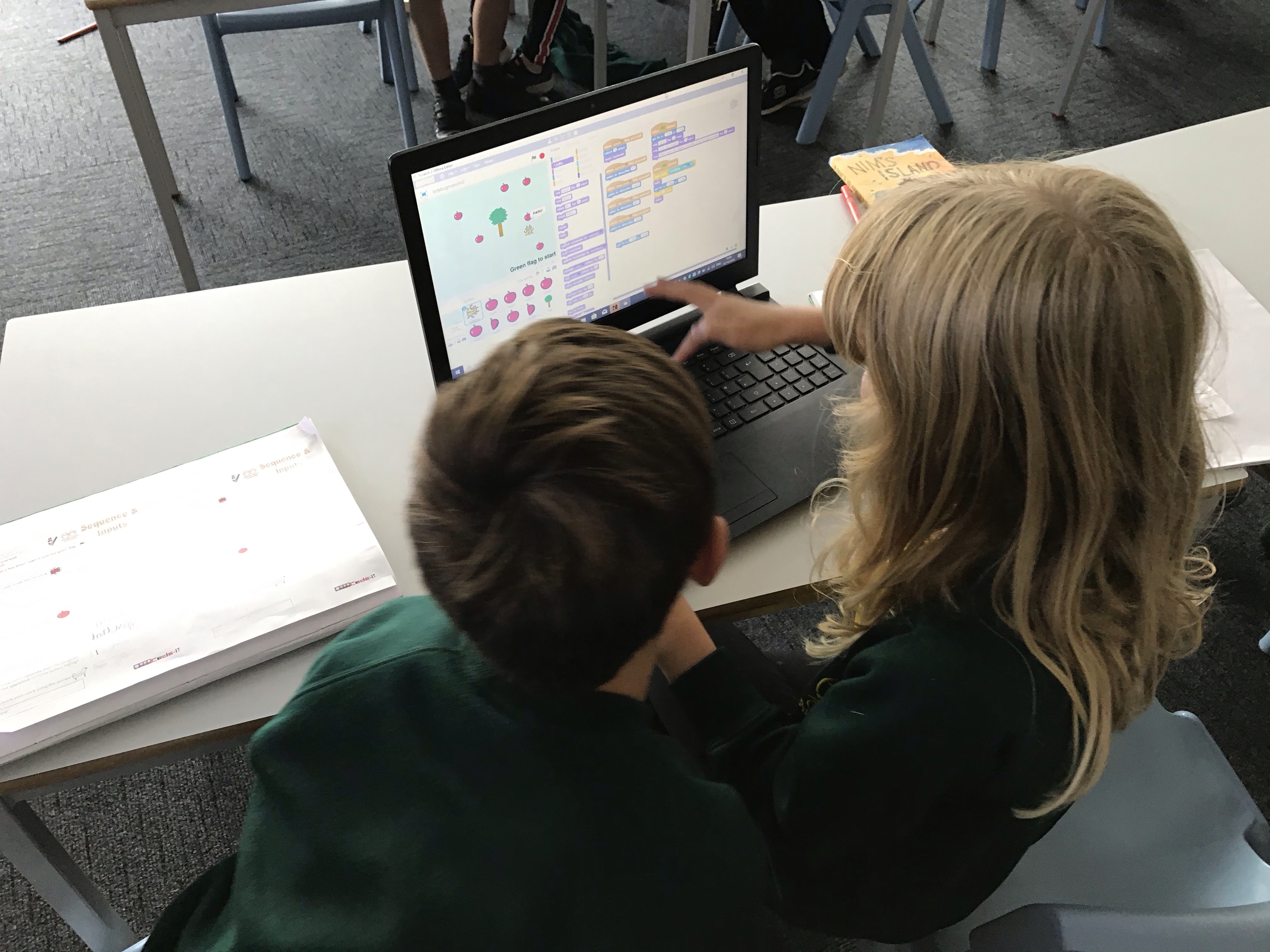
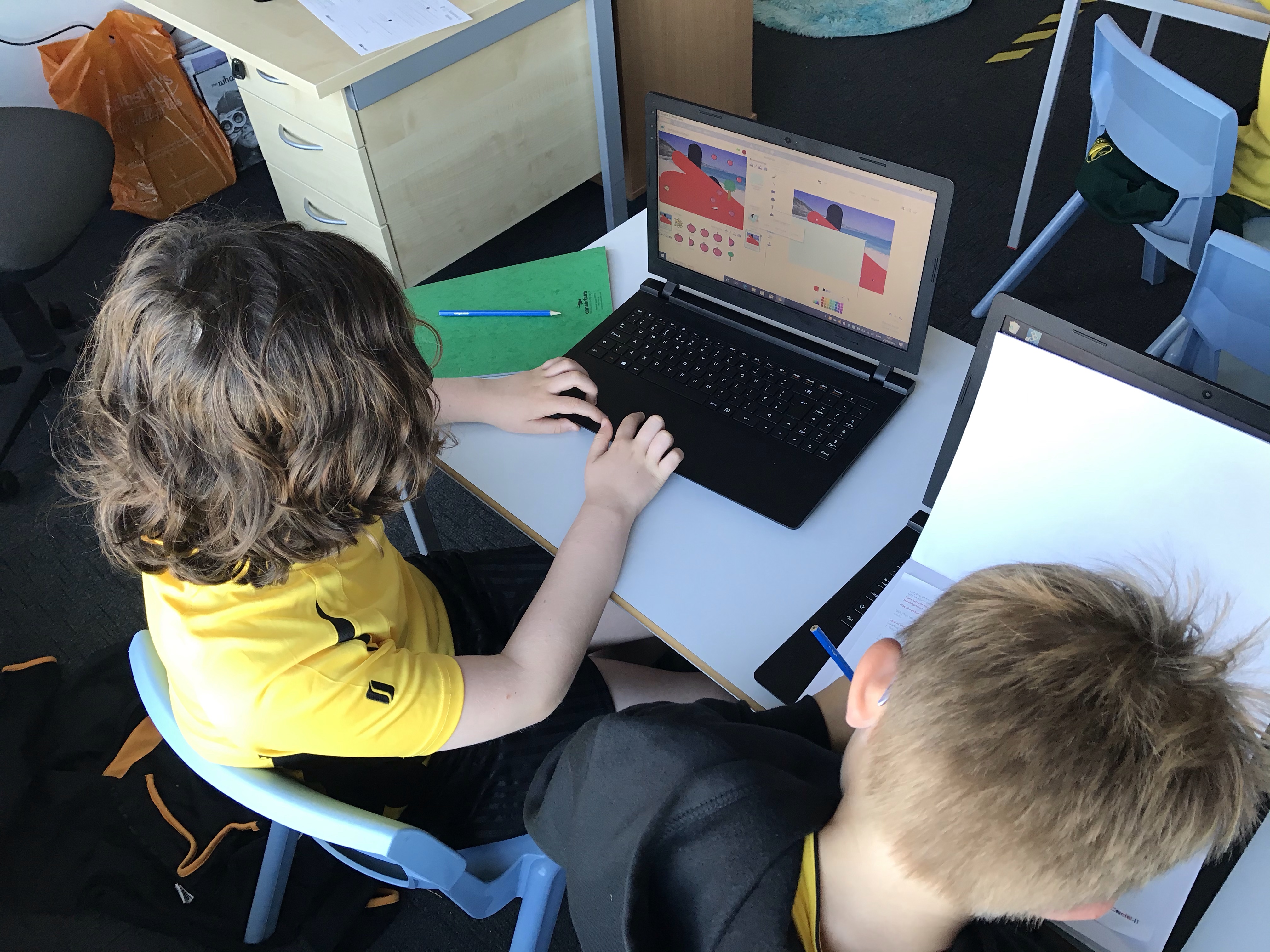
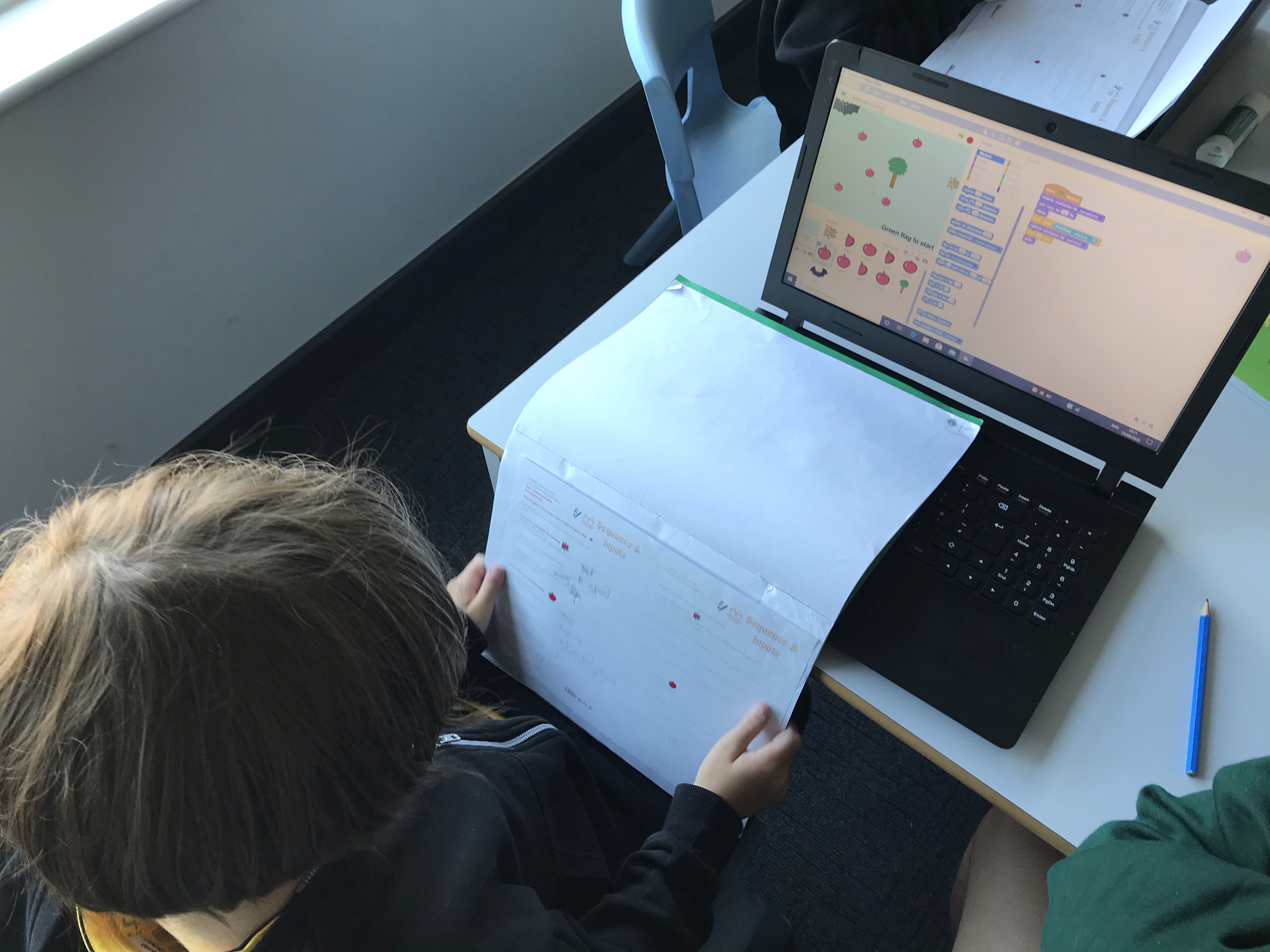
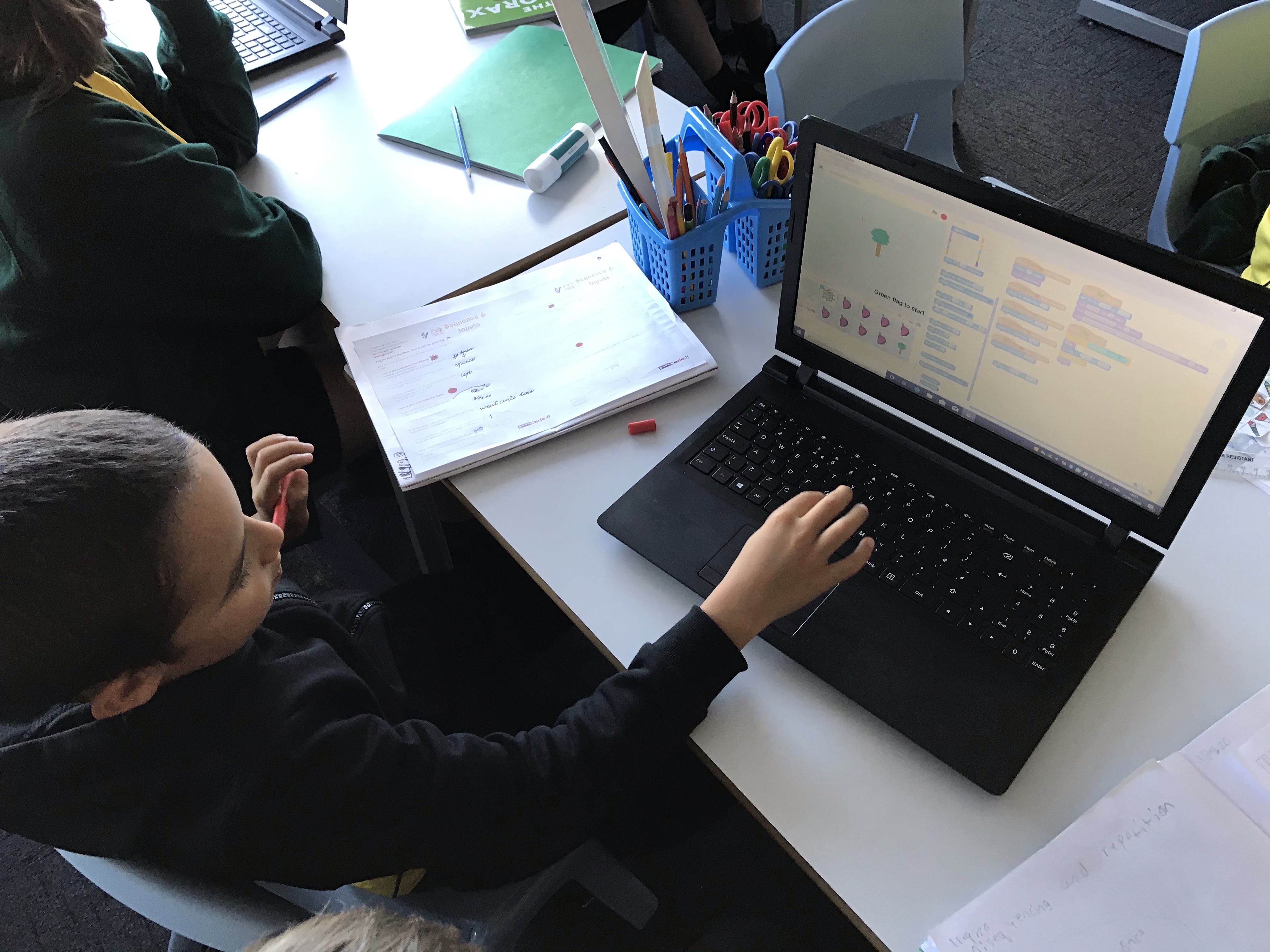
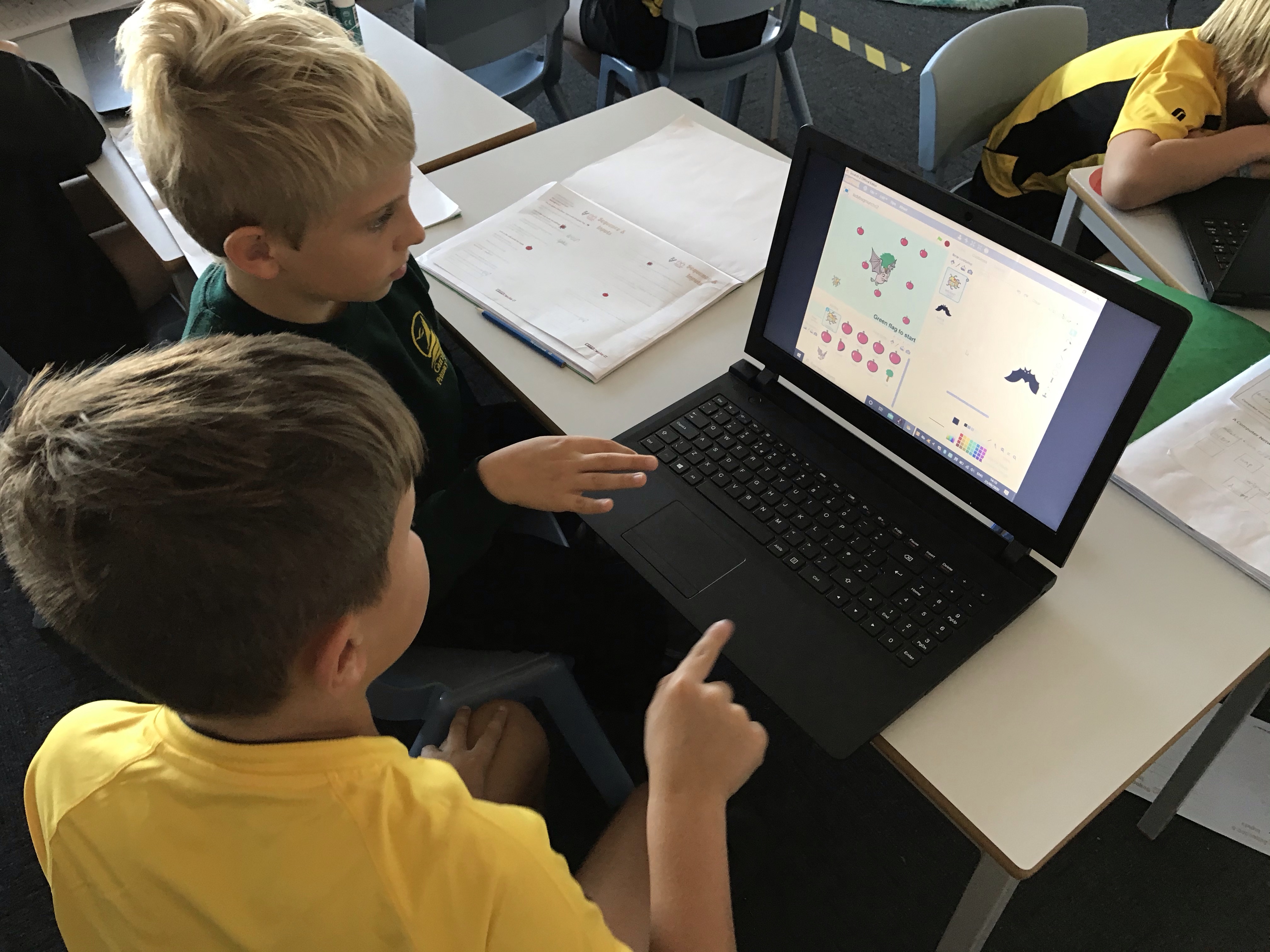
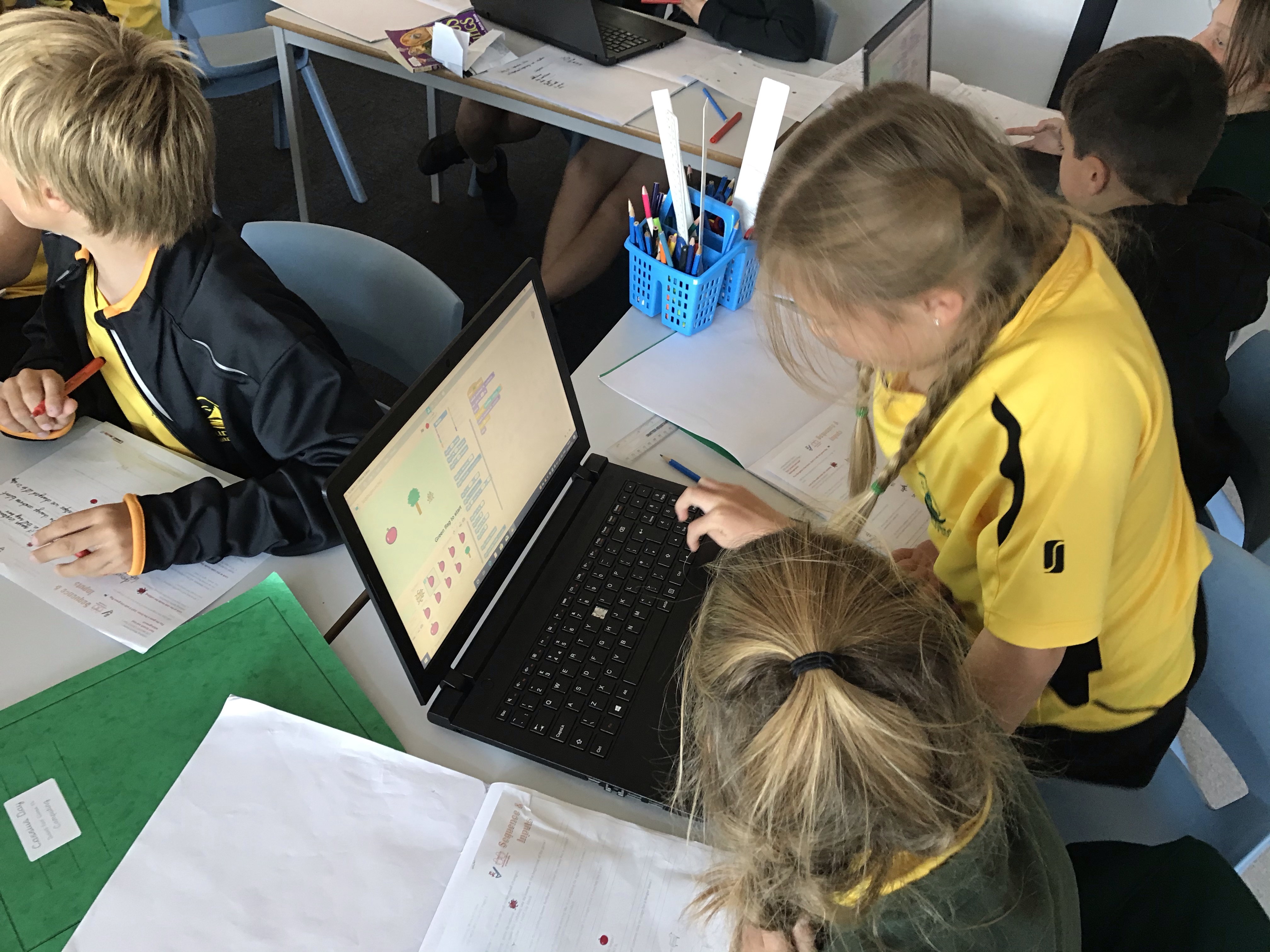
This week we learned how to login to the laptops and accessed scratch in order to explore the code used in a game. We investigated the code before modifying and attempting our own game design.
 Y4 Computing @ Gurnard Primary School