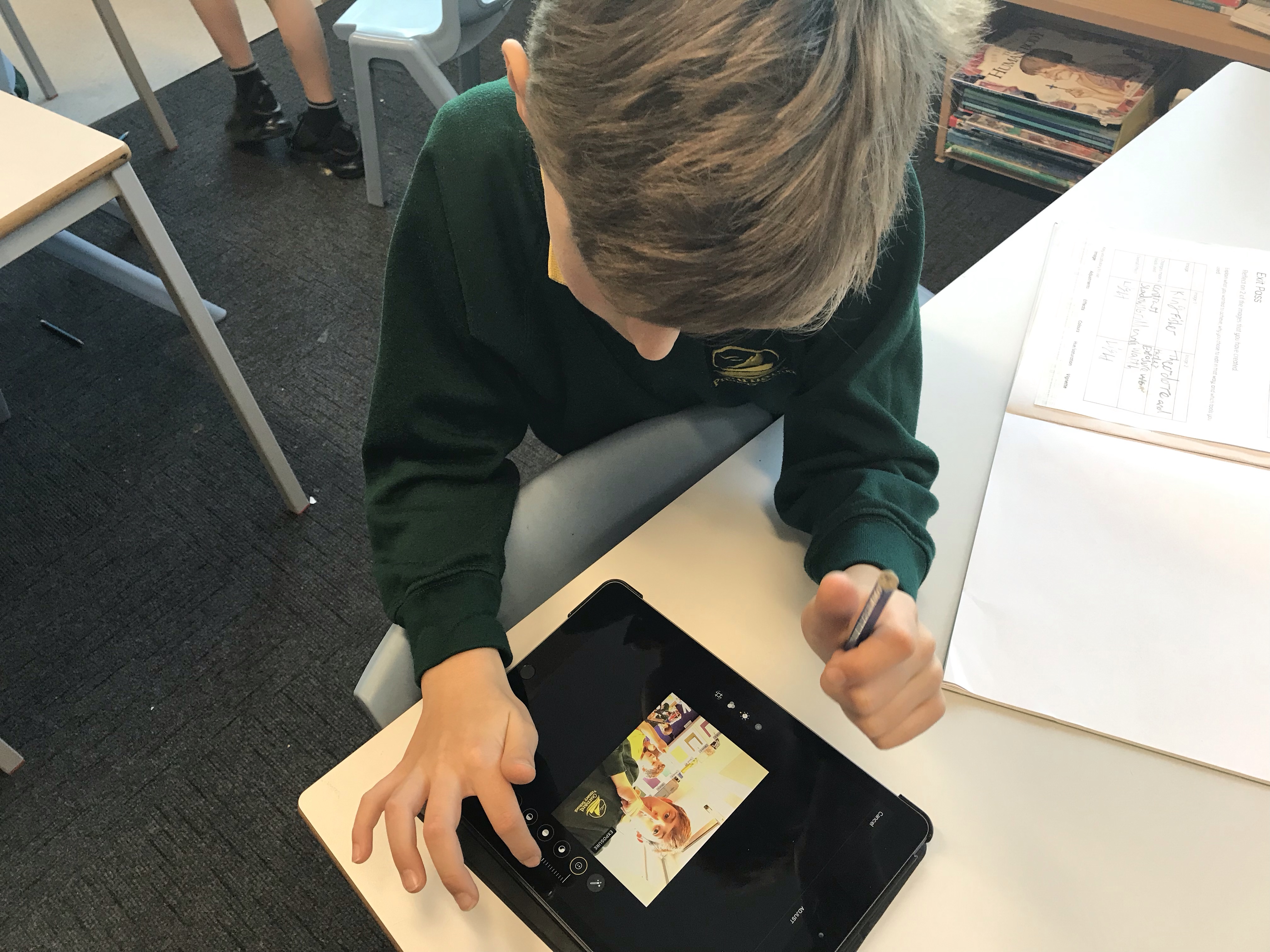
LO: To design a project that includes repetition
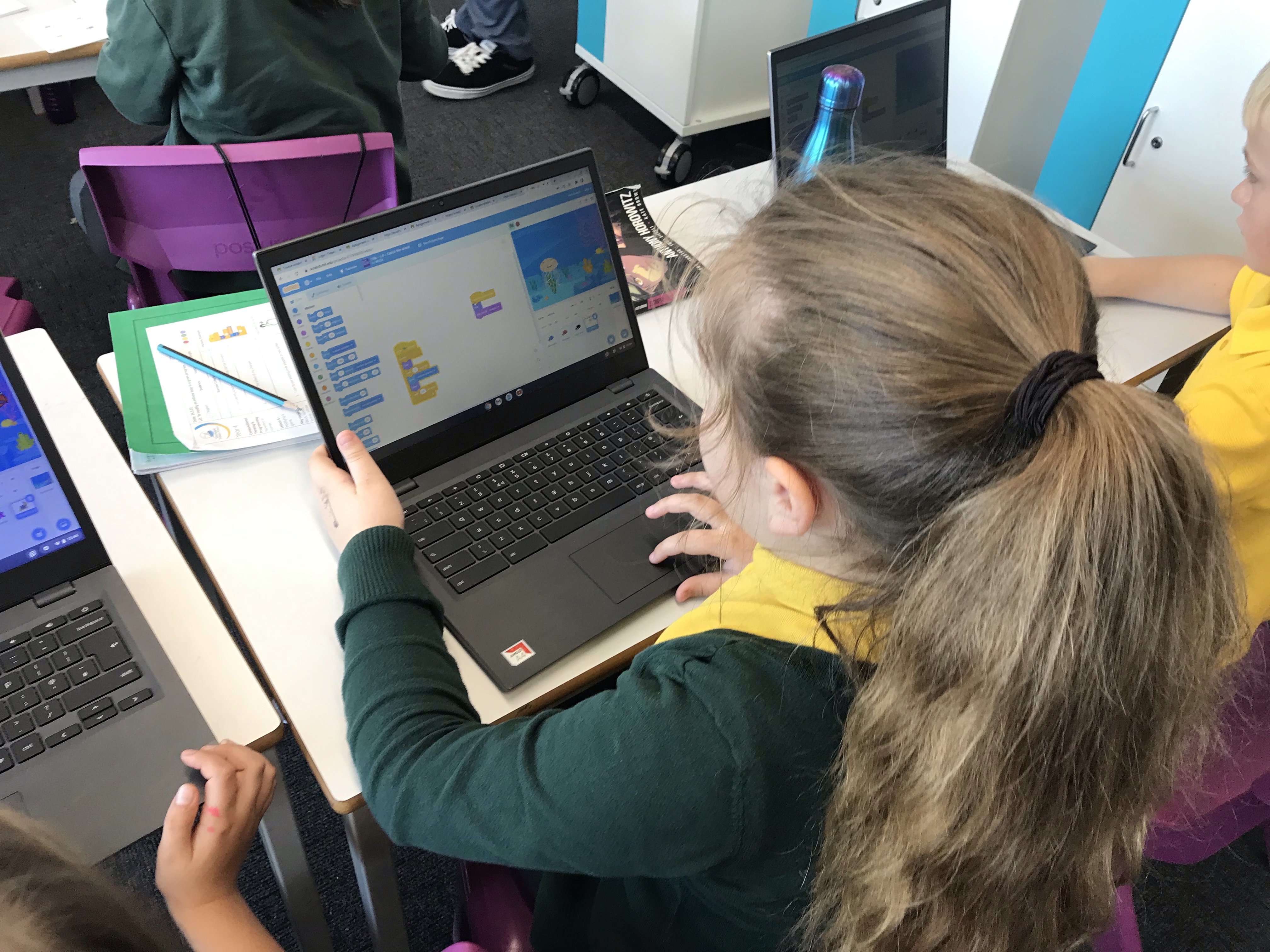
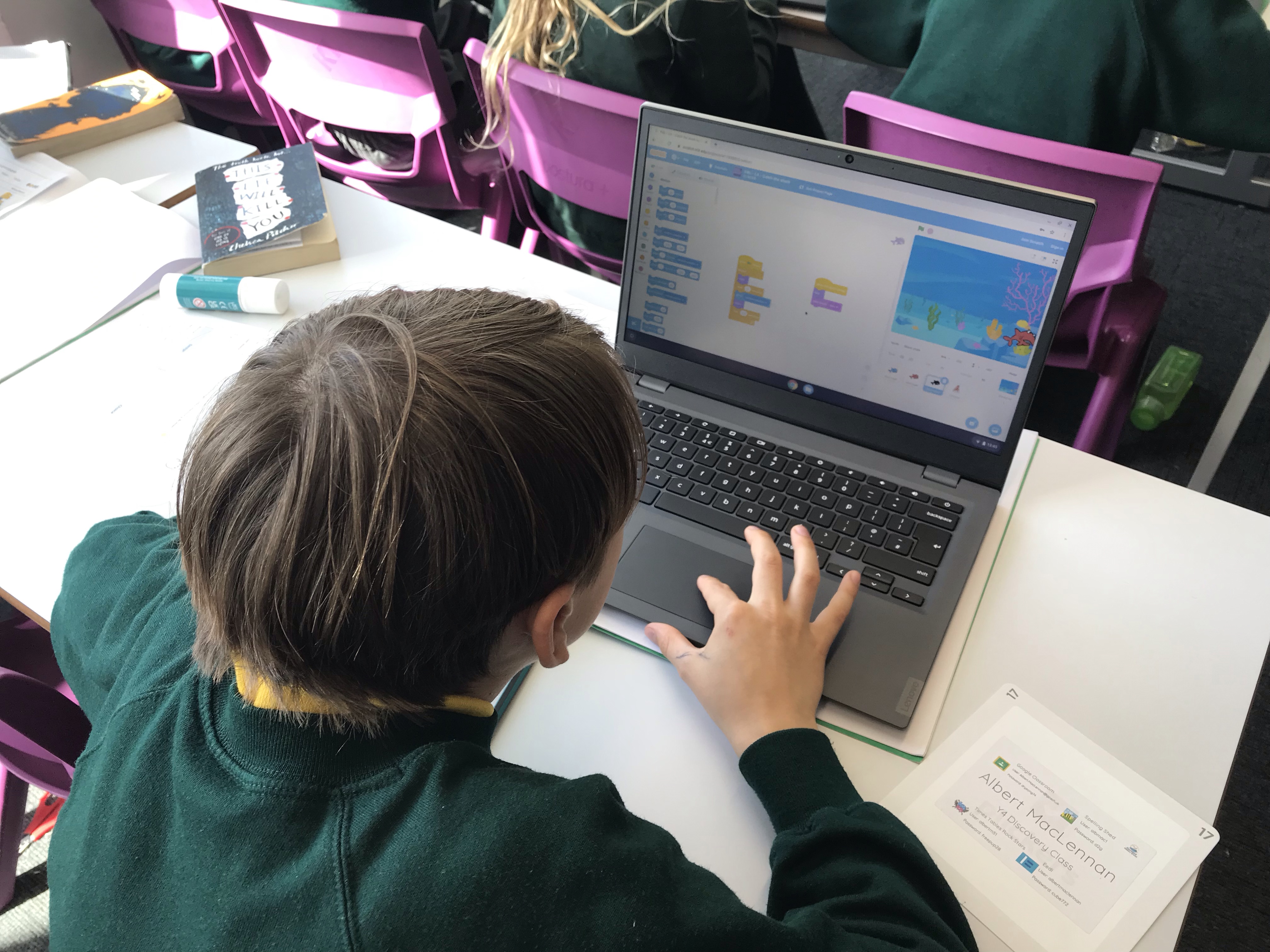
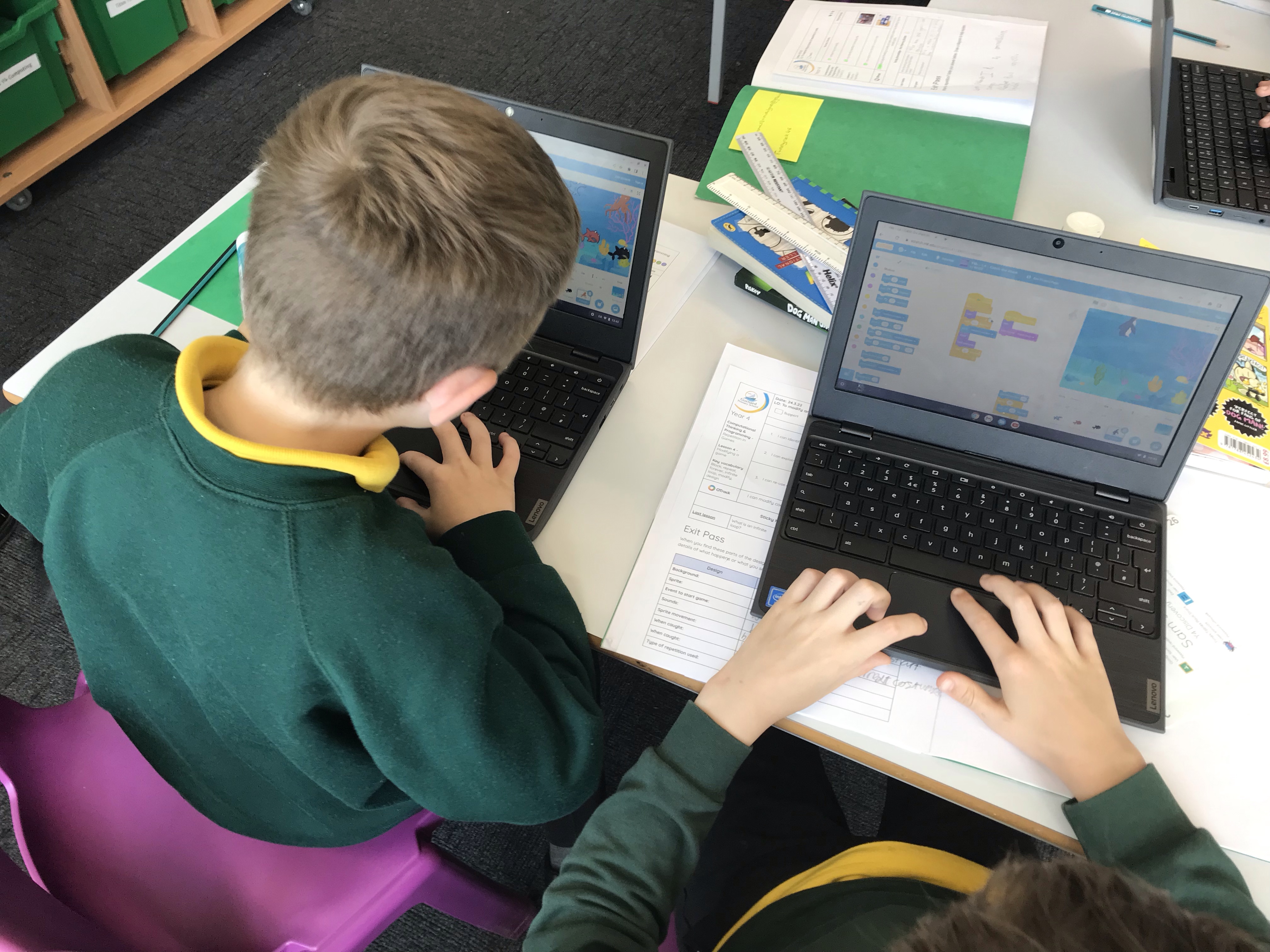
Today in Year 4 we were completing our games and evaluating the effectiveness of our code. We were then challenged to add points and a timer which we enjoyed doing and really got us thinking!
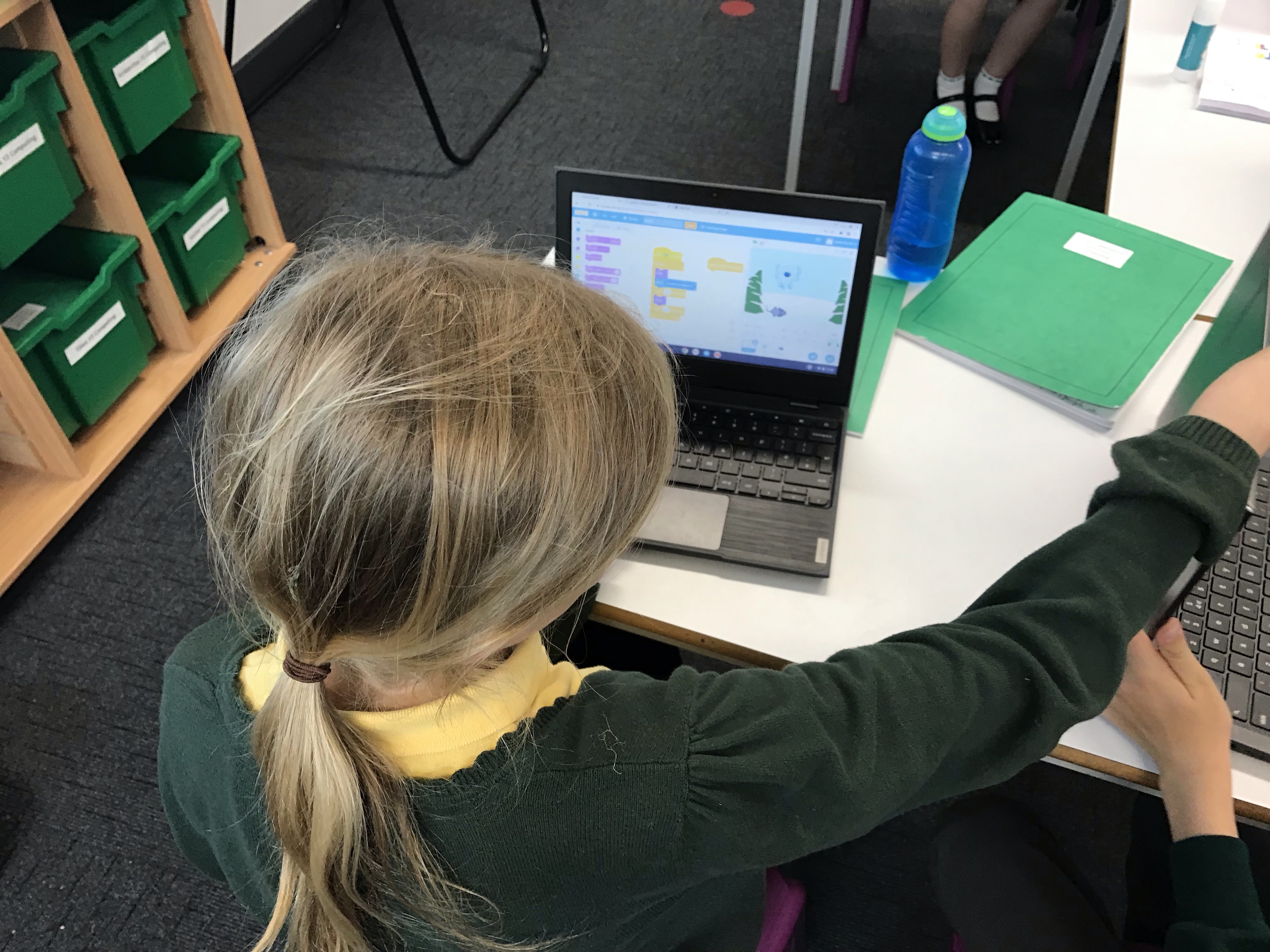
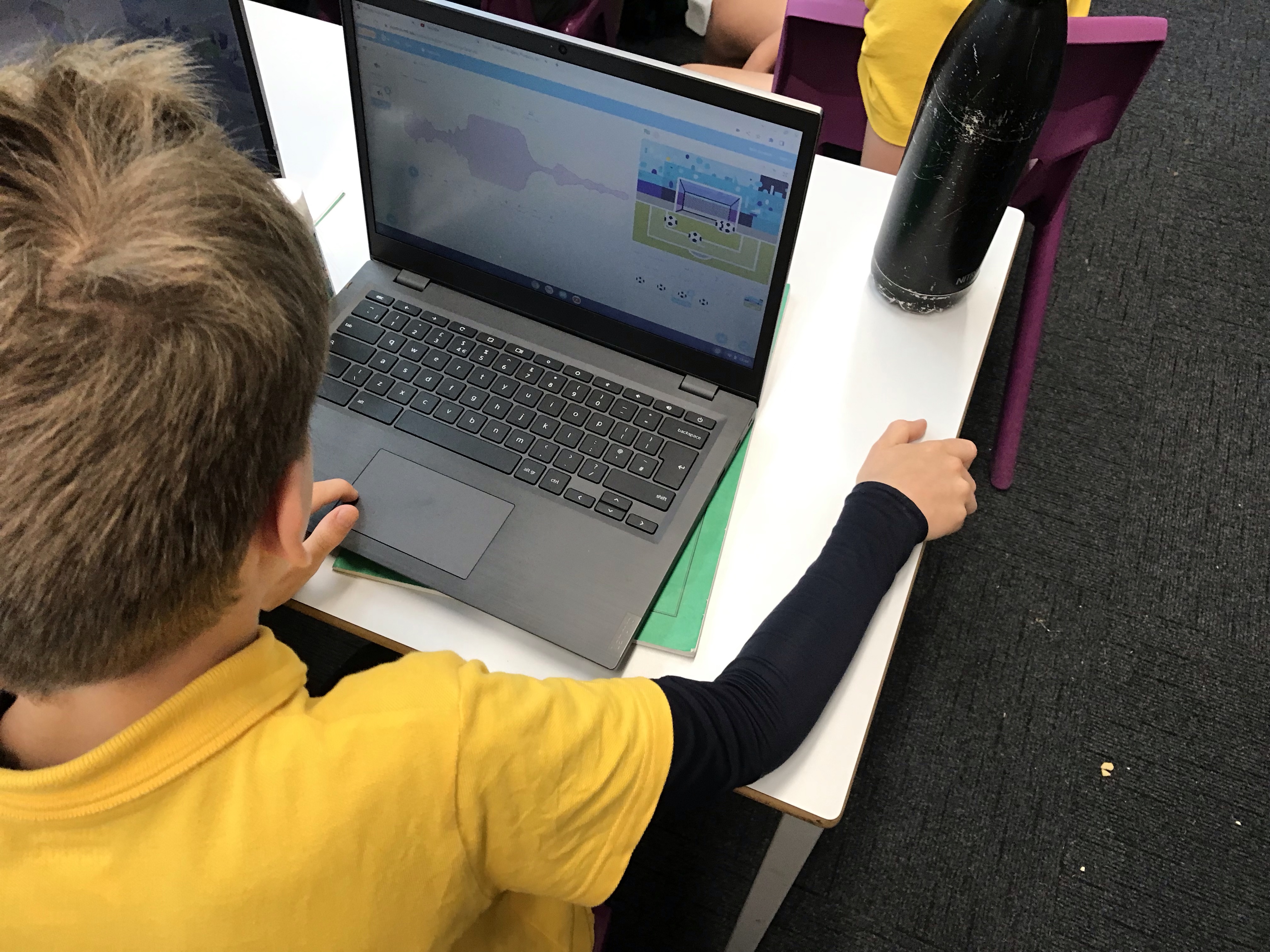

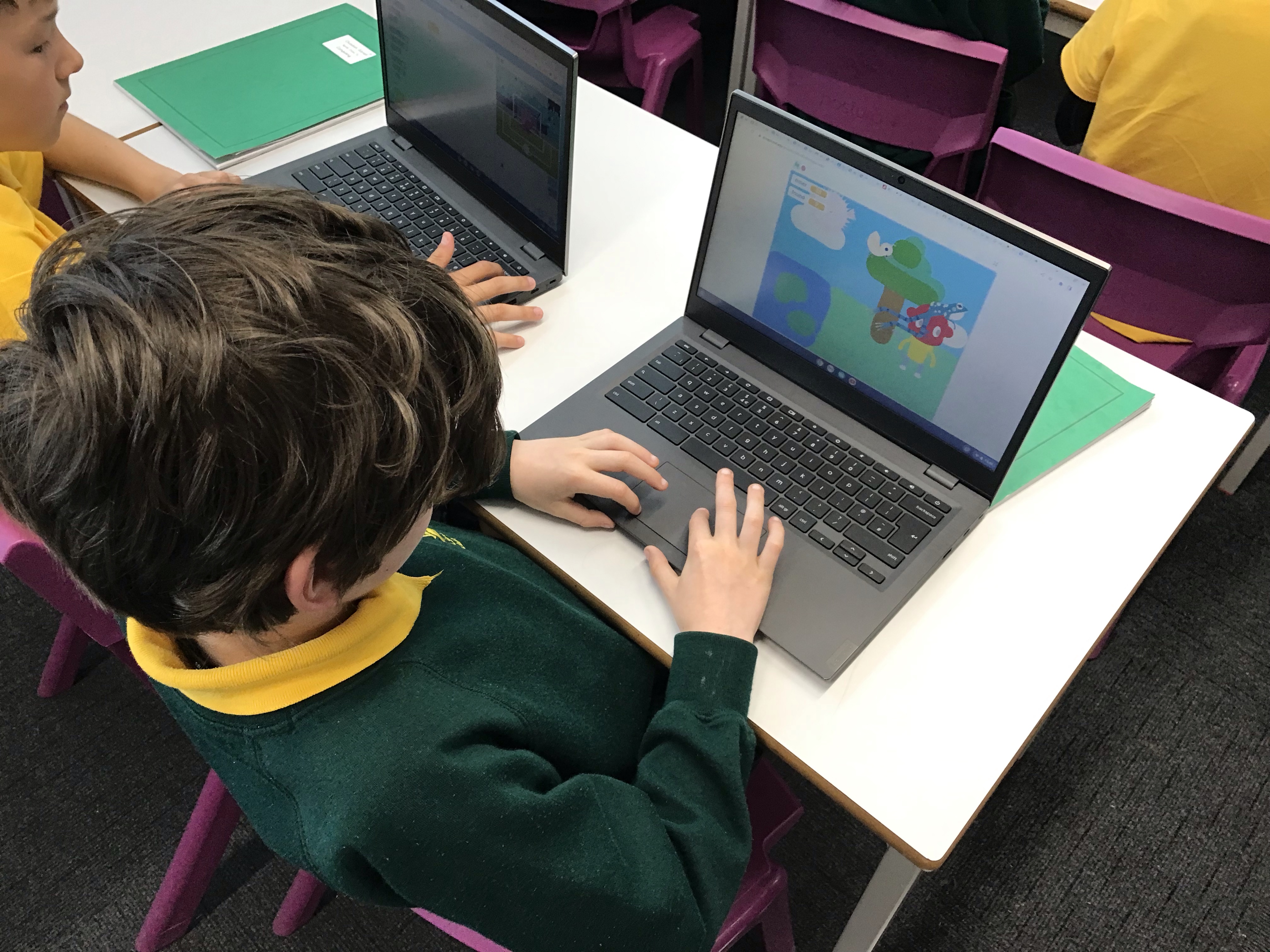
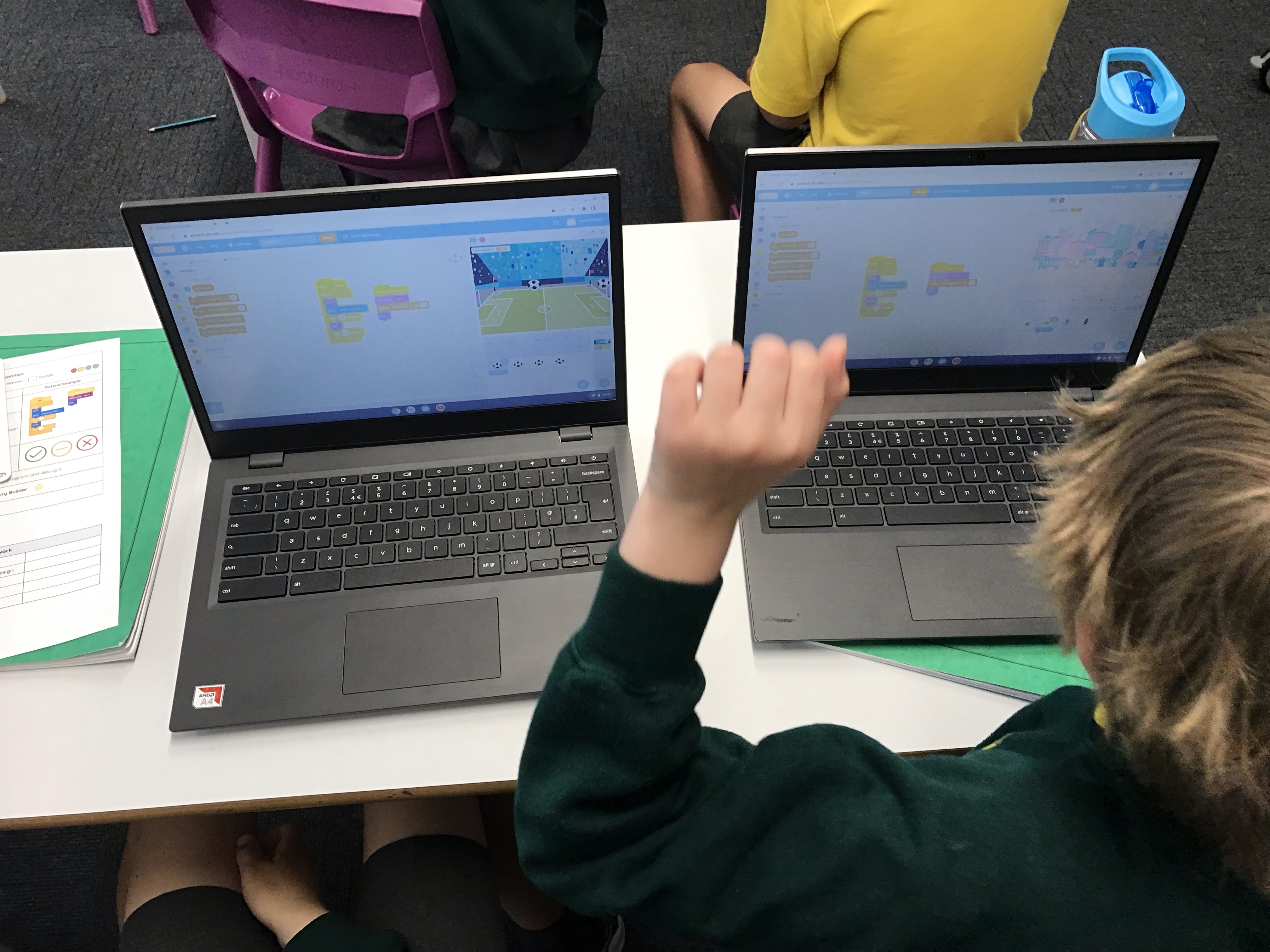



Today in Year 4 we were completing our games and evaluating the effectiveness of our code. We were then challenged to add points and a timer which we enjoyed doing and really got us thinking!
In today’s computing lesson, Year 4 have been using their plans from last week to start making their games. We have been using a success criteria to make sure that we include all of the elements that we have learned about, and have made sure that repetition has been included too! We are looking forward to completing our games next week.

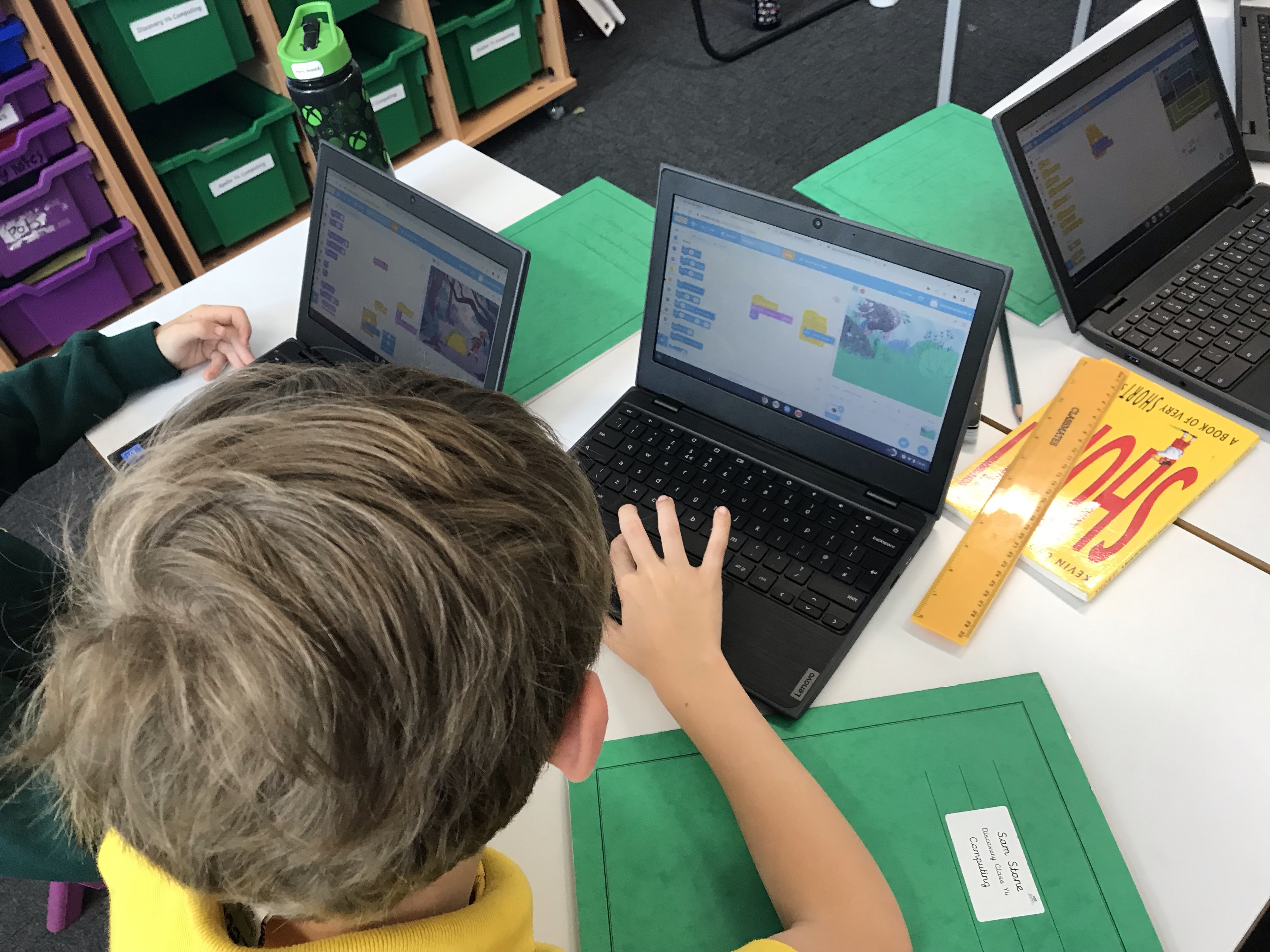

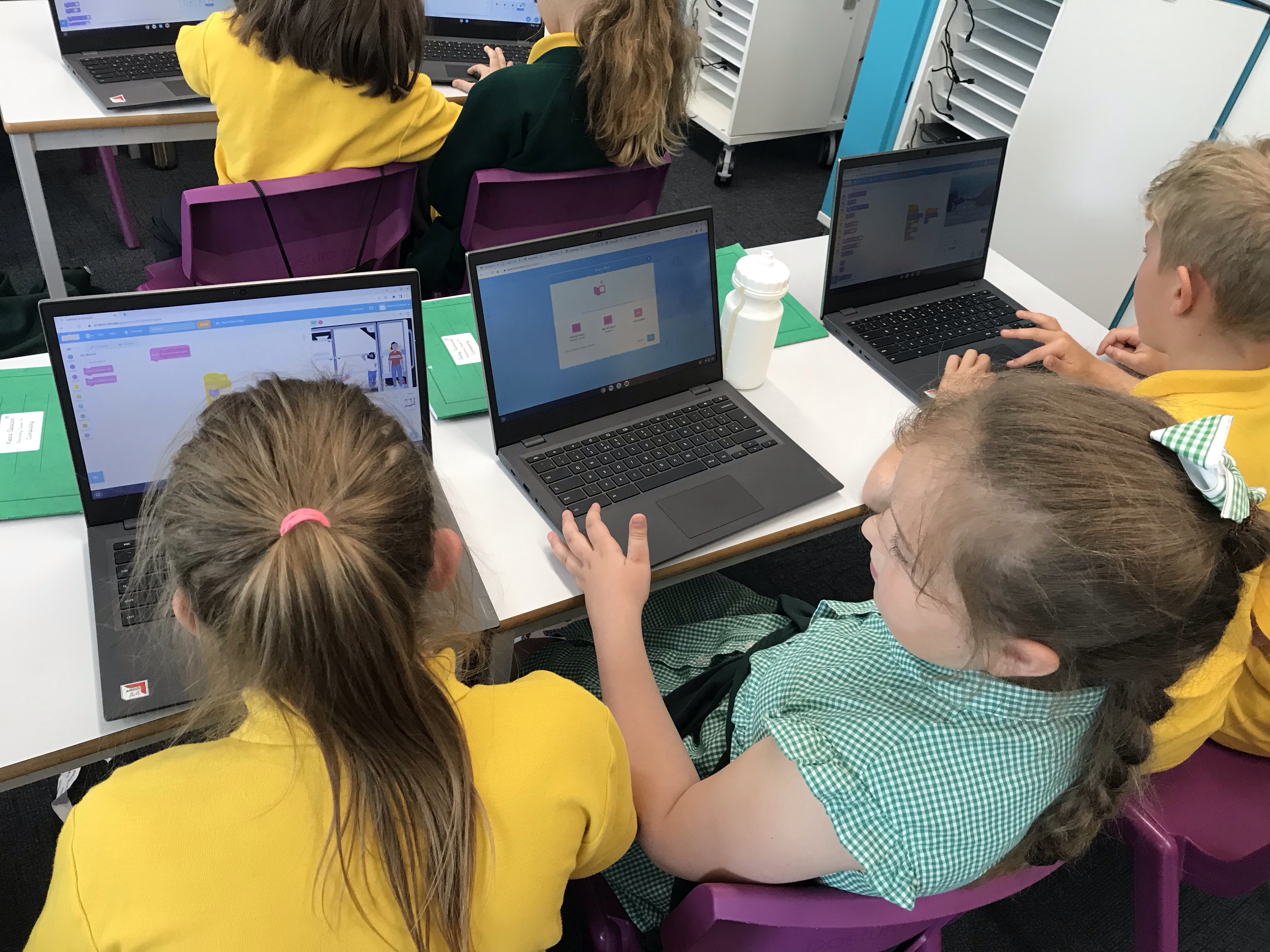

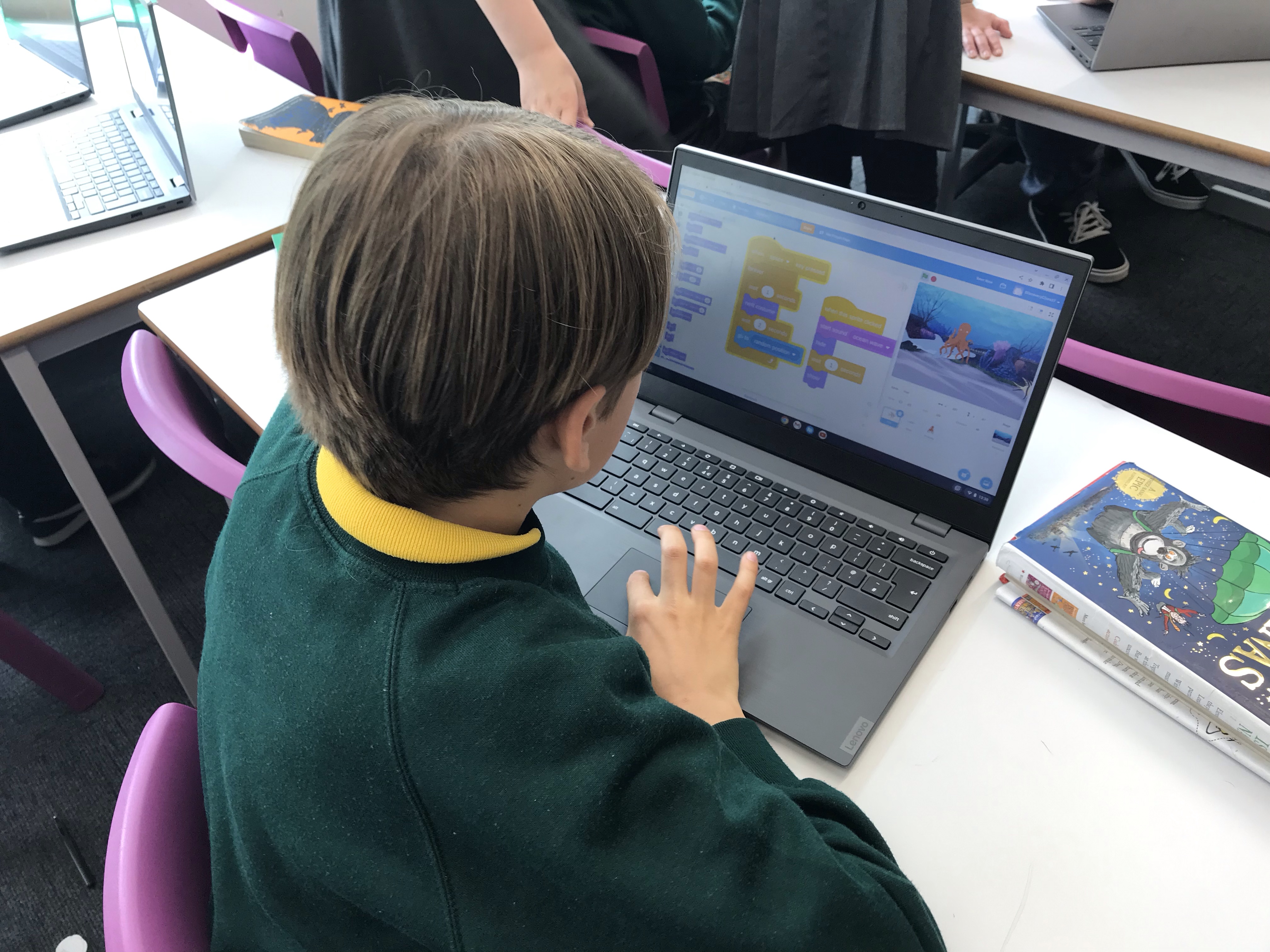
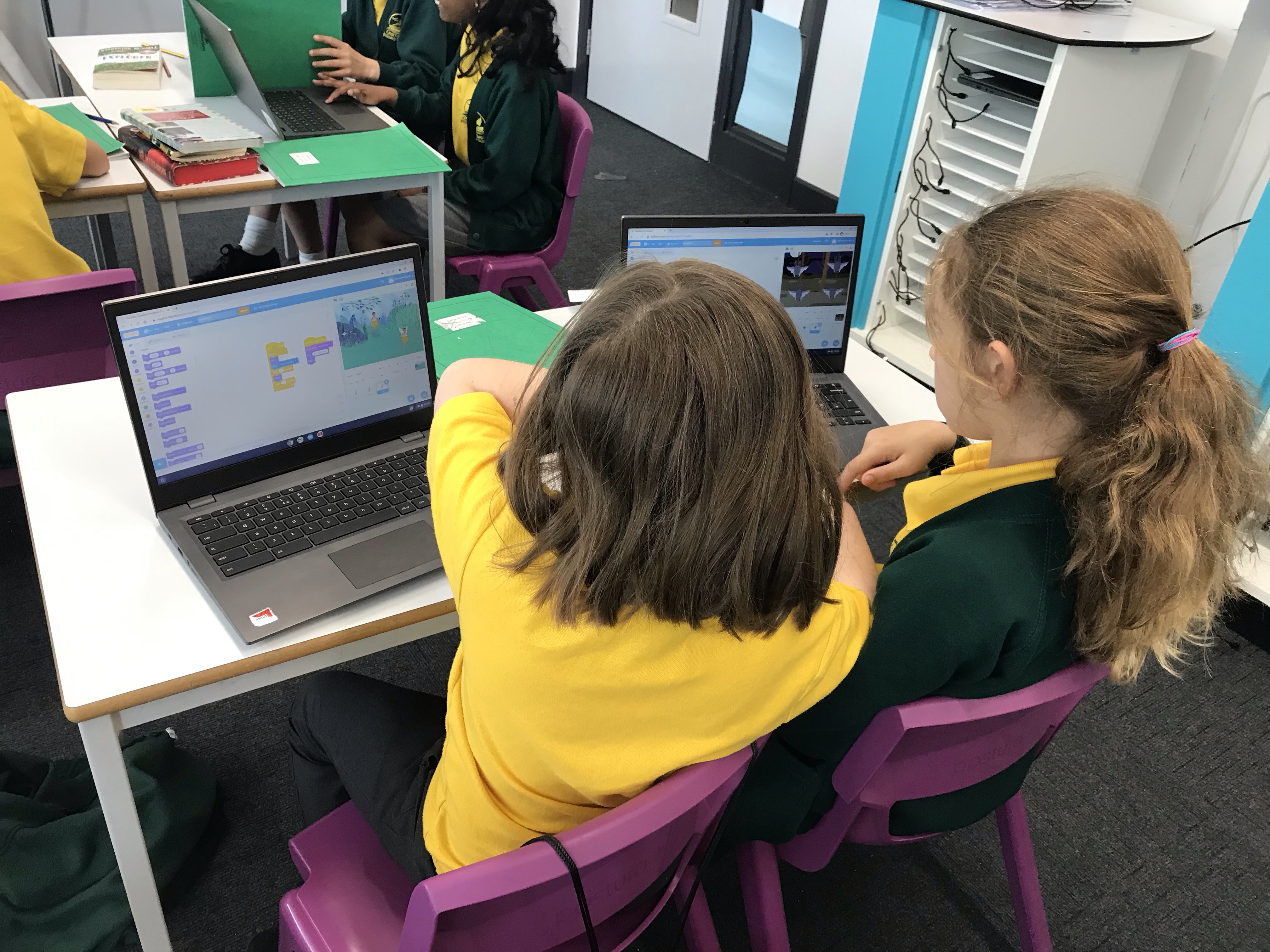
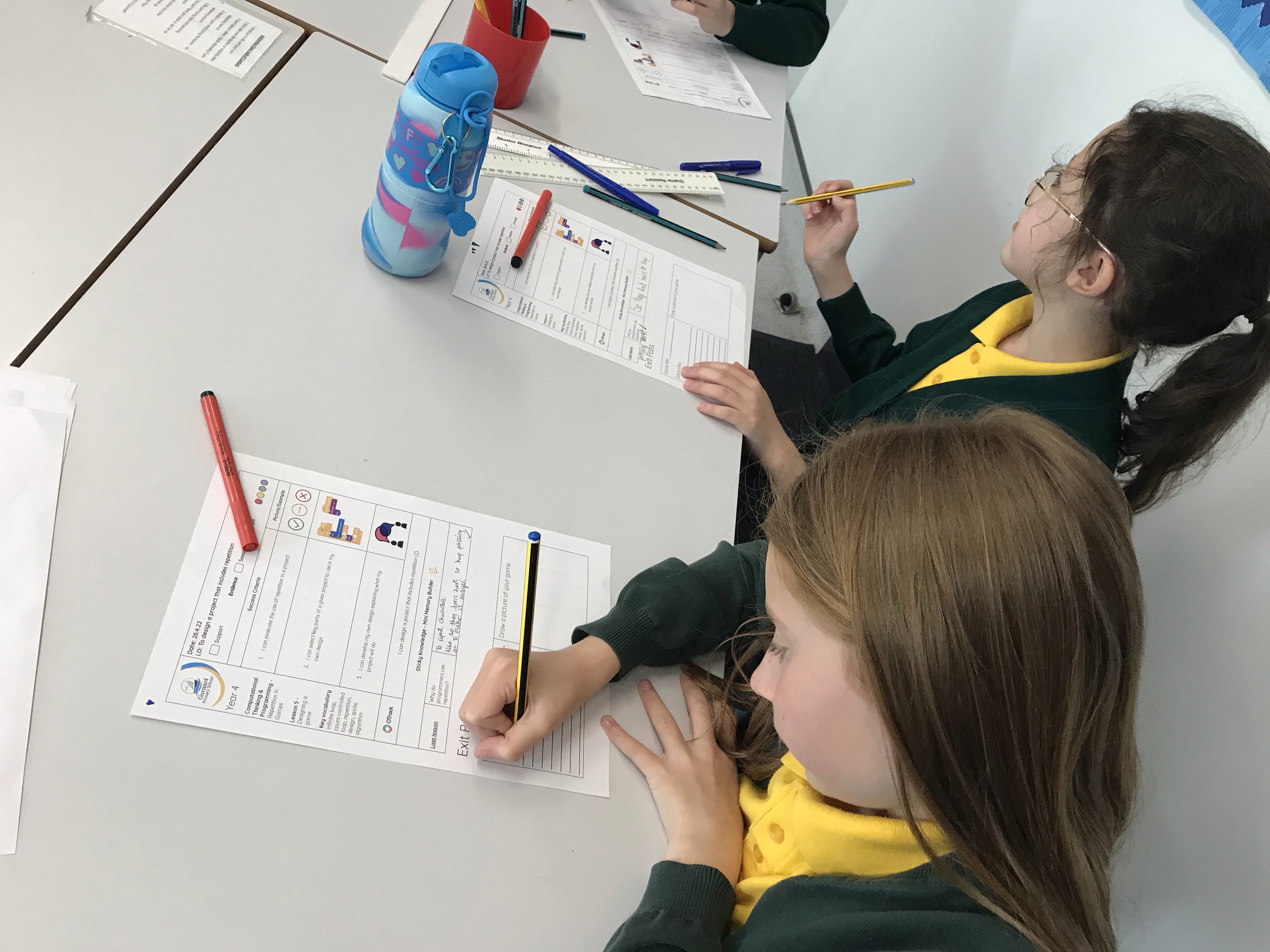
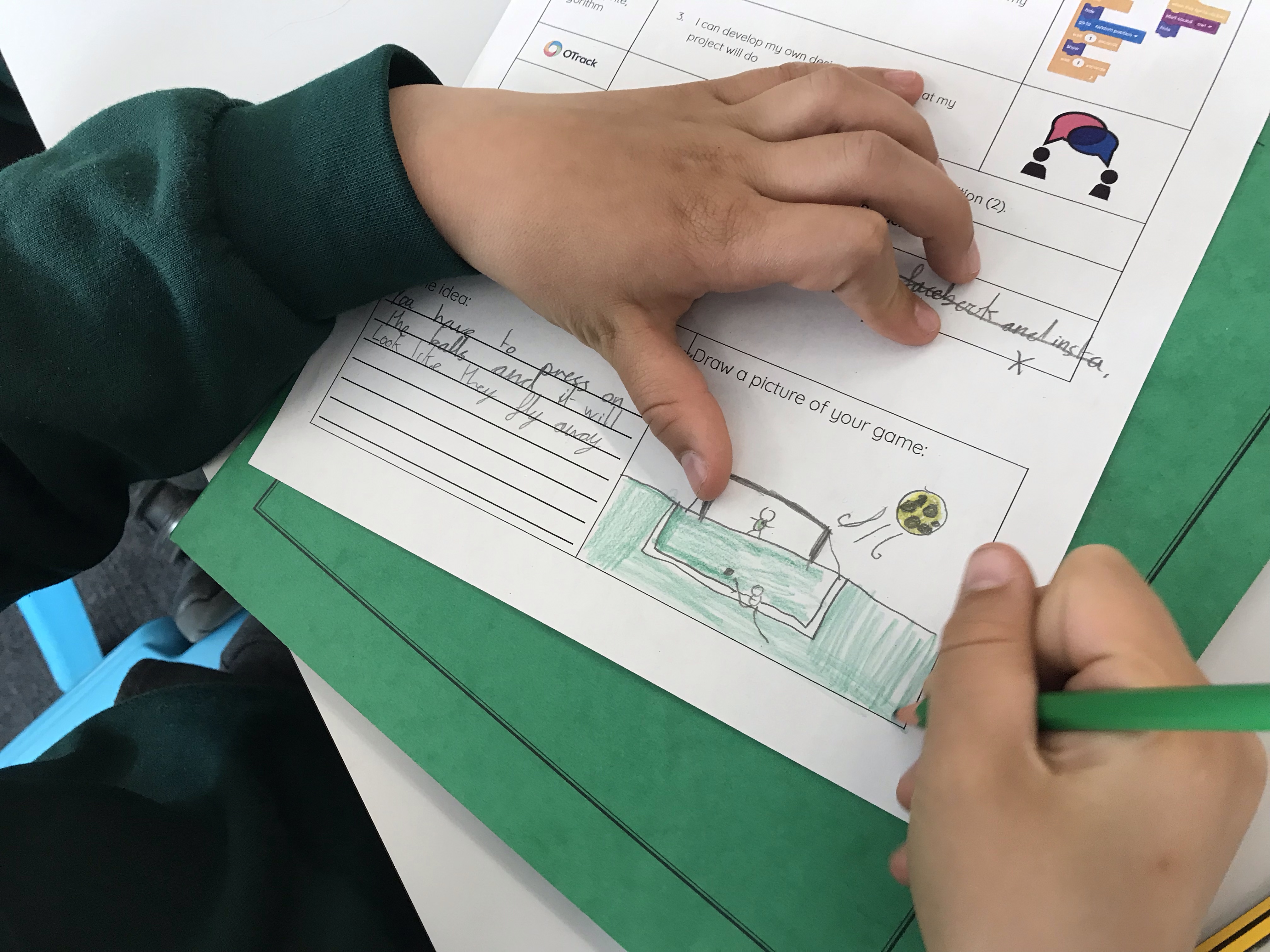
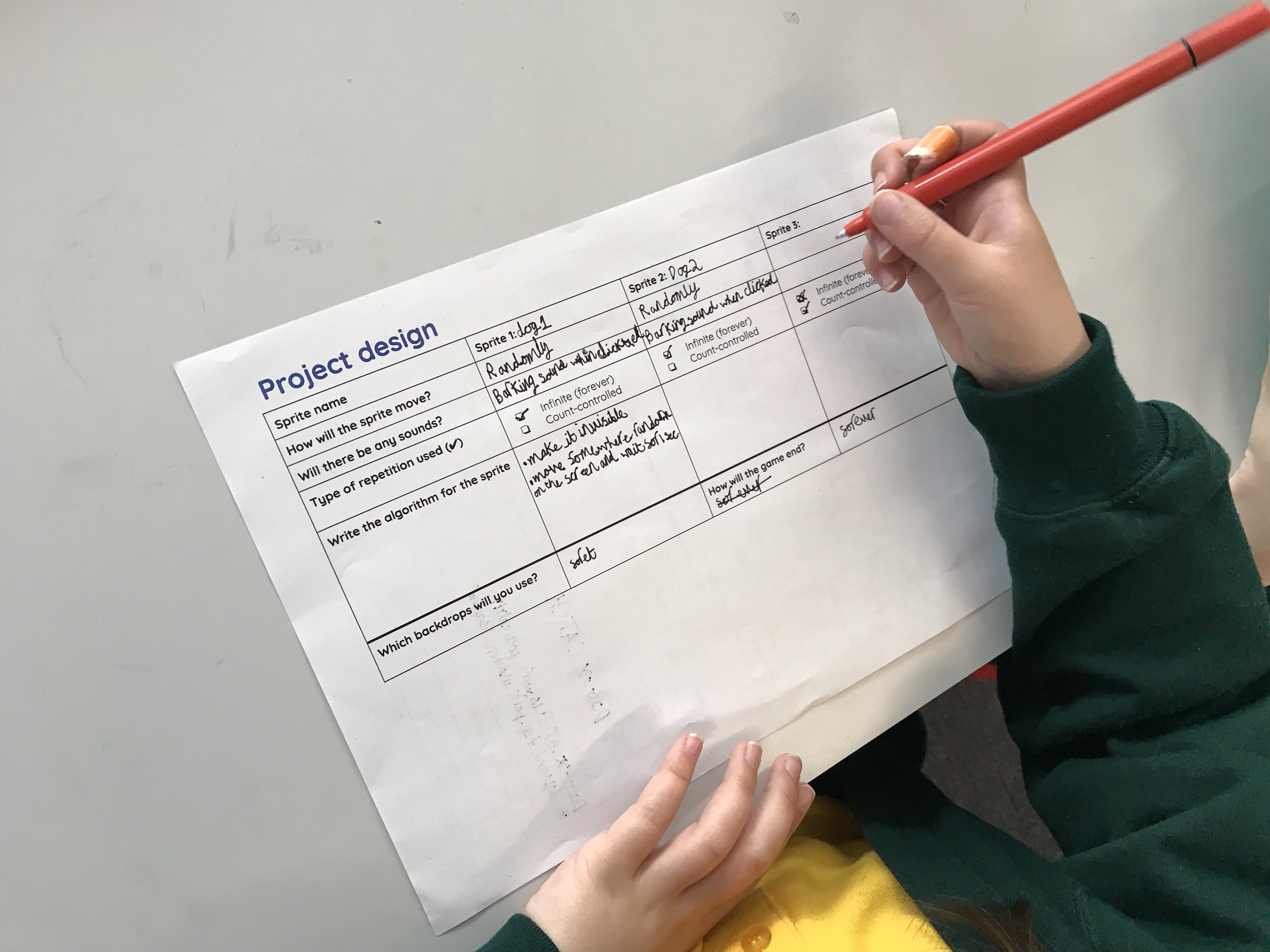
In today’s Computing lesson, Year 4 have been designing their own Scratch projects. We began by looking at an example game, before thinking about how we could adapt and improve it. There are some really interesting designs from our classes and we are looking forward to making them next week!





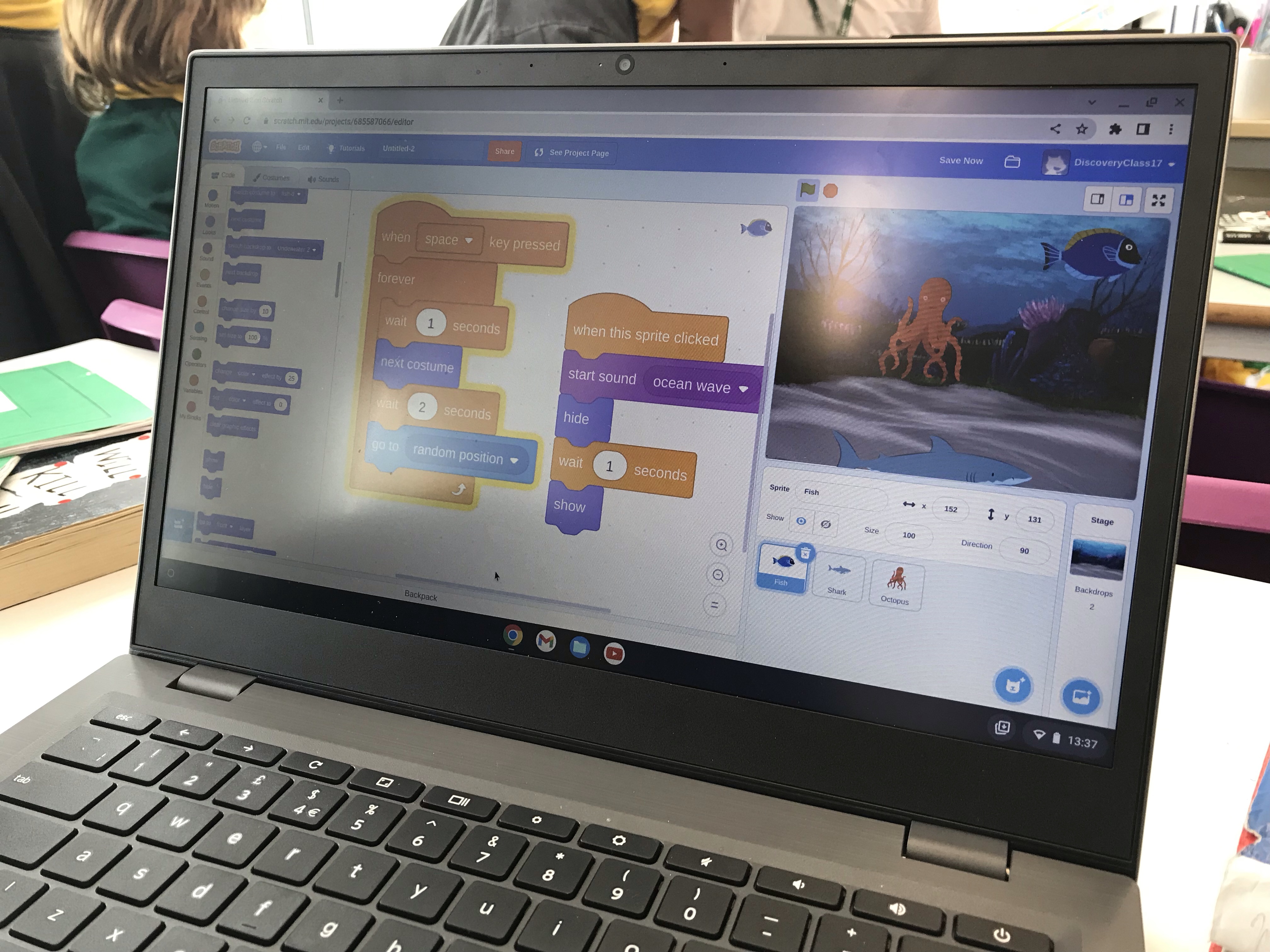
In our Computing lesson today, Year 4 were excited to play a game where repetition had been used as part of the program. Once we had played the game and identified the different aspects of it, we used our coding skills to modify the gameplay. This involved making changes to the code and adding sprites of our own to an underwater scene. We learnt how programmers can copy their code from one sprite to another, and discussed how this aided efficiency when coding. Well done Year 4!
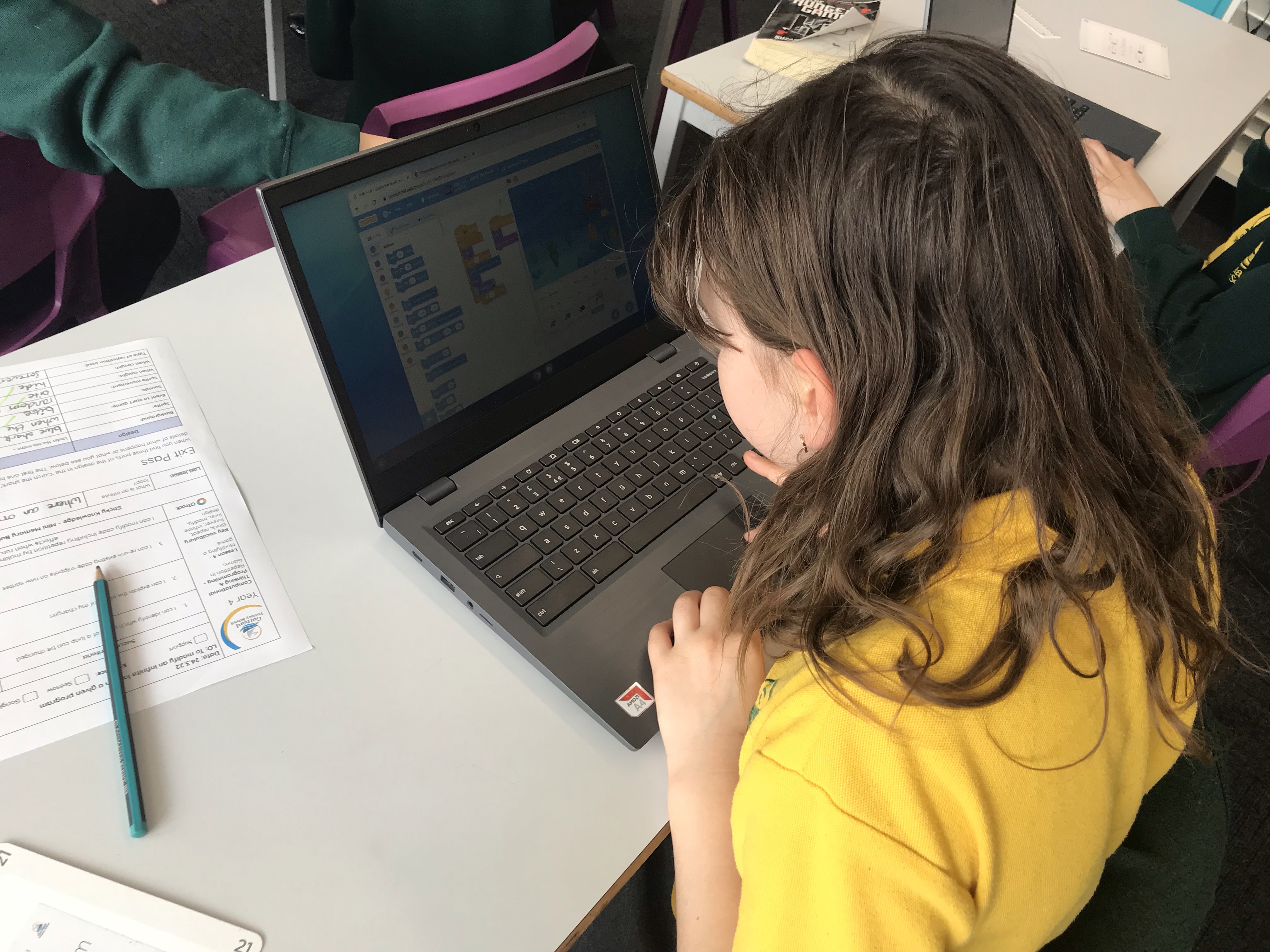

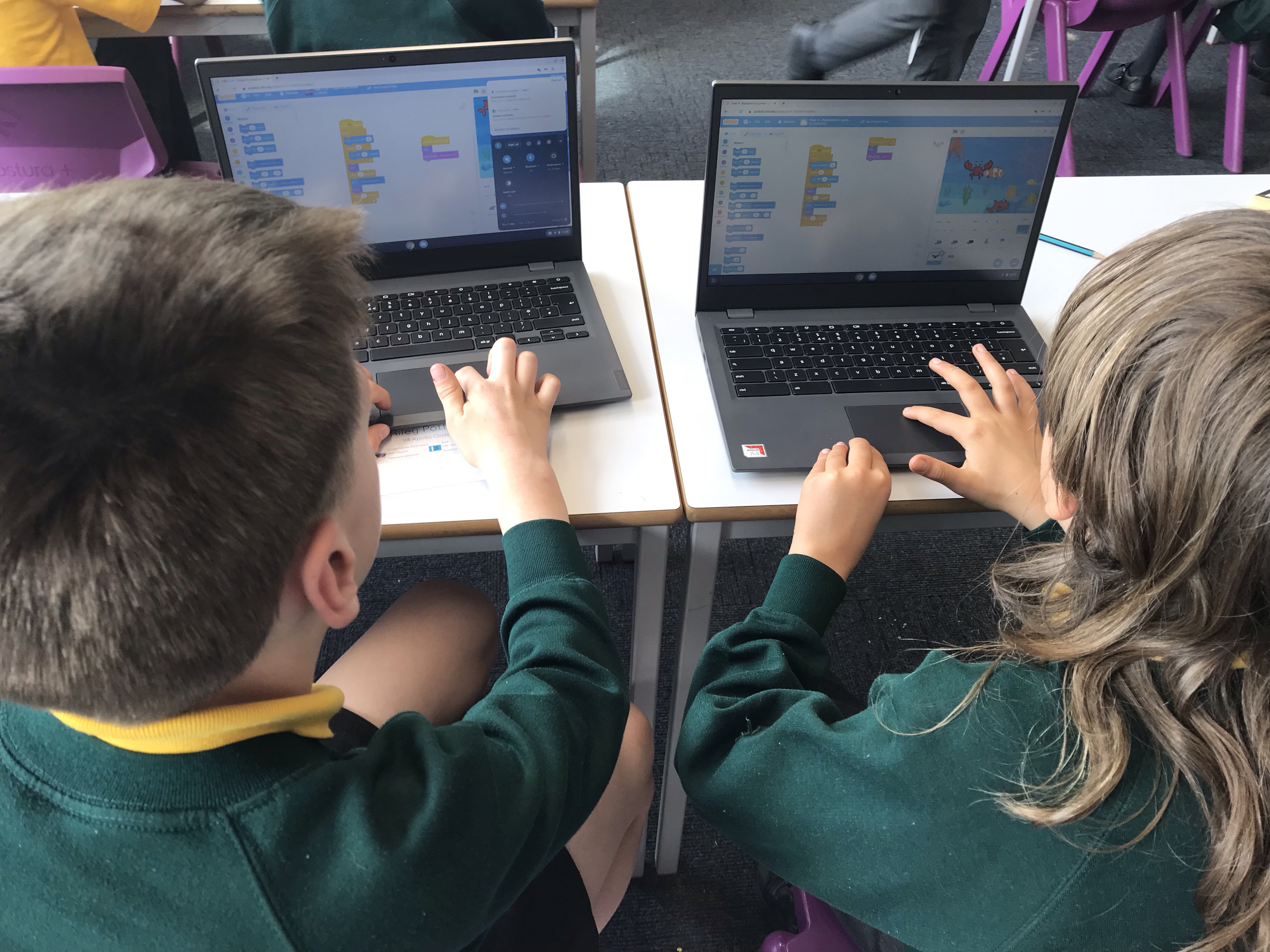


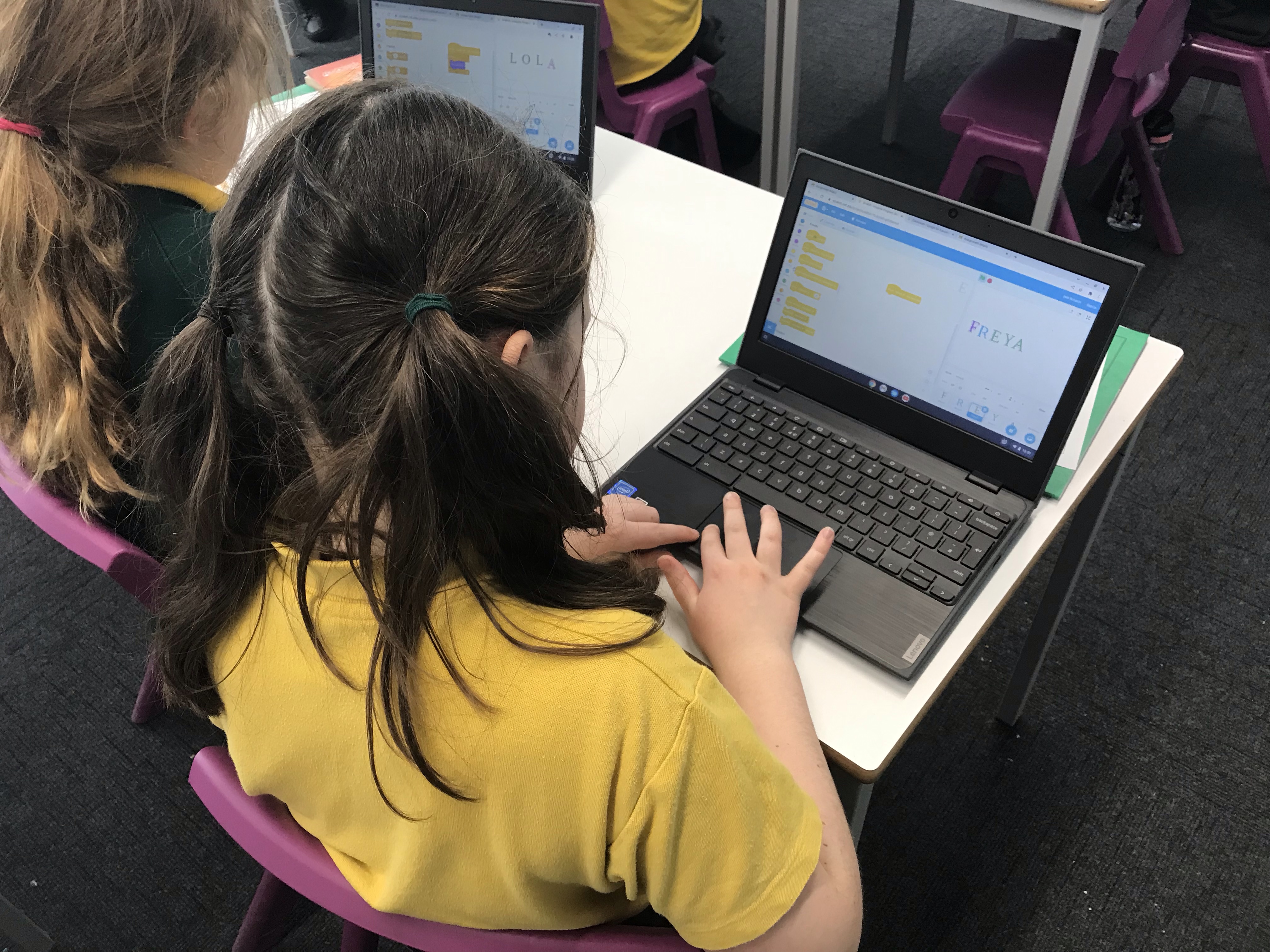
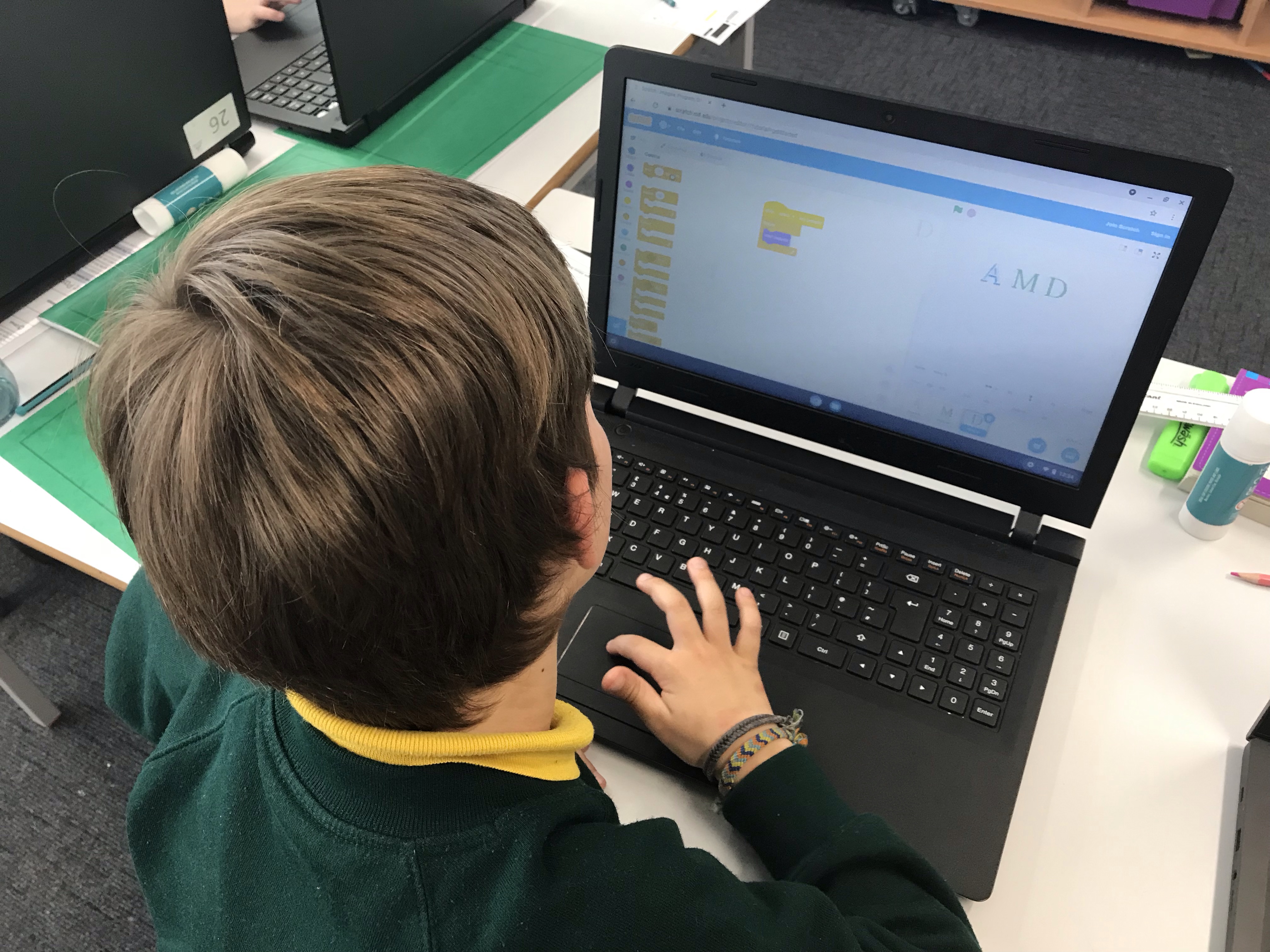
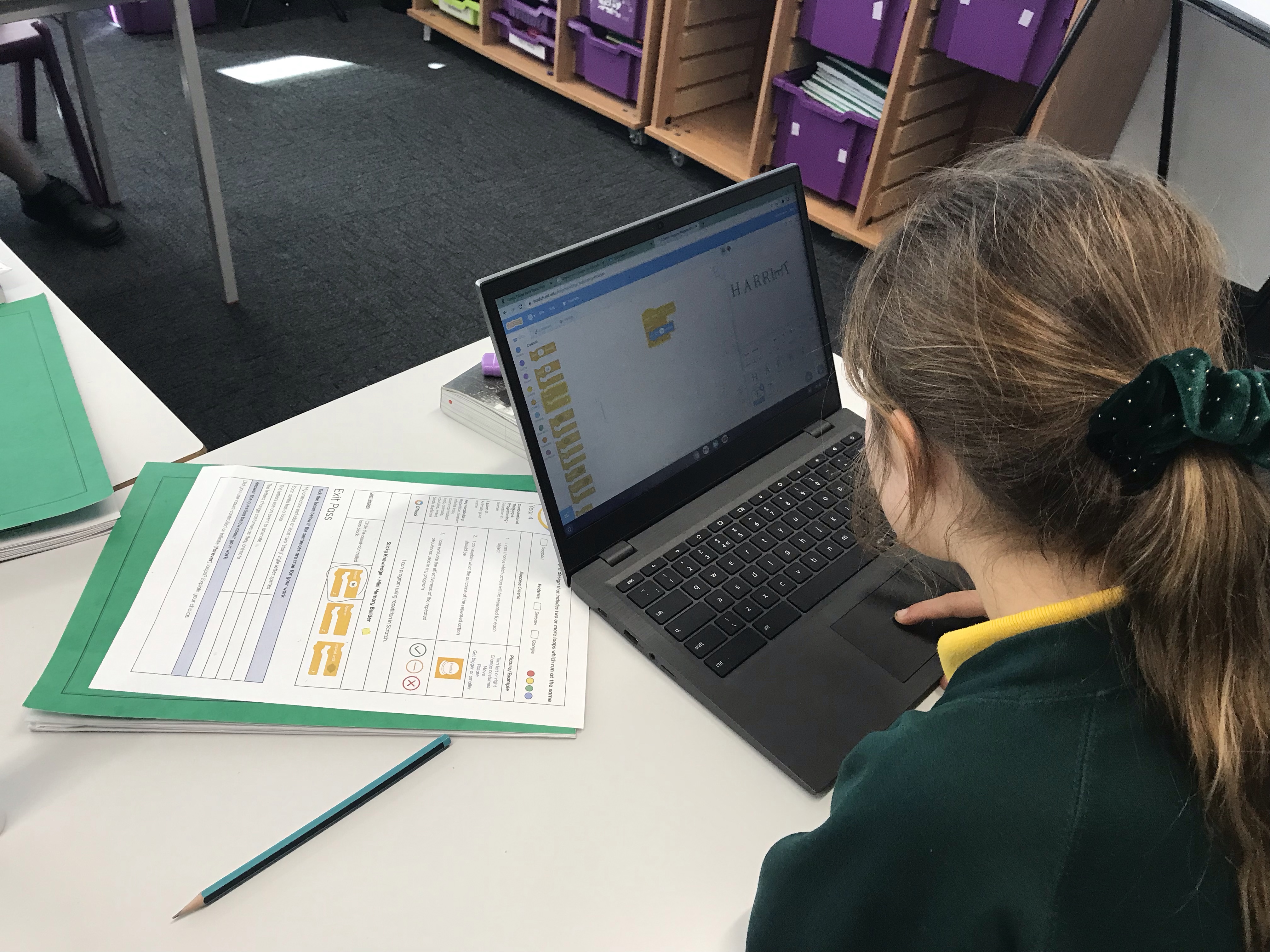
In today’s Computing lesson, Year 4 were using their understanding of loops and repetition to create their own code. We began by exploring some pre-made code and predicting what it would do, before designing a program of our own. Our aim was to animate our names using the ‘story’ font in Scratch. We really enjoyed this and had some really successful examples of animation to demonstrate our understanding of programming.
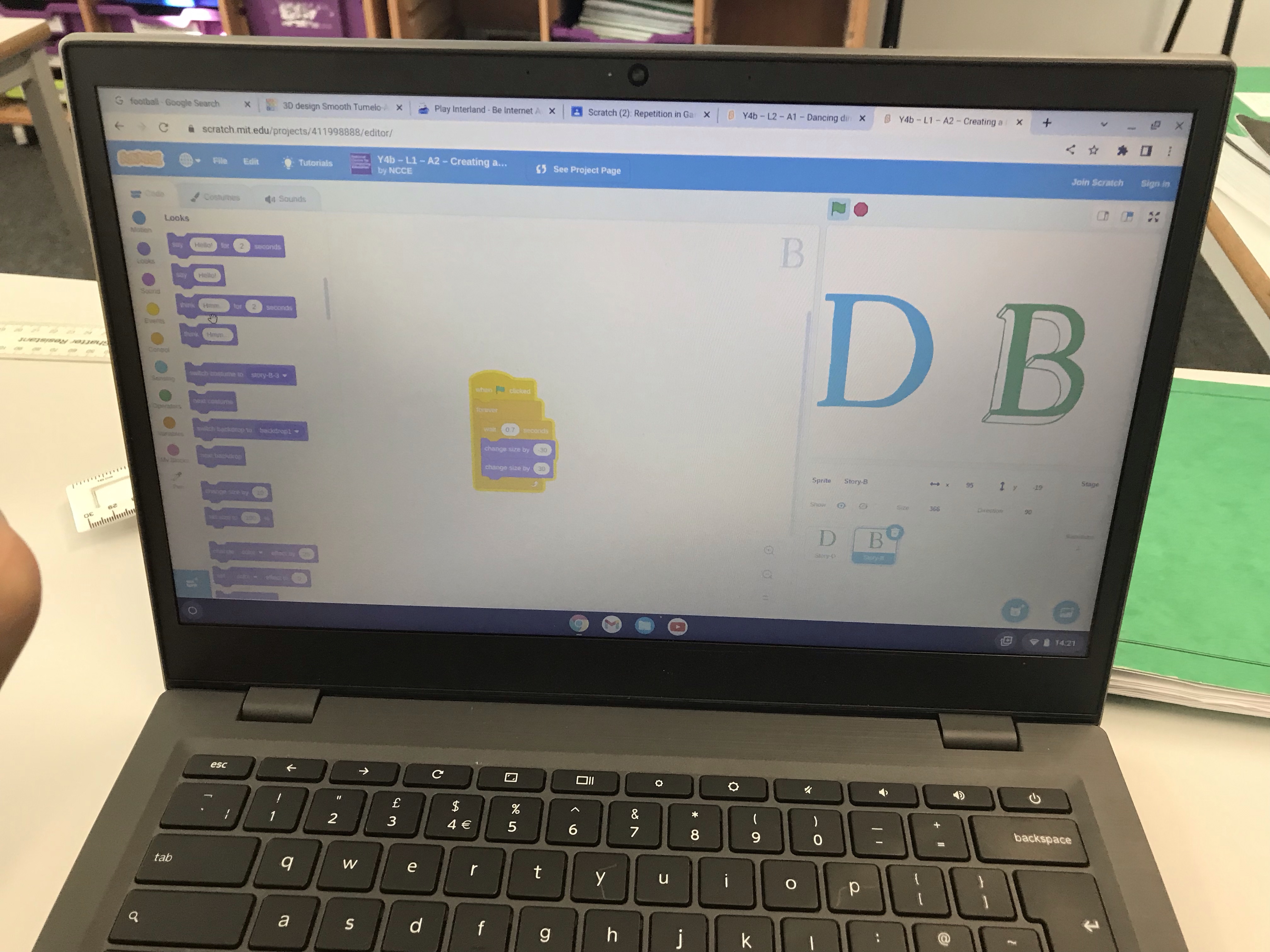
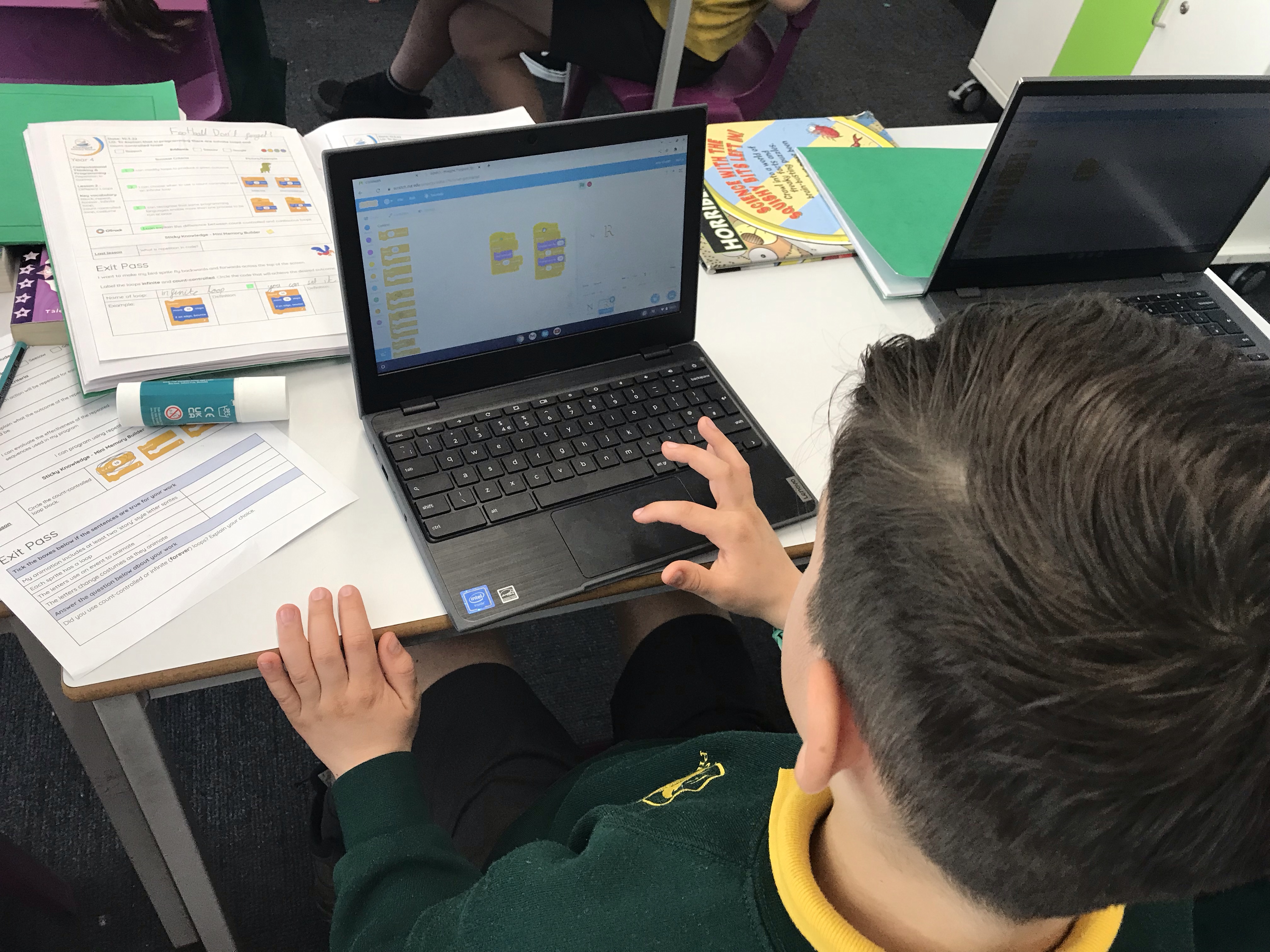

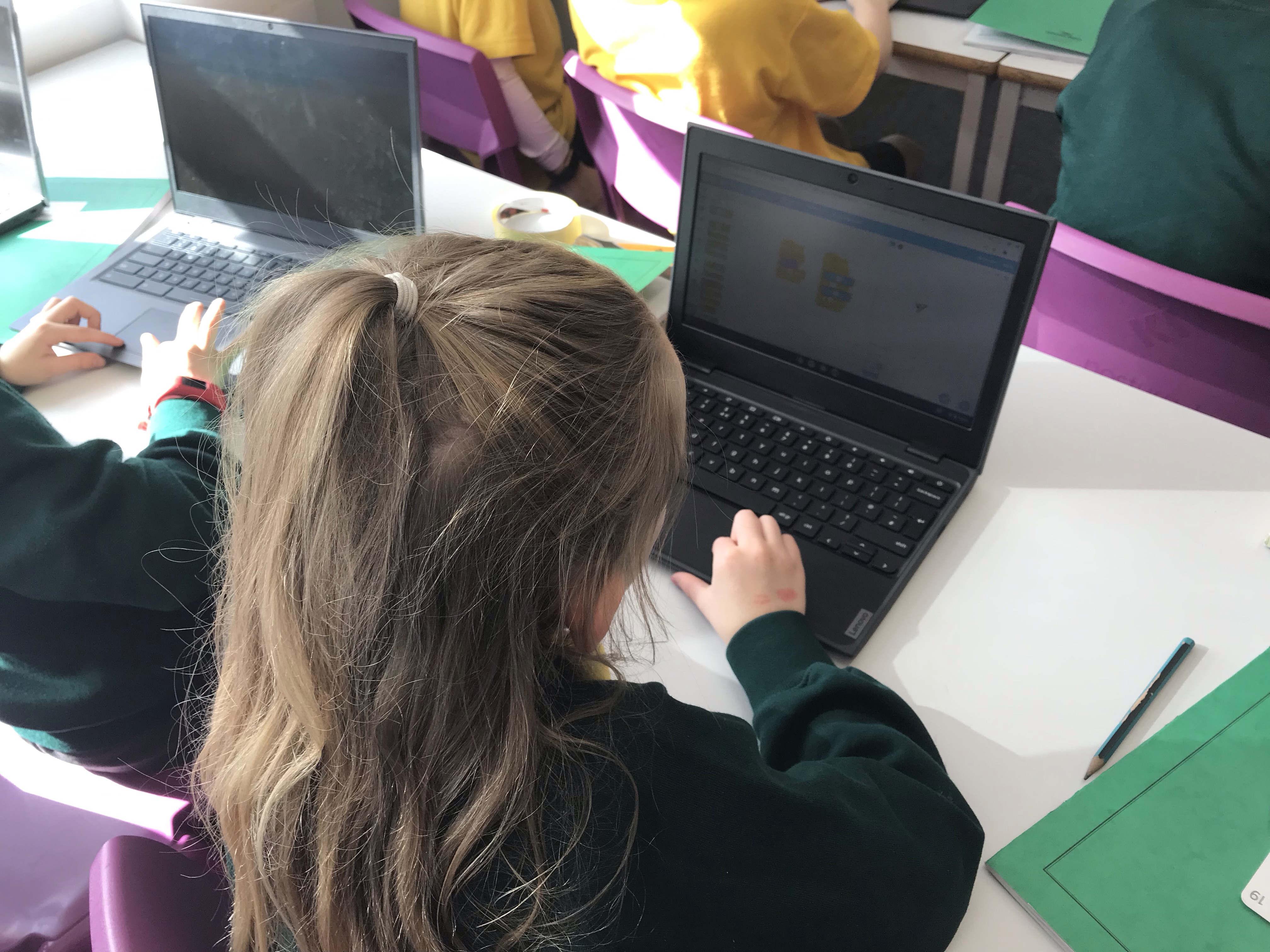


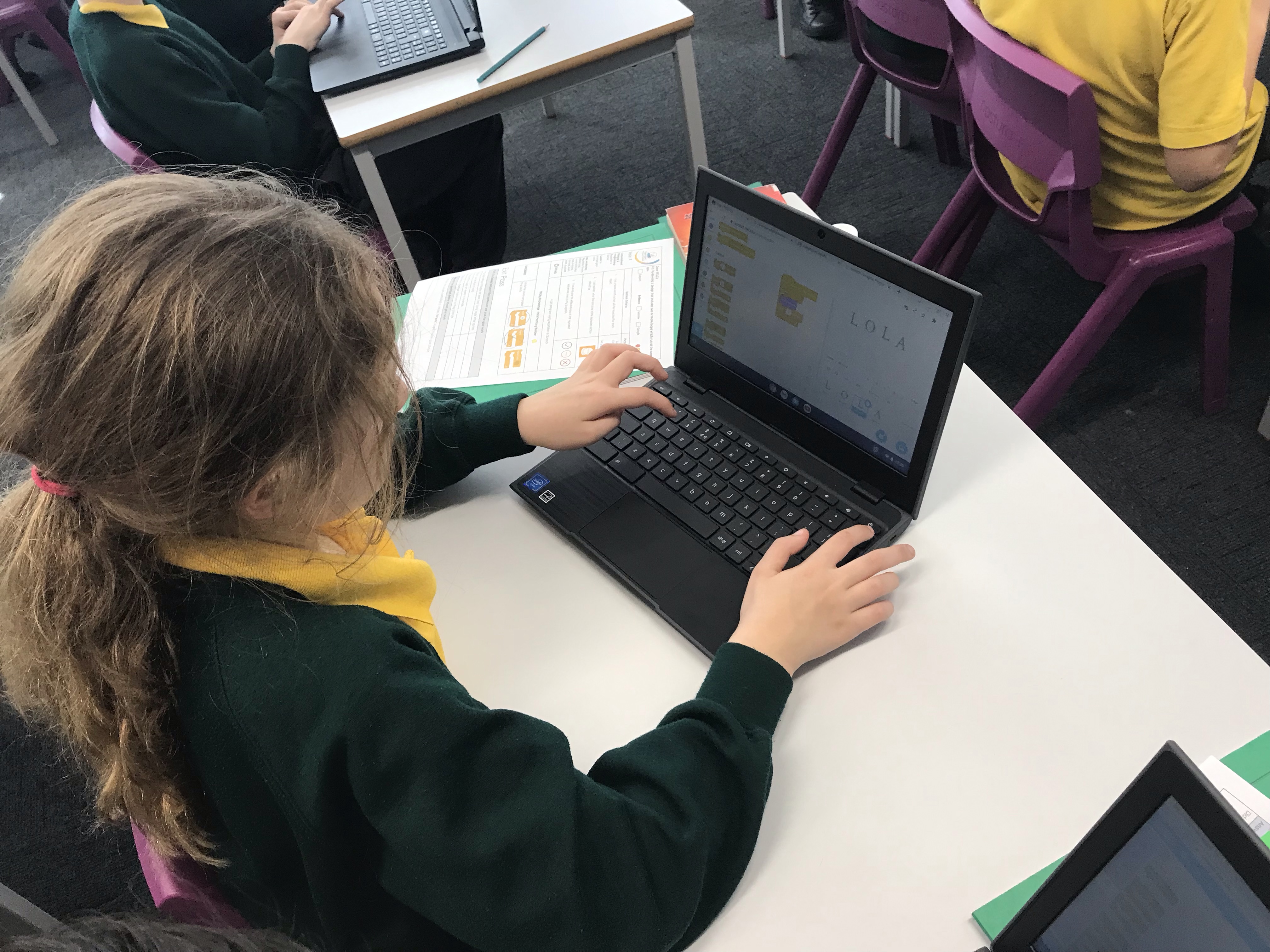



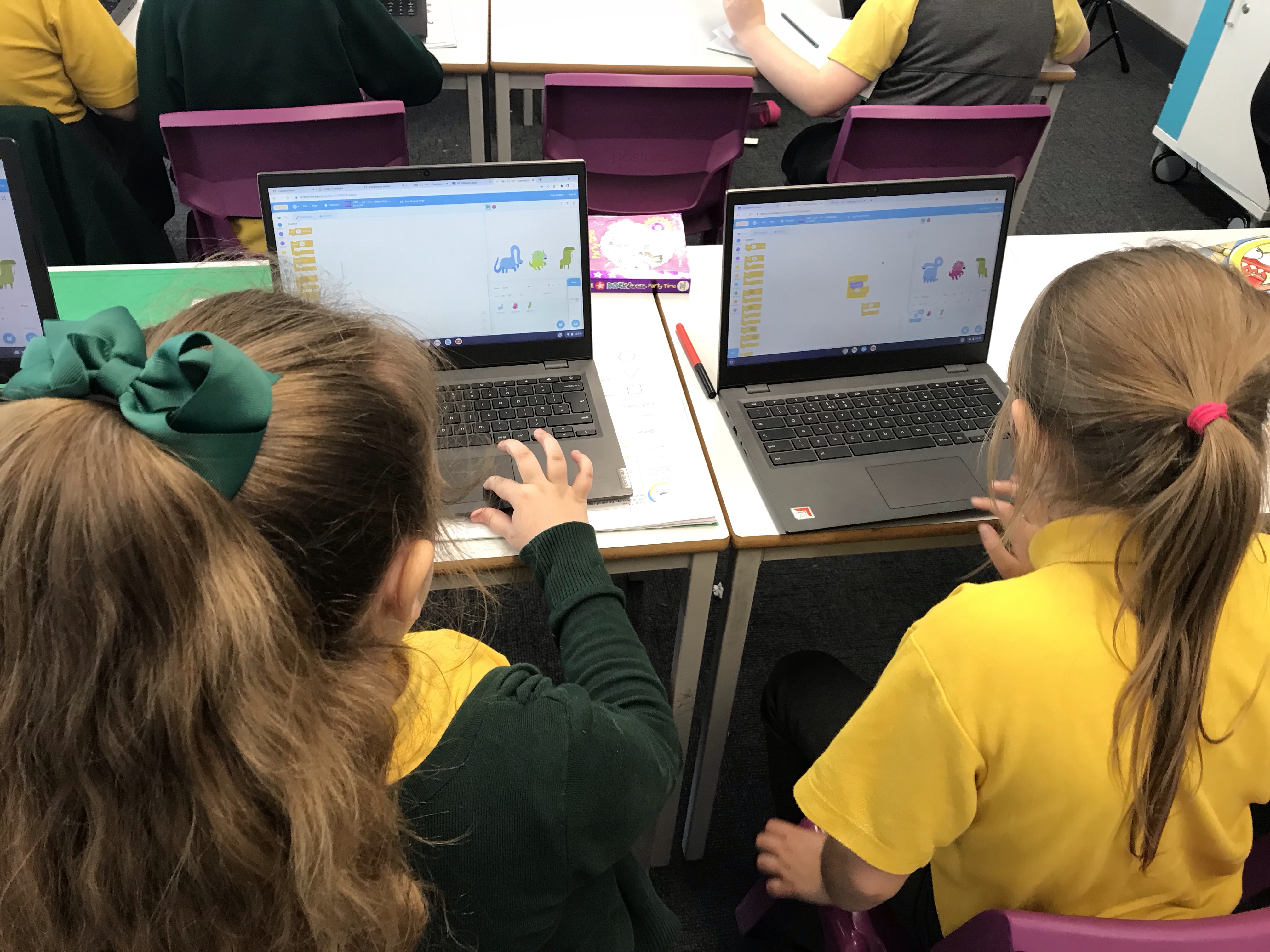
In today’s Computing, Year 4 continued to explore loops and repetition in programming. To help our understanding we thought about where we might see infinite loops in every day life, and explored loops in code by modifying some dancing dinosaurs in Scratch!



In today’s Computing lesson we began our new topic exploring programming in Scratch. The computing concept that we focus on in Year 4 is called repetition, and computer programmers use repetition to make a program repeat something more than once. This is useful as it allows them to use less code and be more efficient with the algorithm. In the lesson, we were reintroduced to the idea of repetition and loops, and we used our understanding to predict, run and investigate code. Finally we were able to modify and make our own code to draw shapes in Scratch.
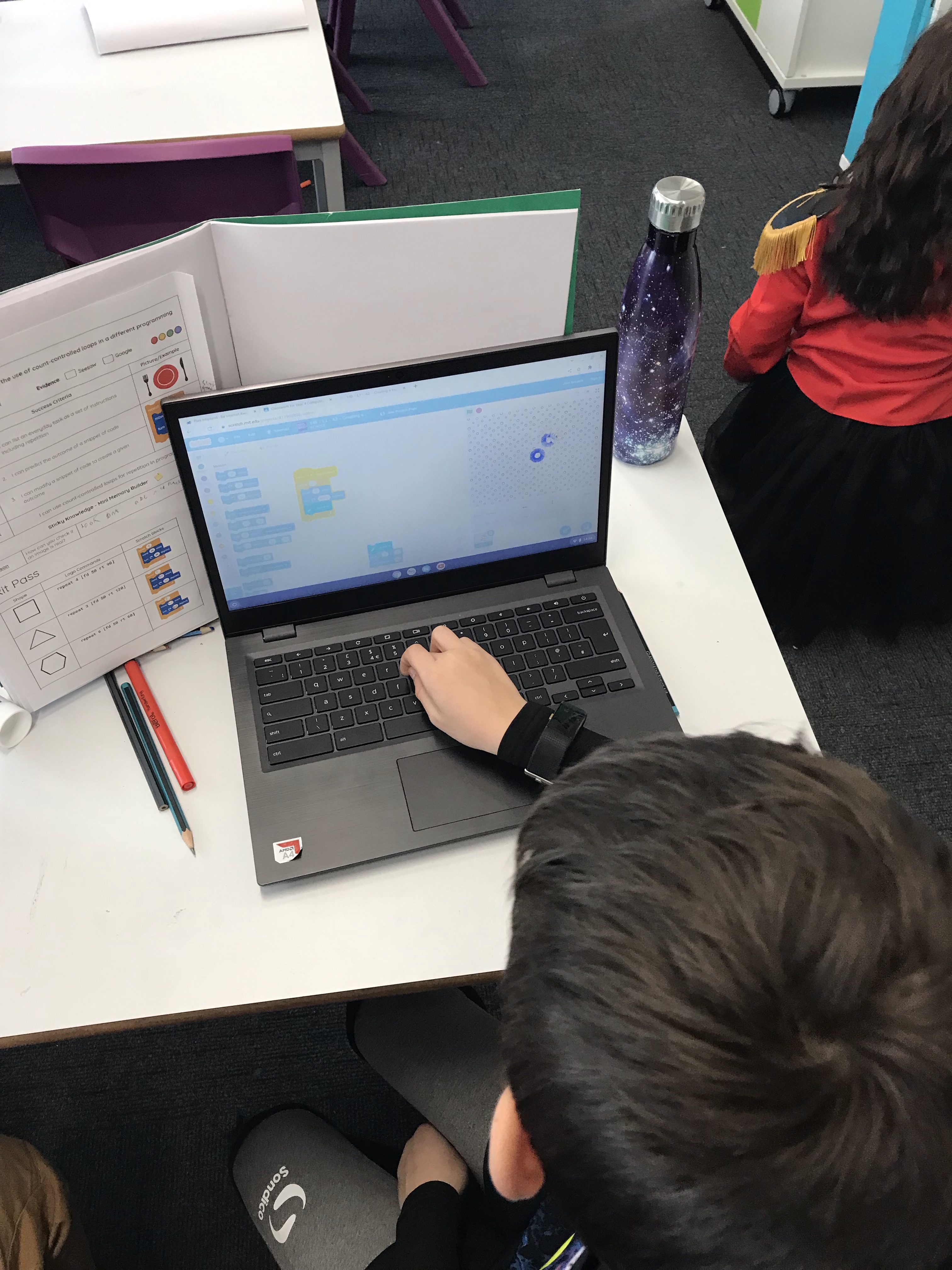


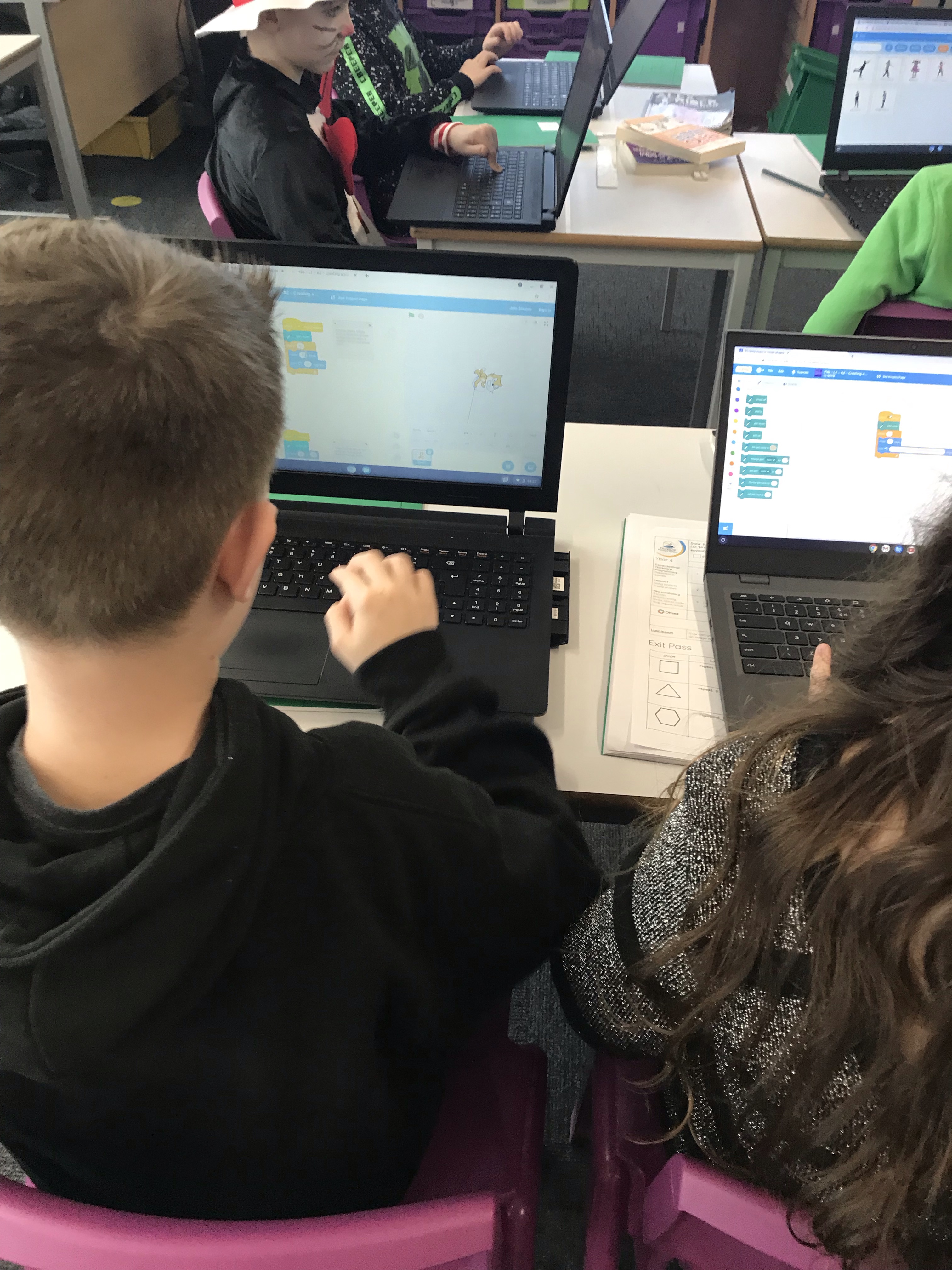

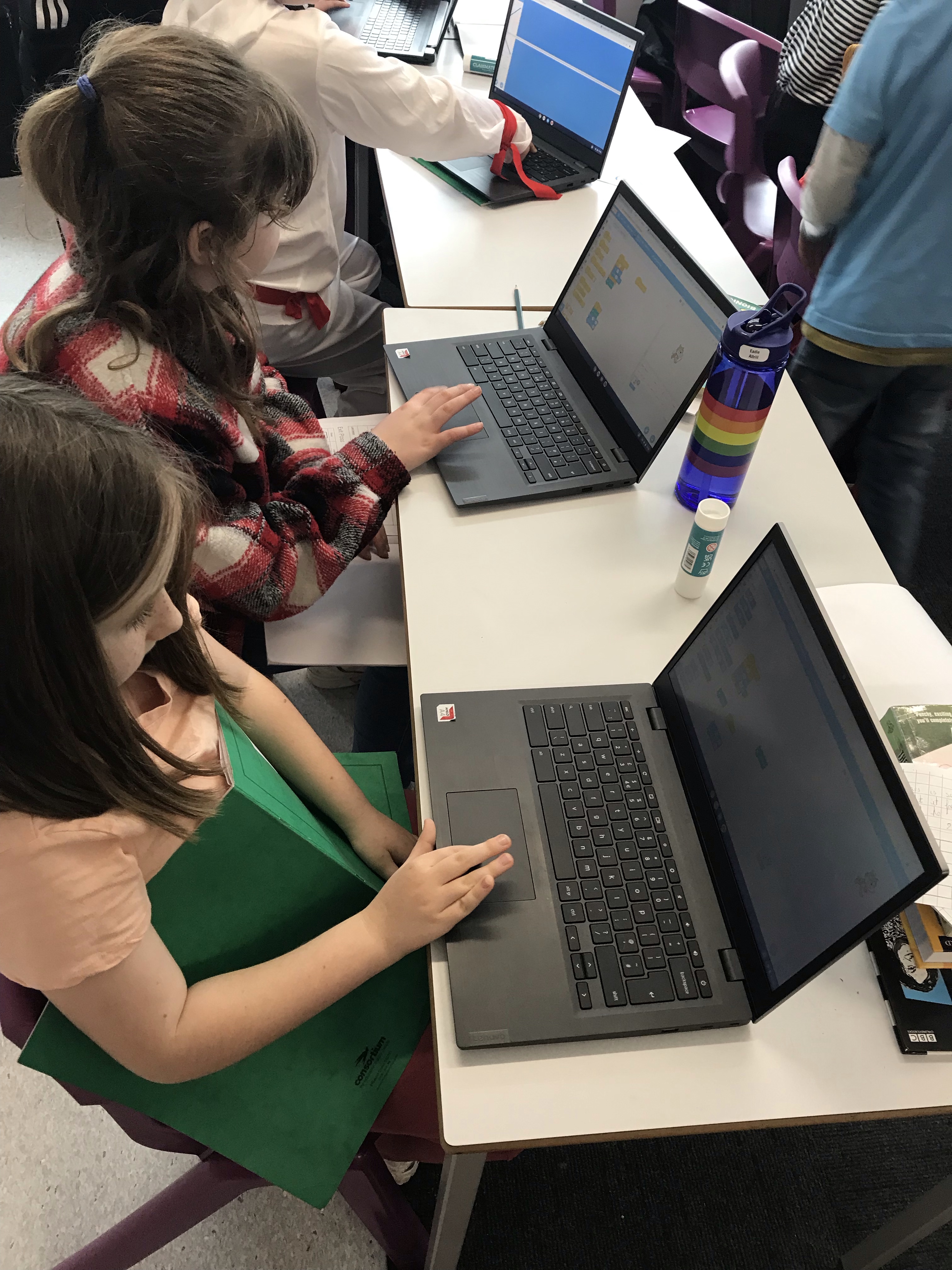
In today’s Computing lesson, Year 4 began by talking about the images that we retouched last week. We thought about what had been changed on the fruit images and whether it was honest for us to do this. After discussing both the positive and negative aspects of retouching, we then spoke about images which were more obviously fake. Thinking about how this would be achieved, we then used our skills from the previous weeks to make some new fantastical images of our own!
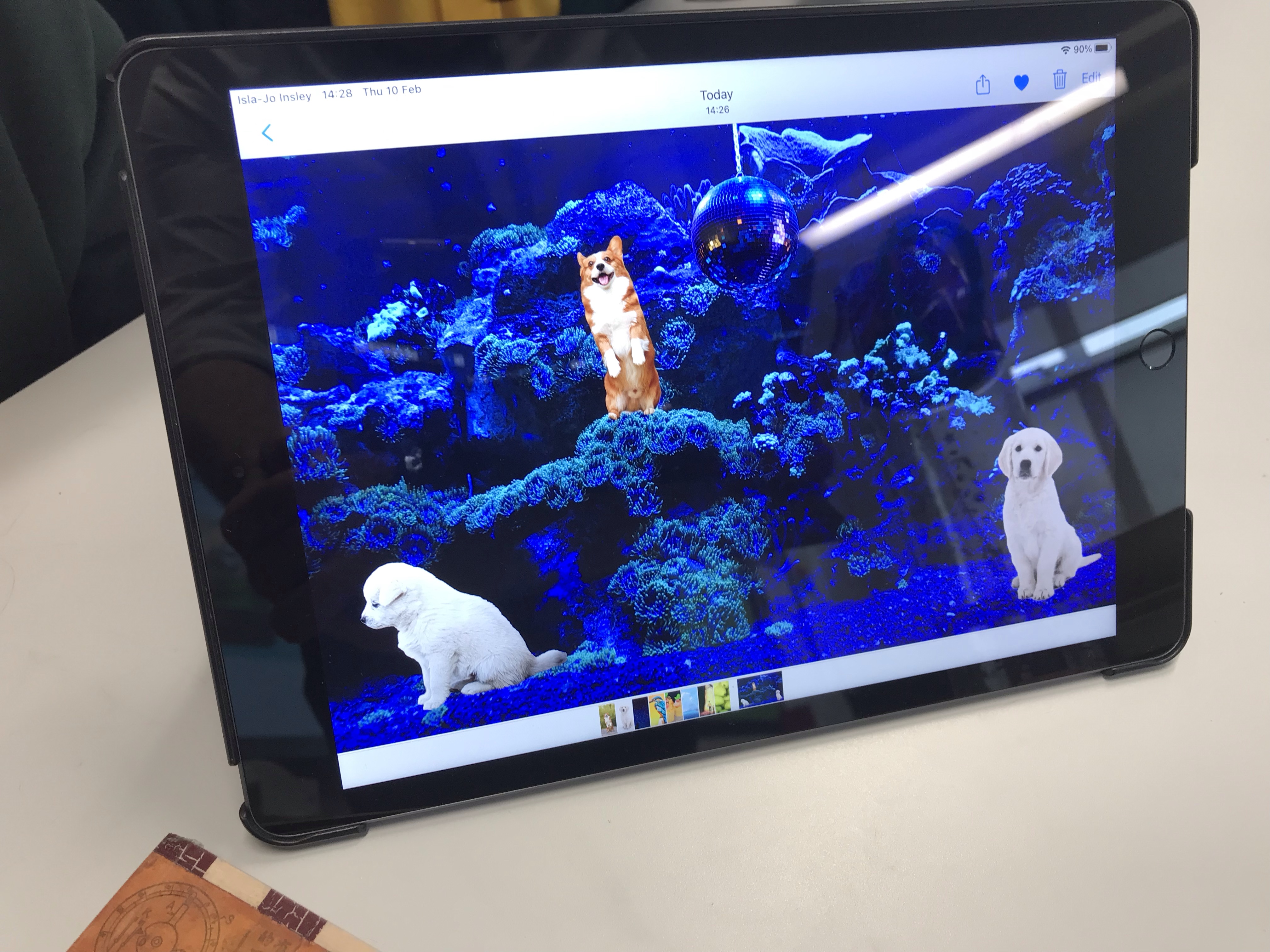
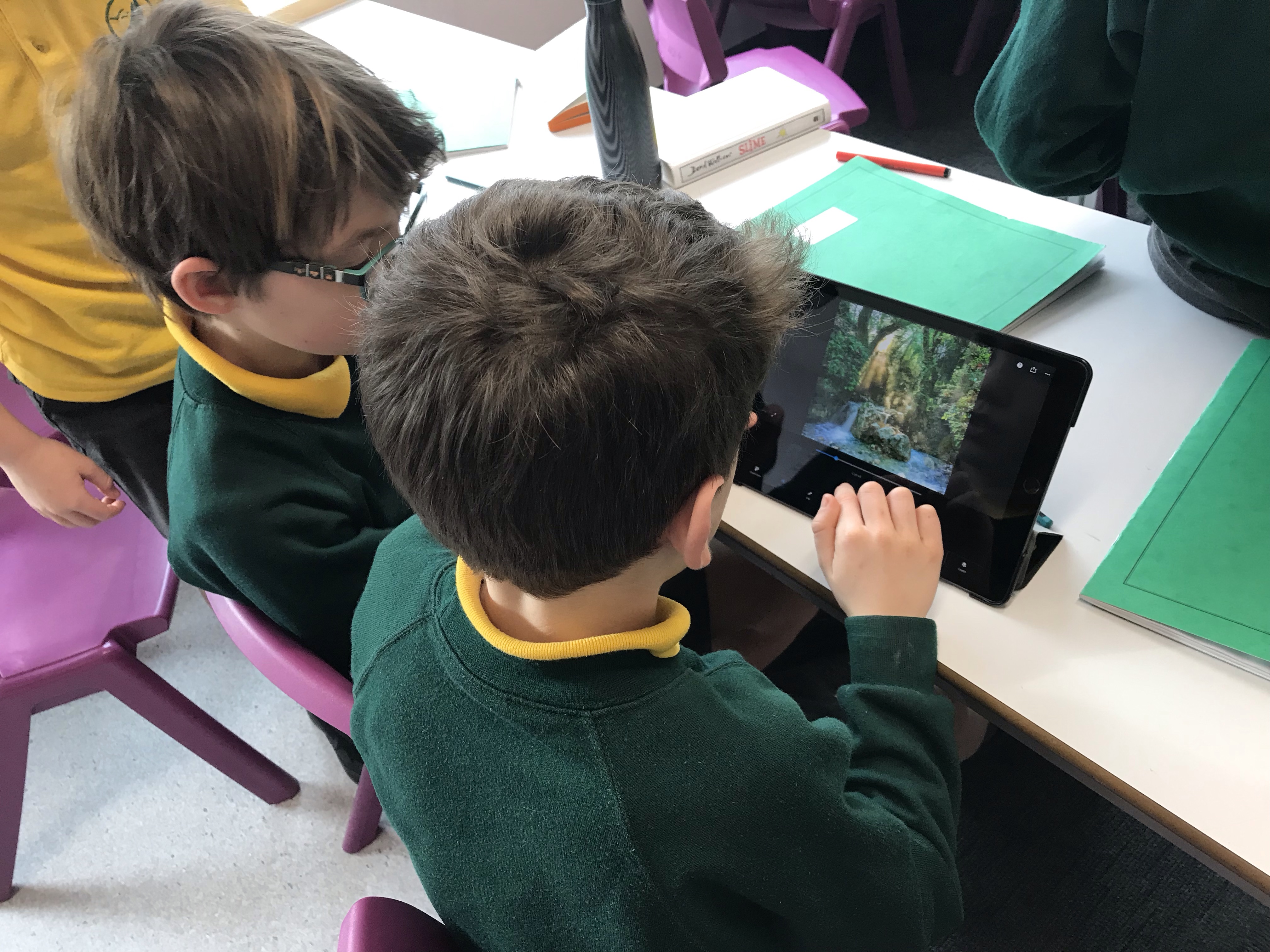
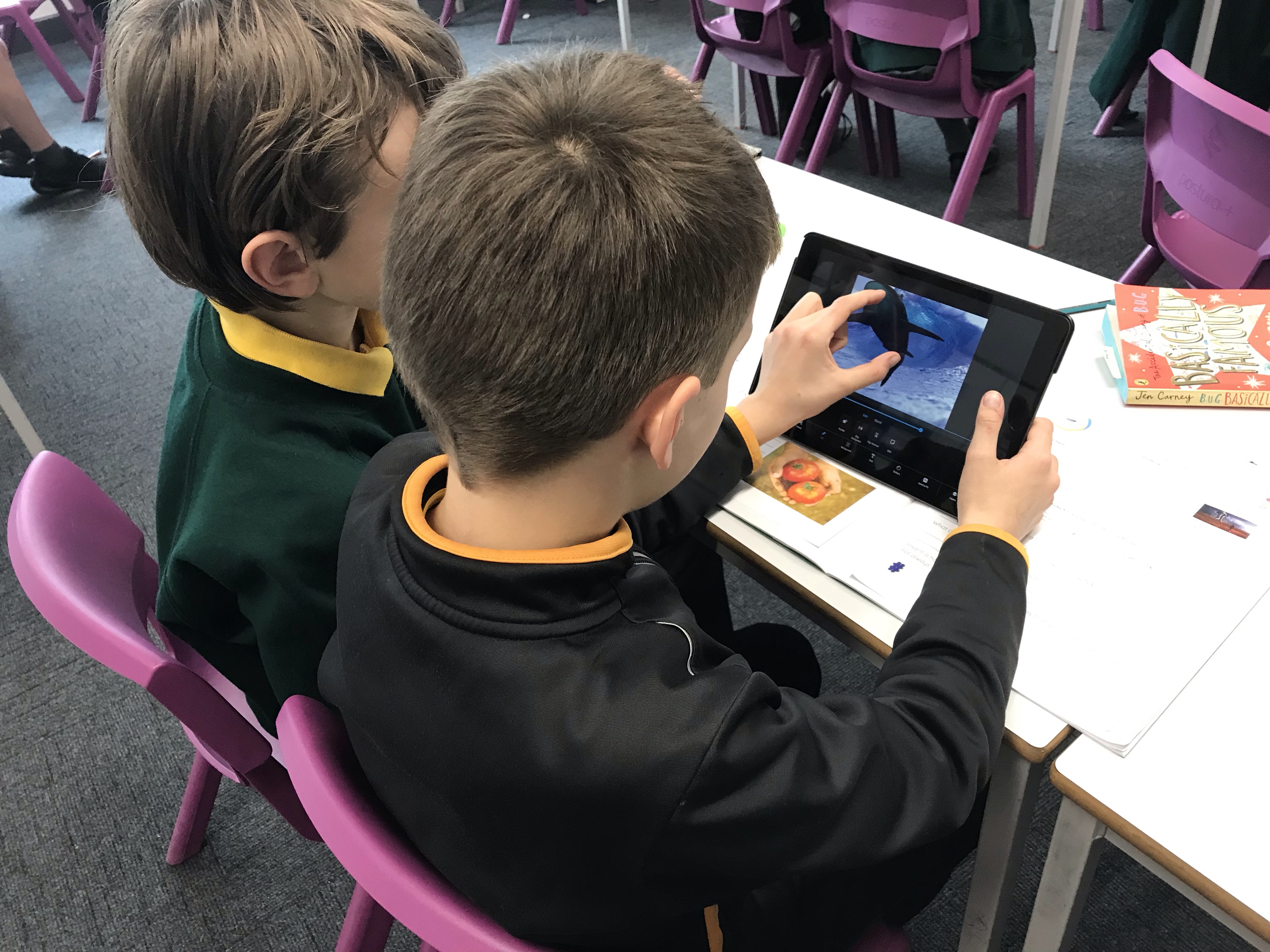
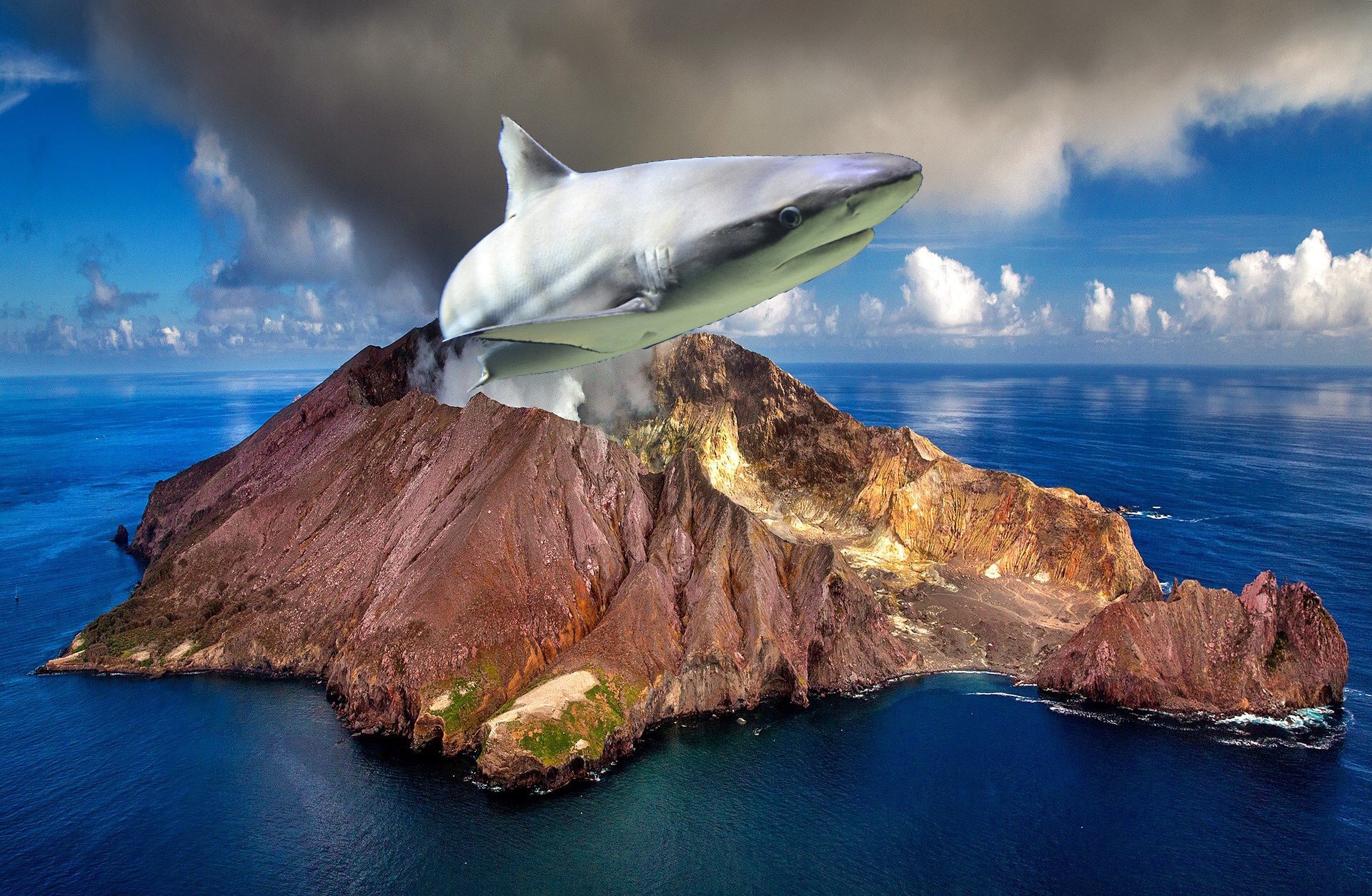
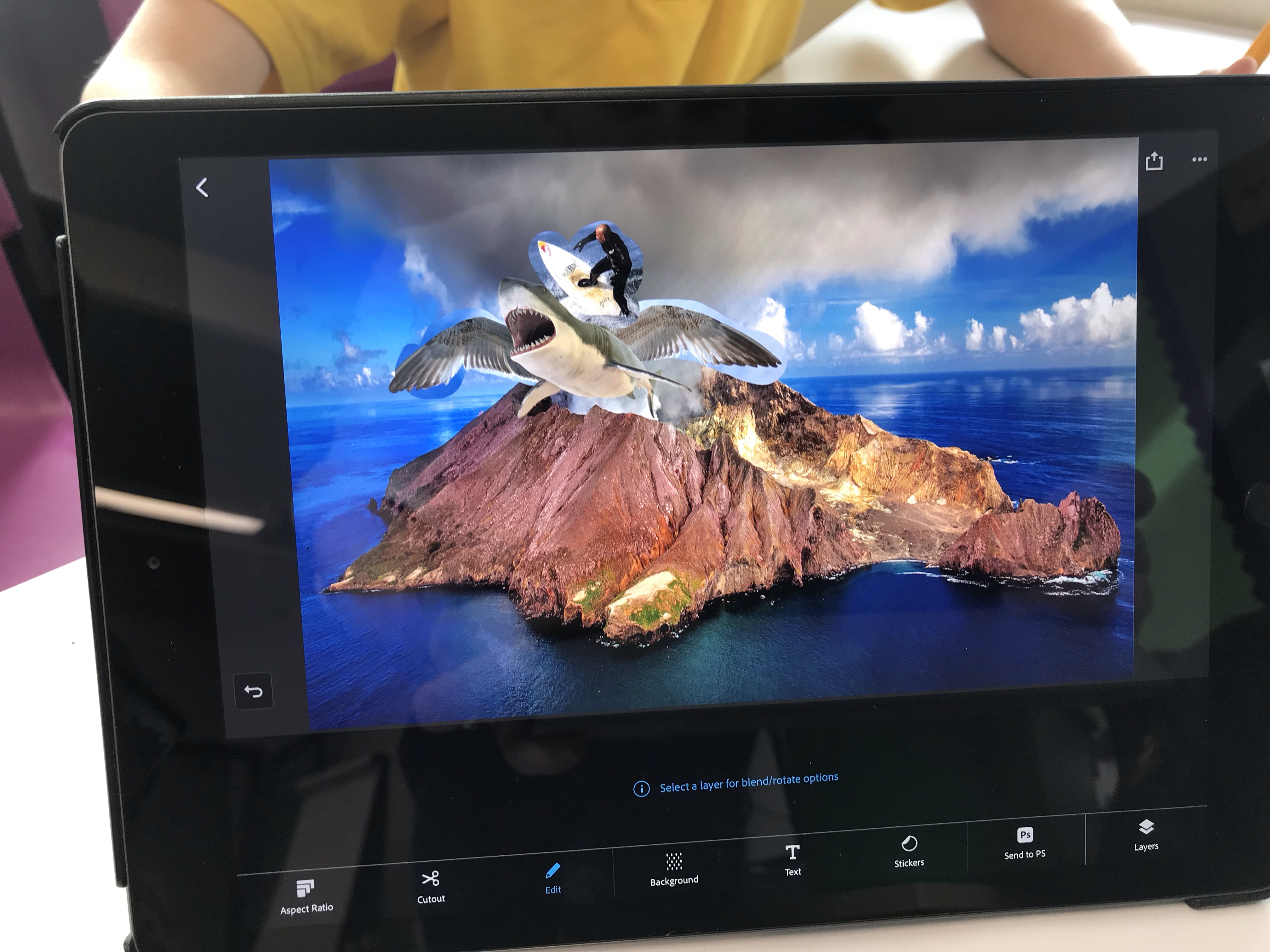
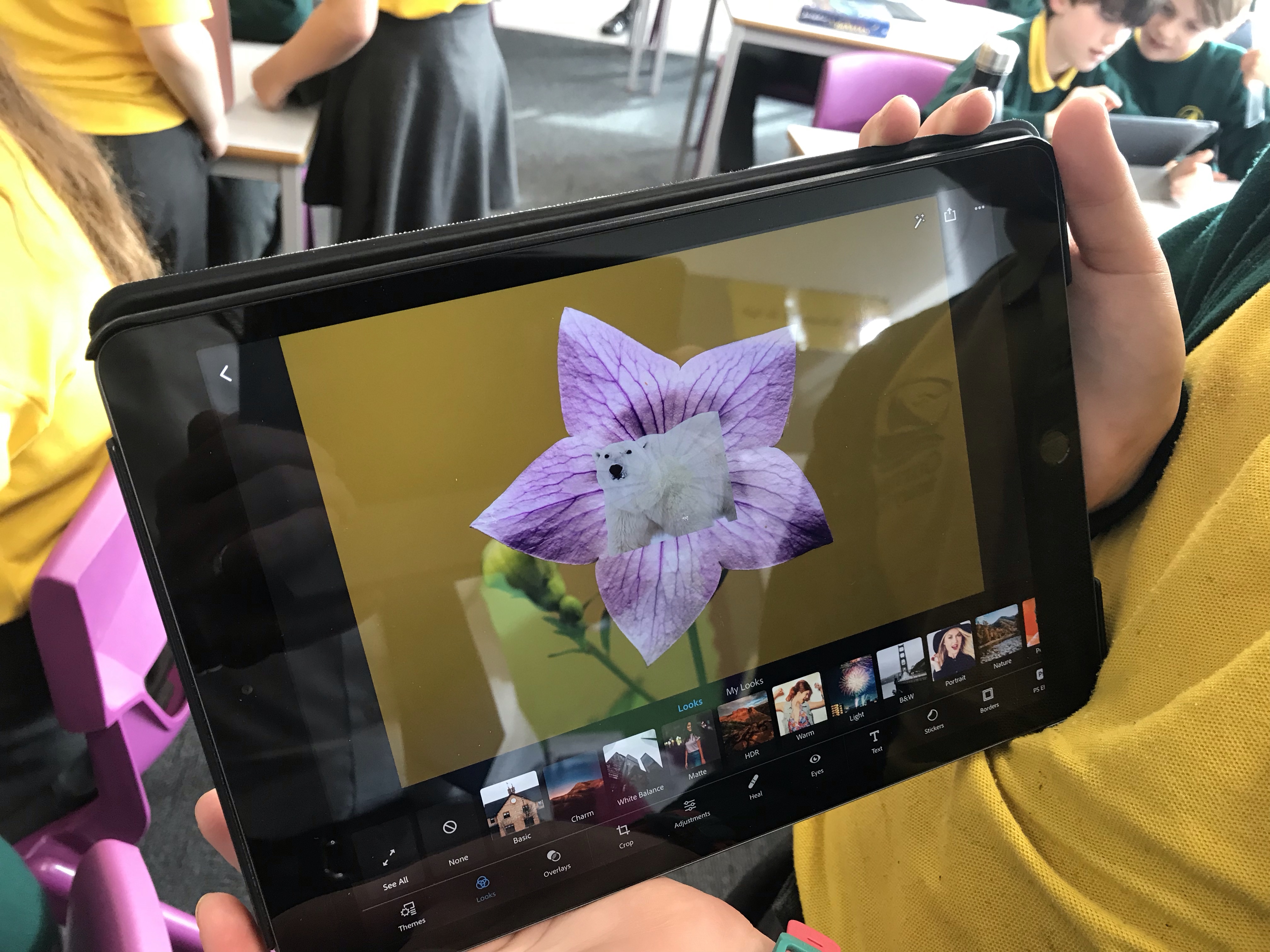
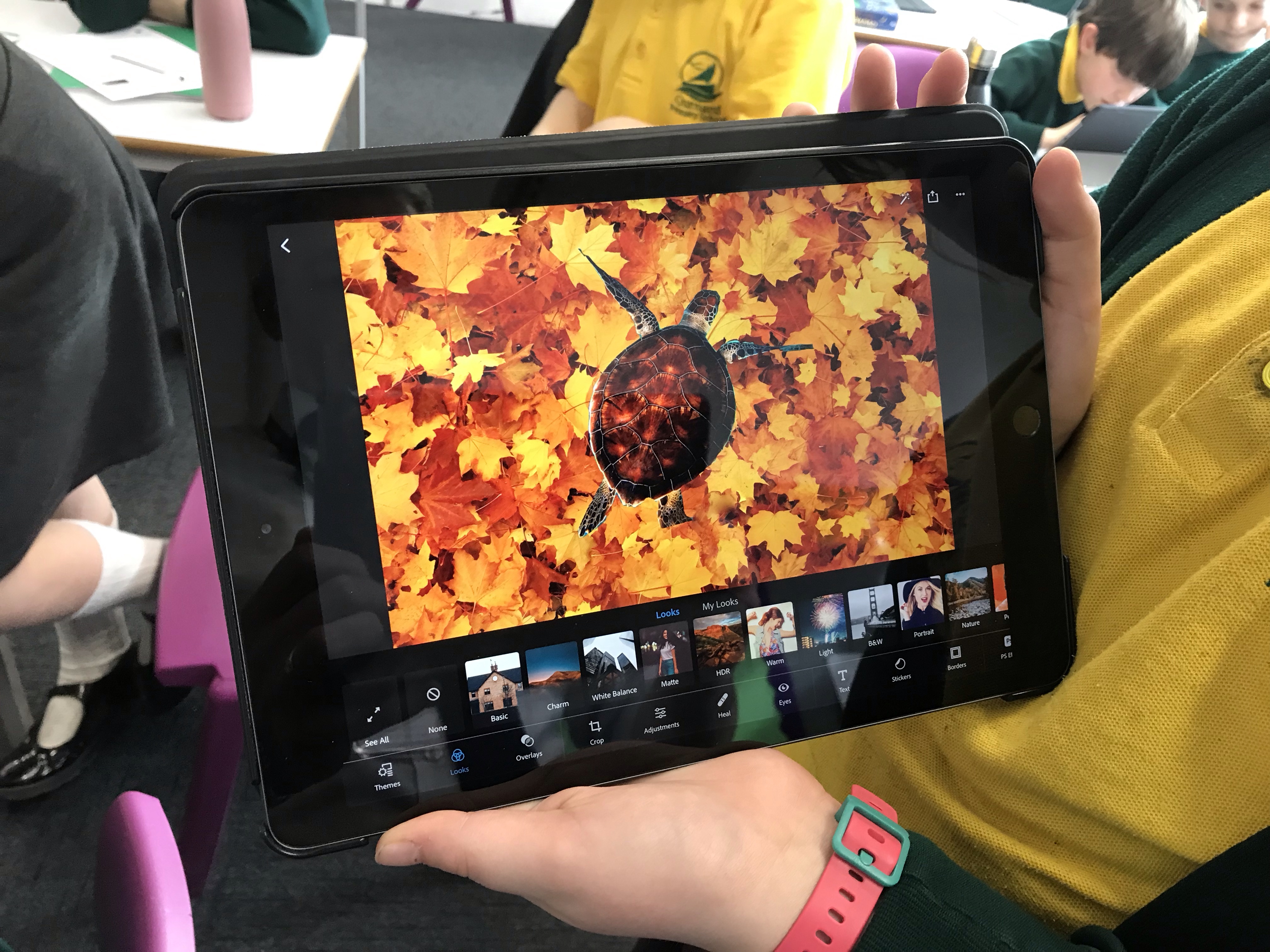

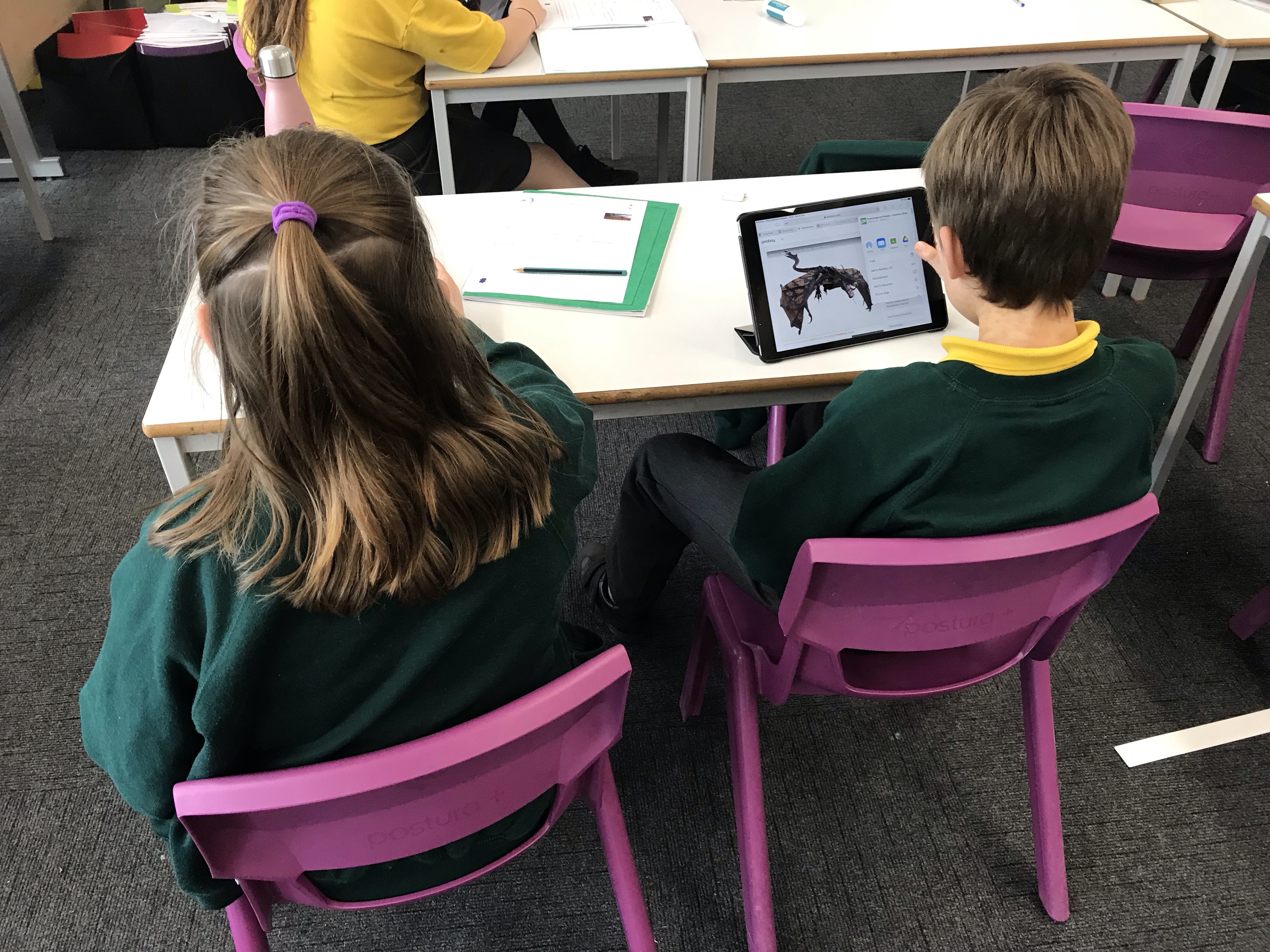
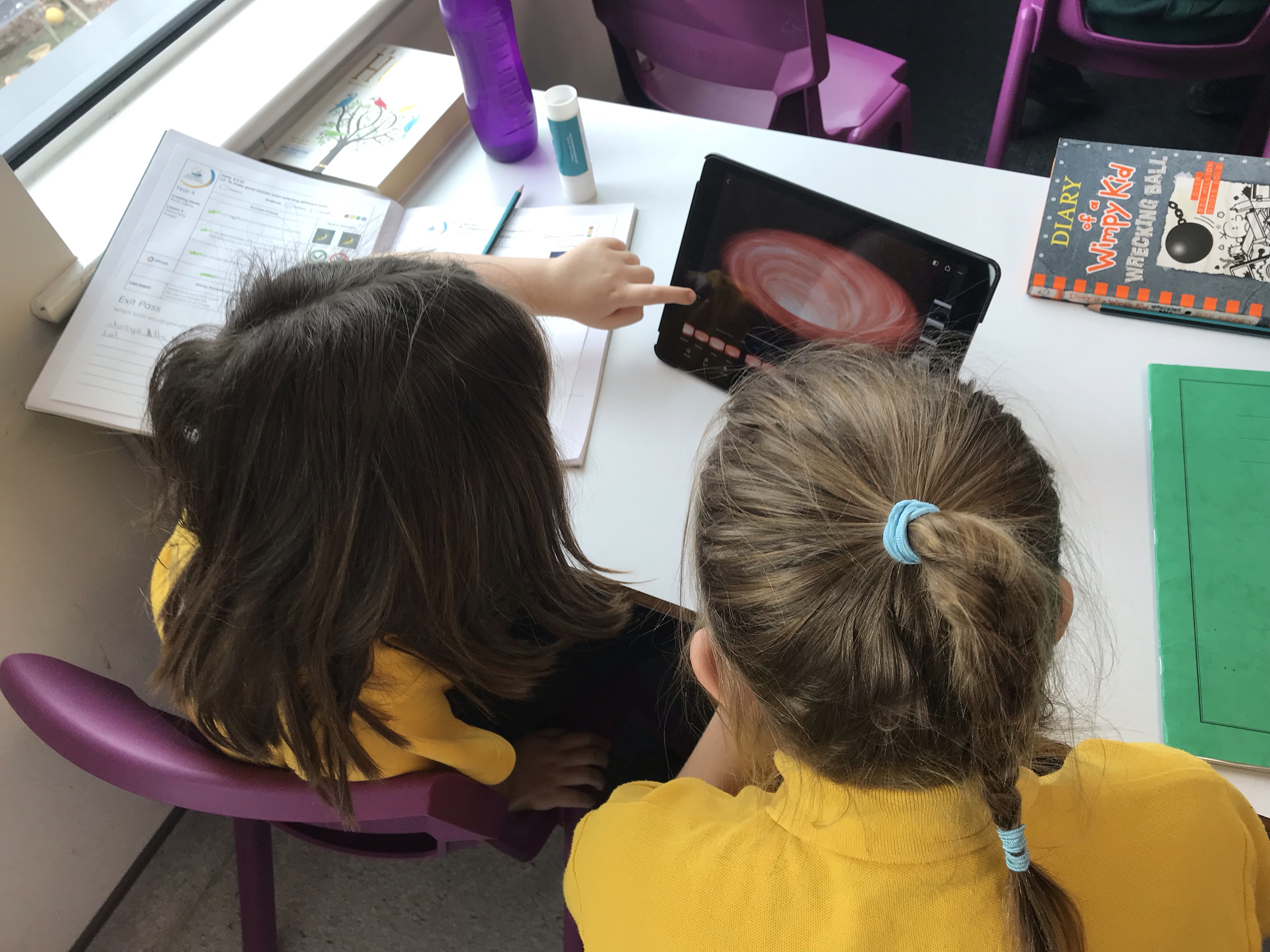
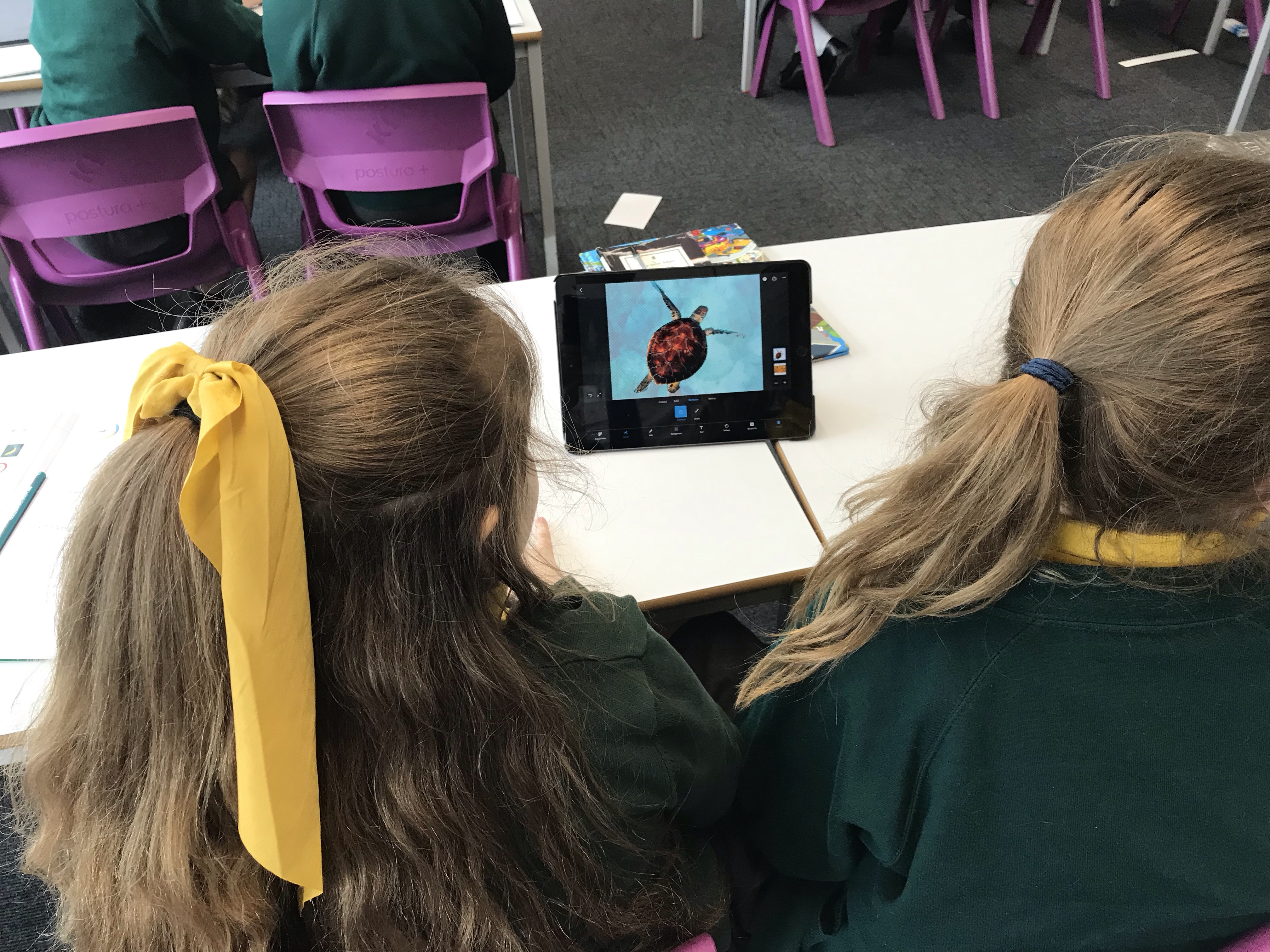


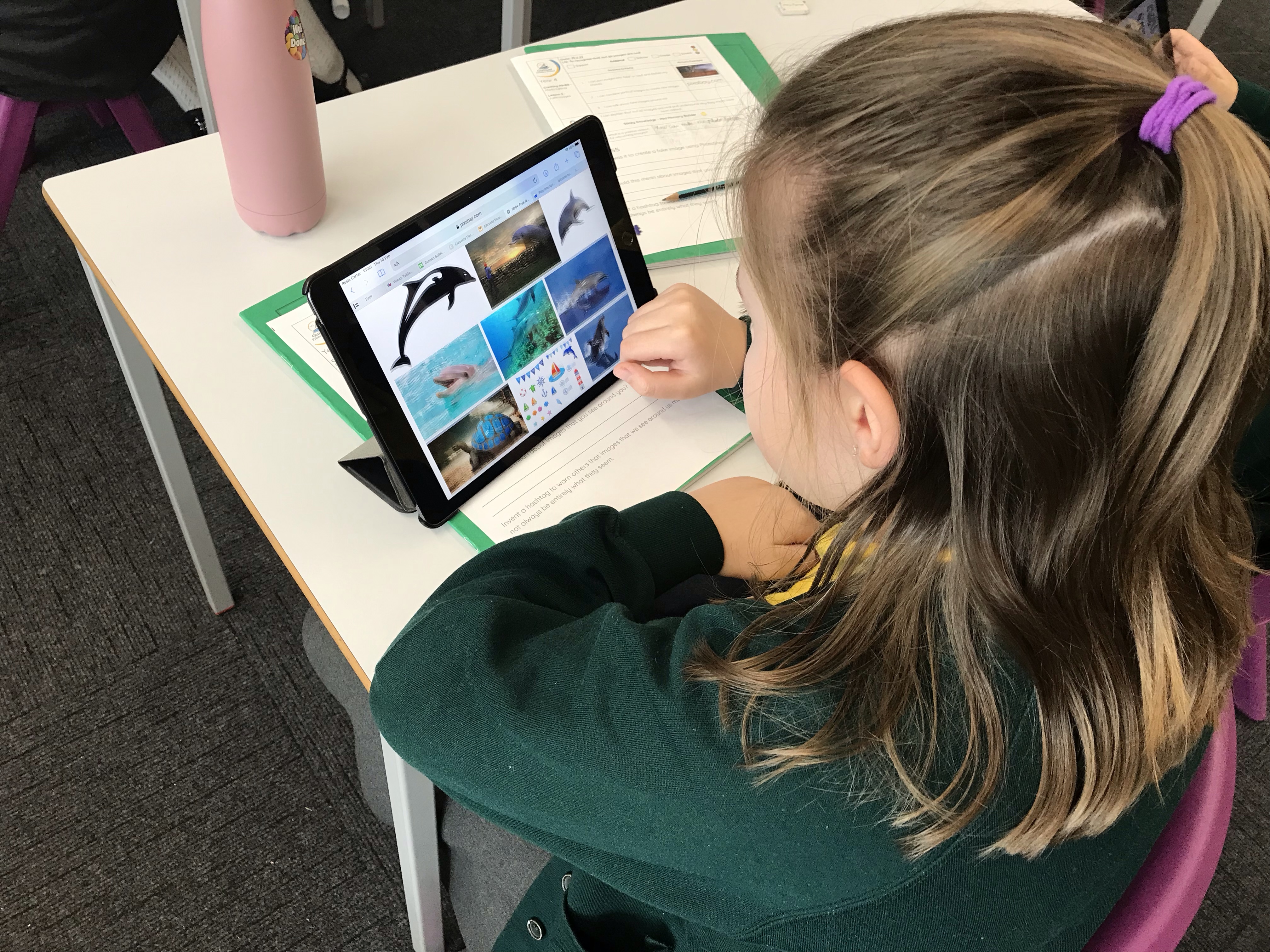

In today’s lesson, Year 4 explored the effect that retouching has on images. As well as exploring the tools and making some not-so-tasty-looking fruit look more appealing, we also spoke about the moral implications of changing pictures. We agreed that this wasn’t always fair and gave people unrealistic expectations. You can see some of our adapted images below!
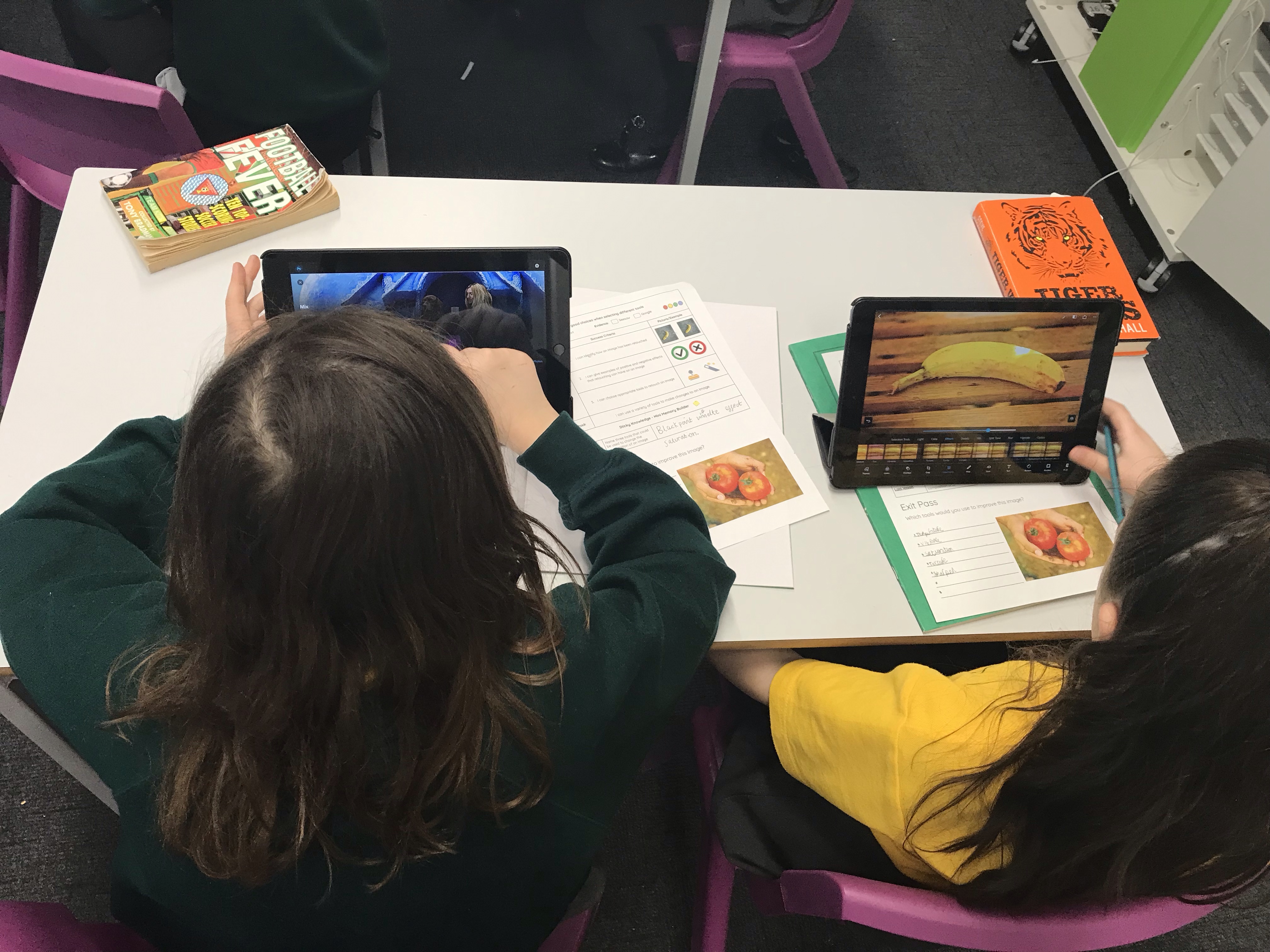
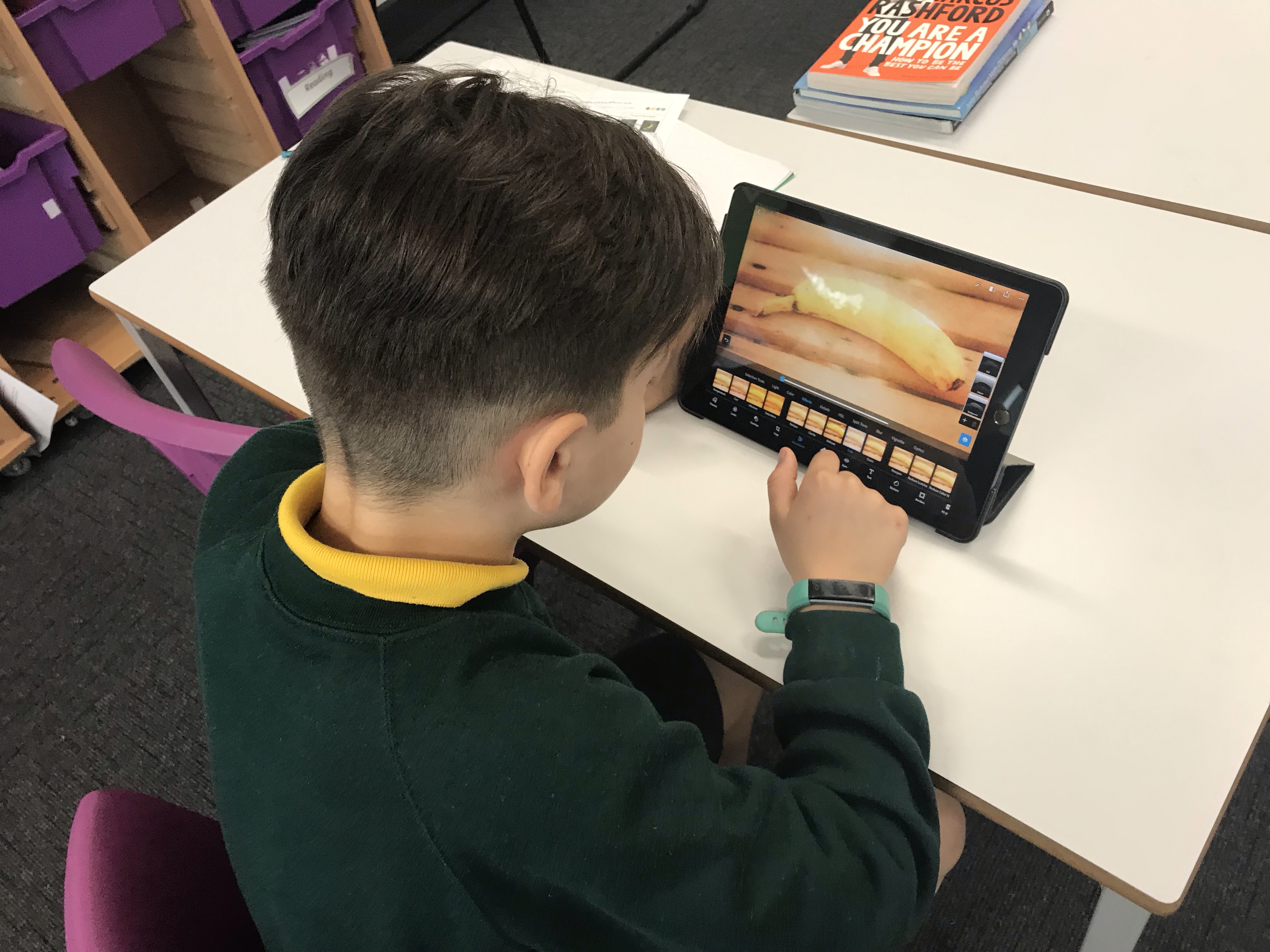

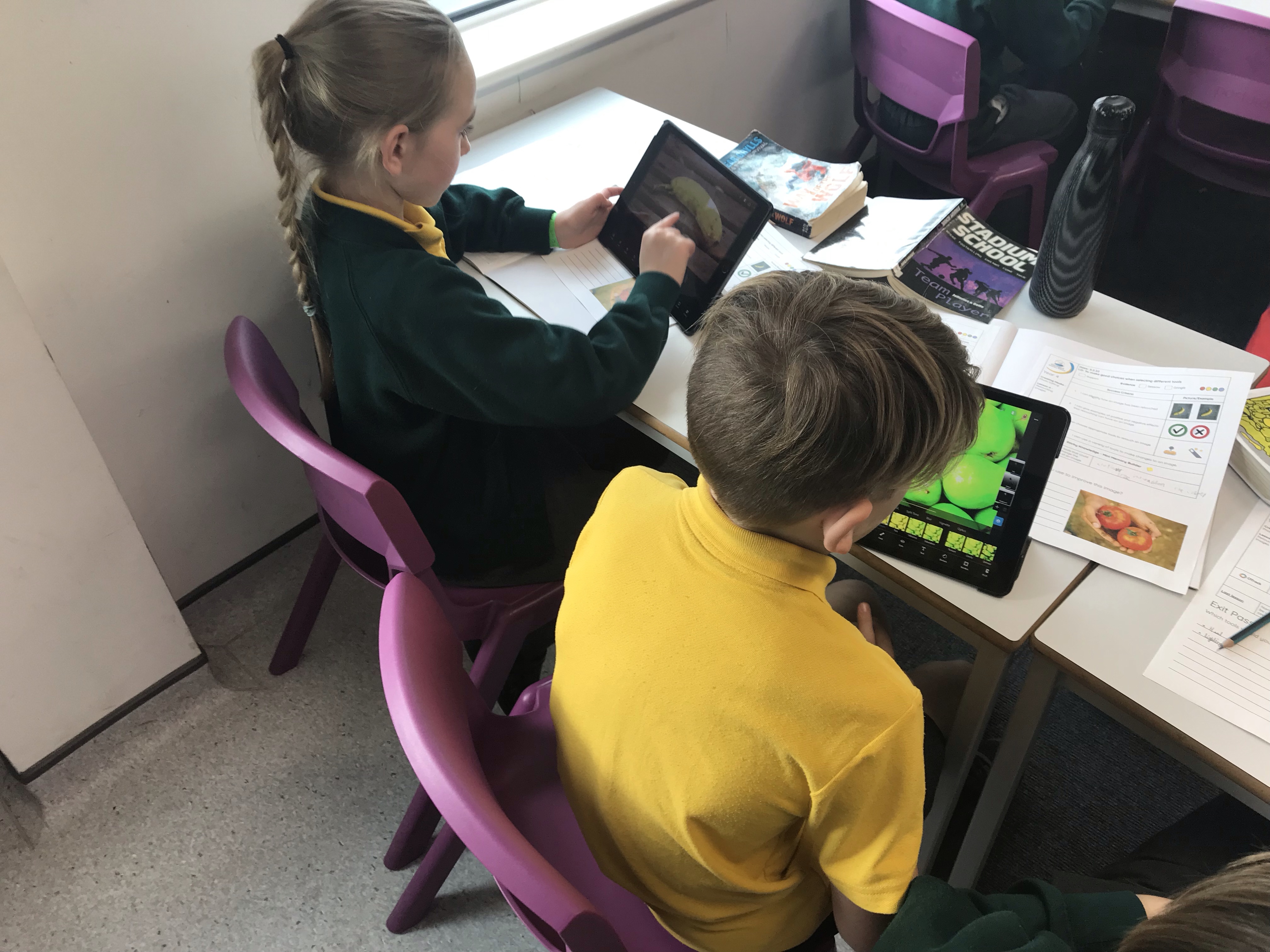
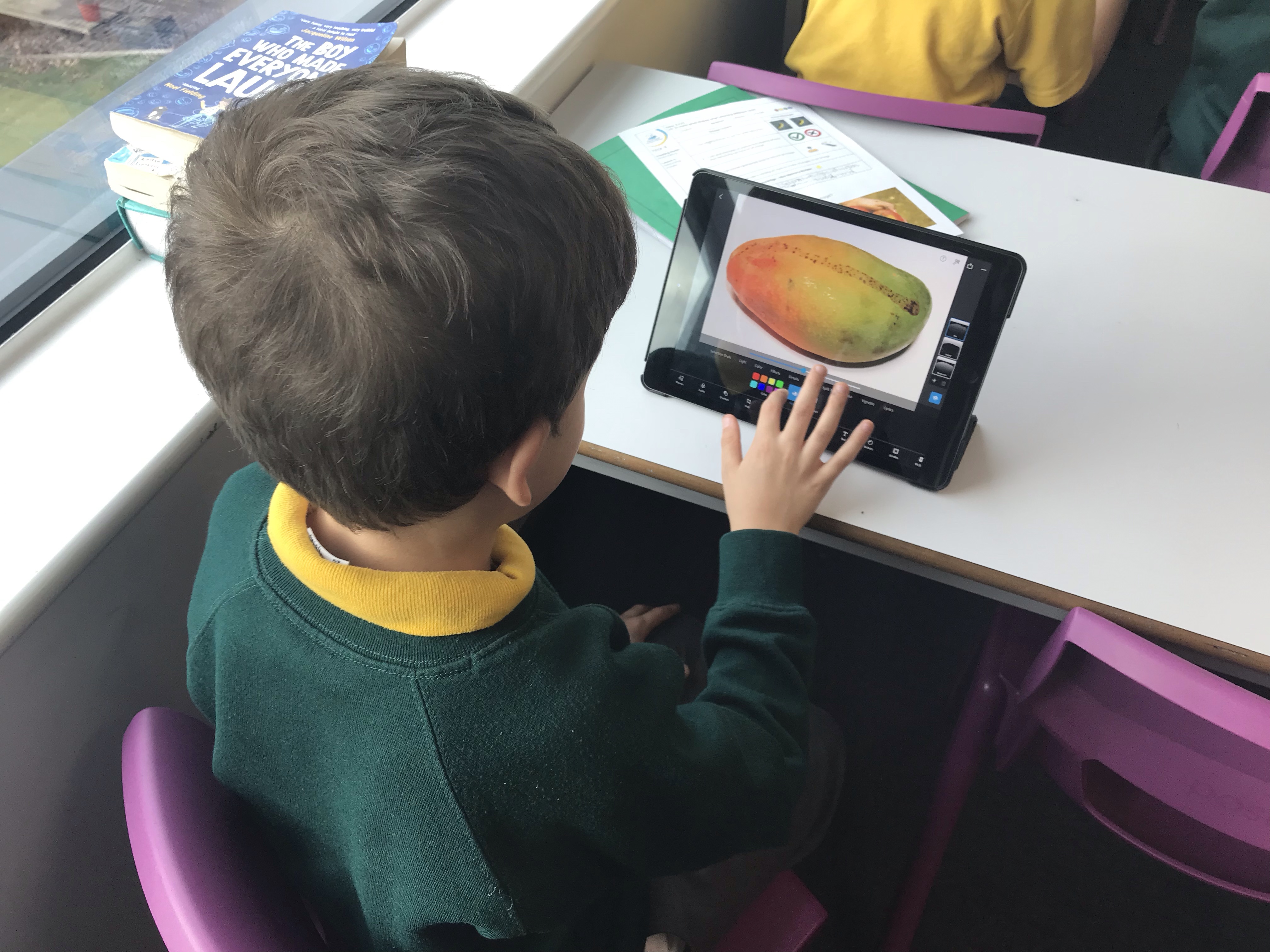
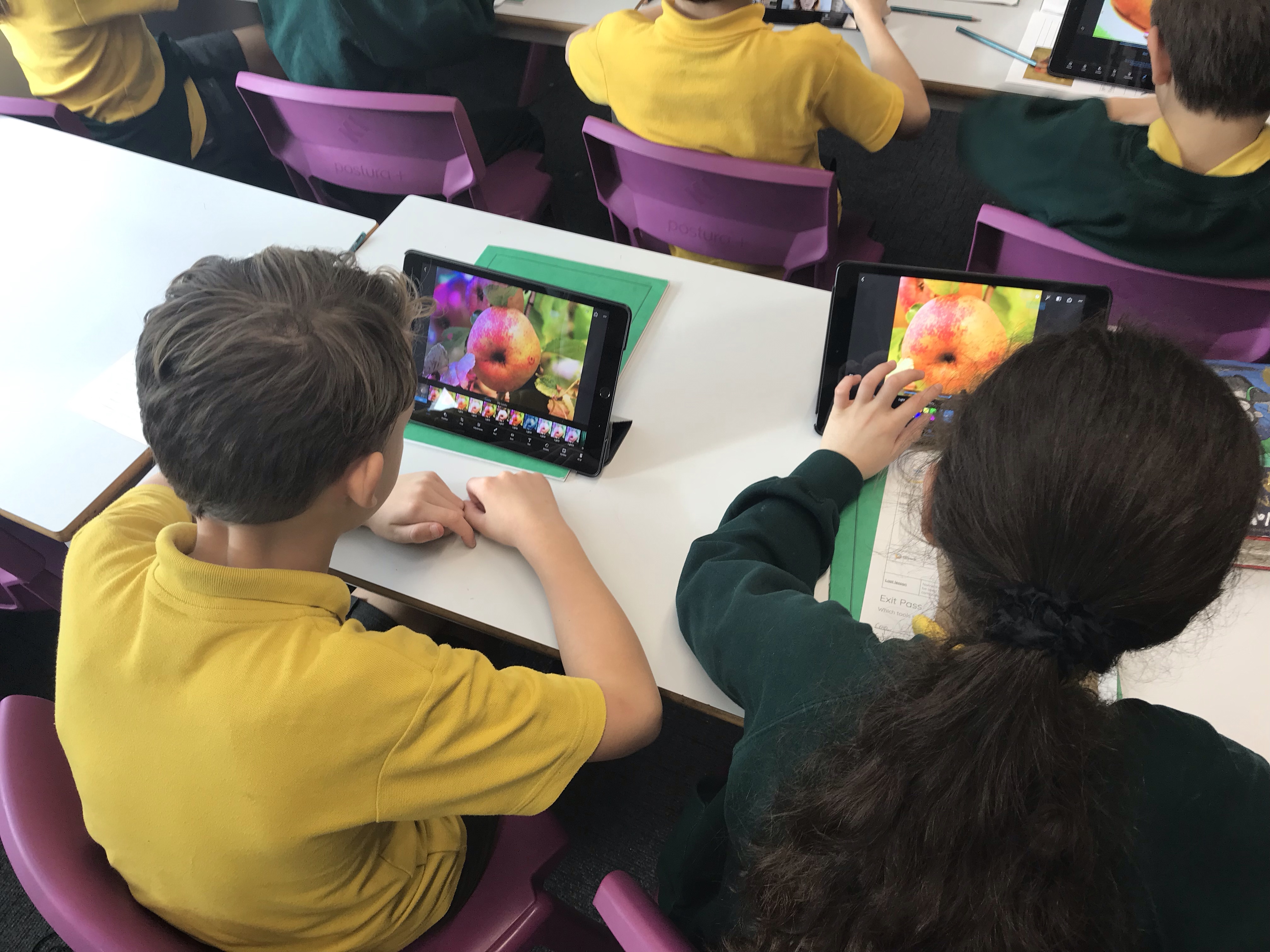

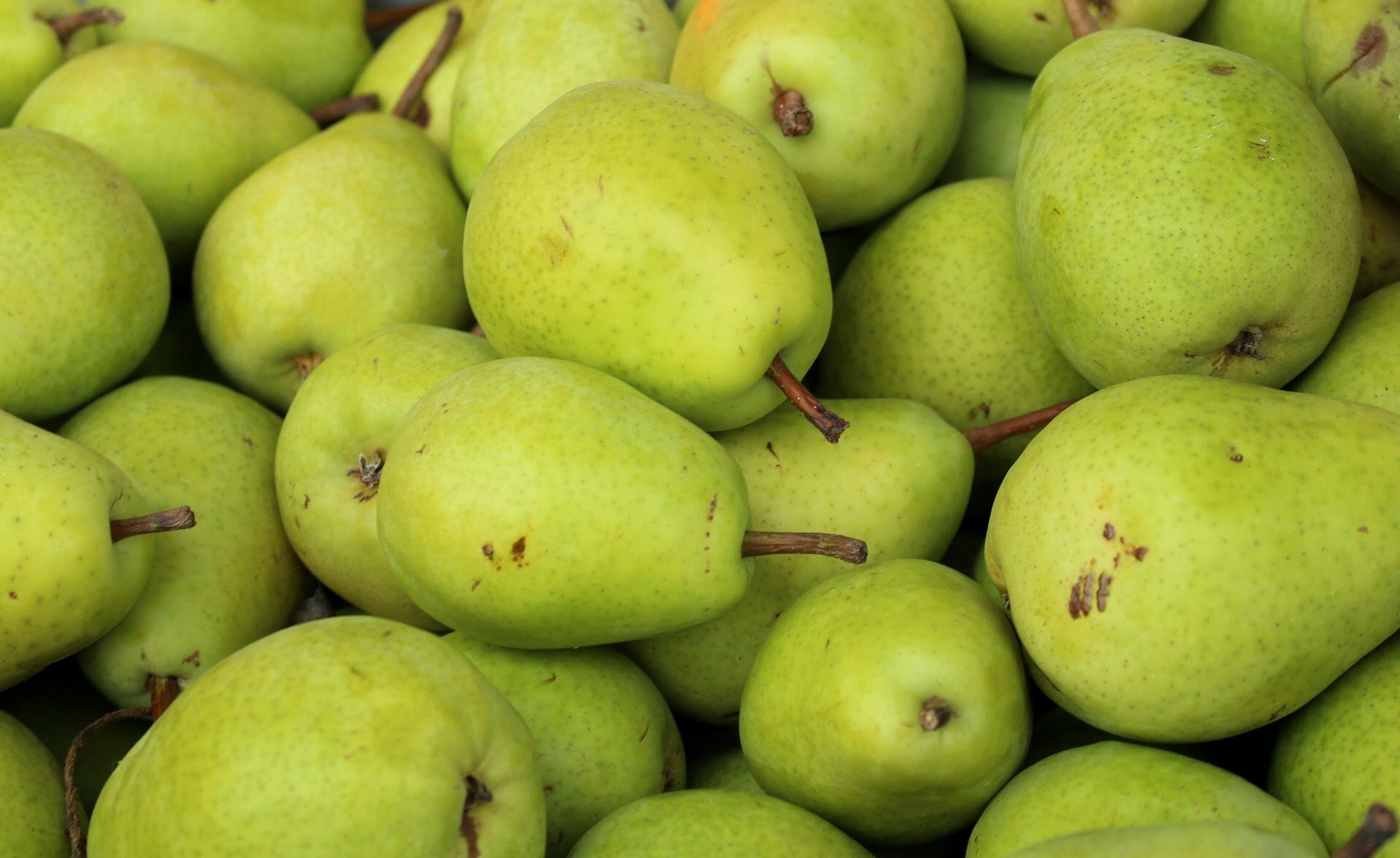
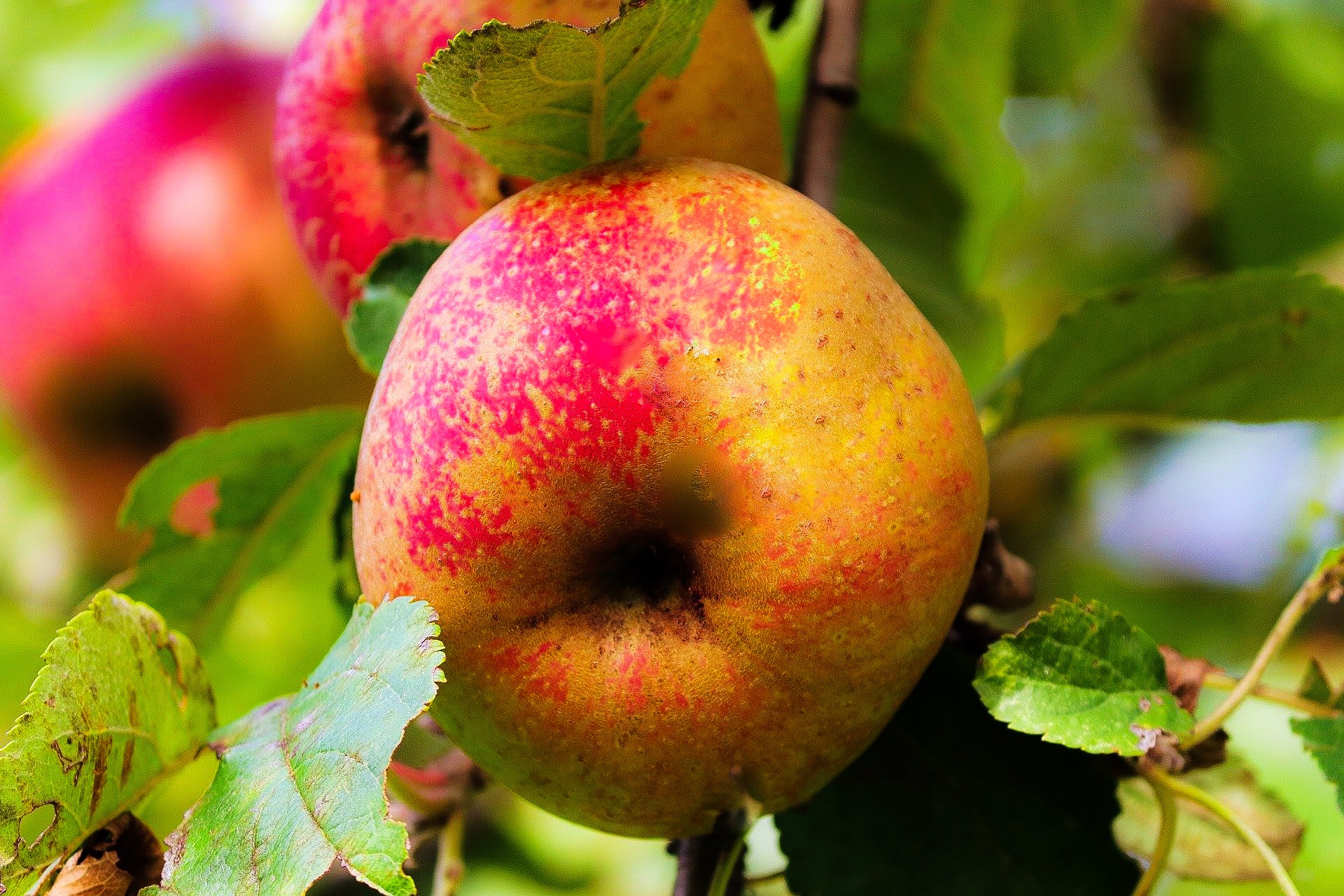
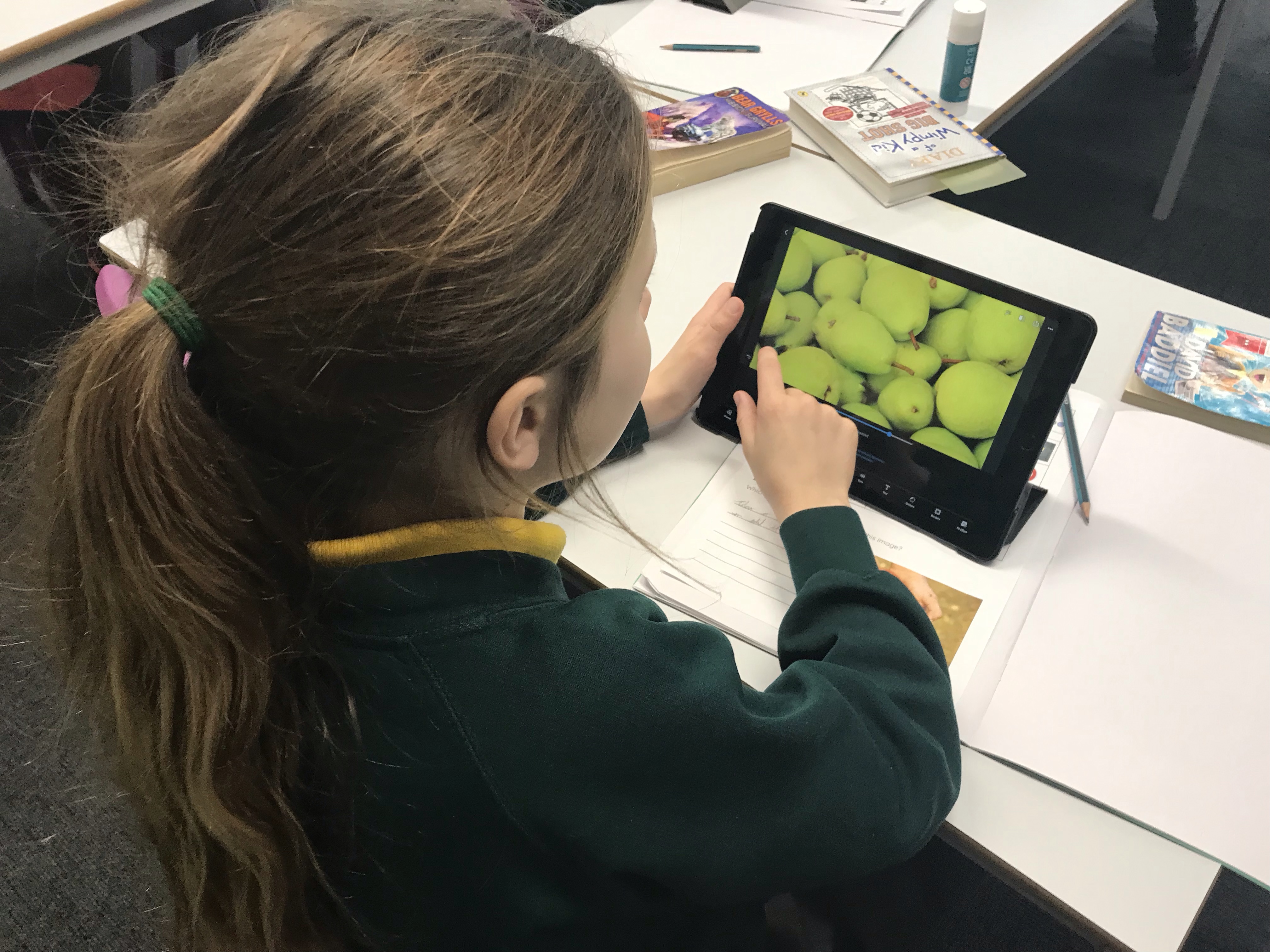
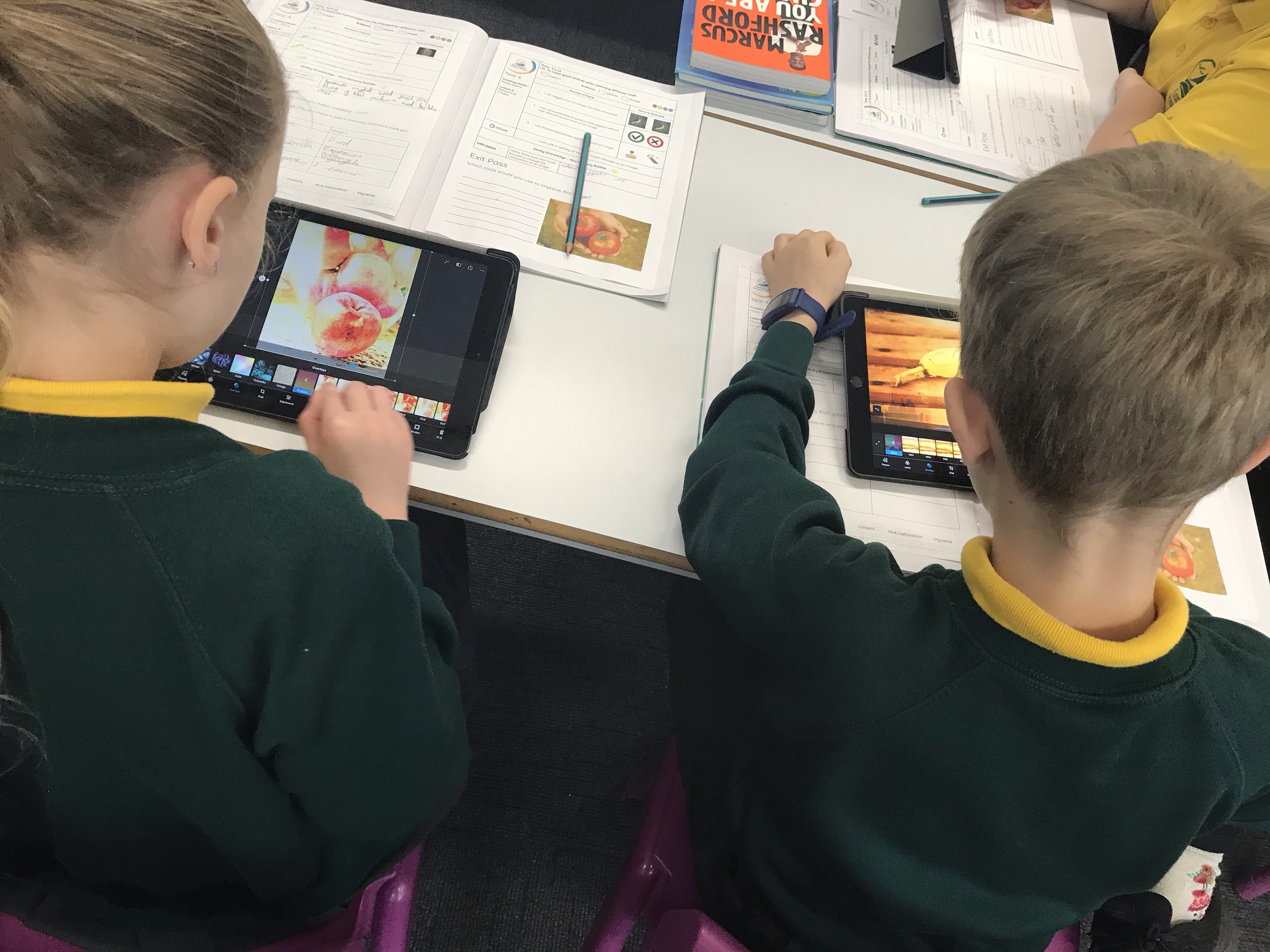
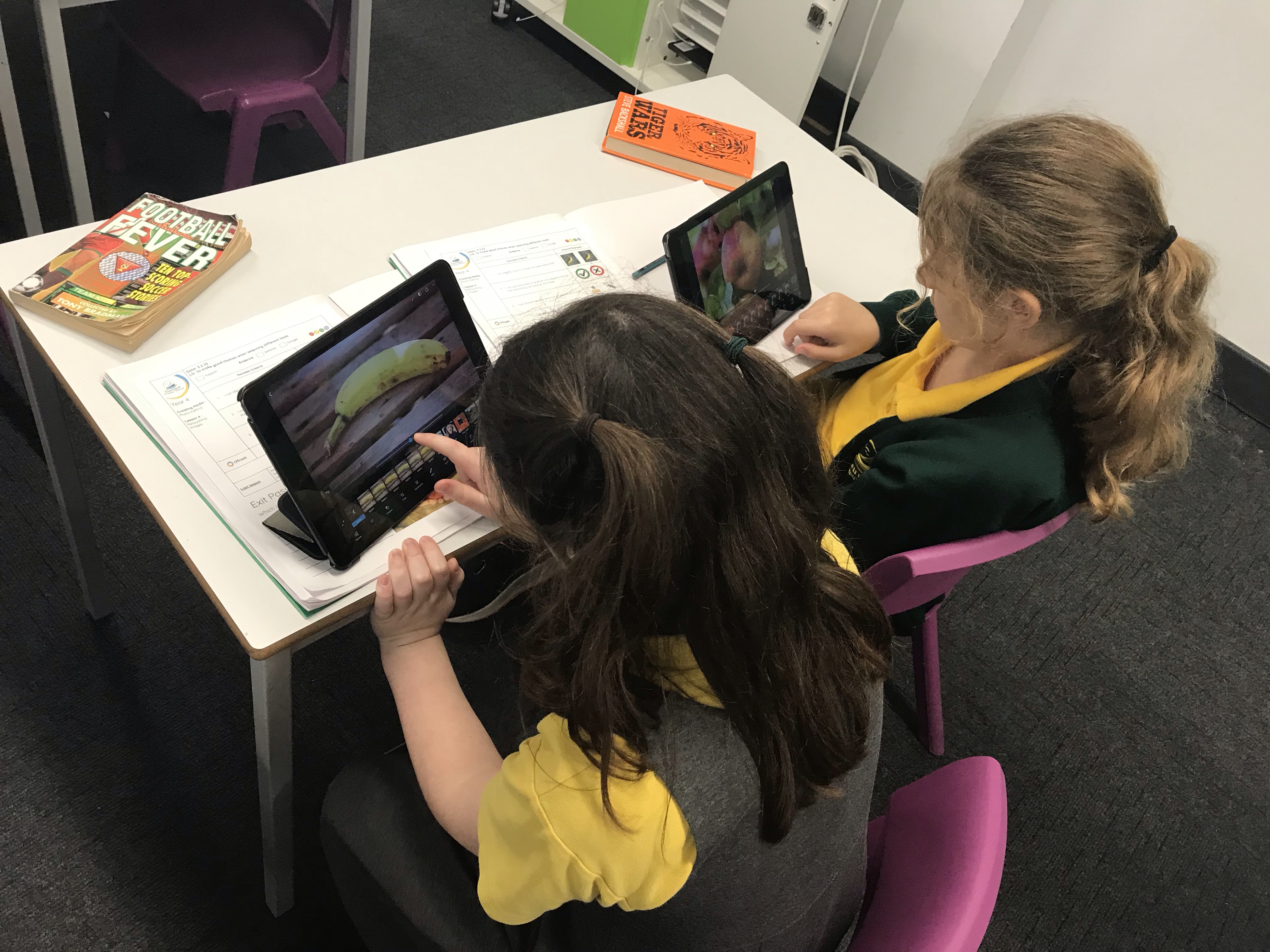

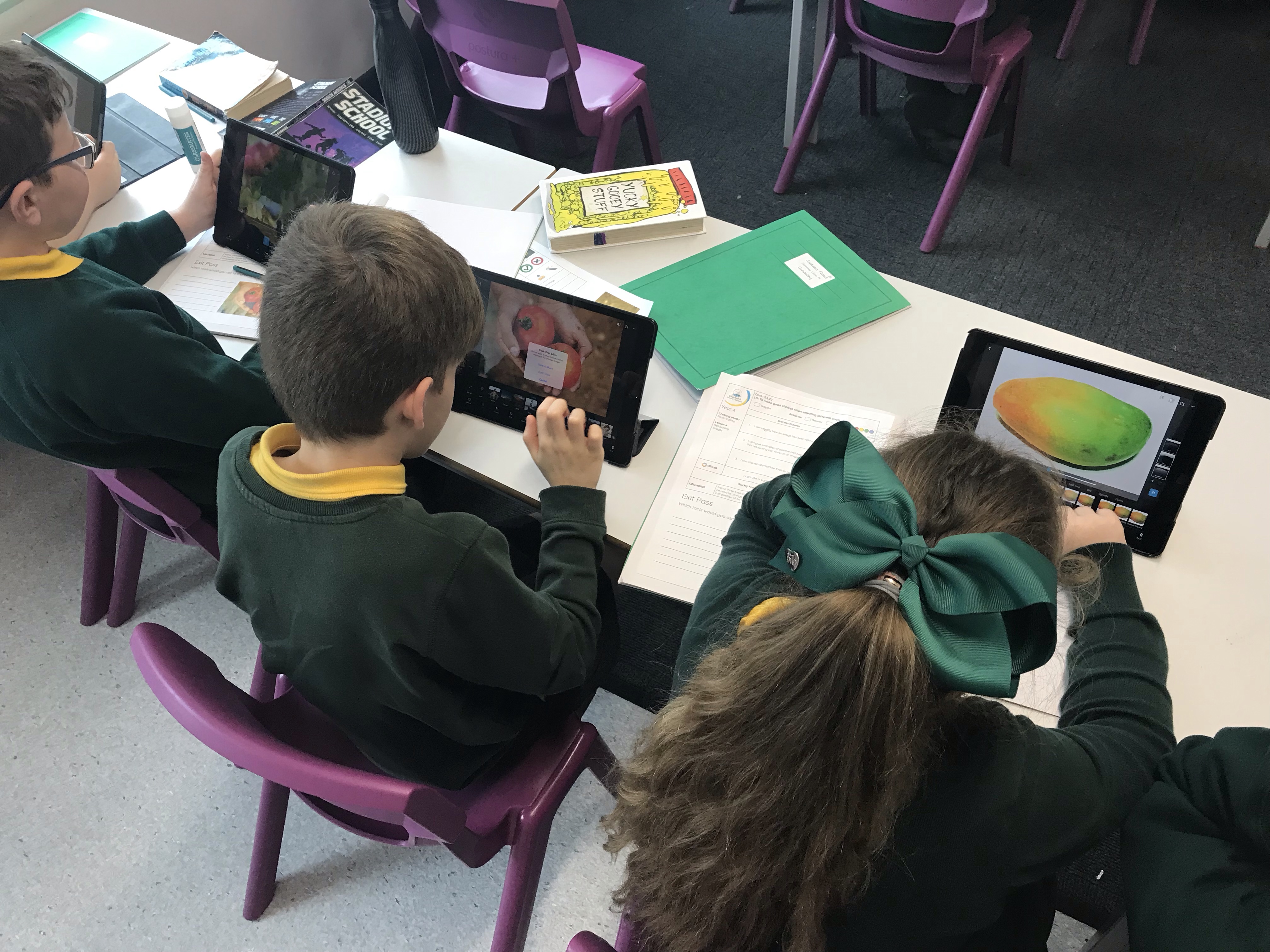
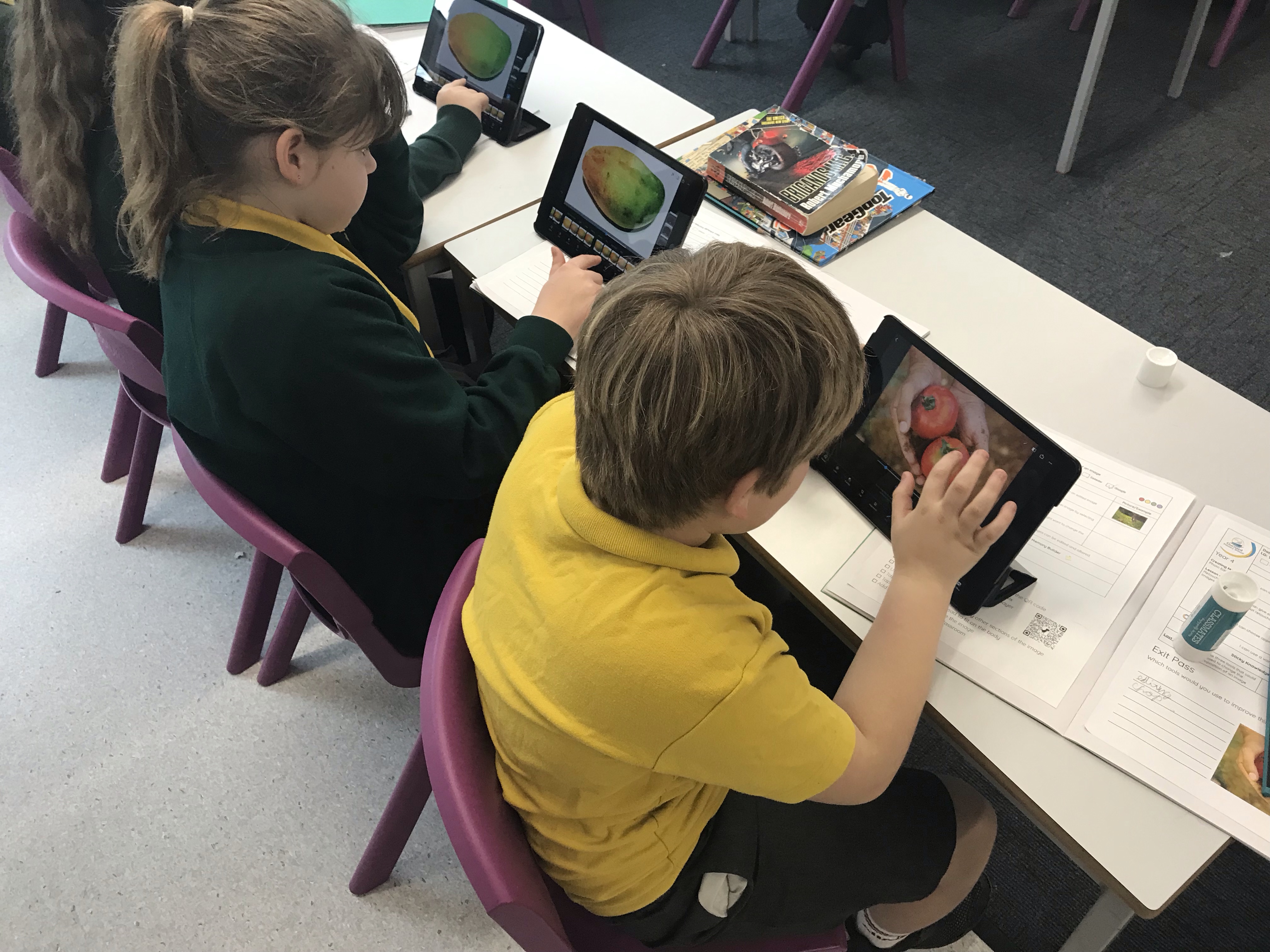
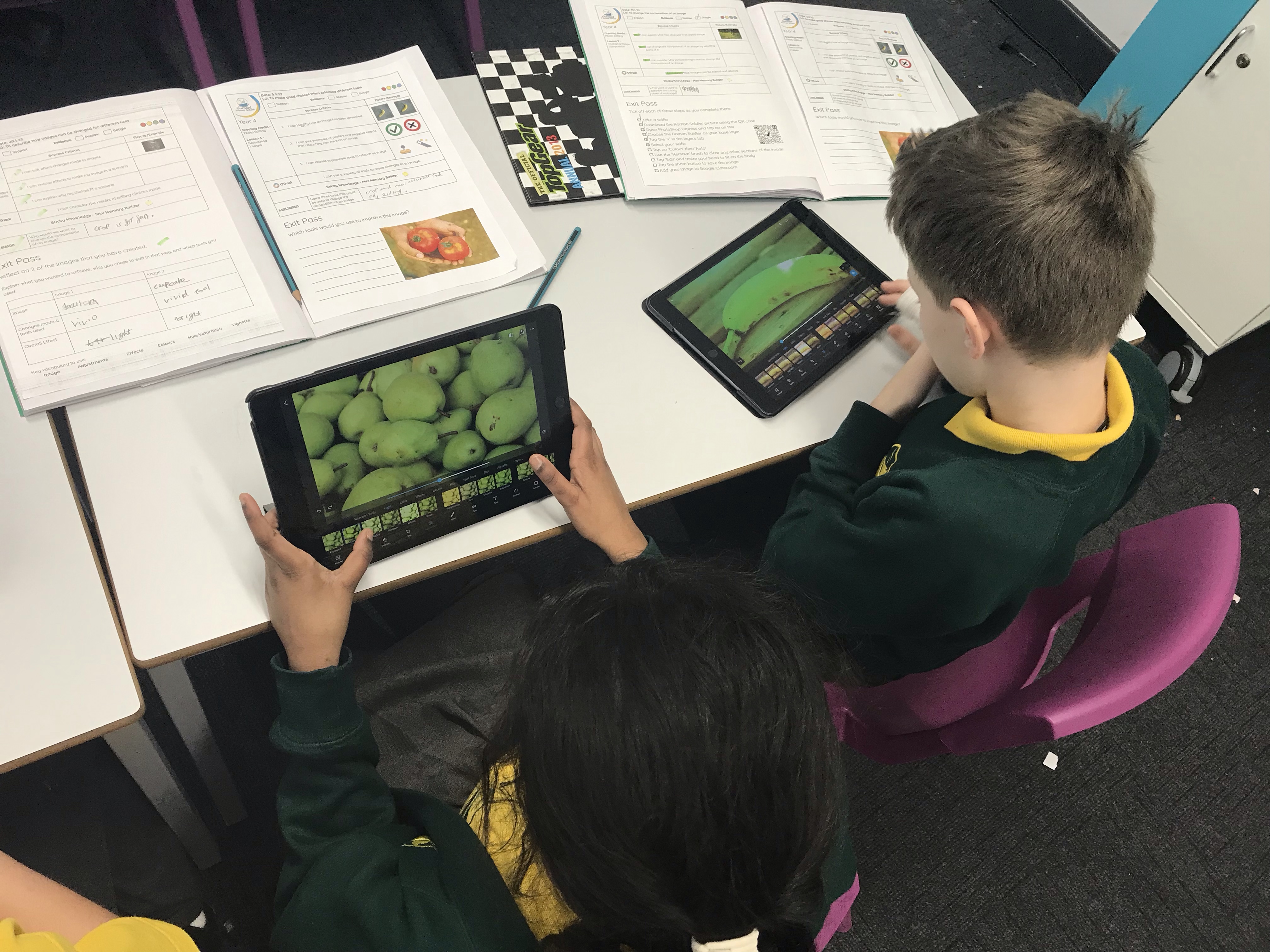
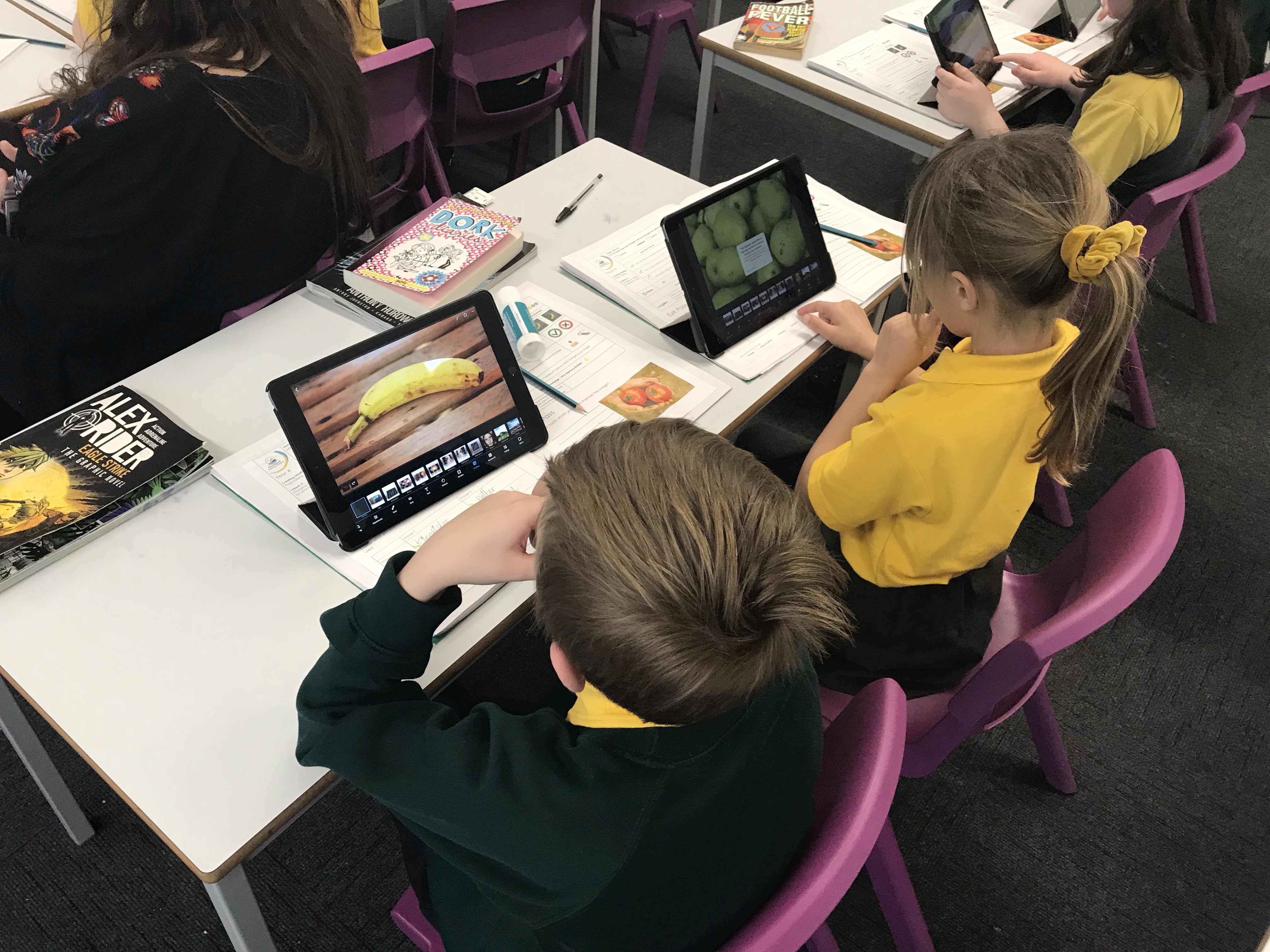
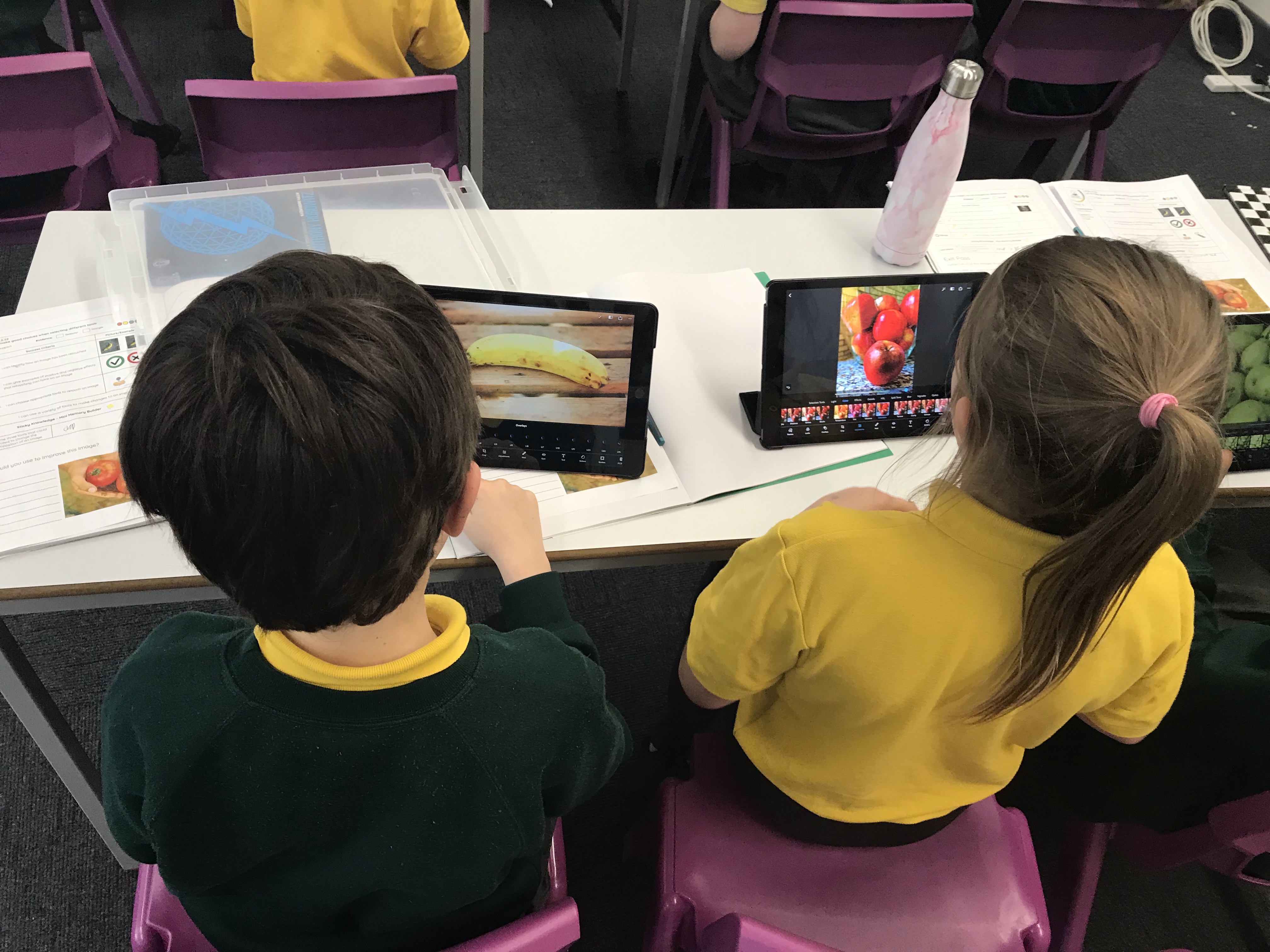
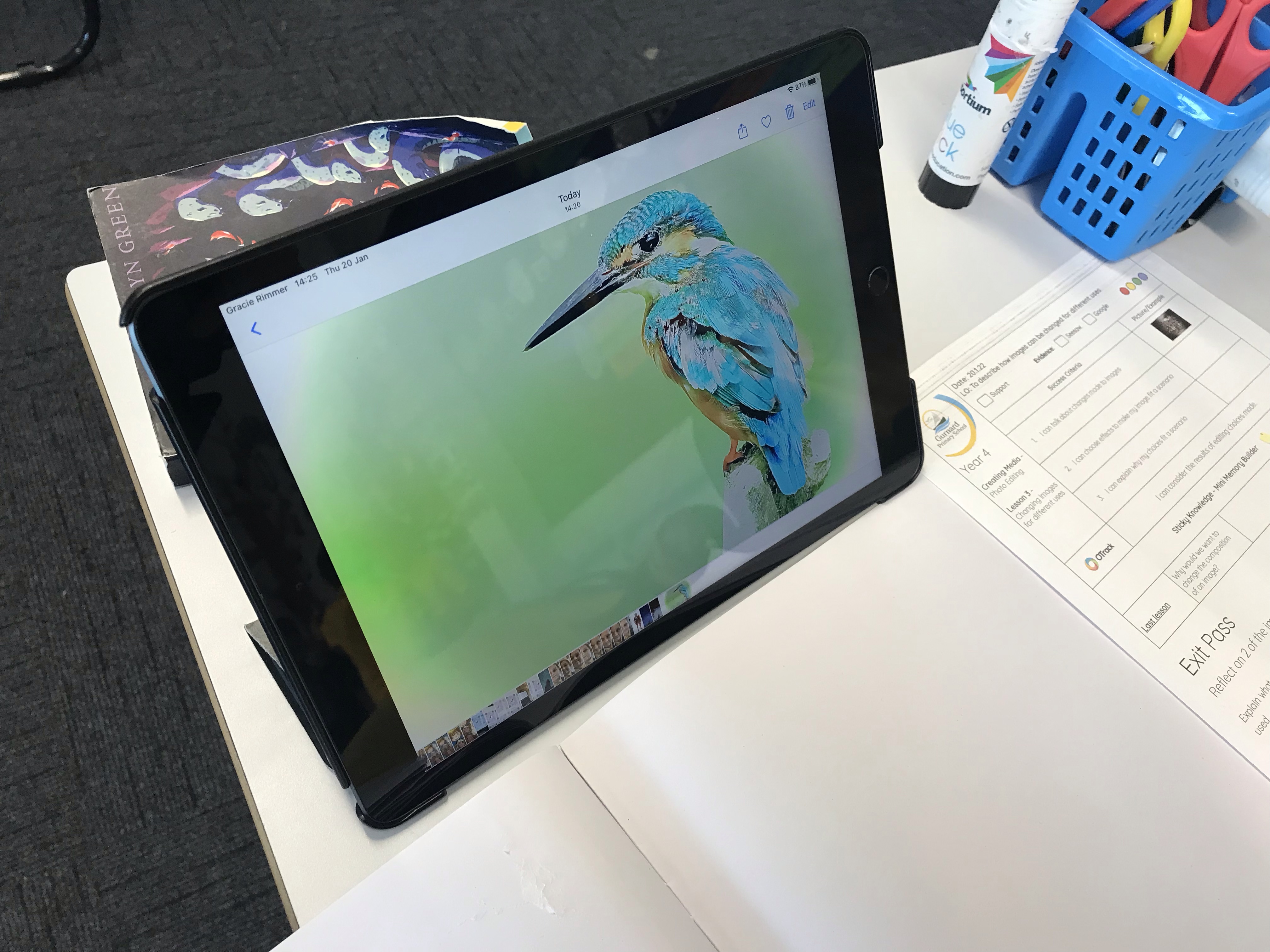
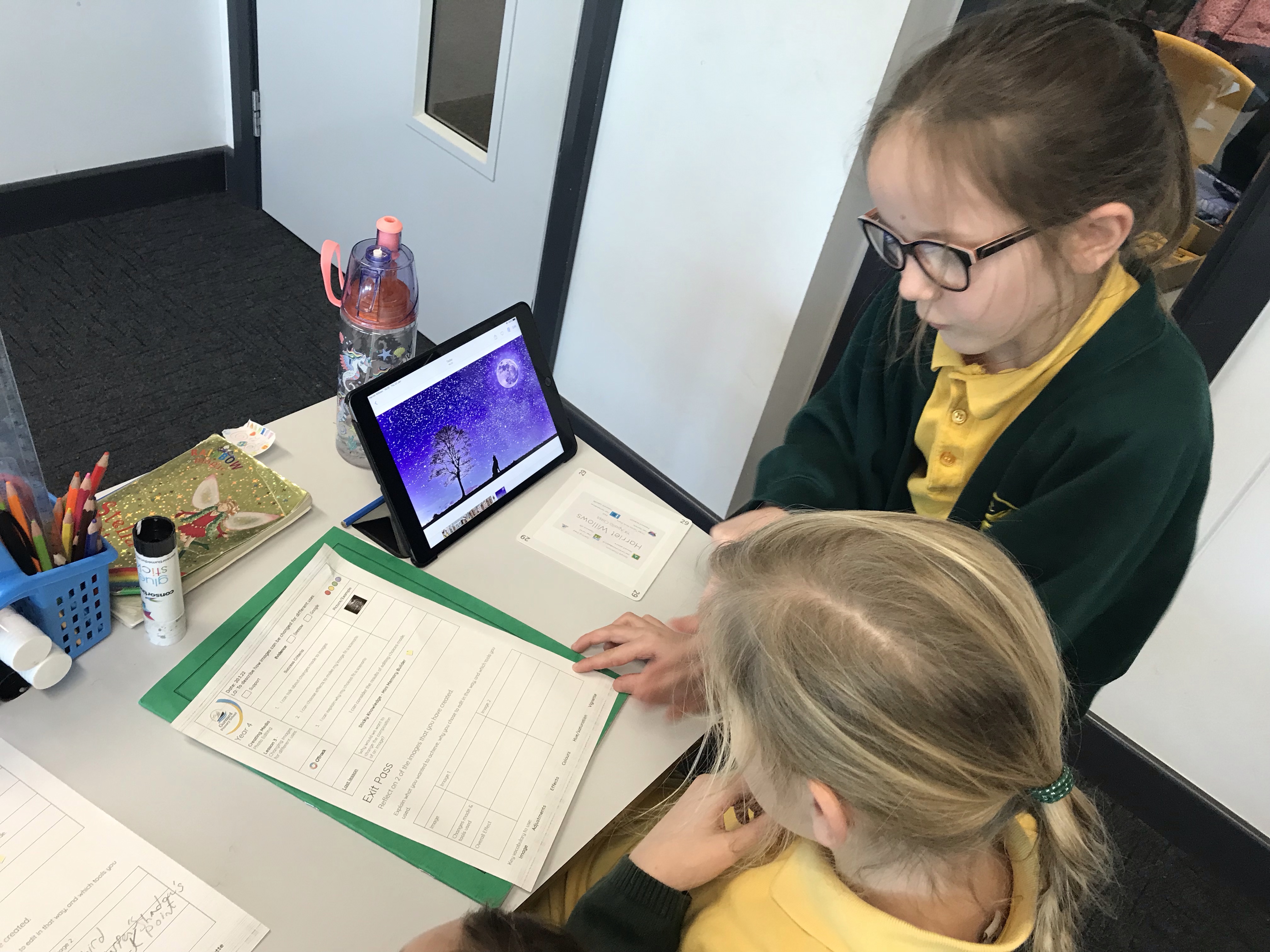
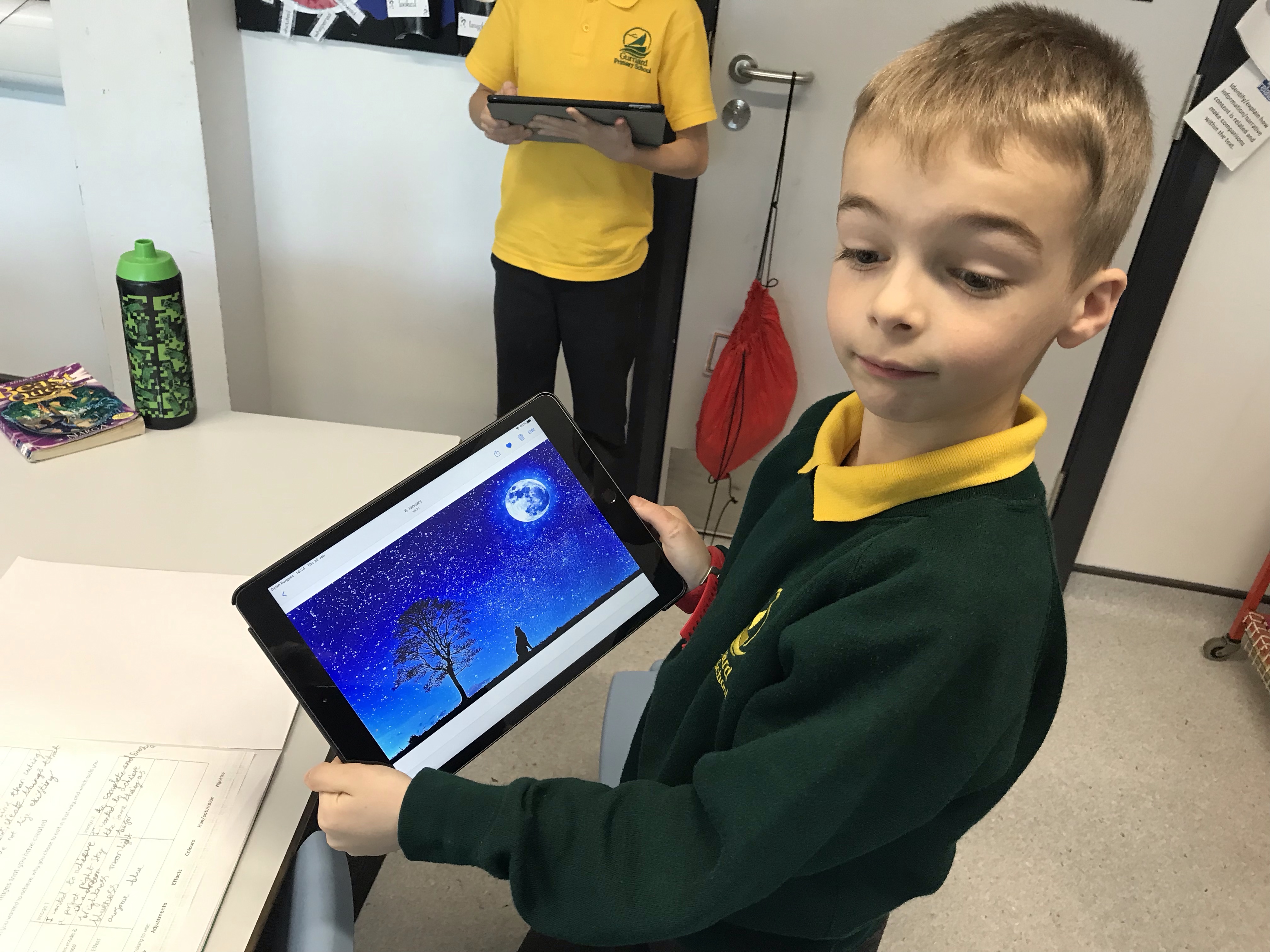
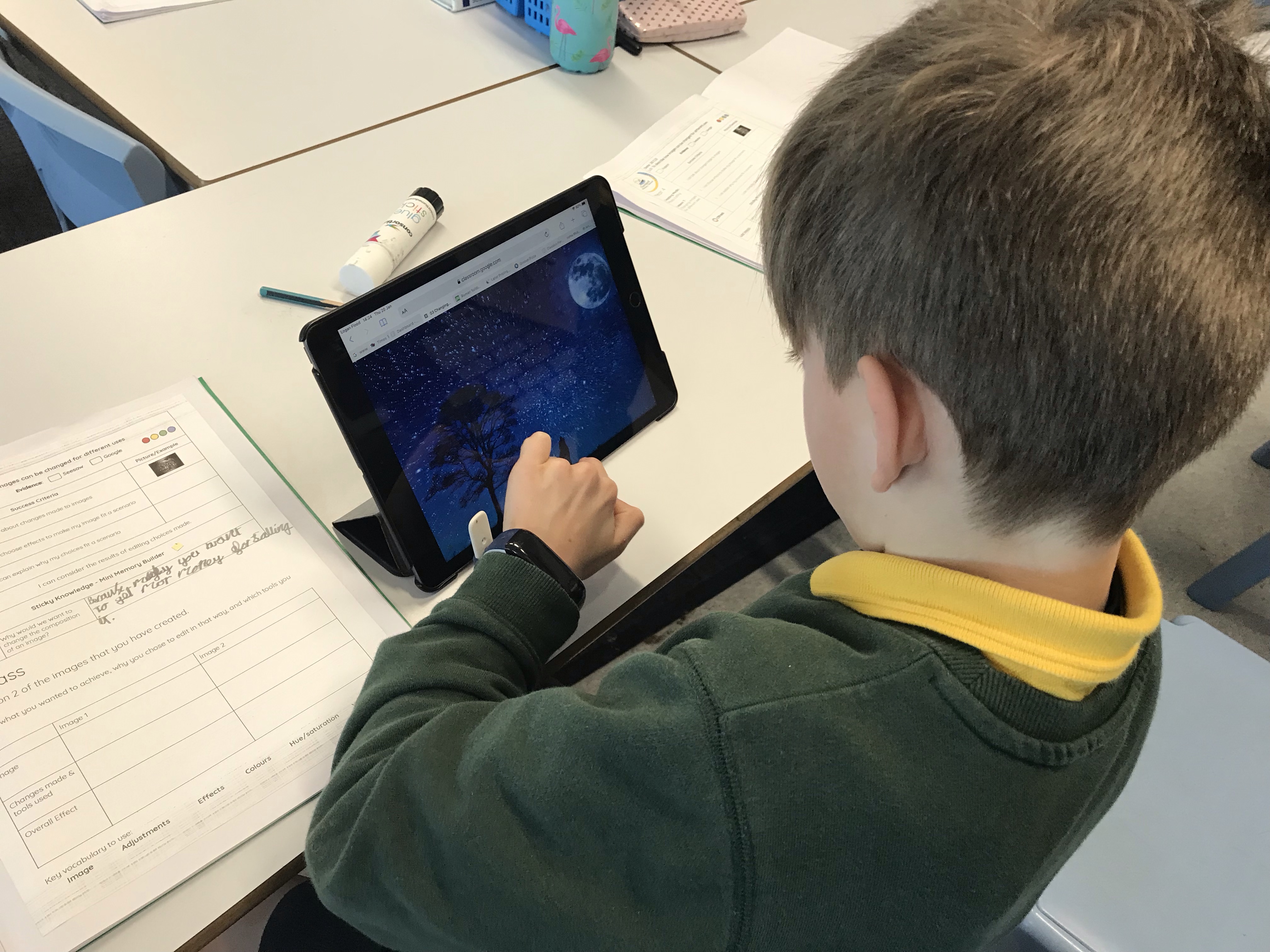
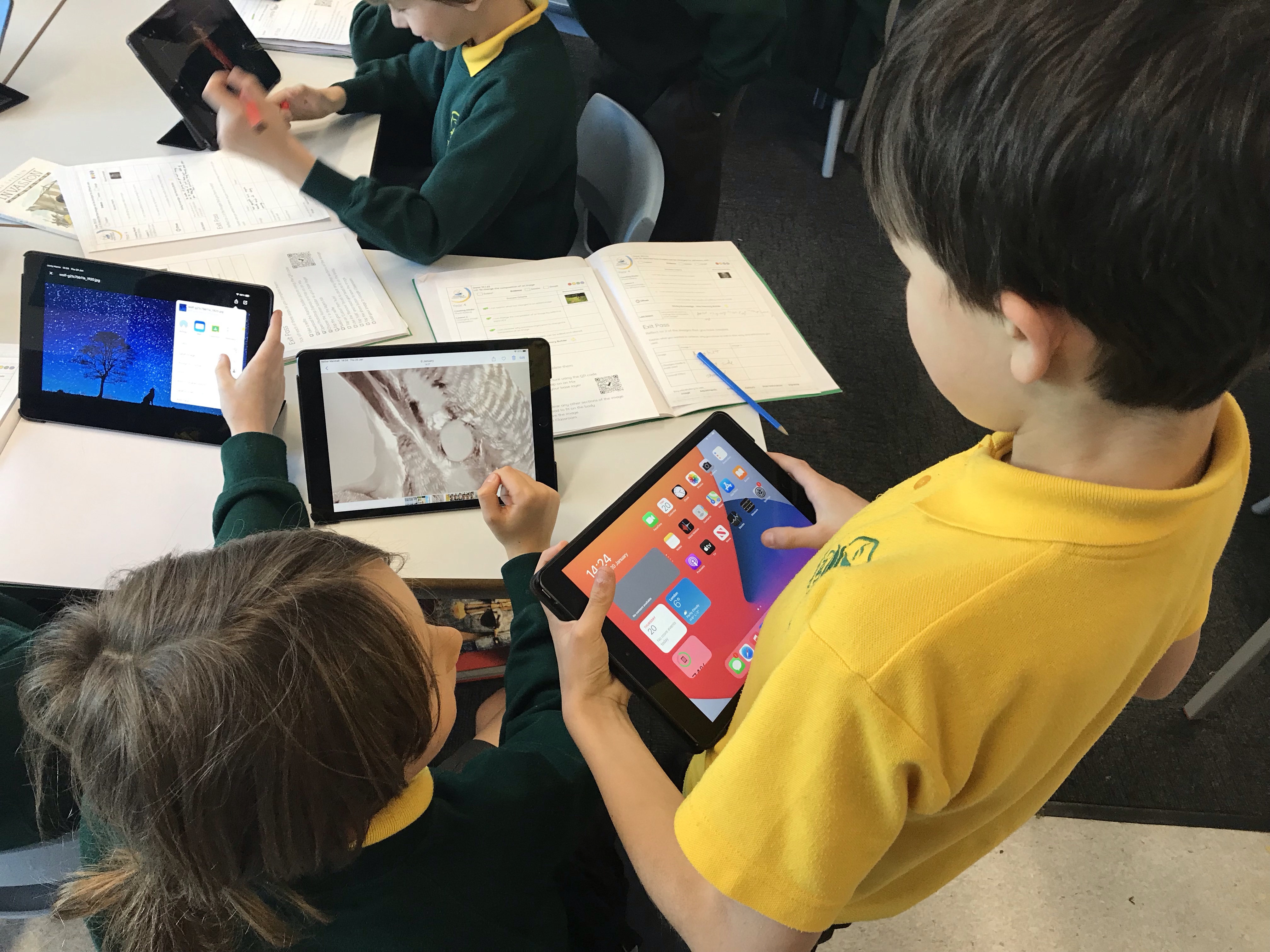
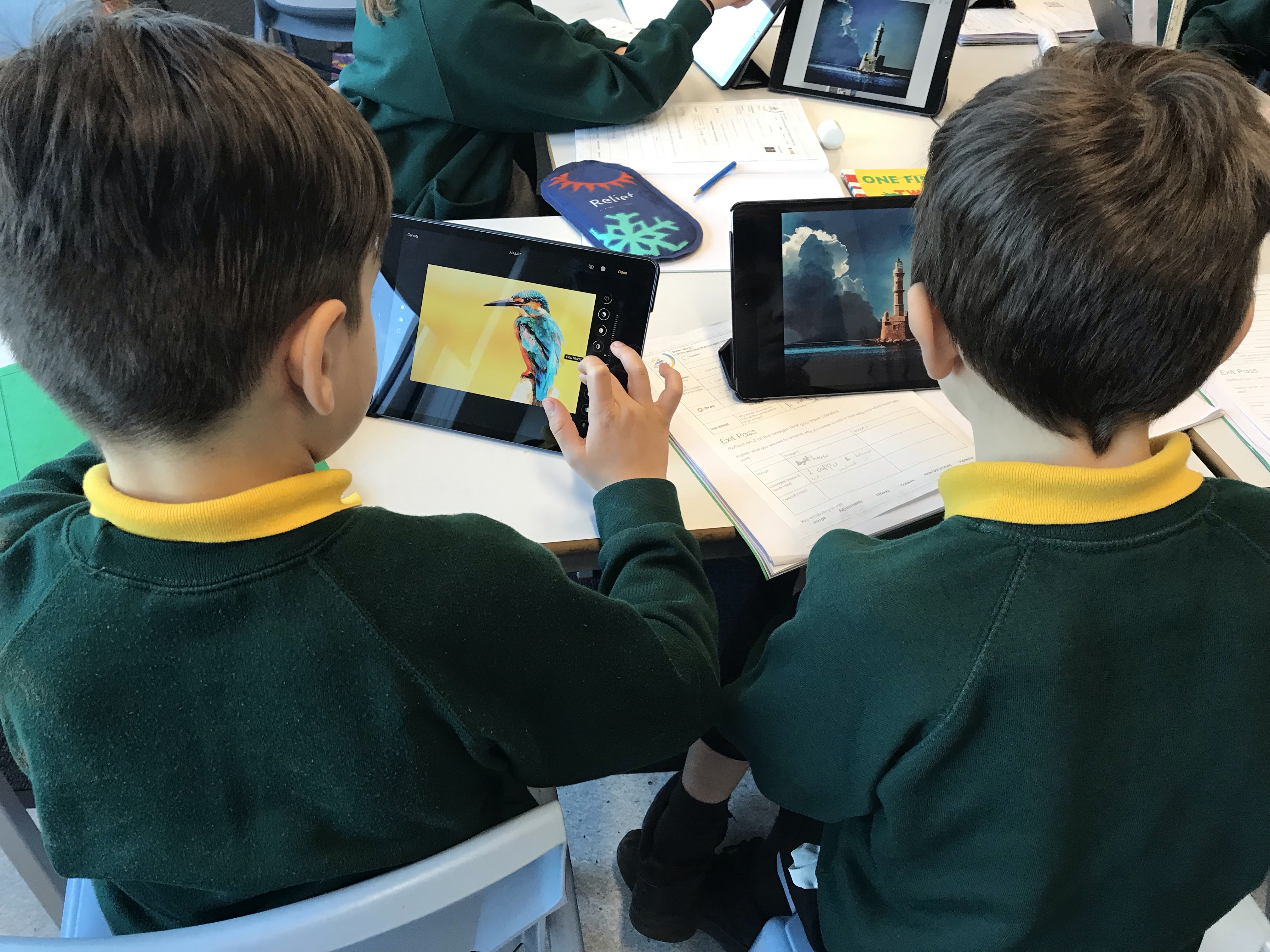
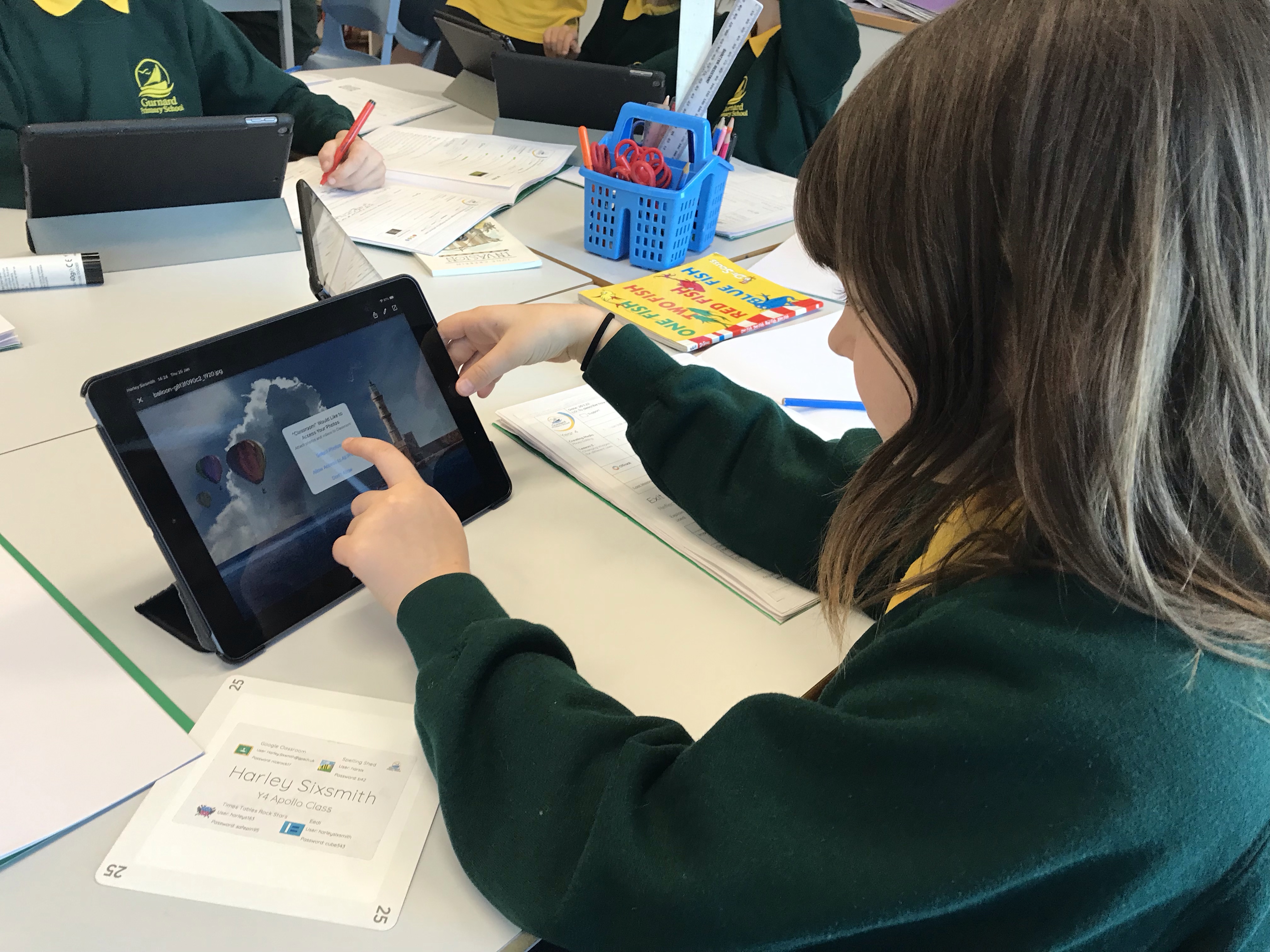
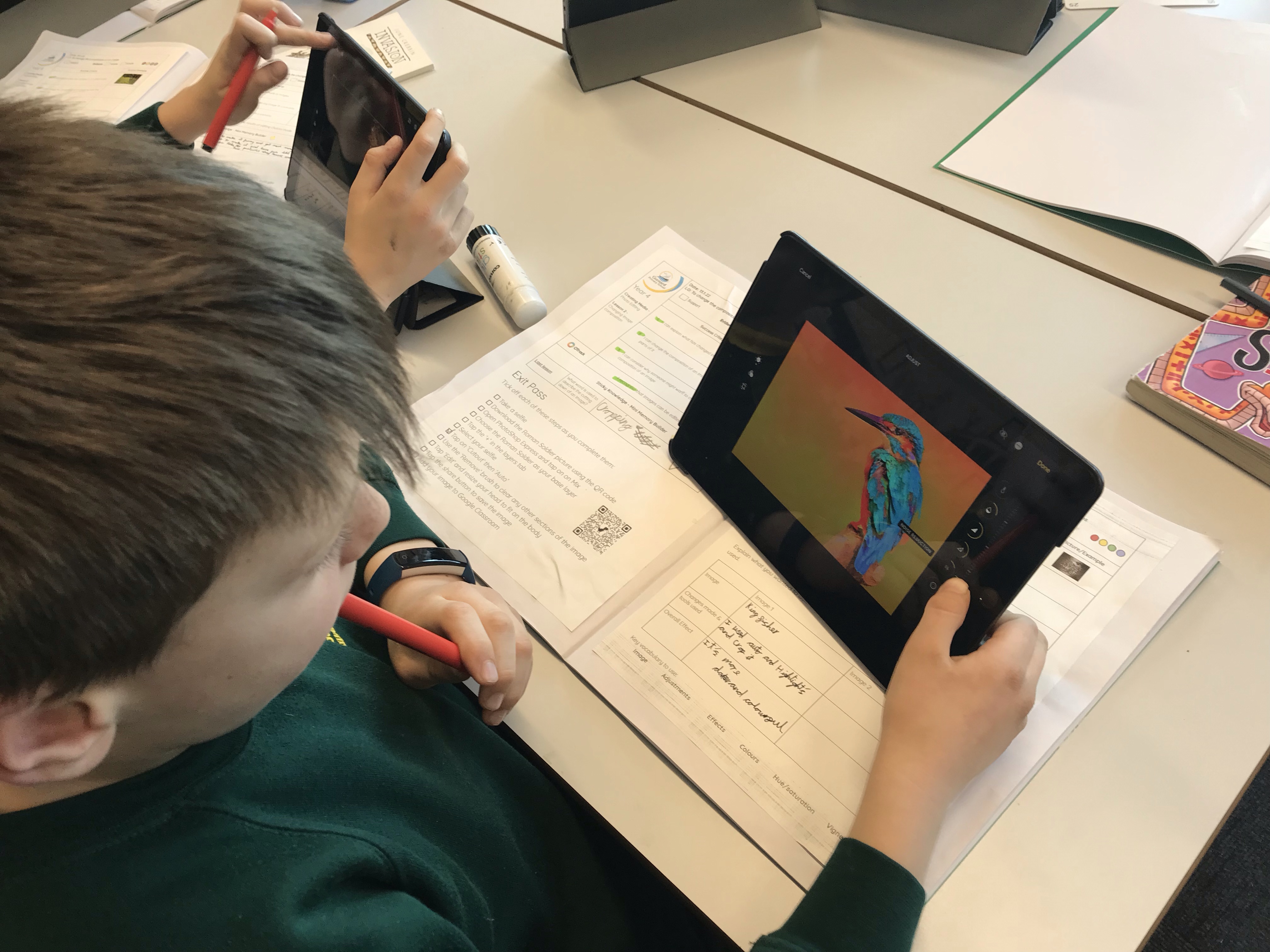
In Computing today, Year 4 have been exploring how digital images can be edited and changed. We talked about the affect that this has on the image, and the different effect types. We then explored changing an image, considering the desired outcome for our pictures. We recorded the changes made and how successful our pictures were. Finally we thought about why people might want to change an image.