
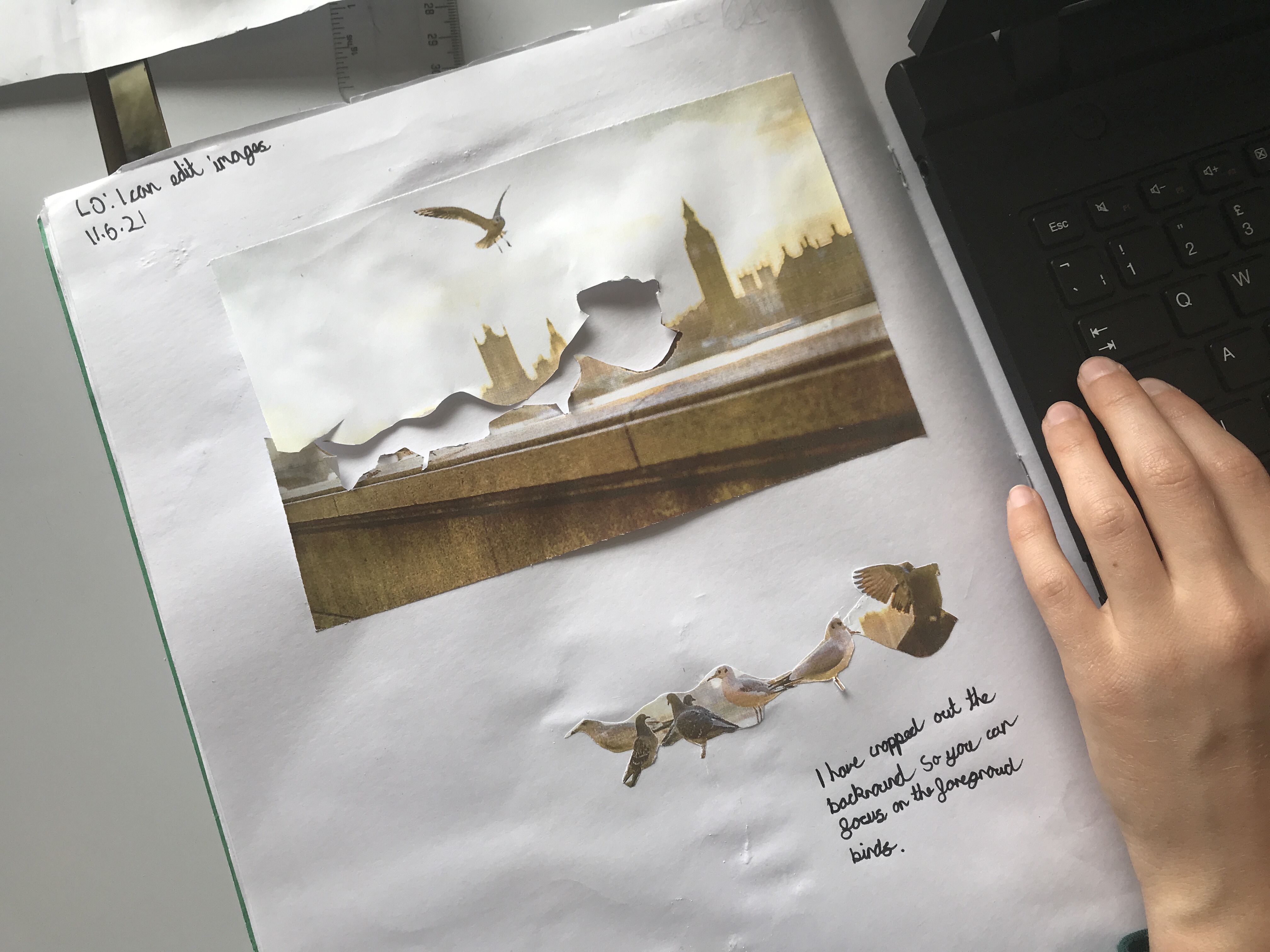
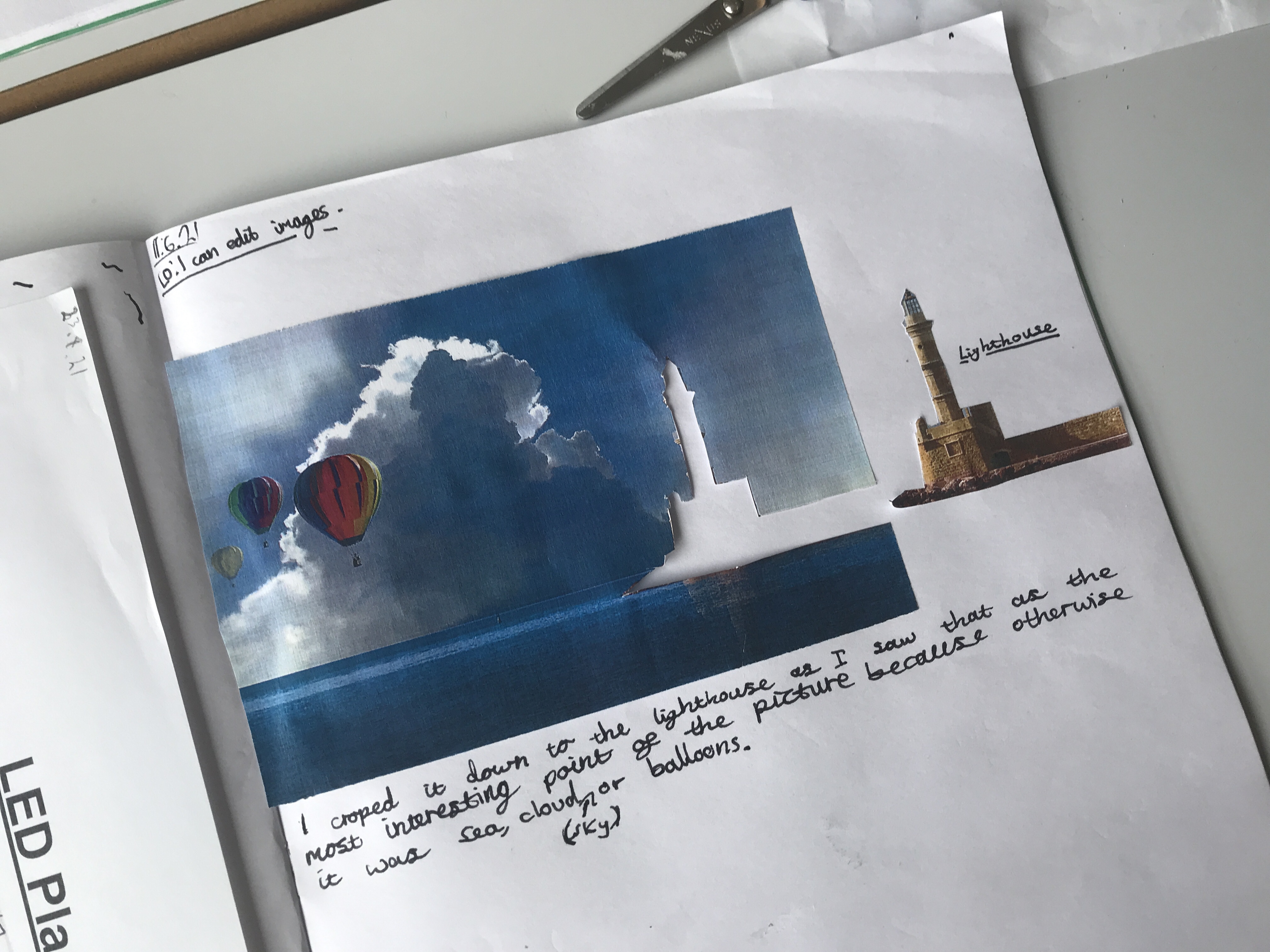
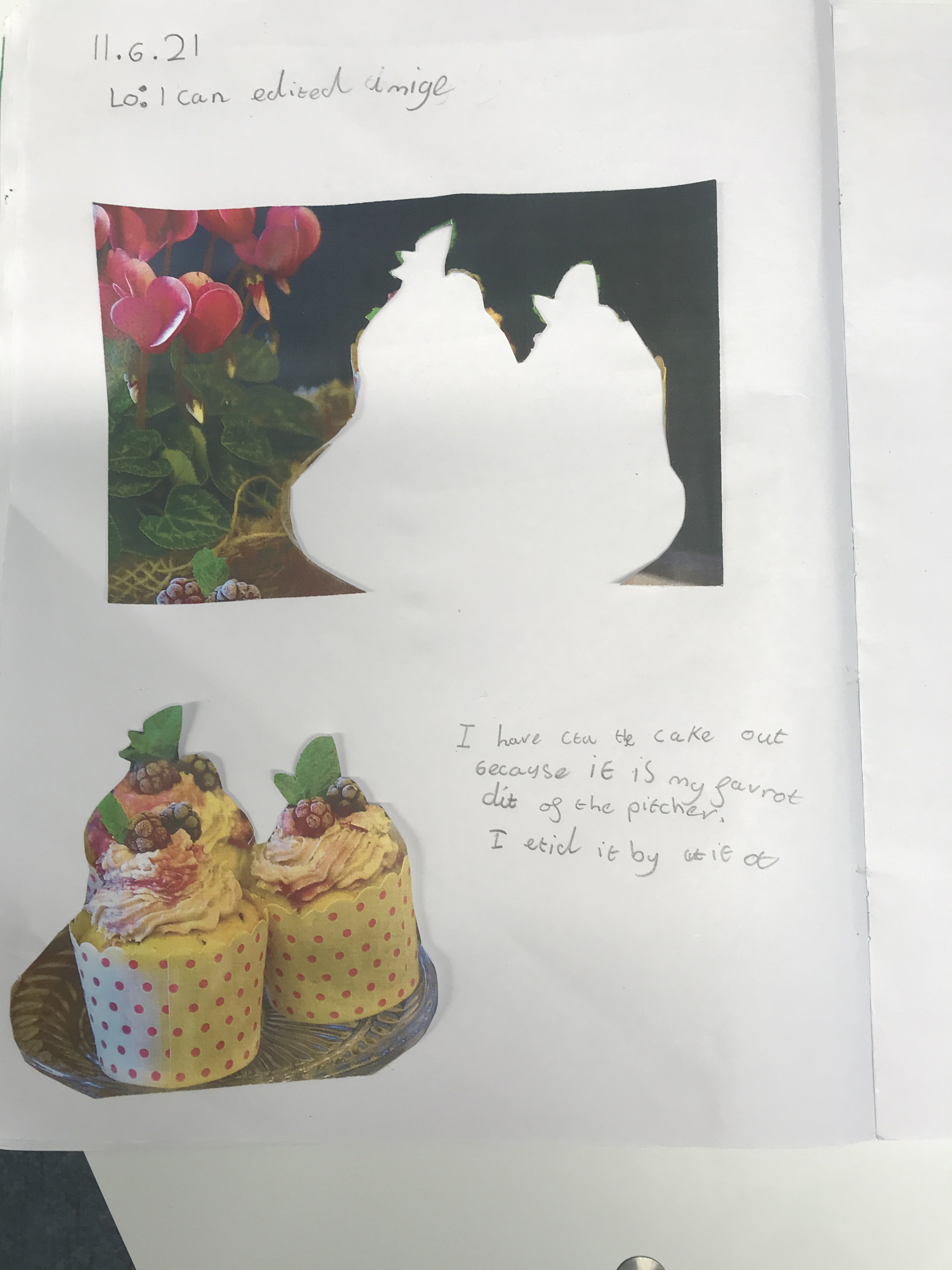
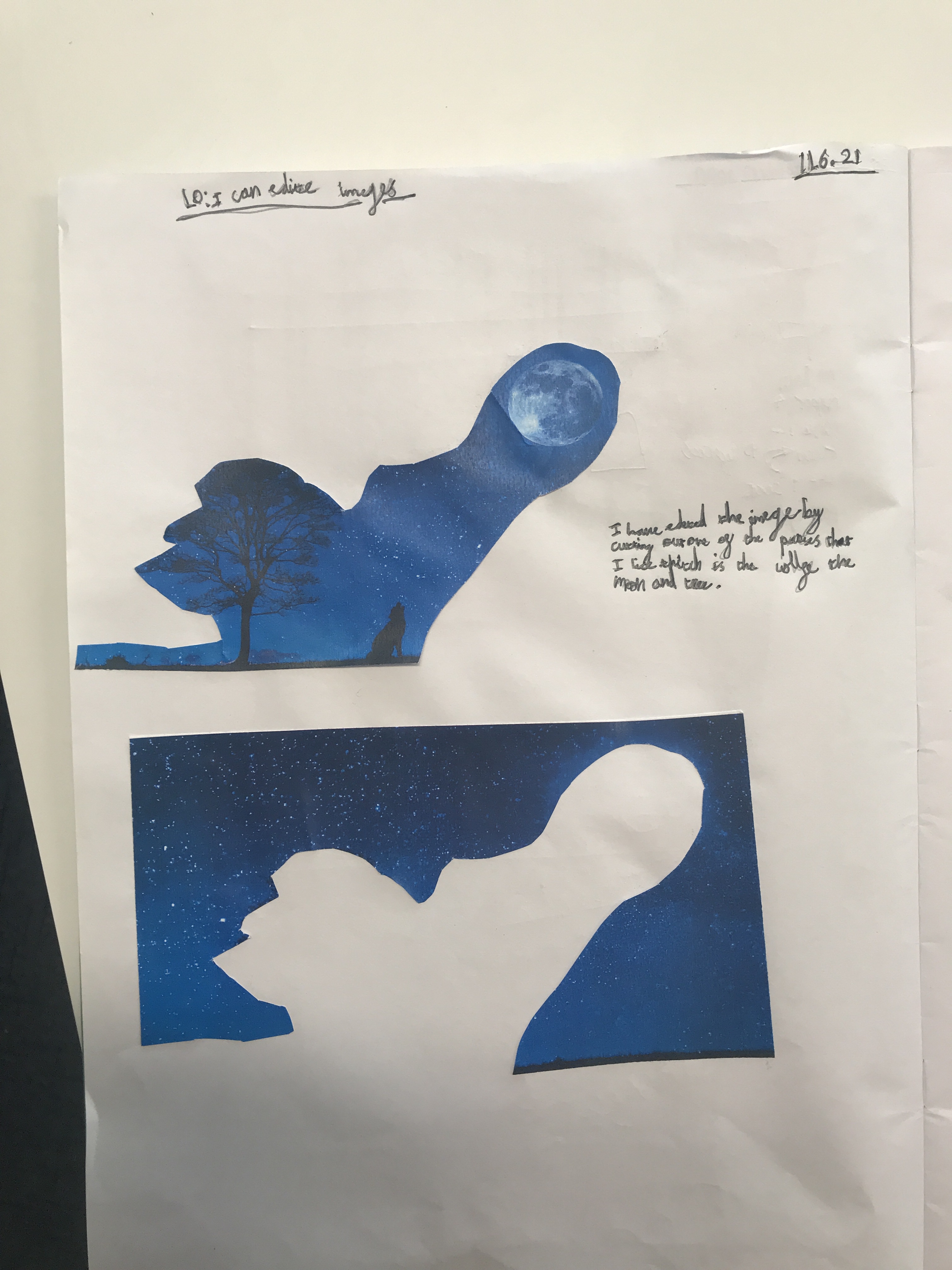
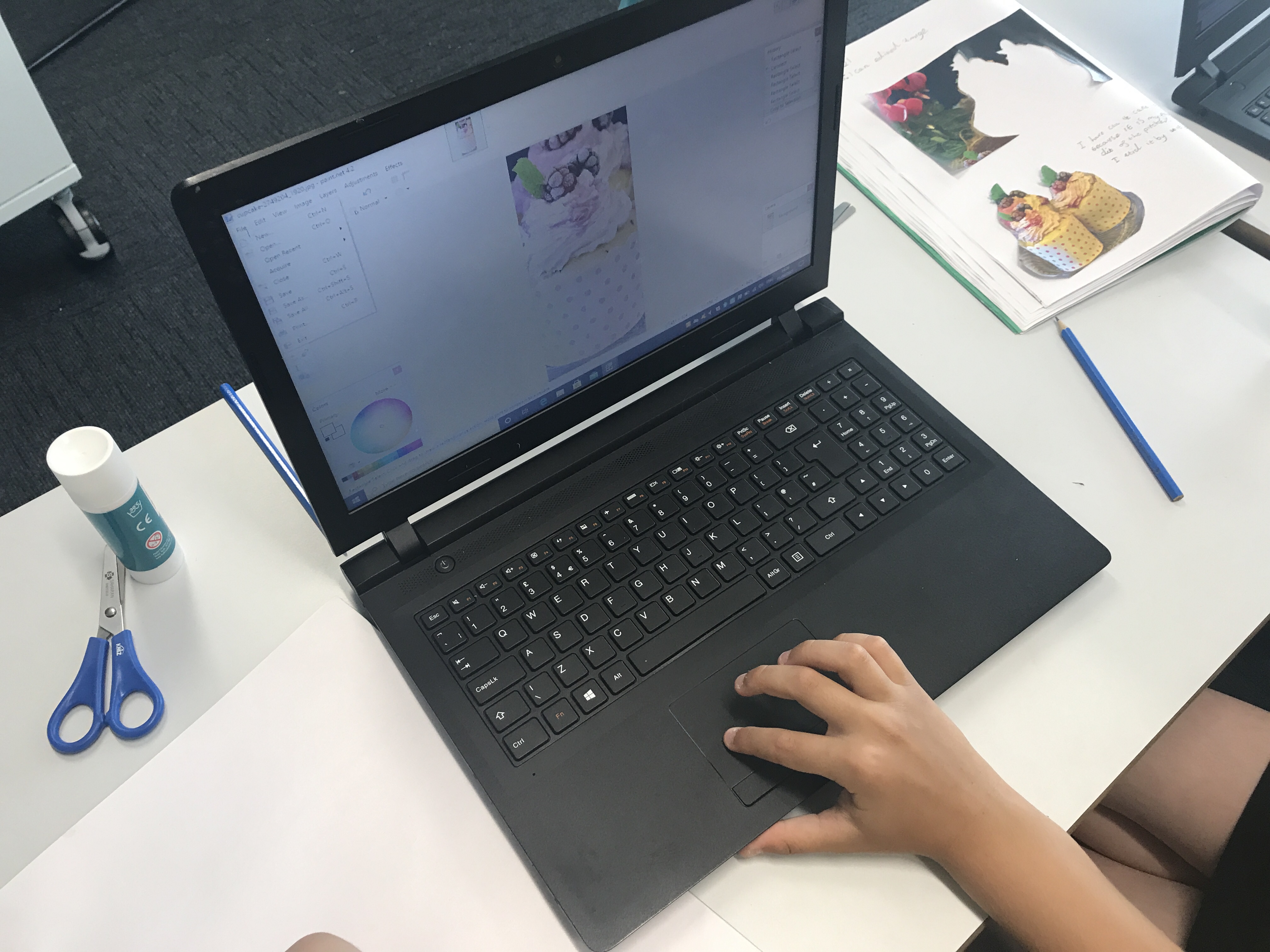
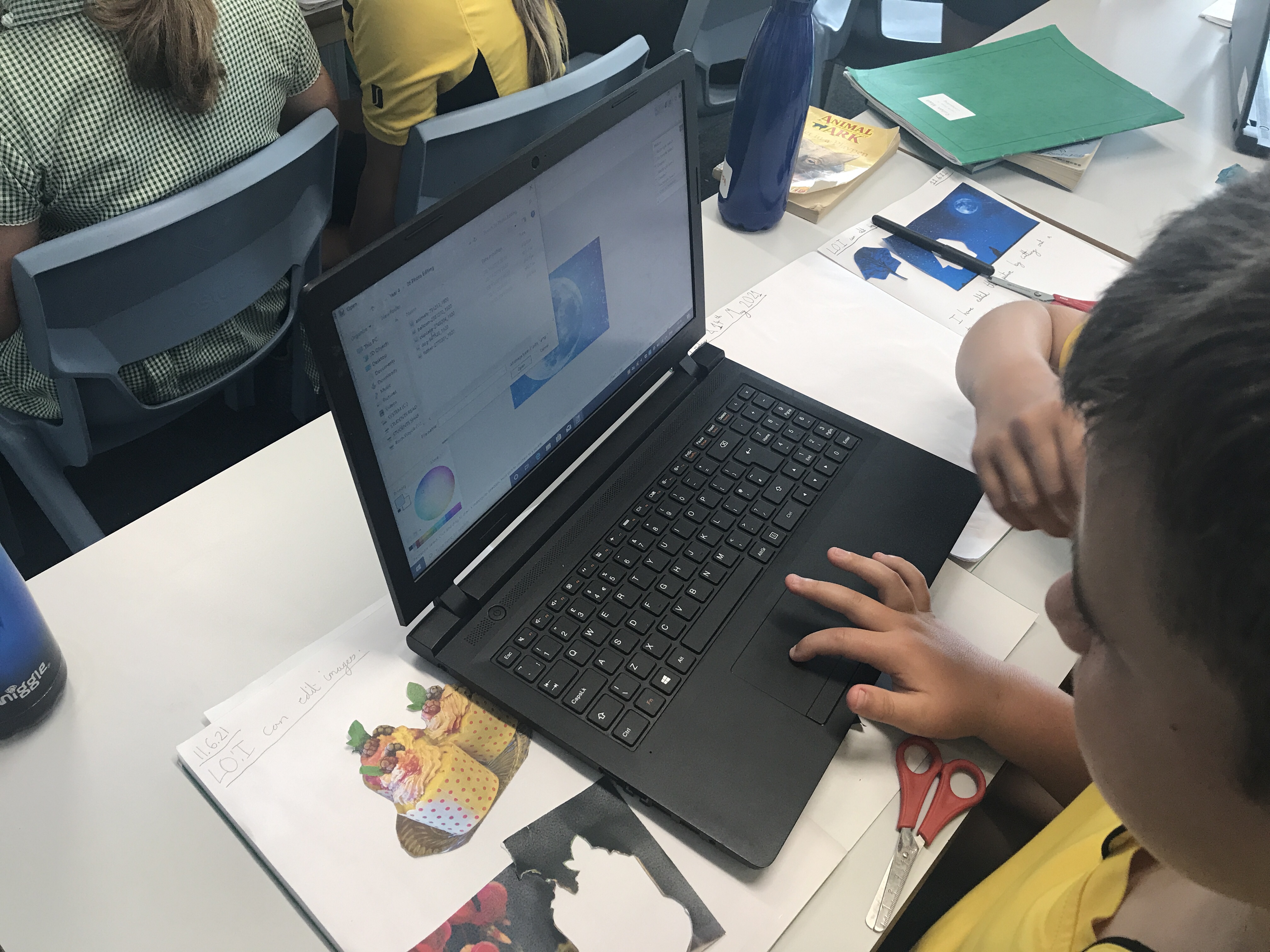
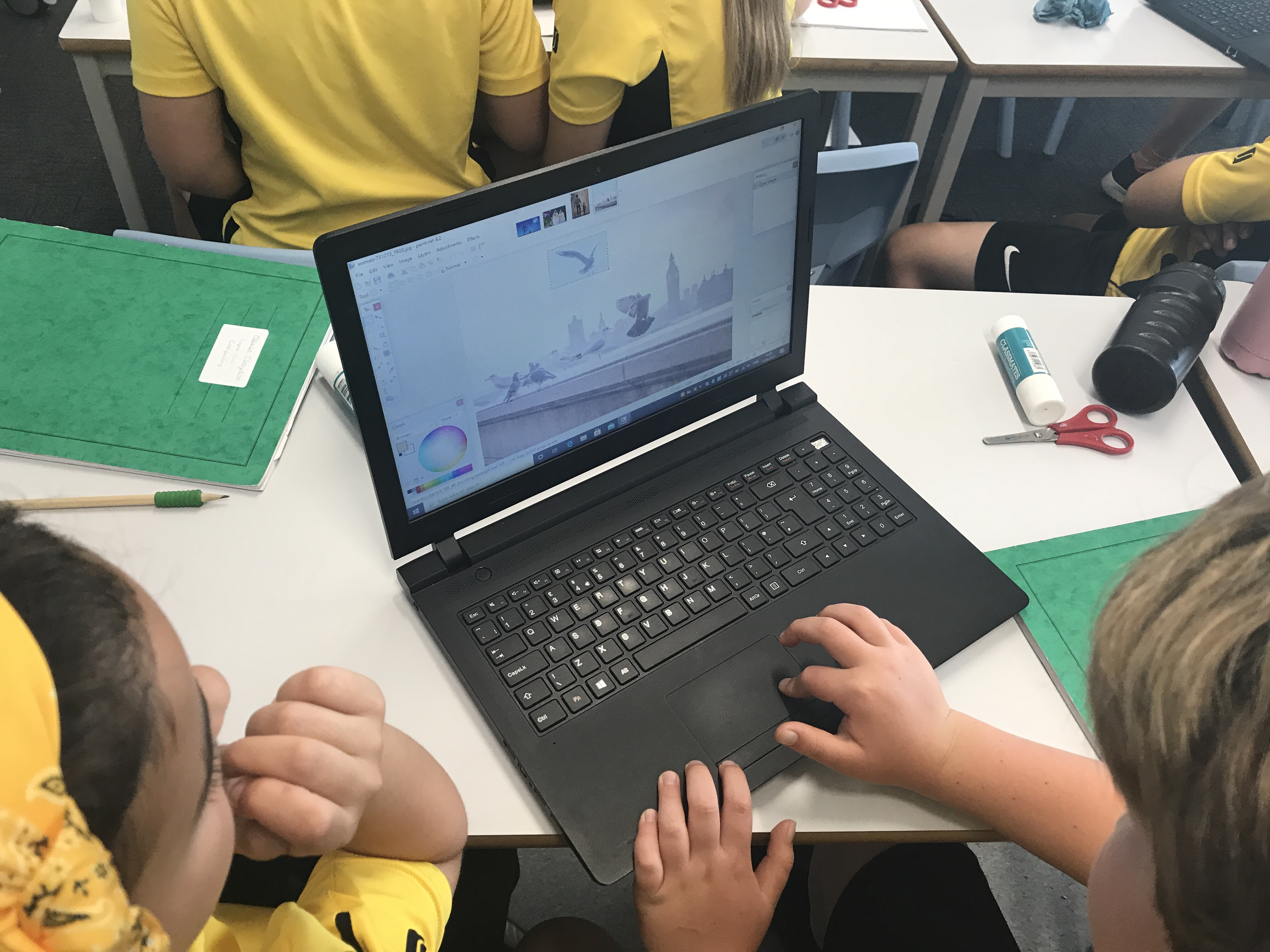
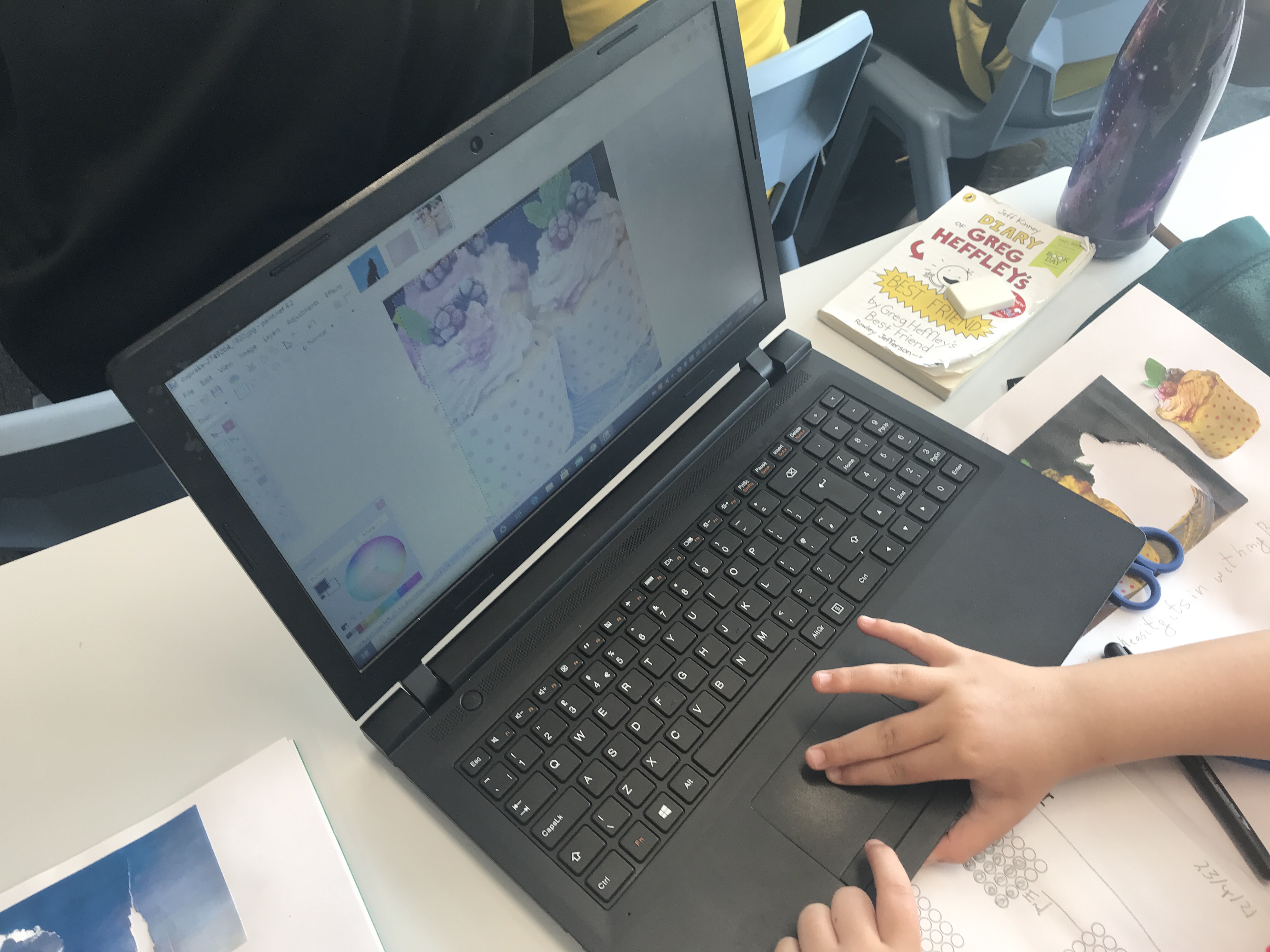
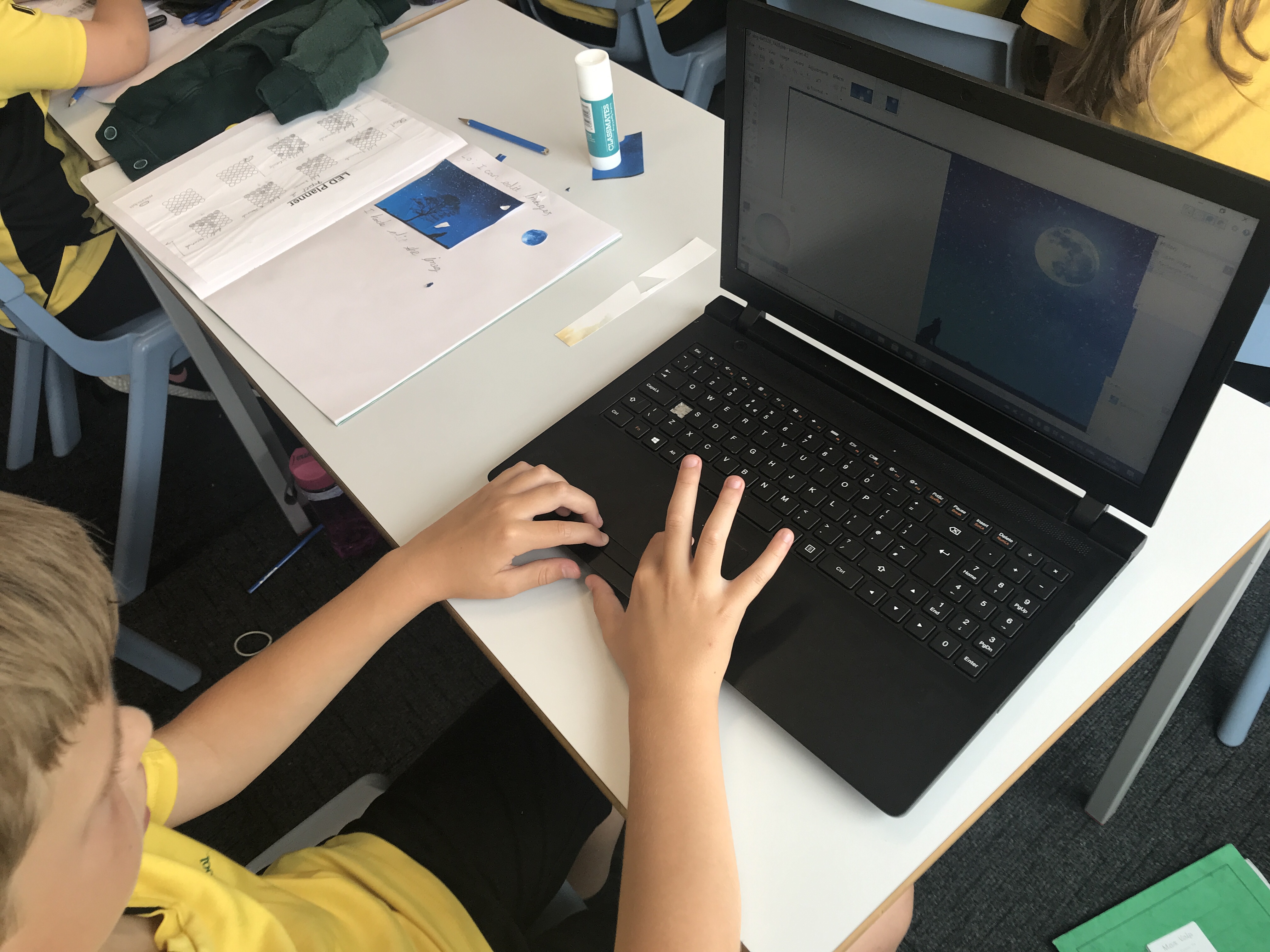
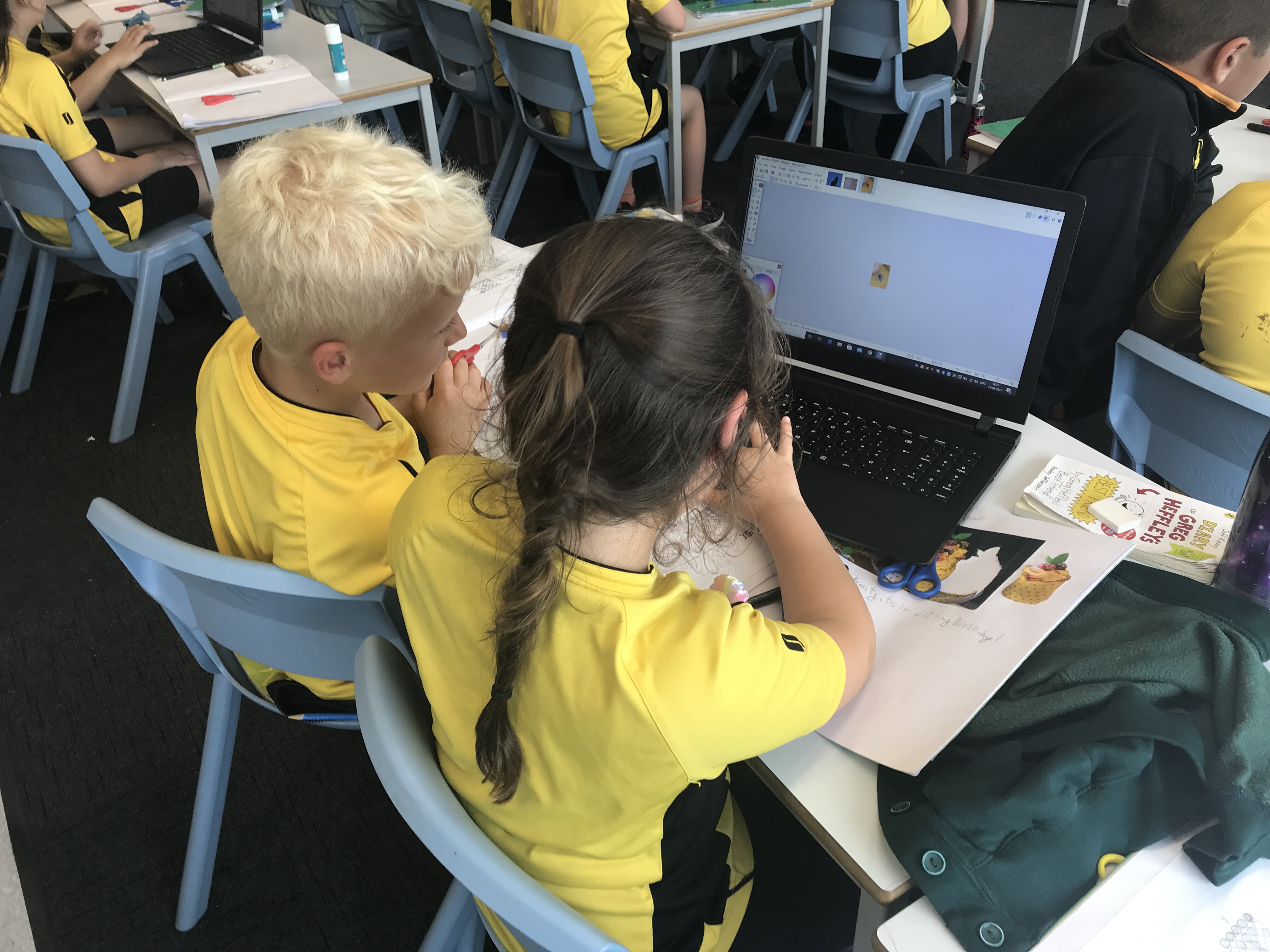
Today we began our unit on photo editing. We spoke about the images that we see and how they are quite often editing for a variety of reasons. We had to decide which images had been edited and how they had been. We then had a go at editing – both using a paper photo and on the computers. We found the computer editing much more effective and enjoyed using the software to change the photos we were given.
Author: mrberryman

Micro:bit Programming L5
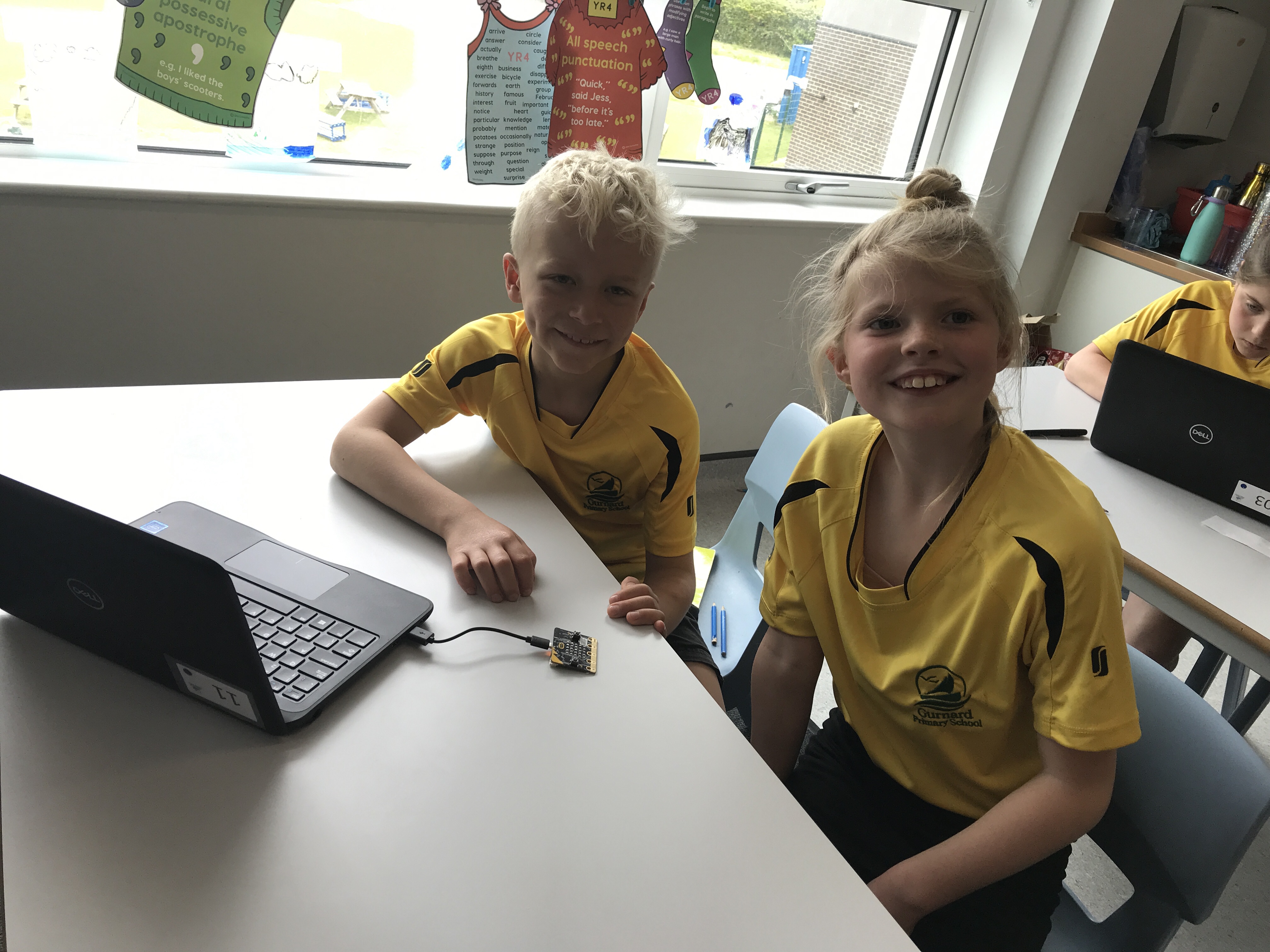
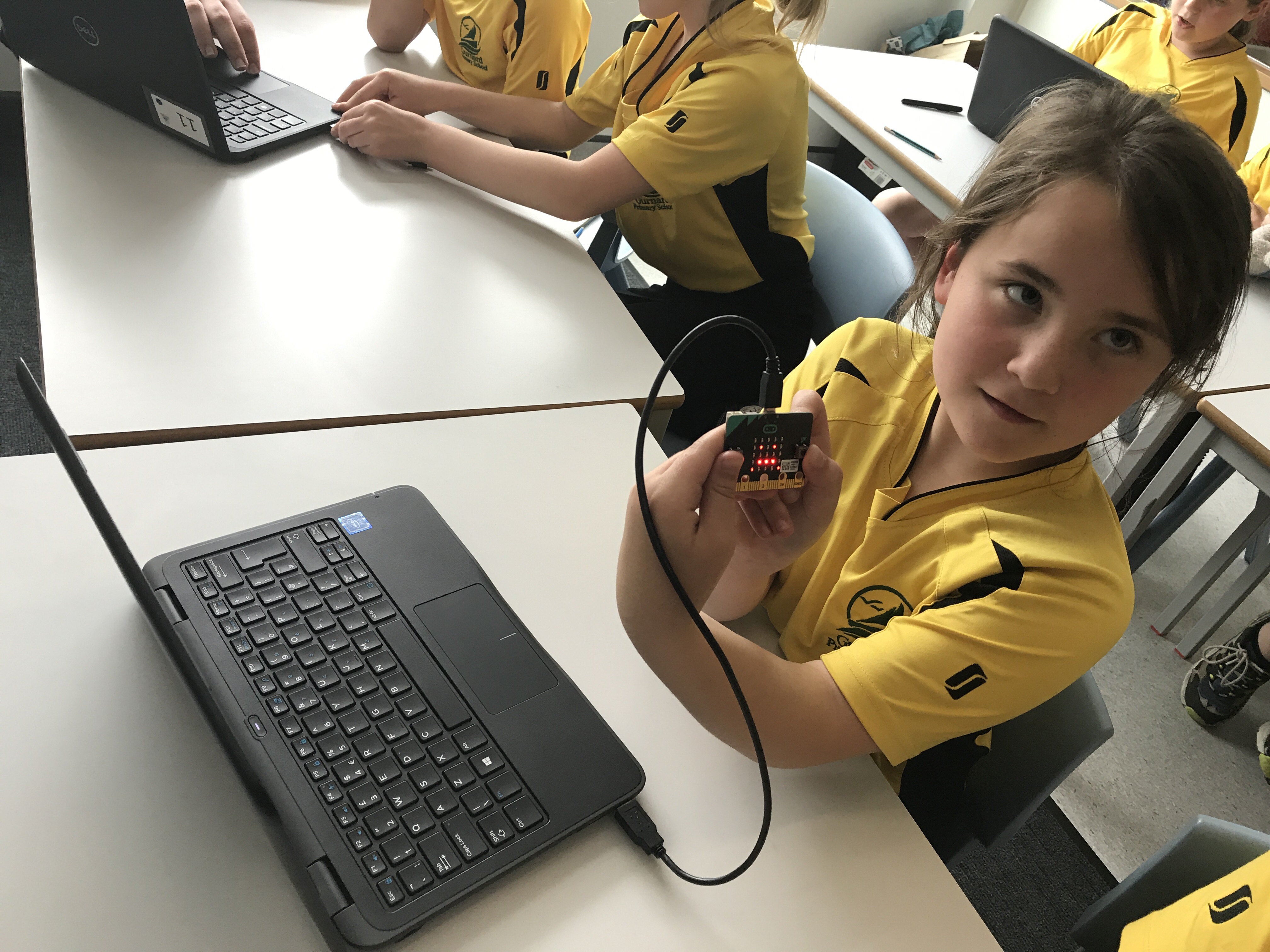
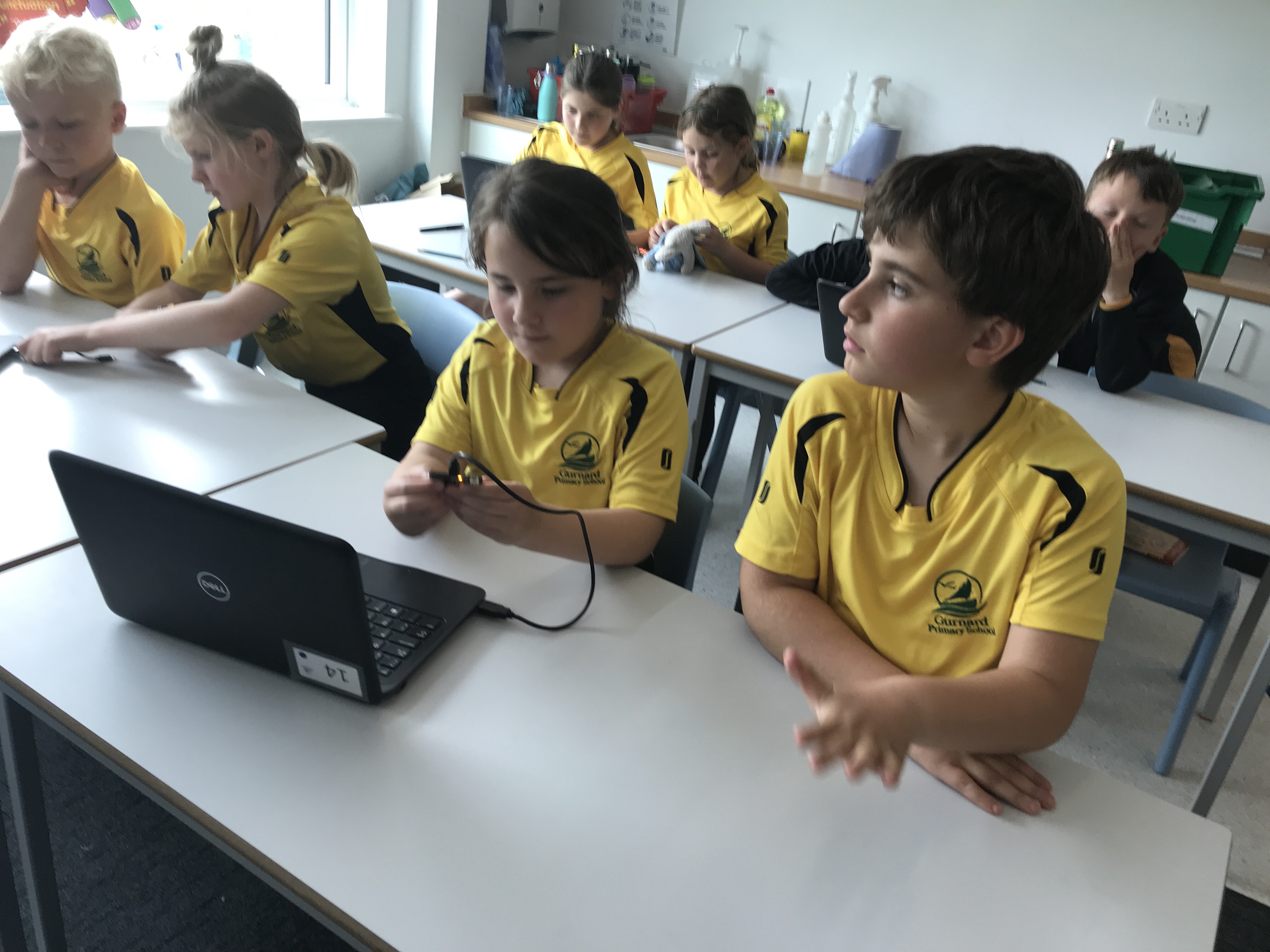
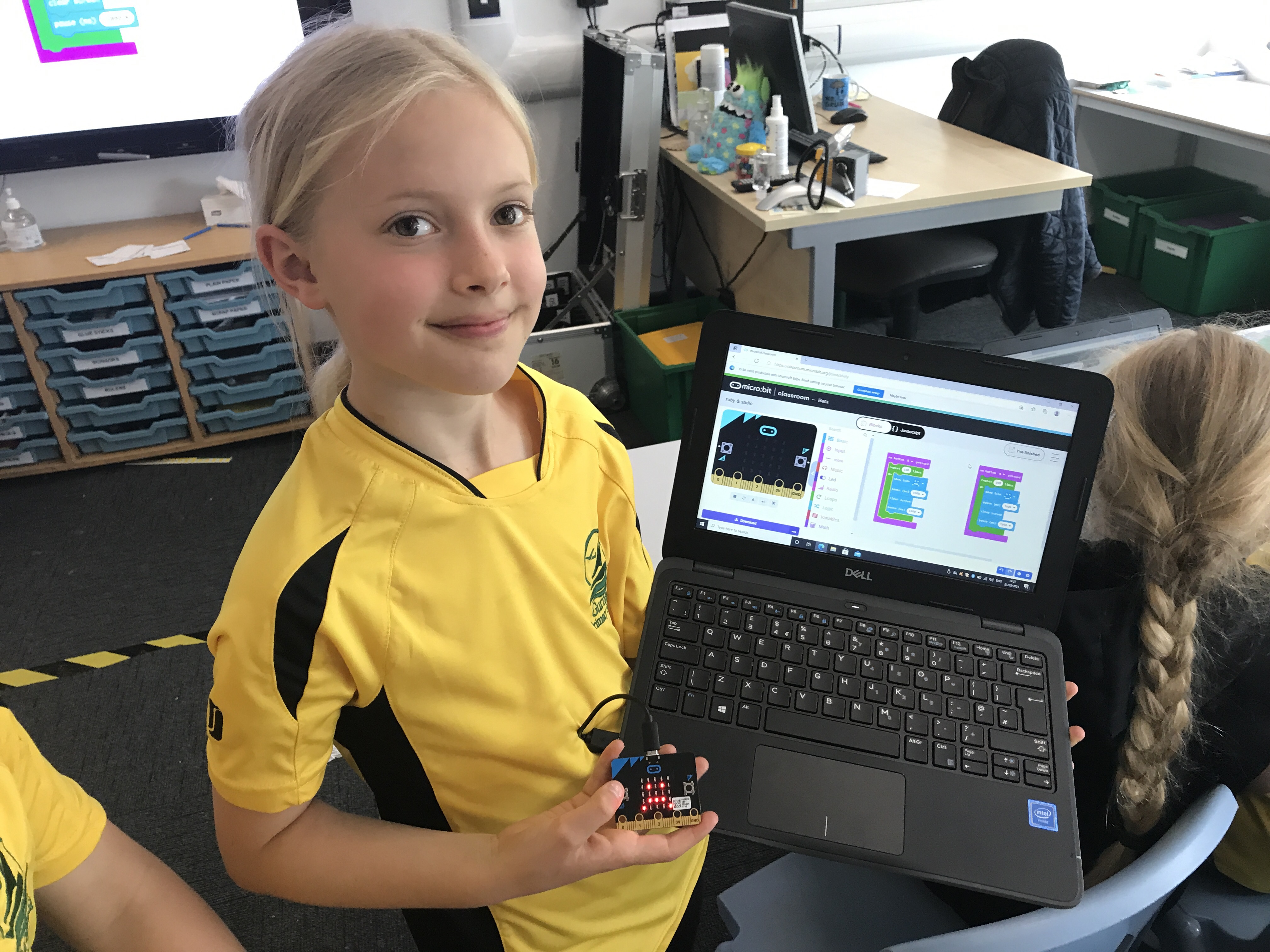
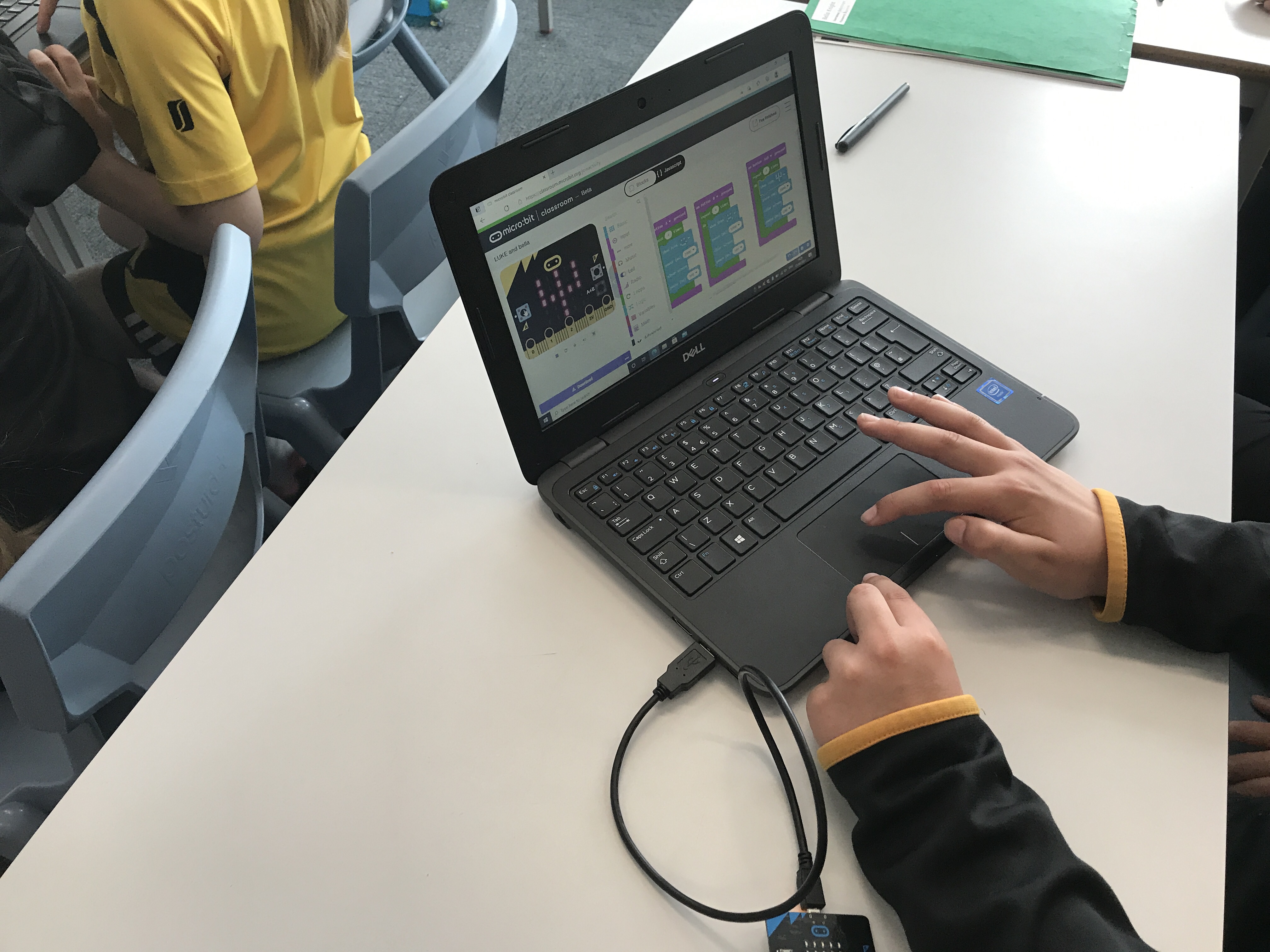
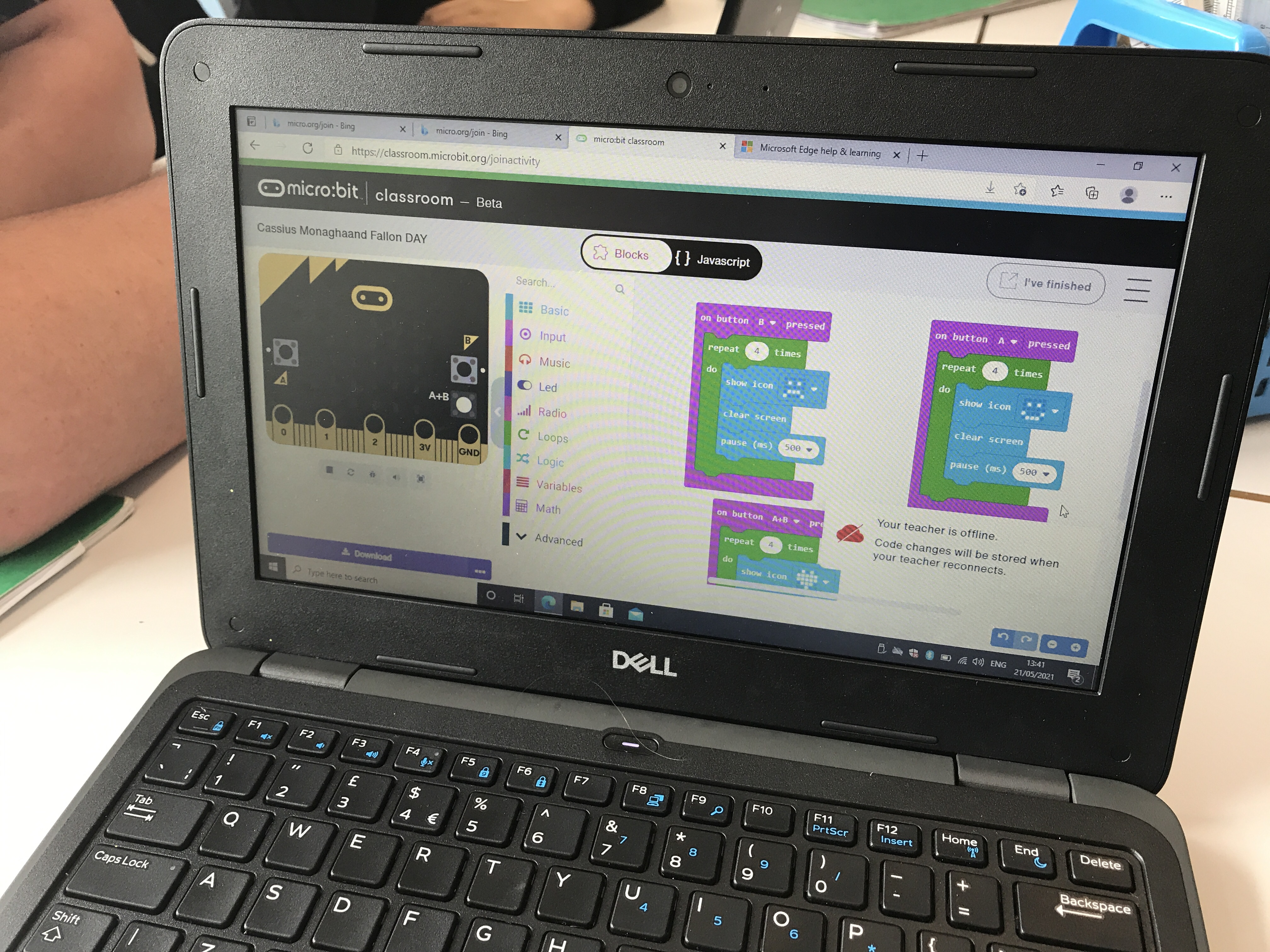
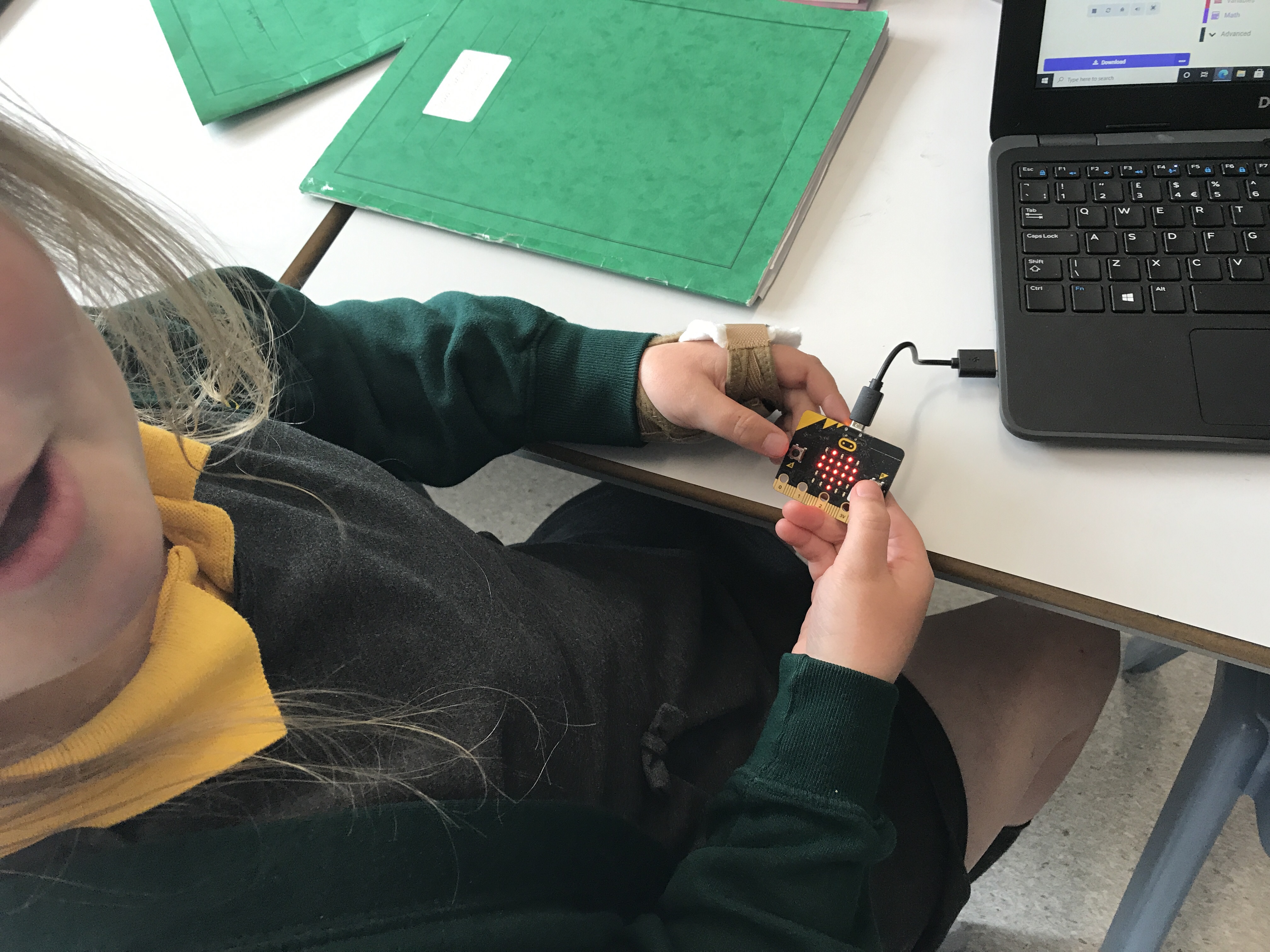
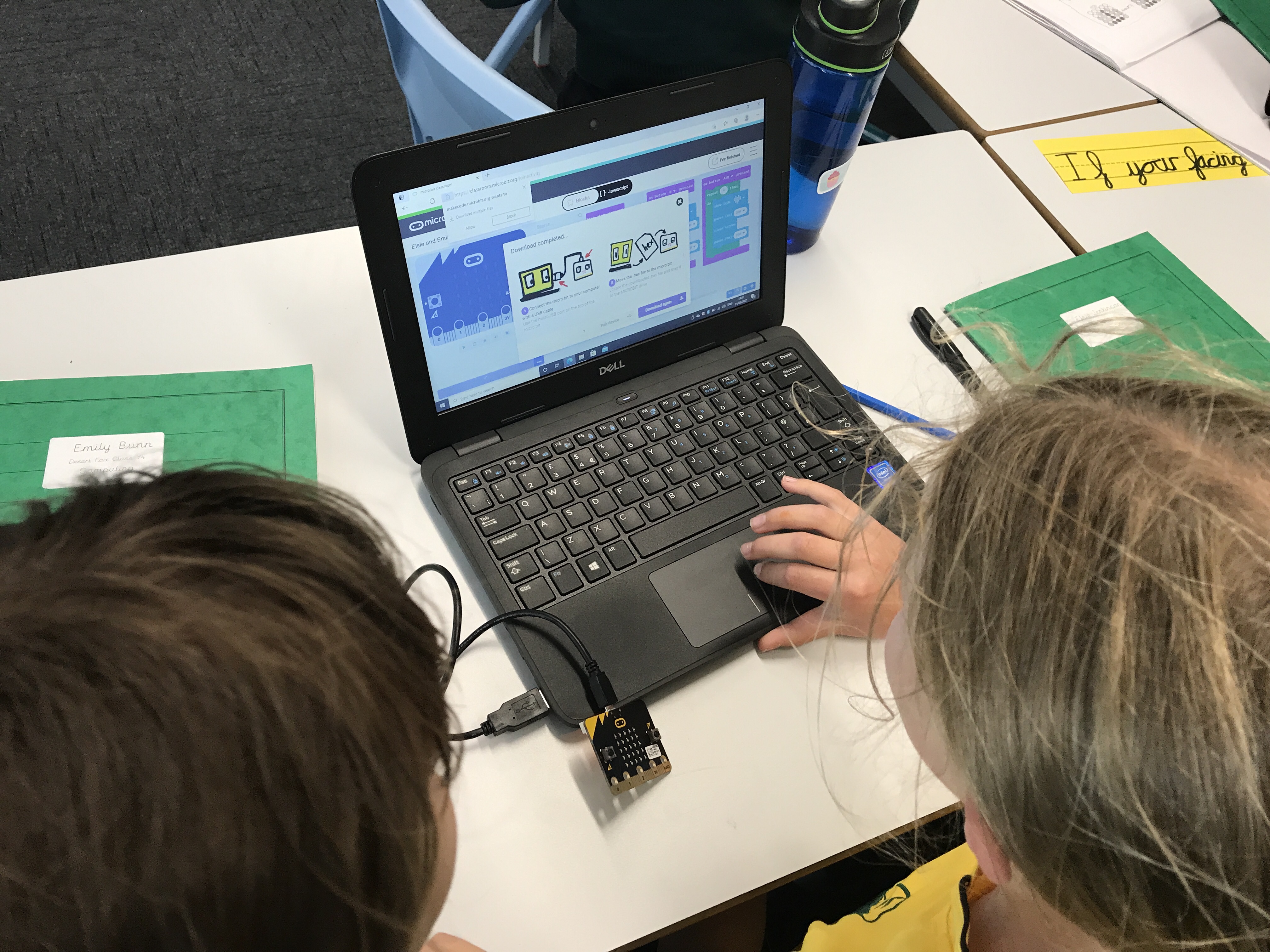
In computing today, we were continuing to use the micro:bits to understand coding principles. In particular we were looking at the use of repetition by creating code that included loops. We were asked to create flashing emotion badges that flashed a certain emotion 4 times when a button was pressed on the micro:bit. As a final challenge we were asked to make something happen when both buttons were held down. This was a really good test of our computing understanding and we worked really hard to get our designs working!
Micro:bit Programming L4
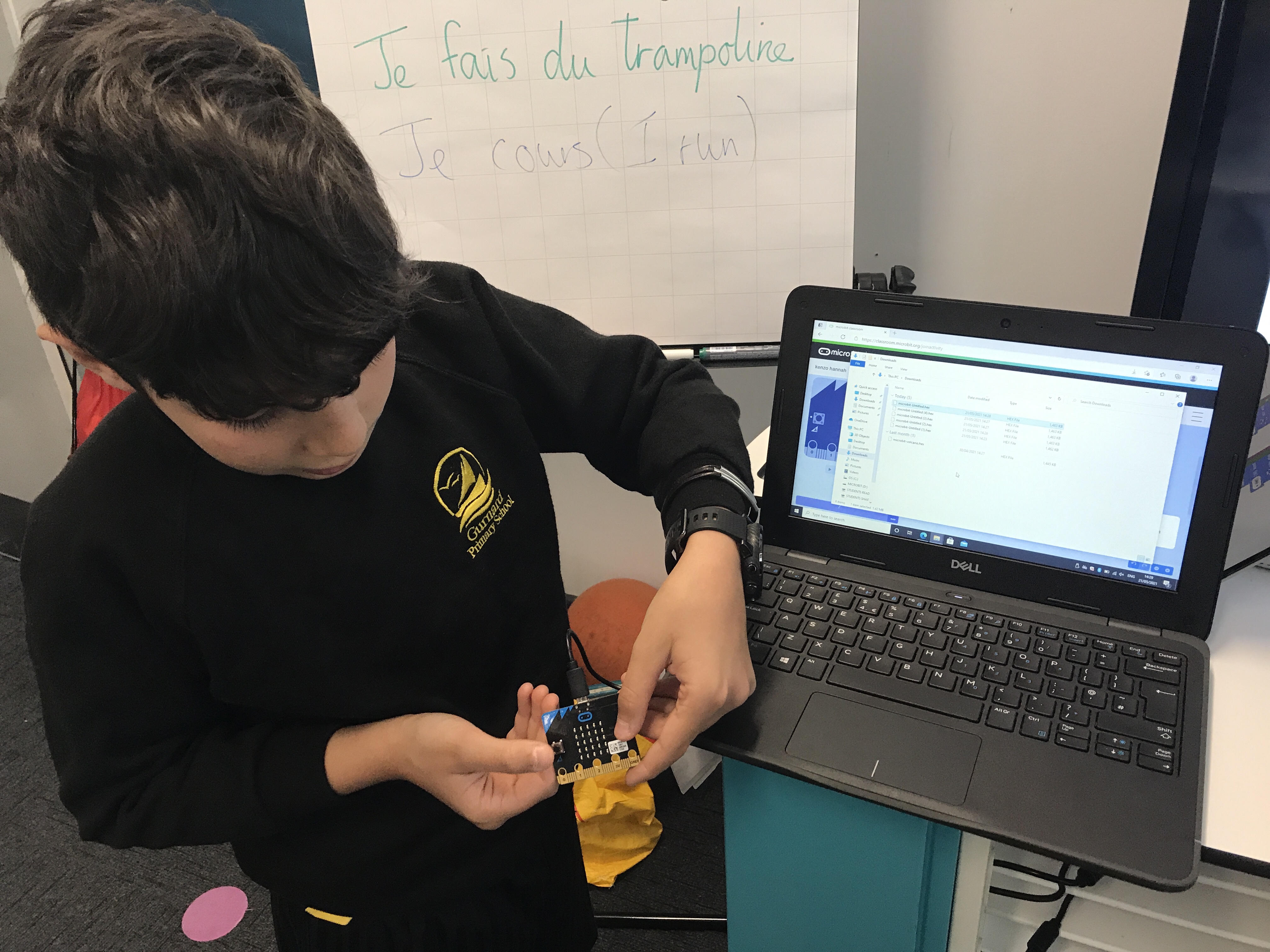
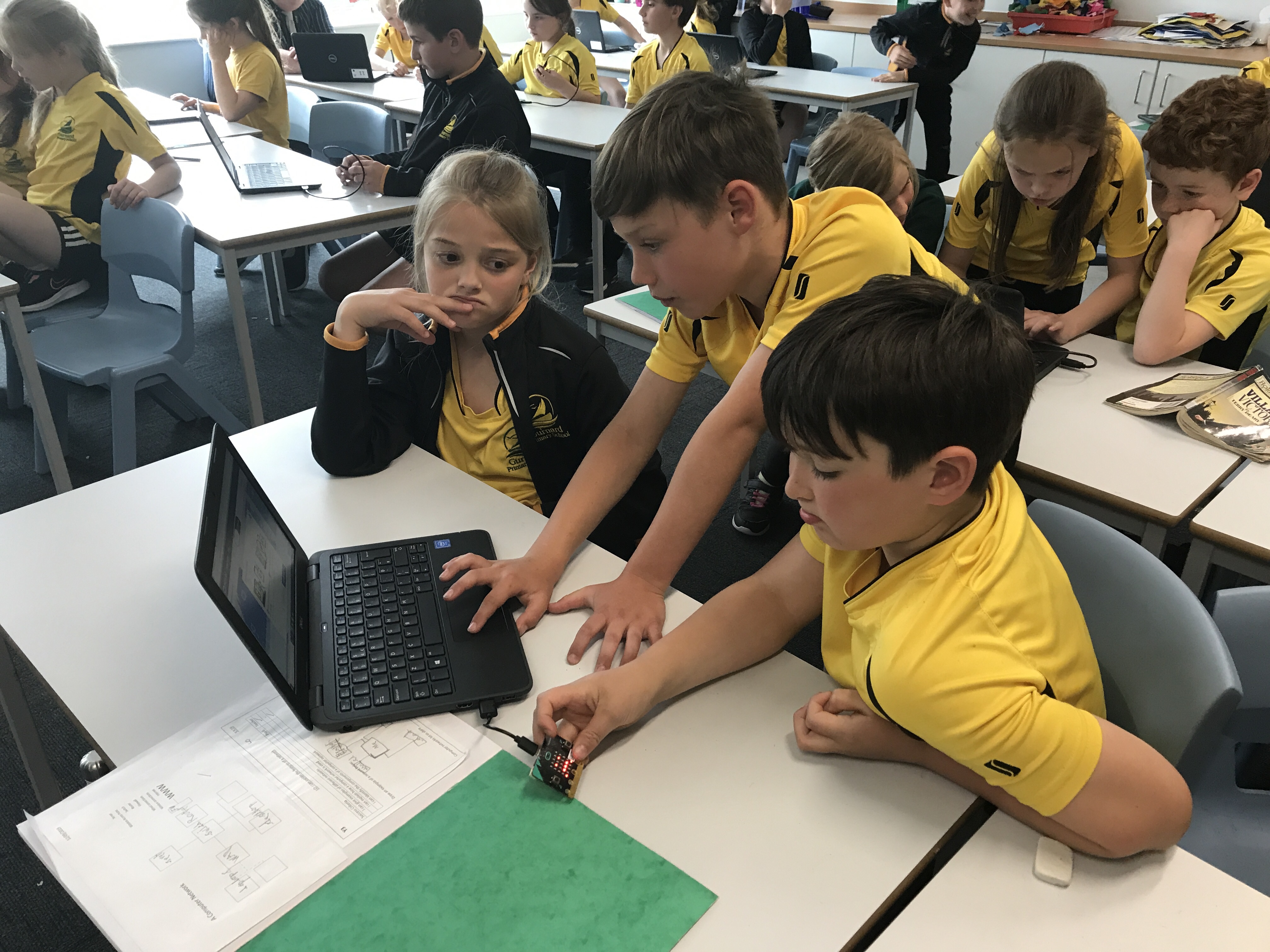
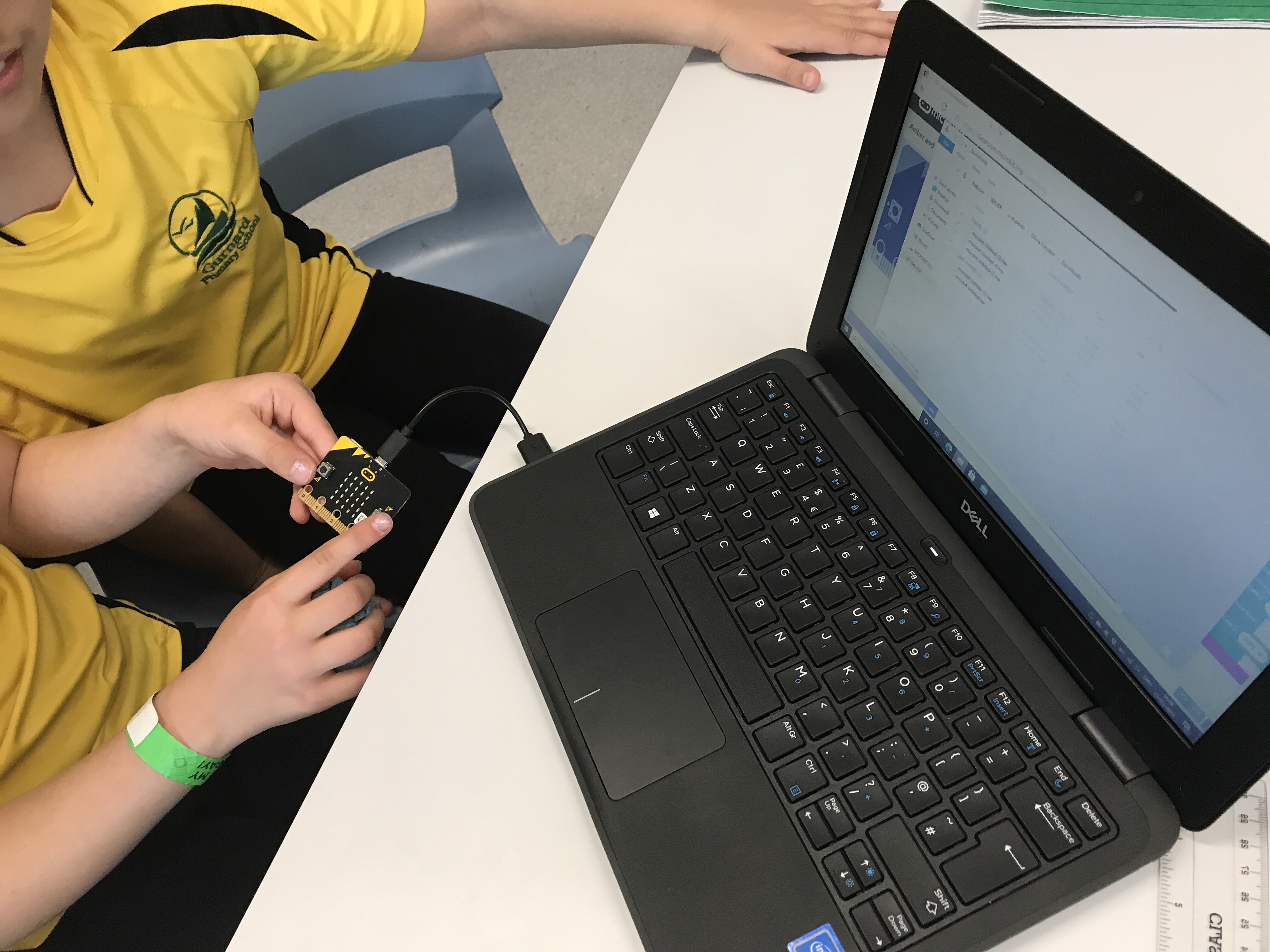
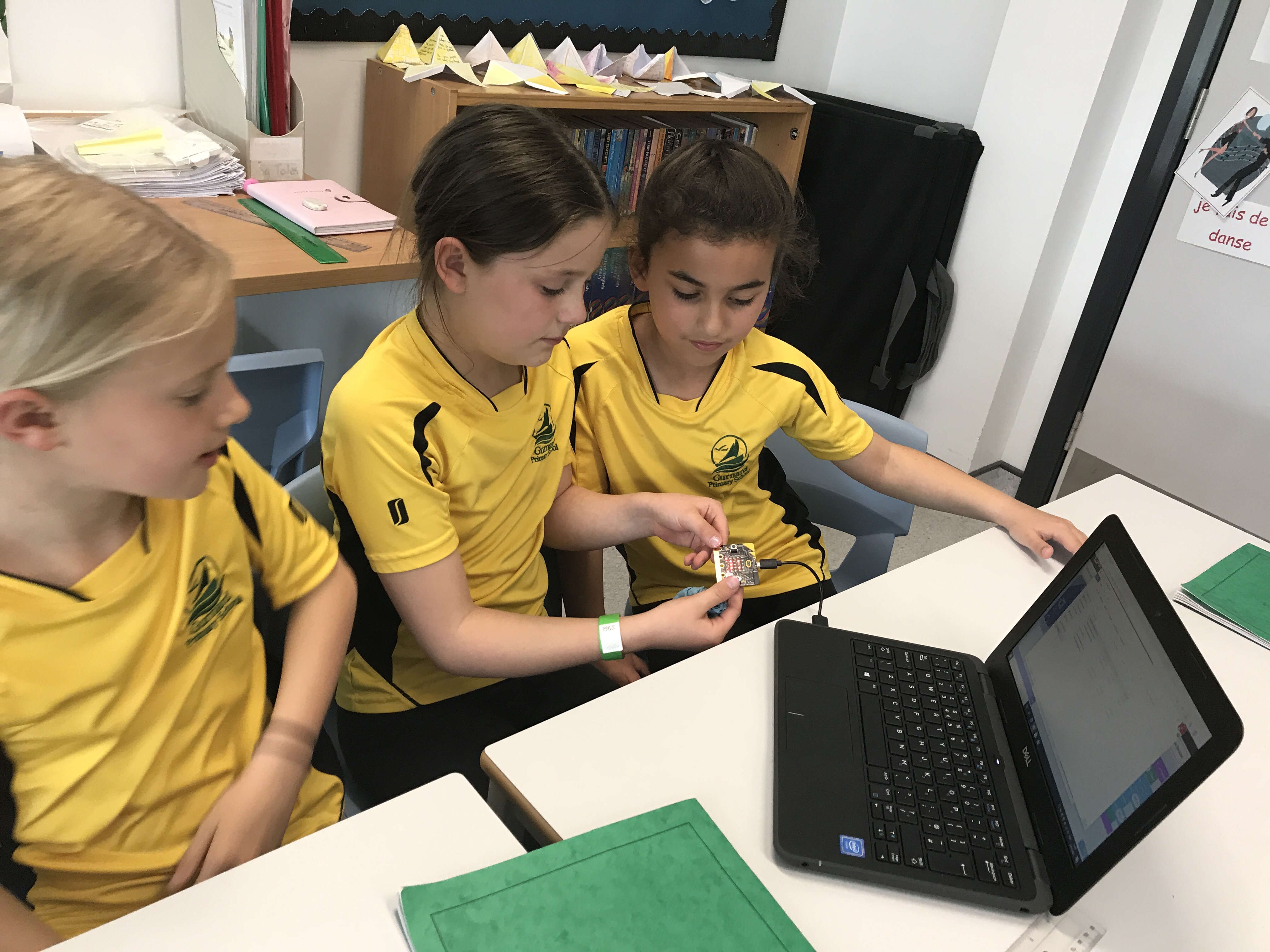
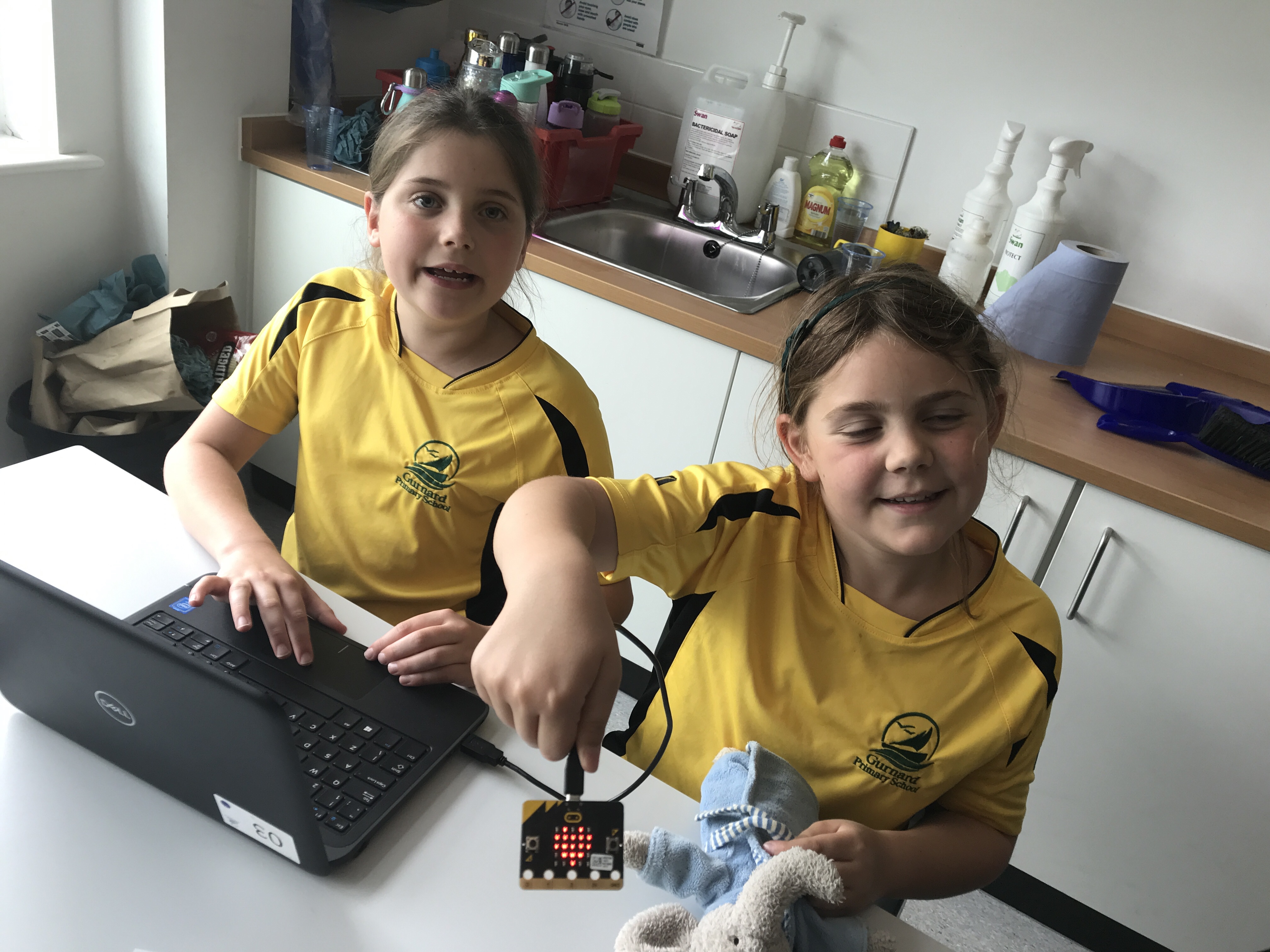
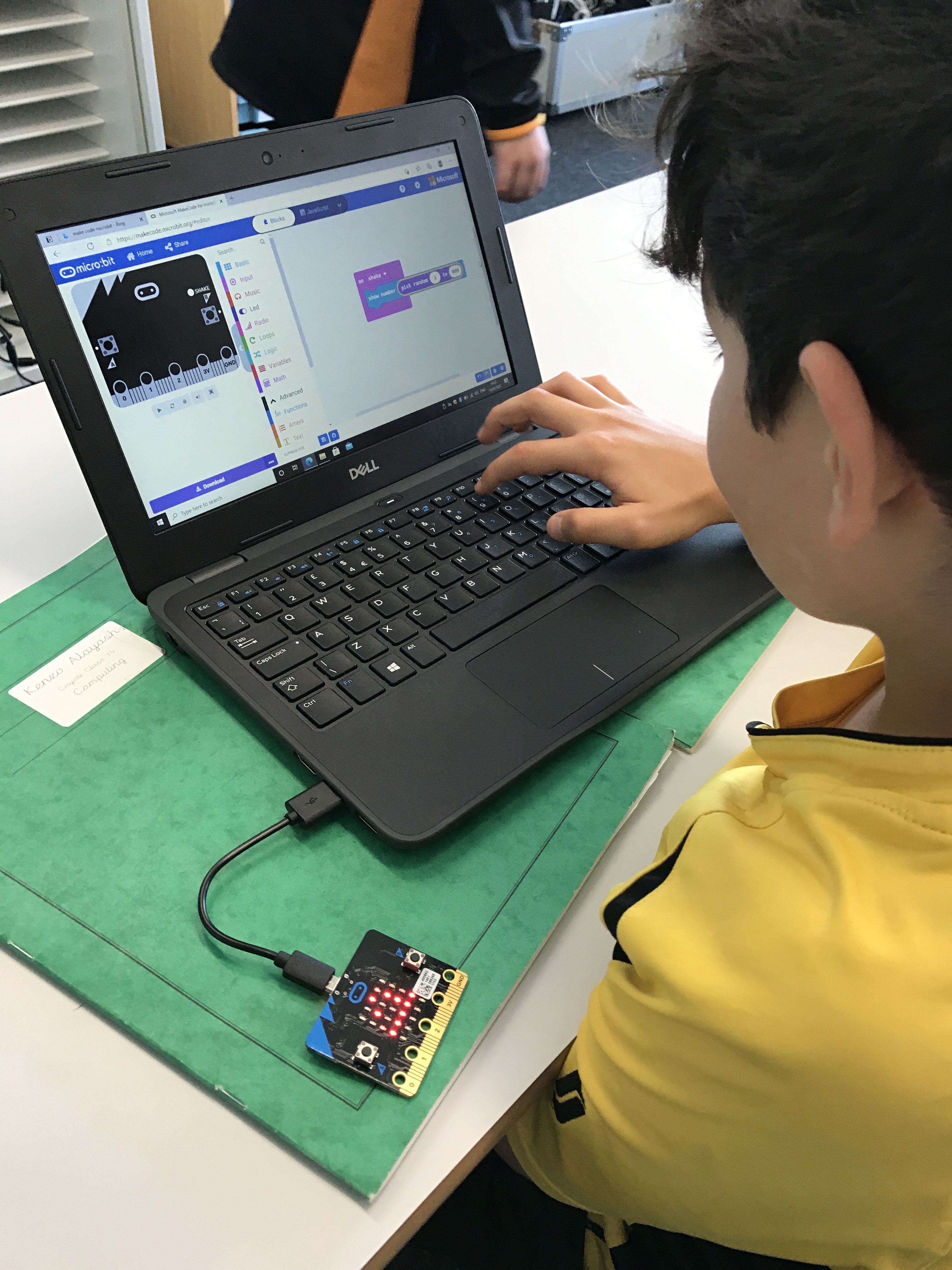
This week in Year 4 we explored some of the other inputs available on the Micro:bit. Our challenge was to design a digital dice that randomly chose a number from 1-6. Our first step was to create an algorithm by answering the question: what does a dice do? Once we had an understanding of this we explored the MakeCode software to find the blocks that we would need. Finally we were able to program our dice and transfer the programming onto the Micro:bit.
For a final challenge we were asked to see if we could make our dice save power by turning of the screen after each roll, and to see if we could make the device roll 2 dice simultaneously!
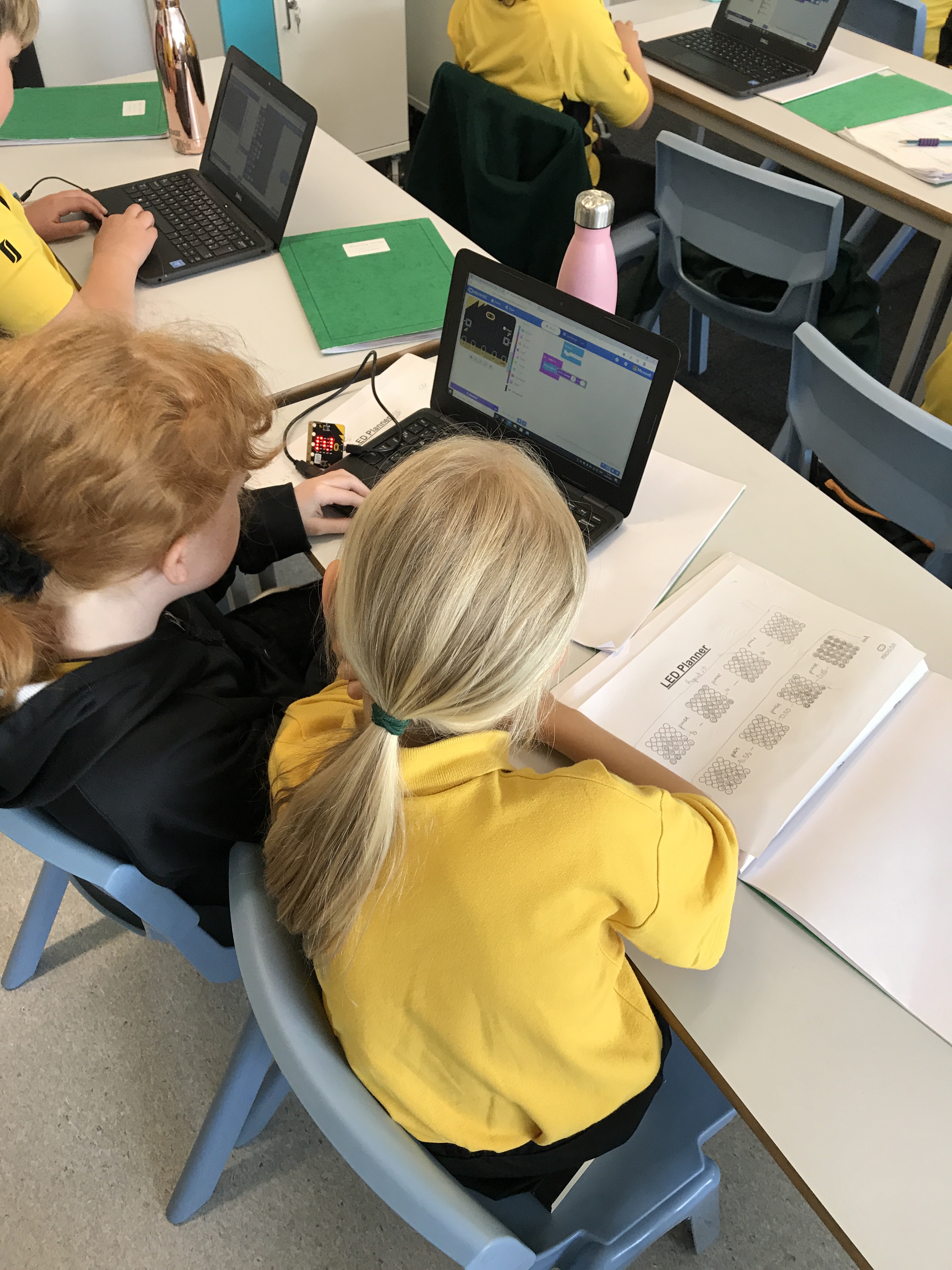
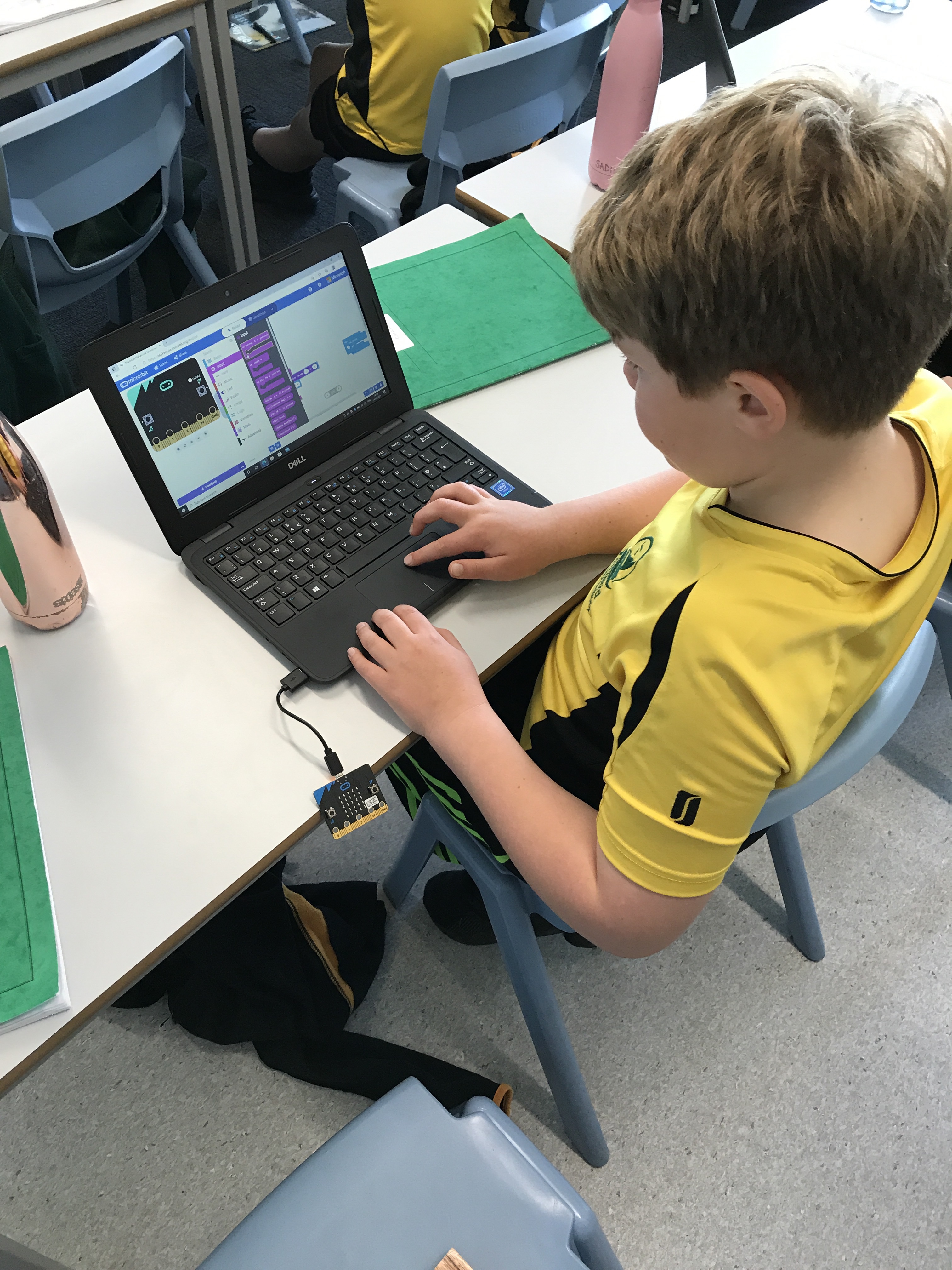
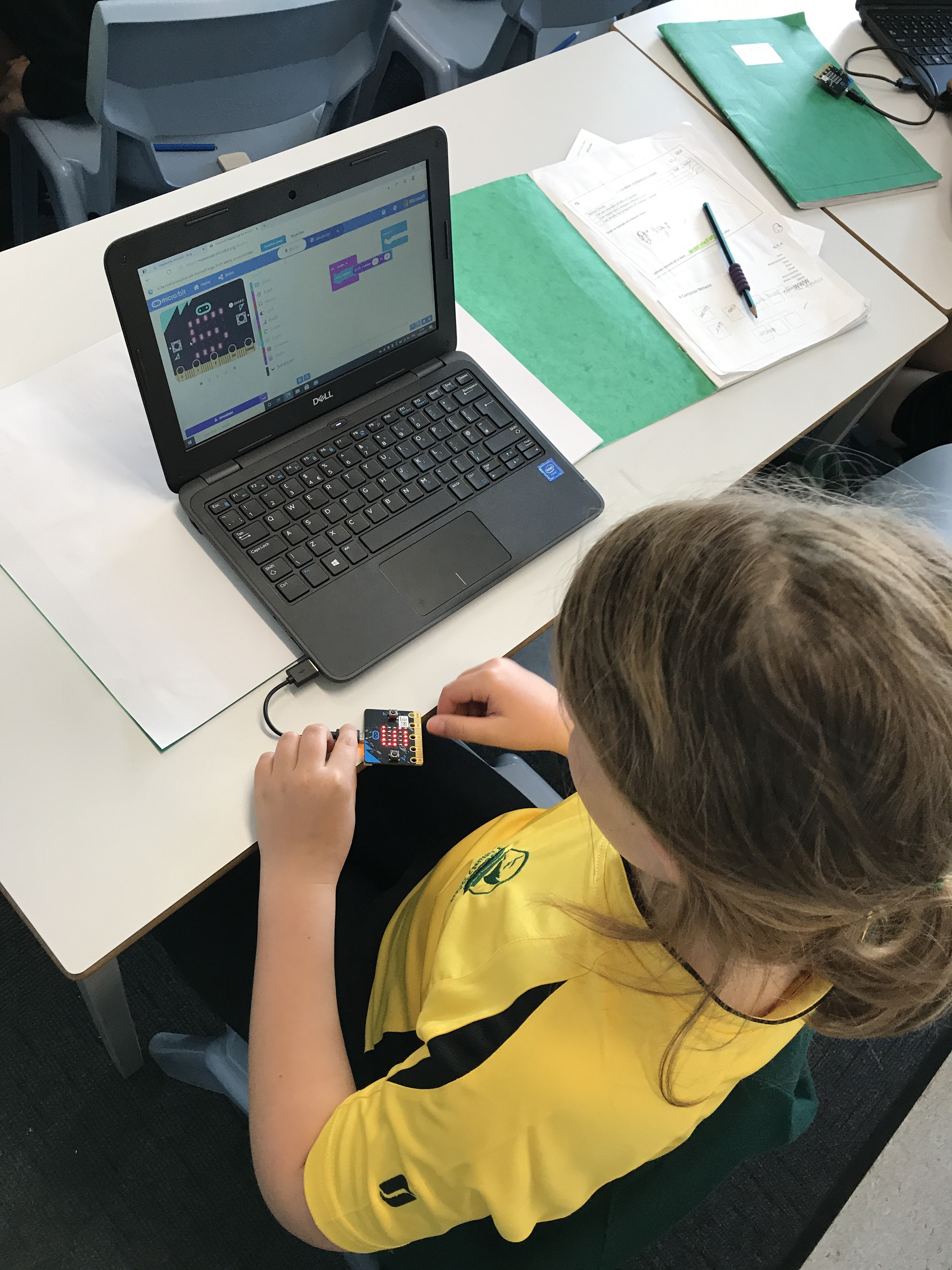
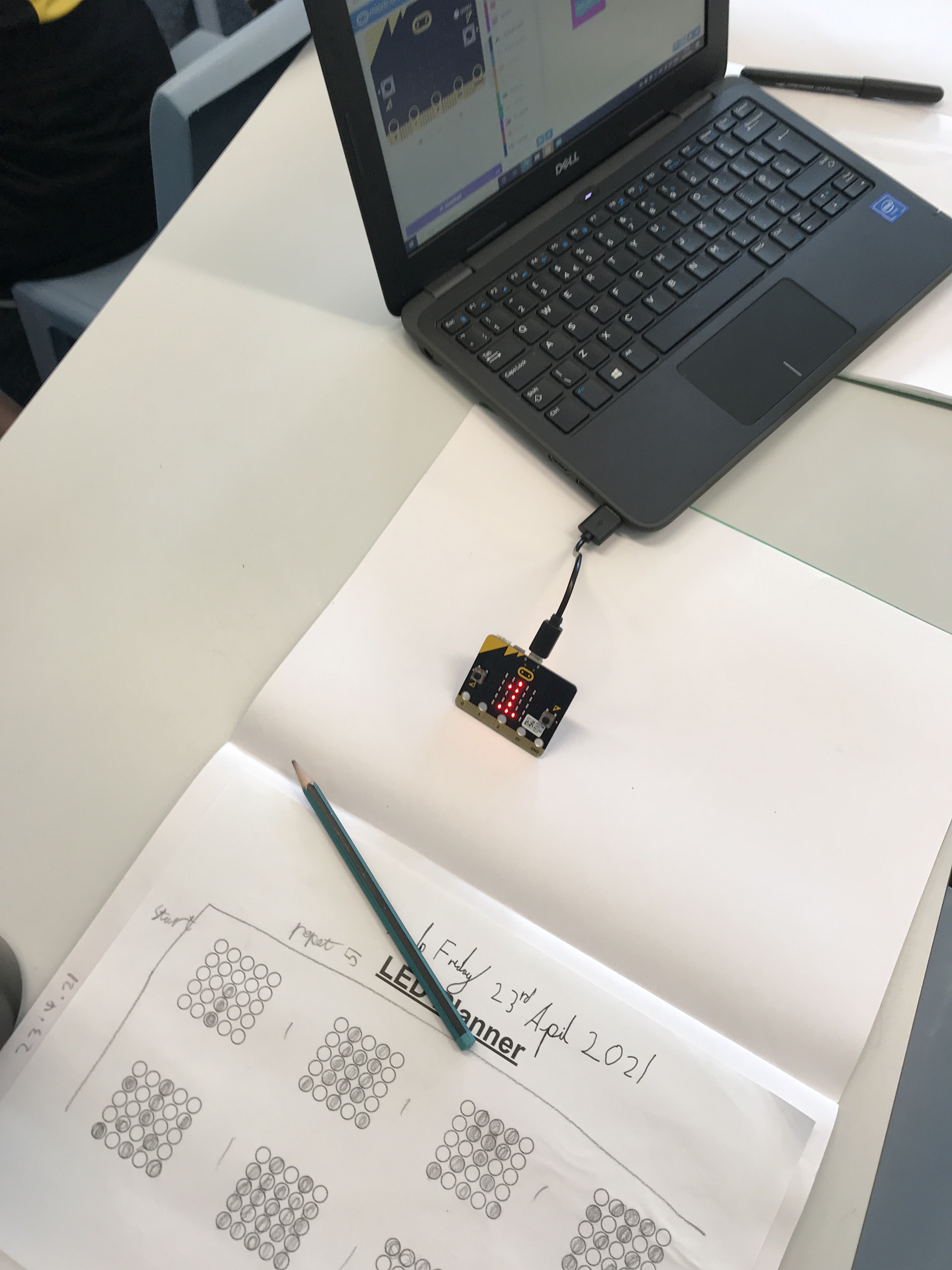
Programming Animation L3 – Micro:Bit!
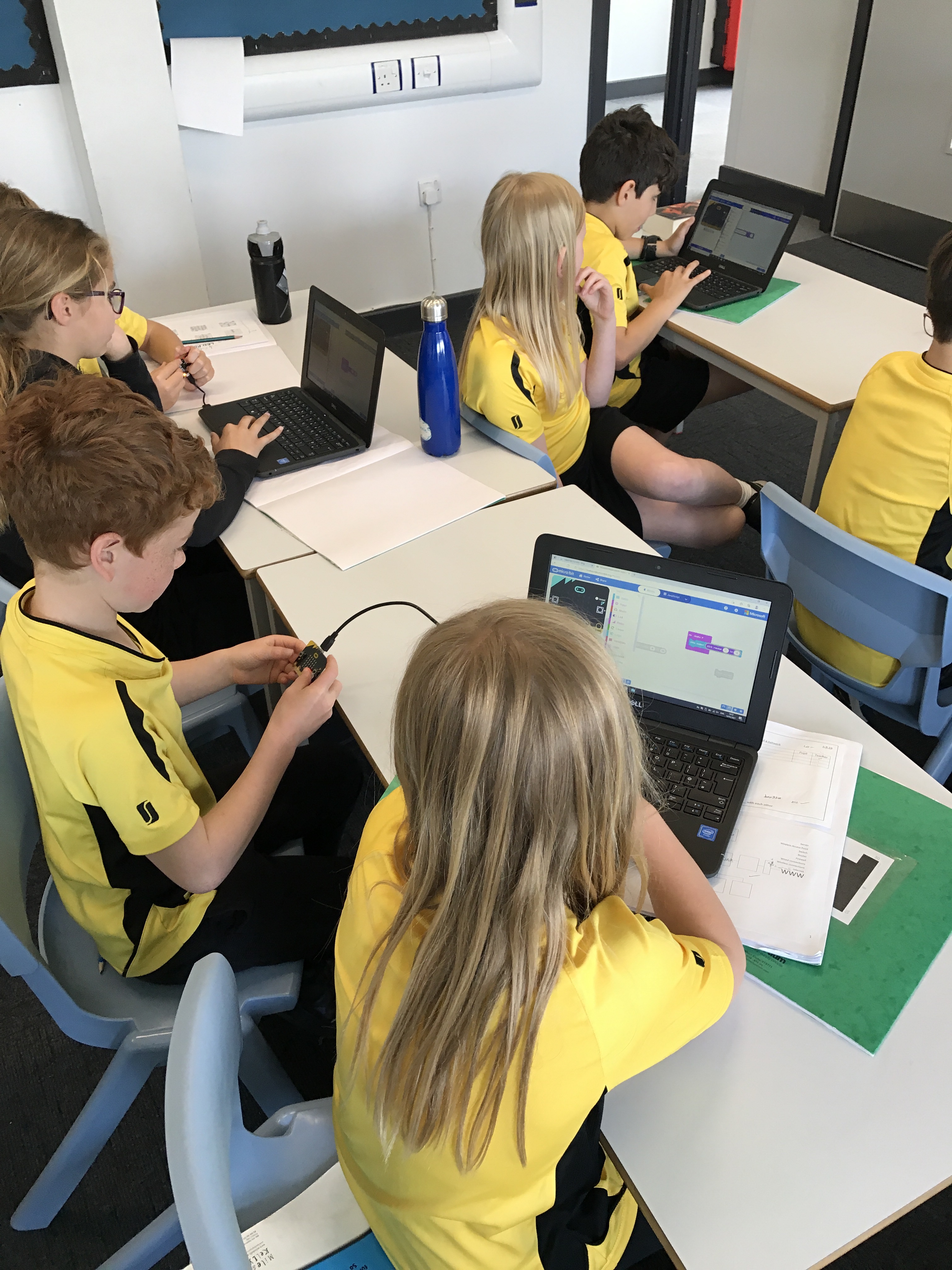
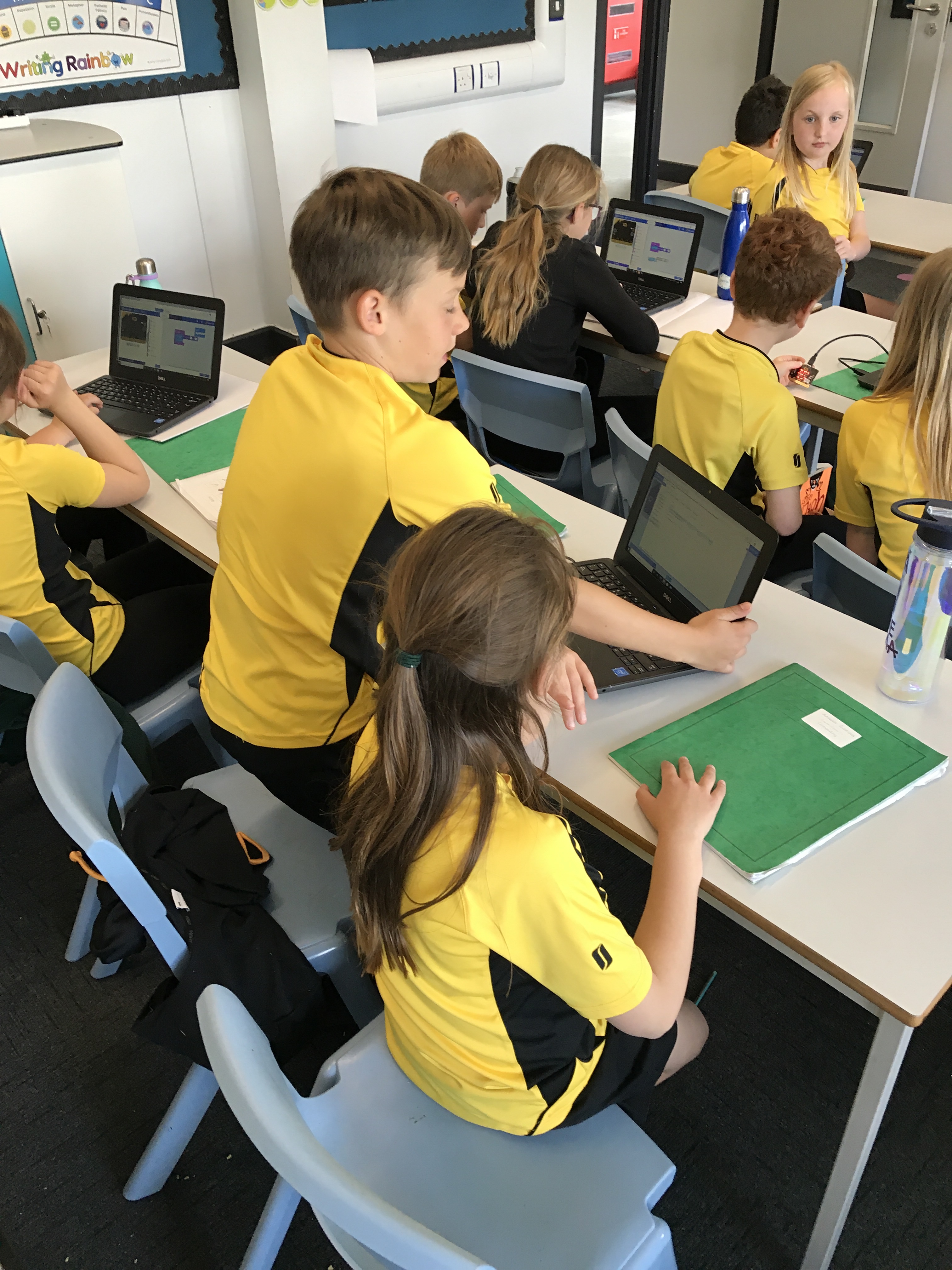
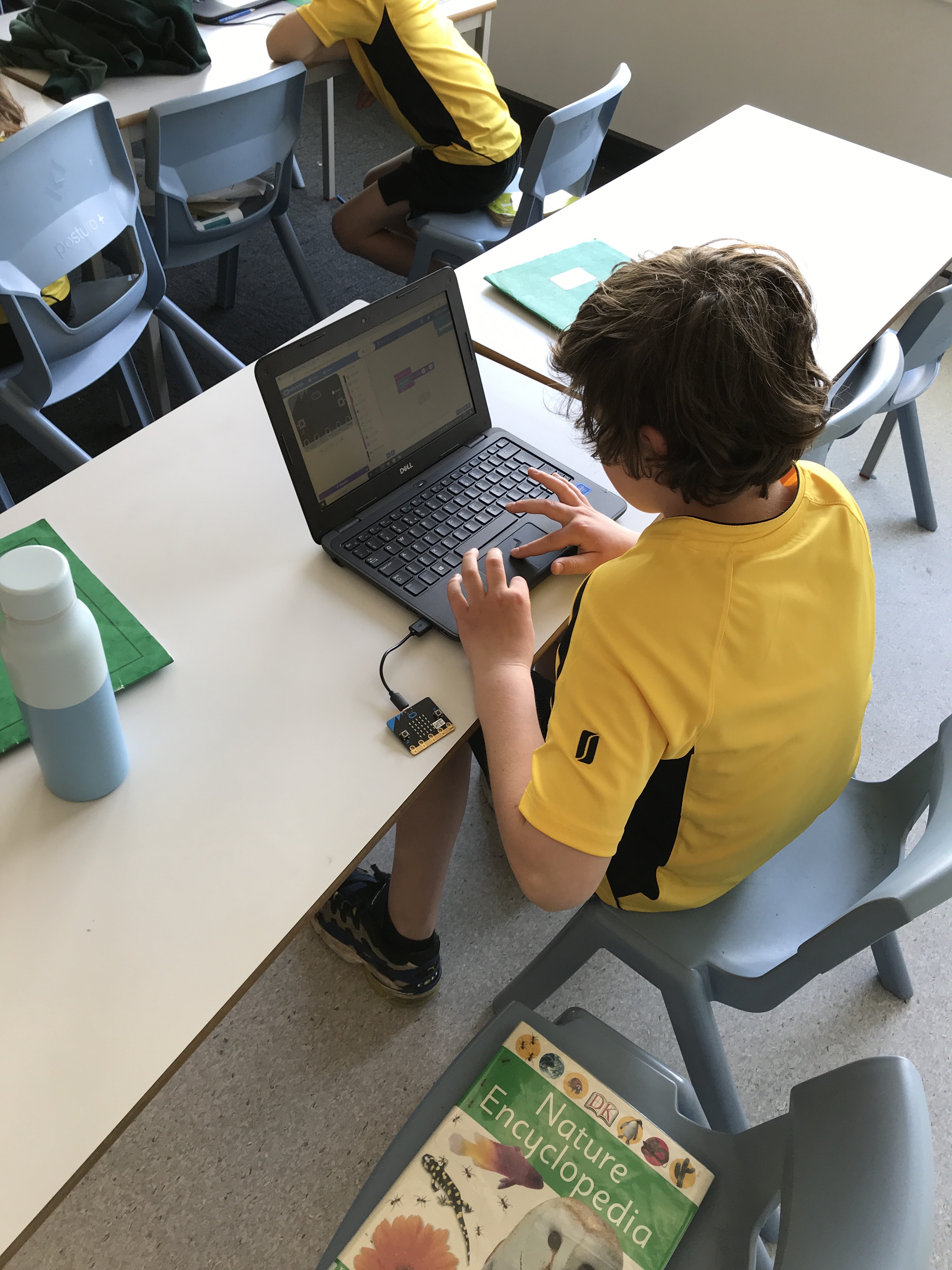
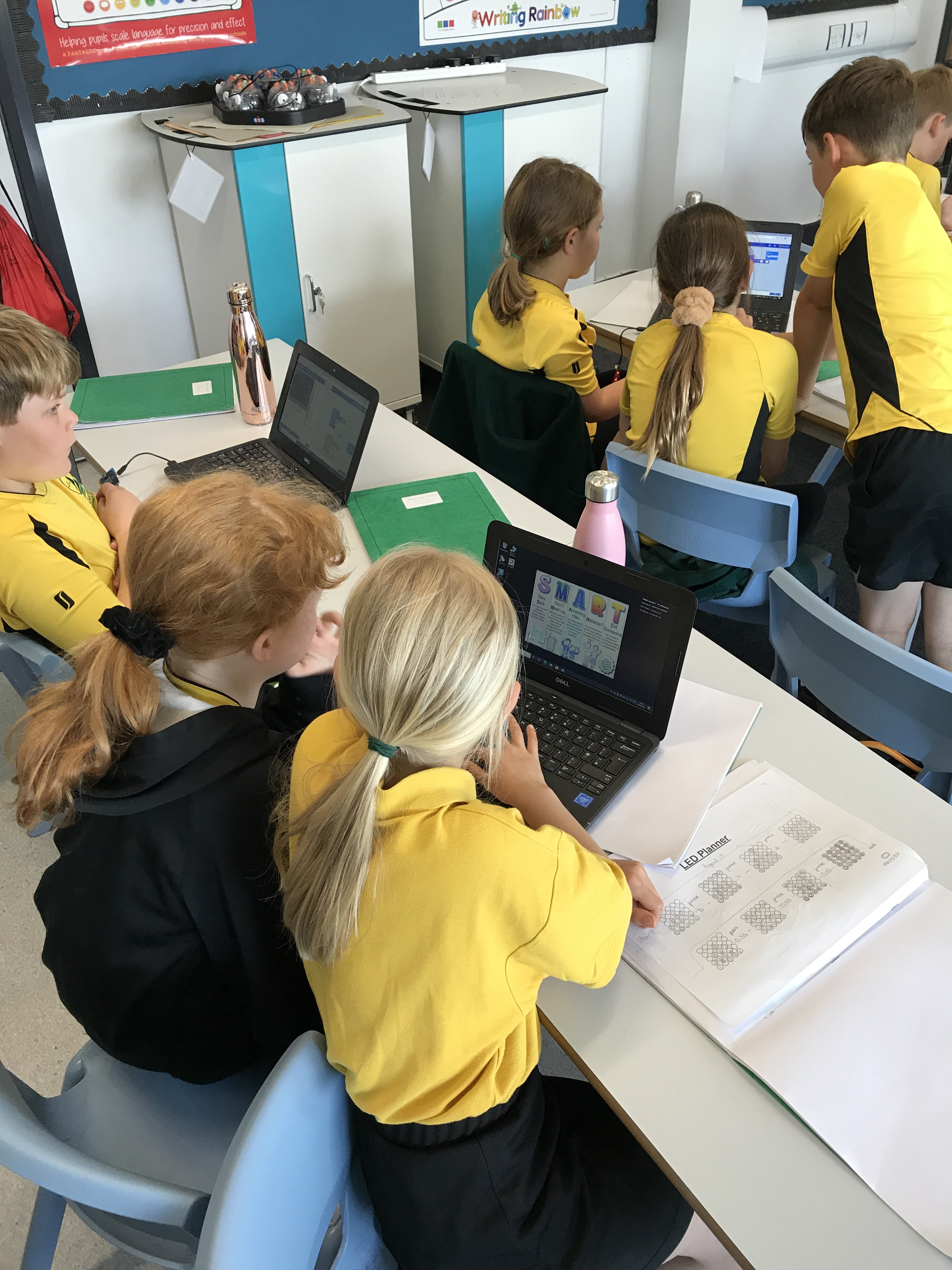
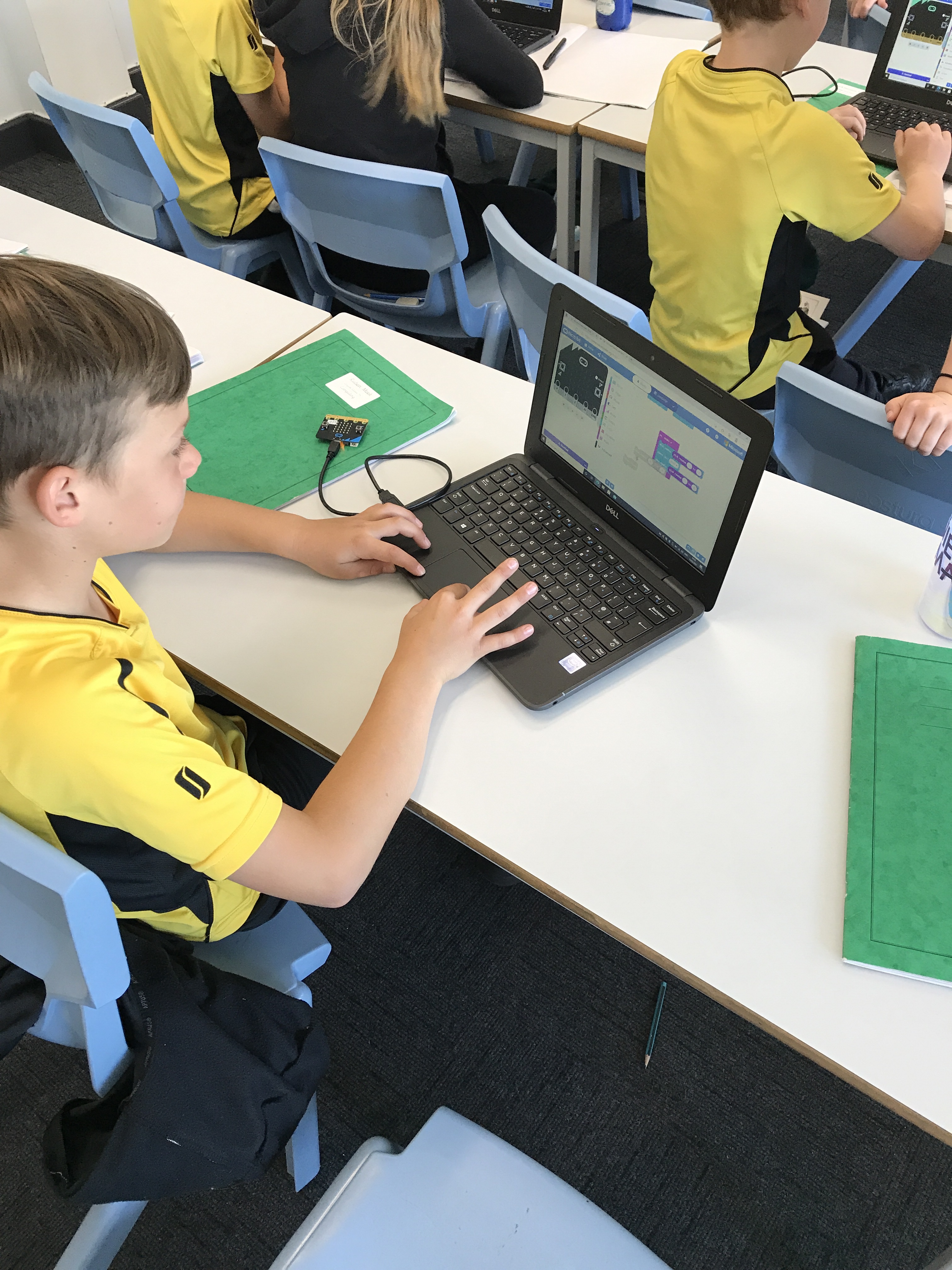
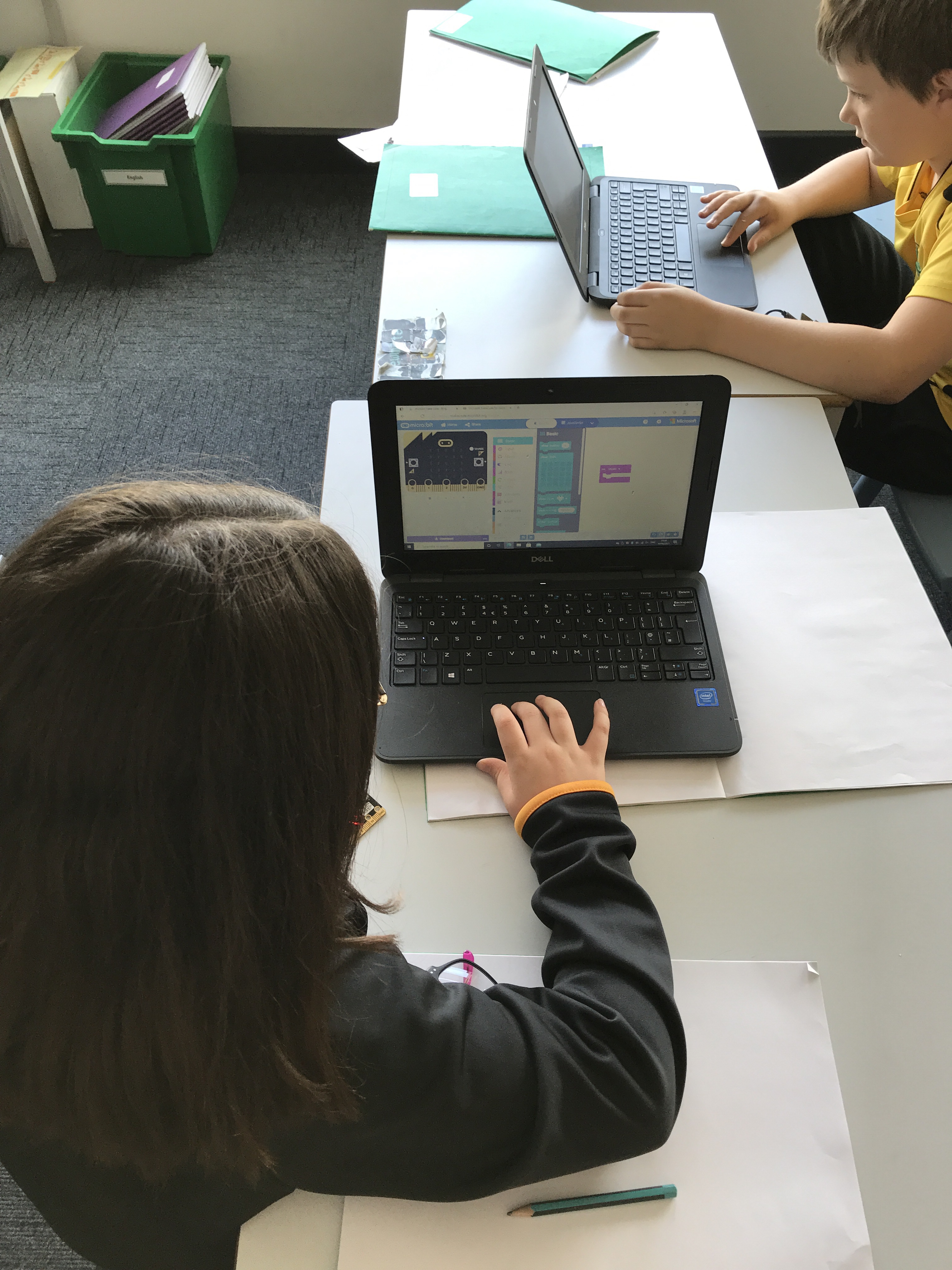
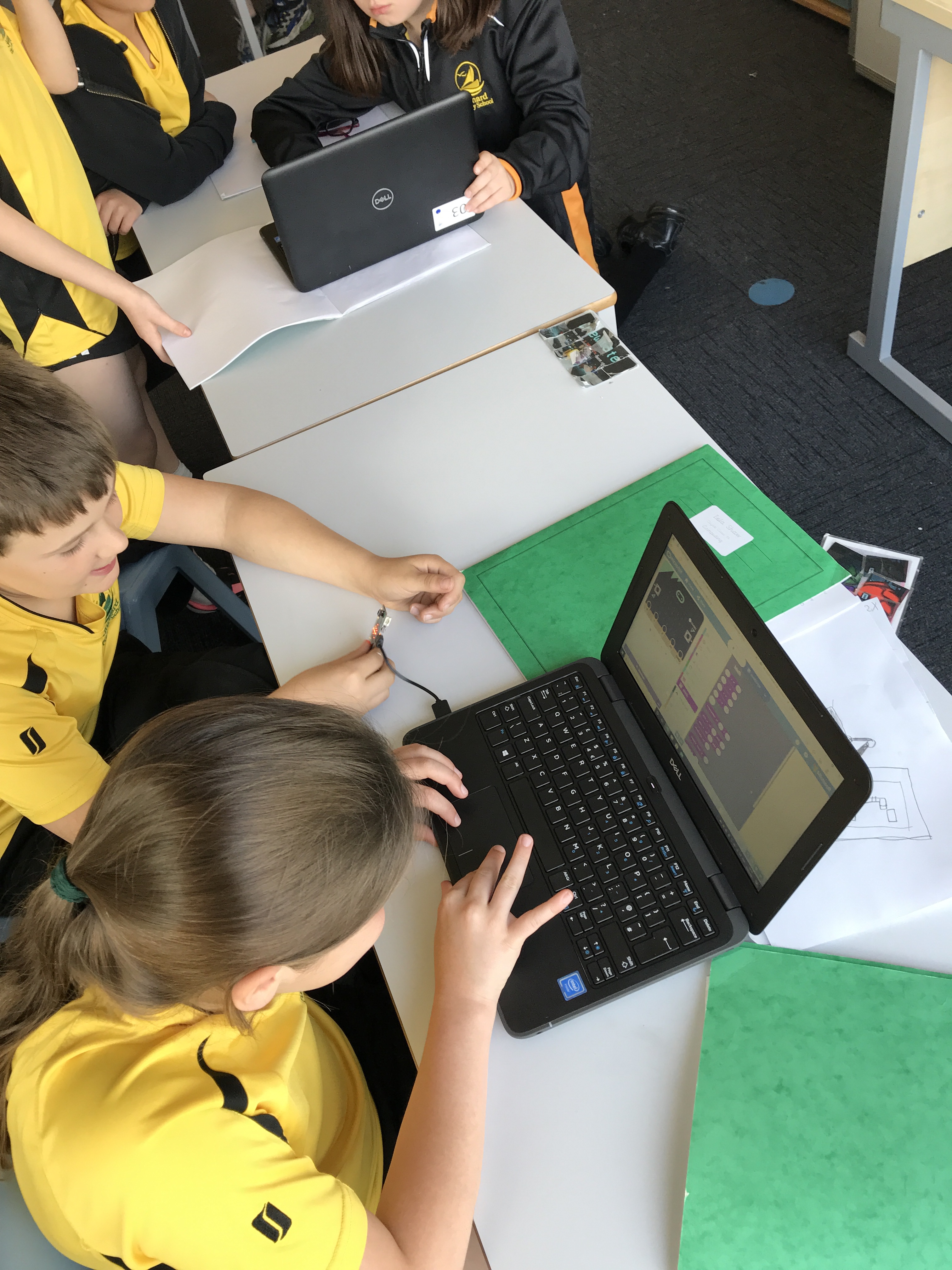
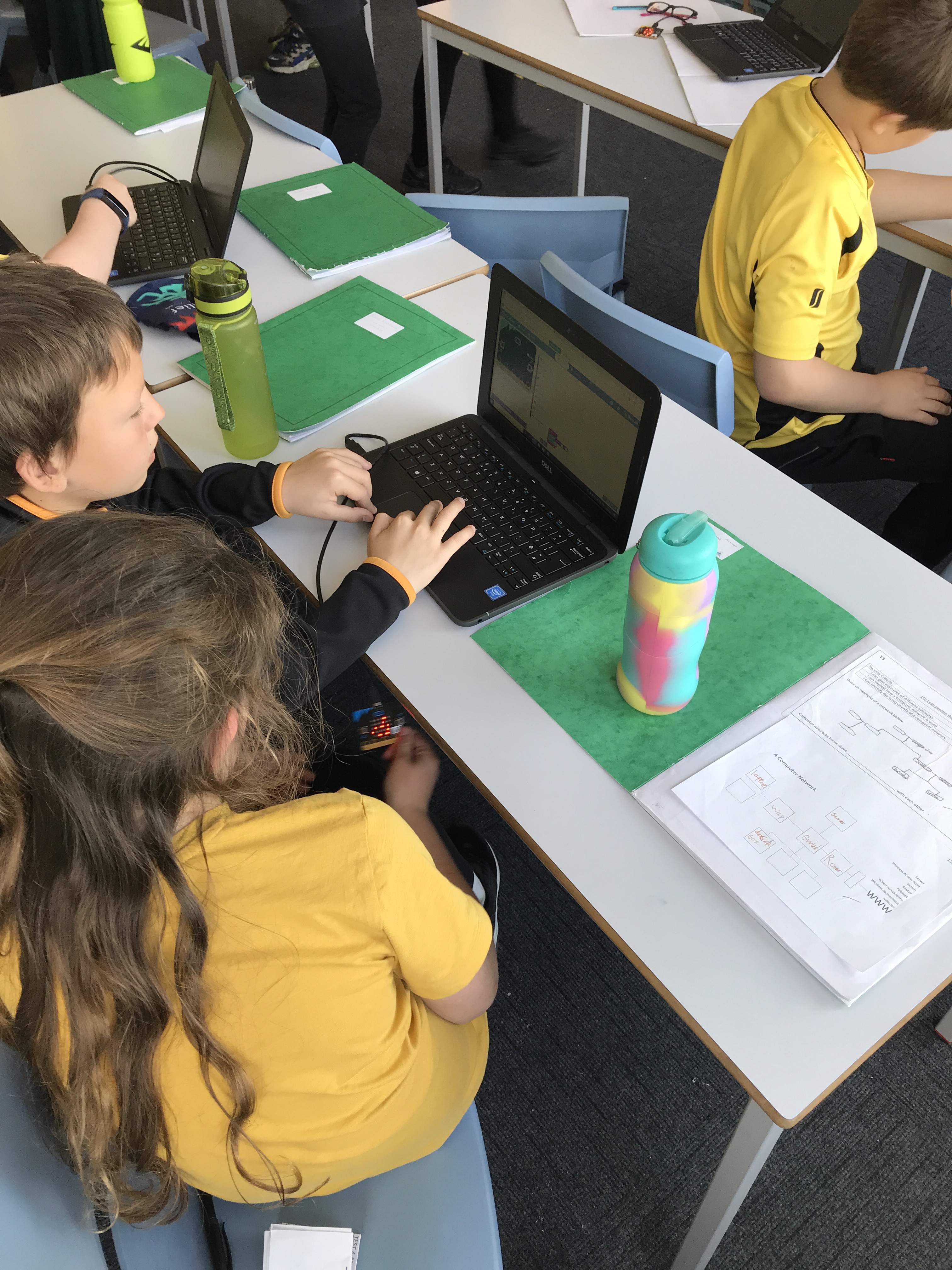
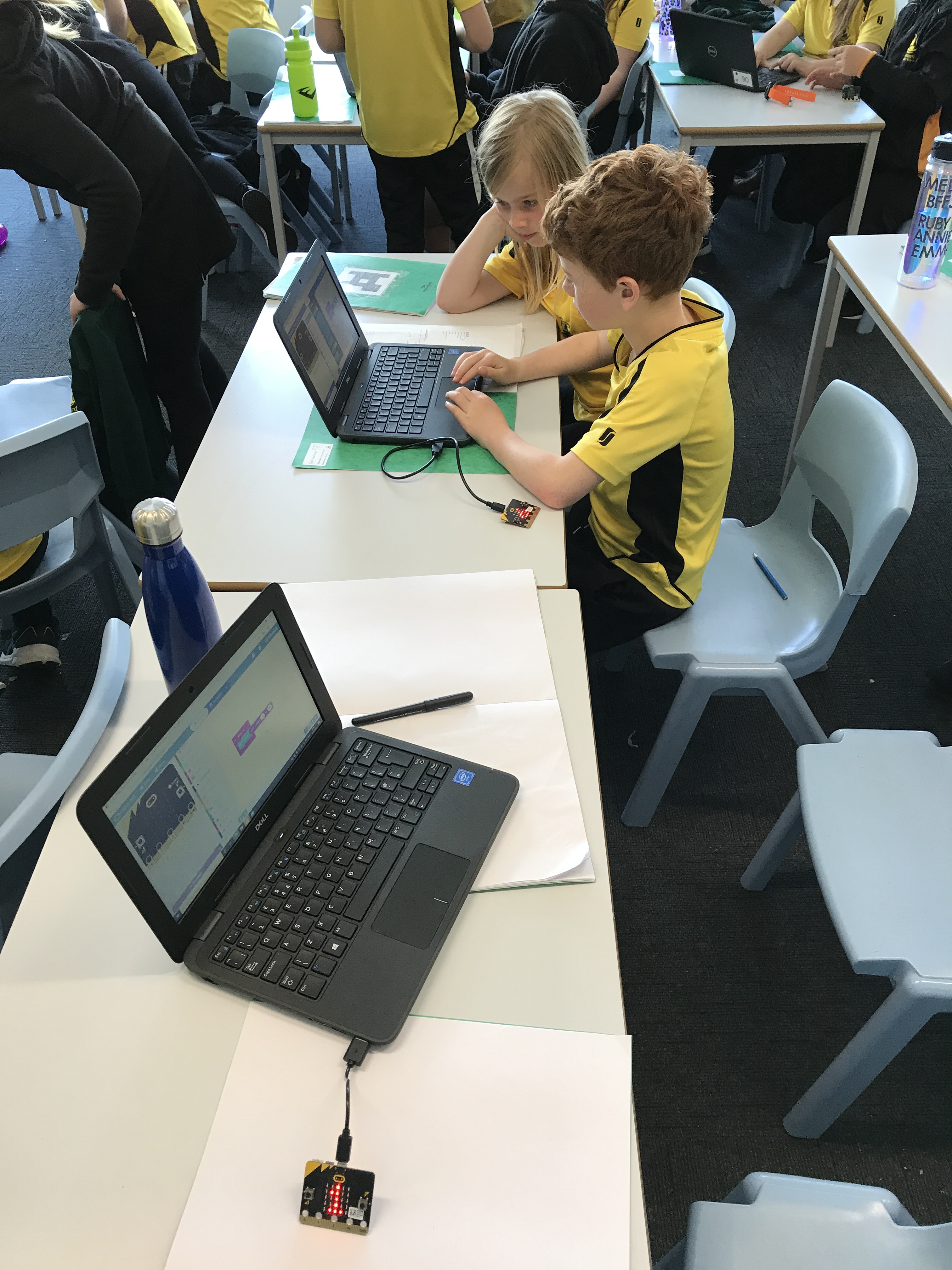
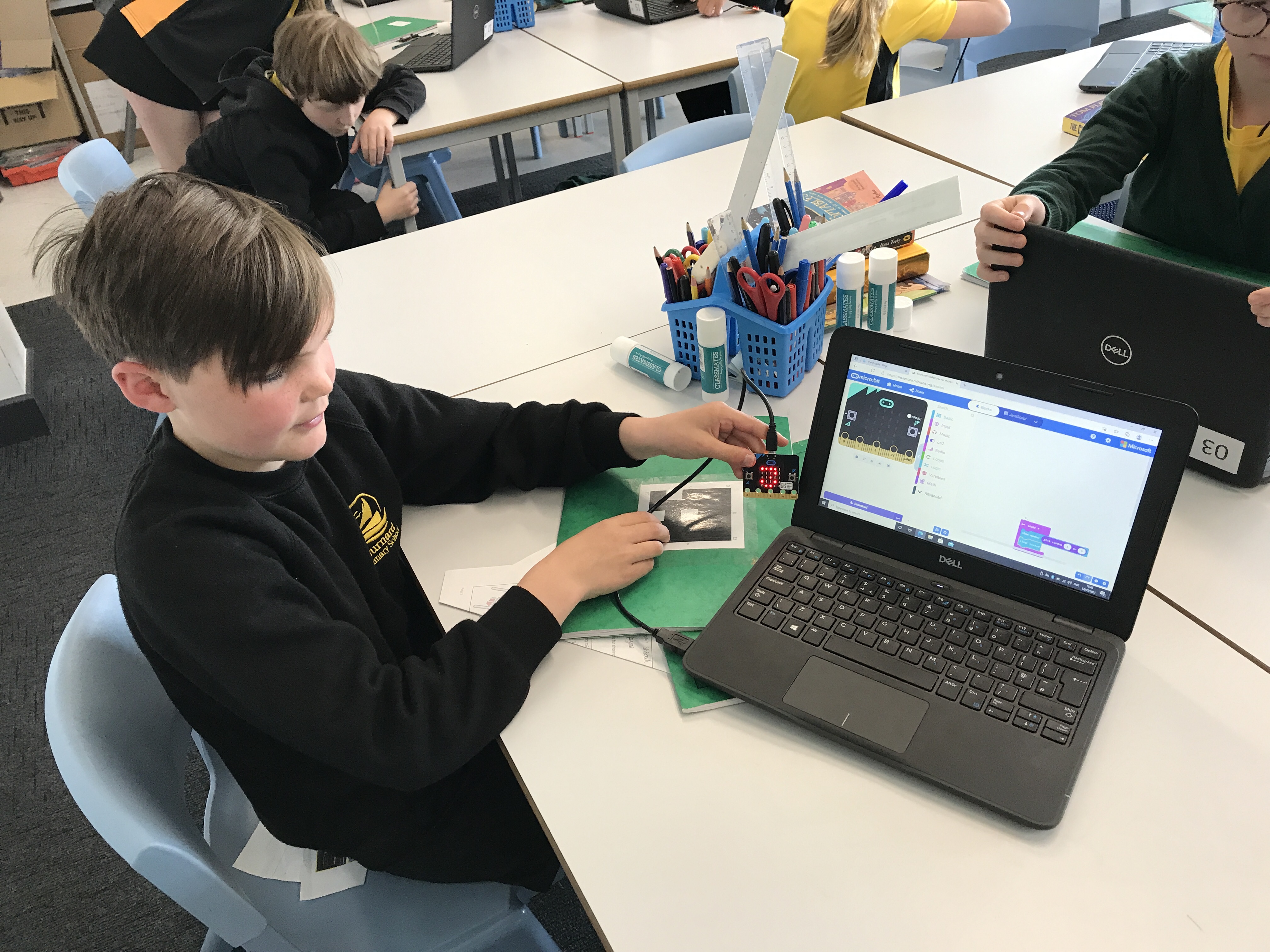
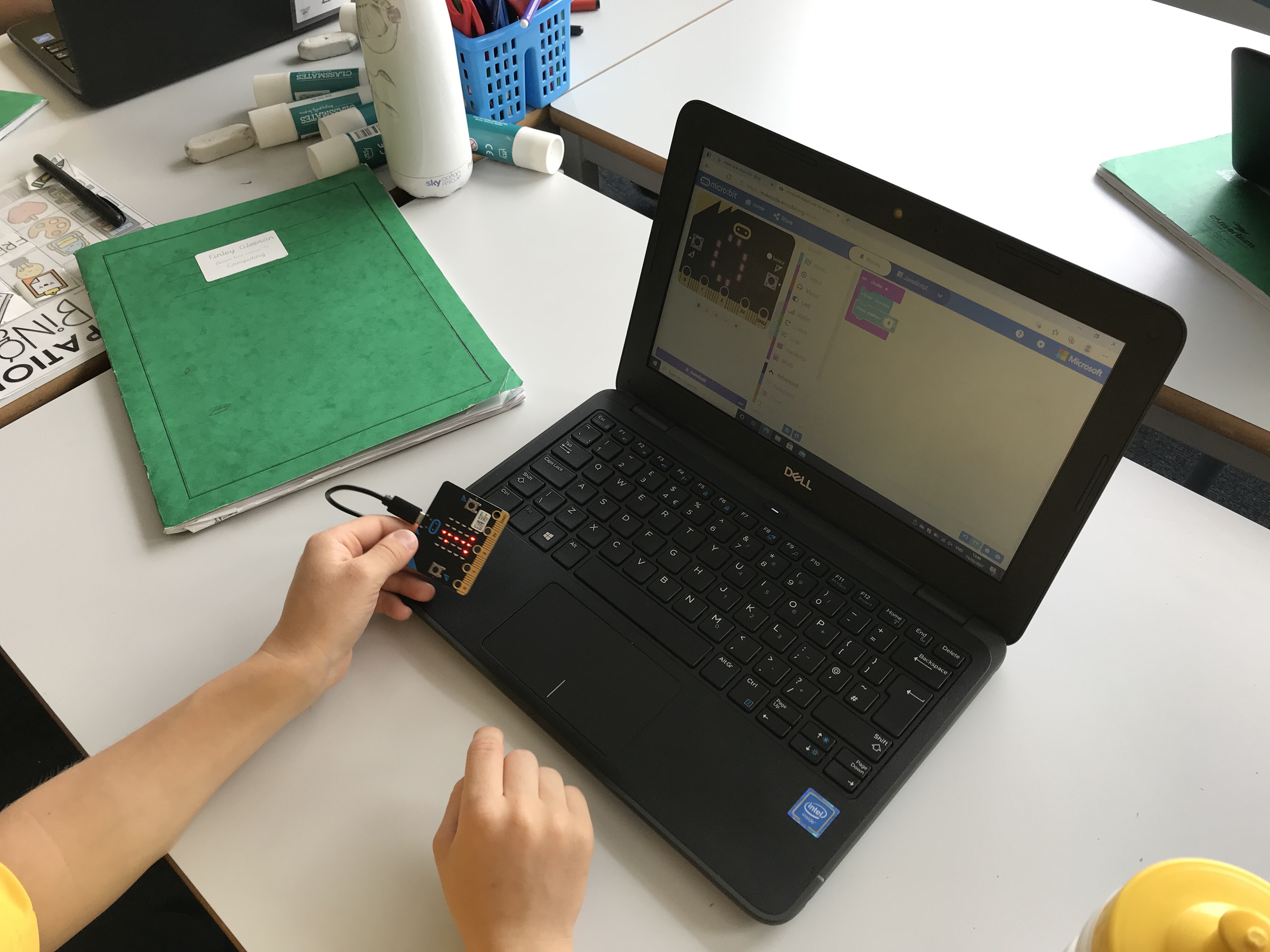
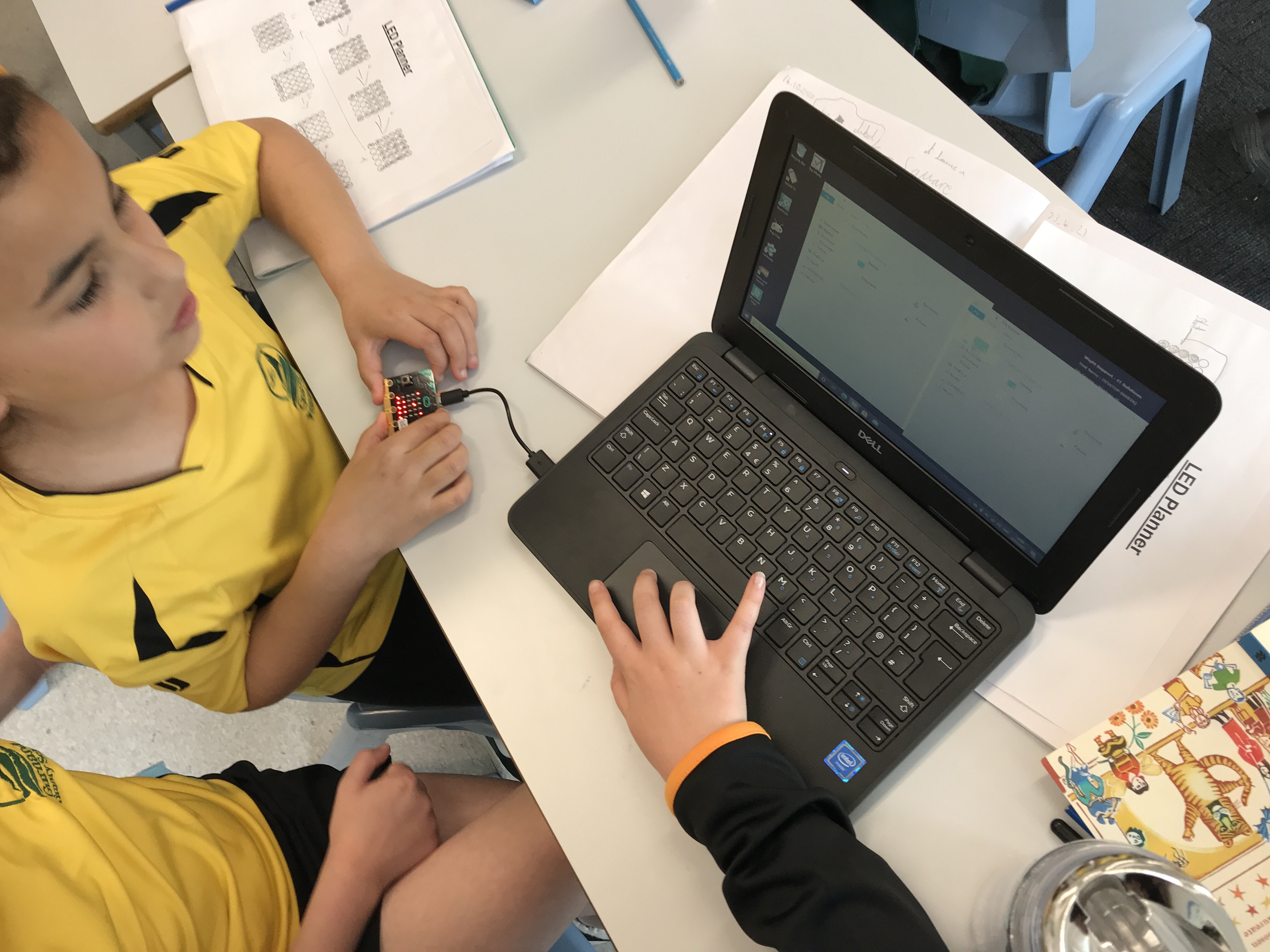
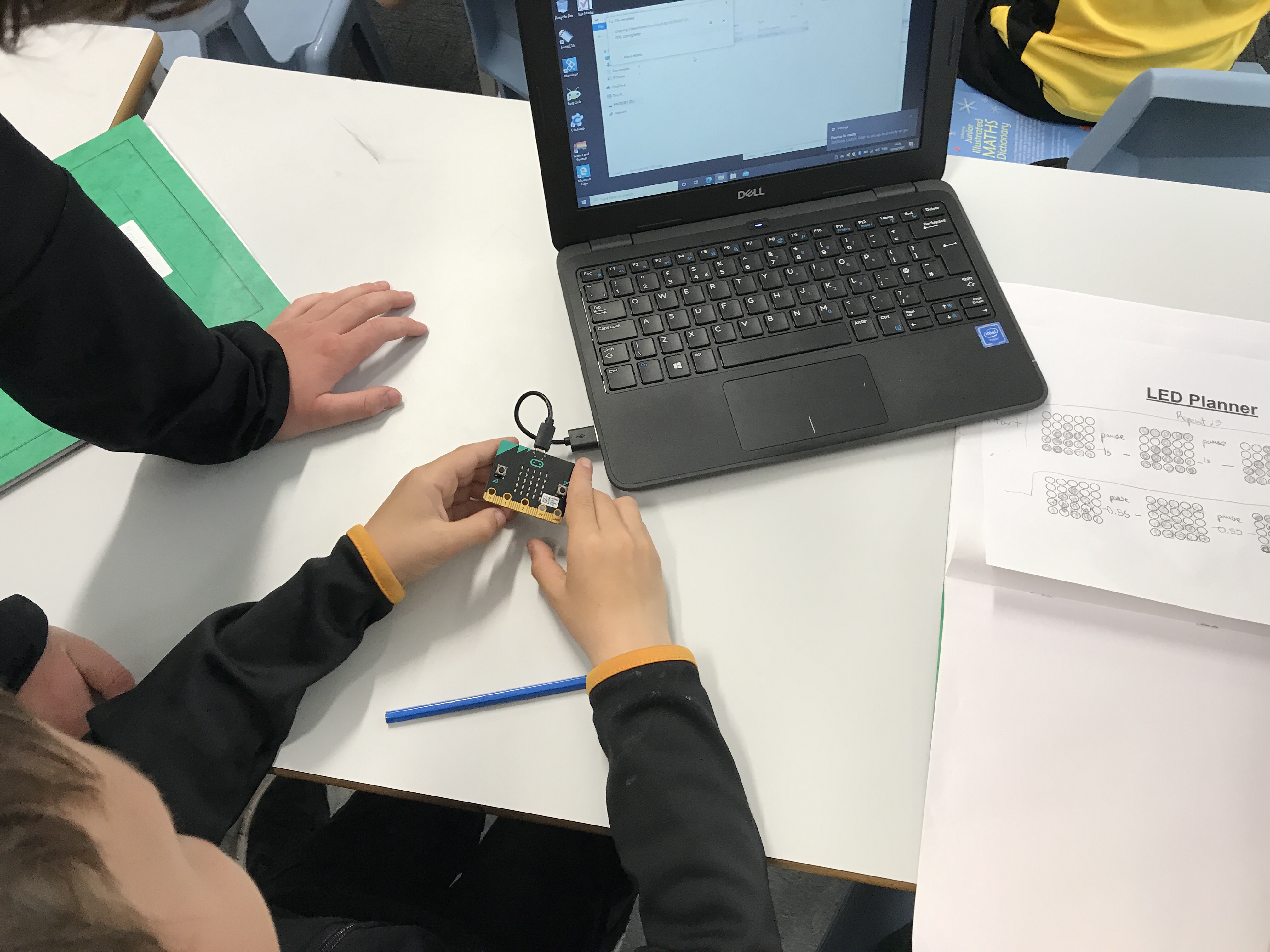
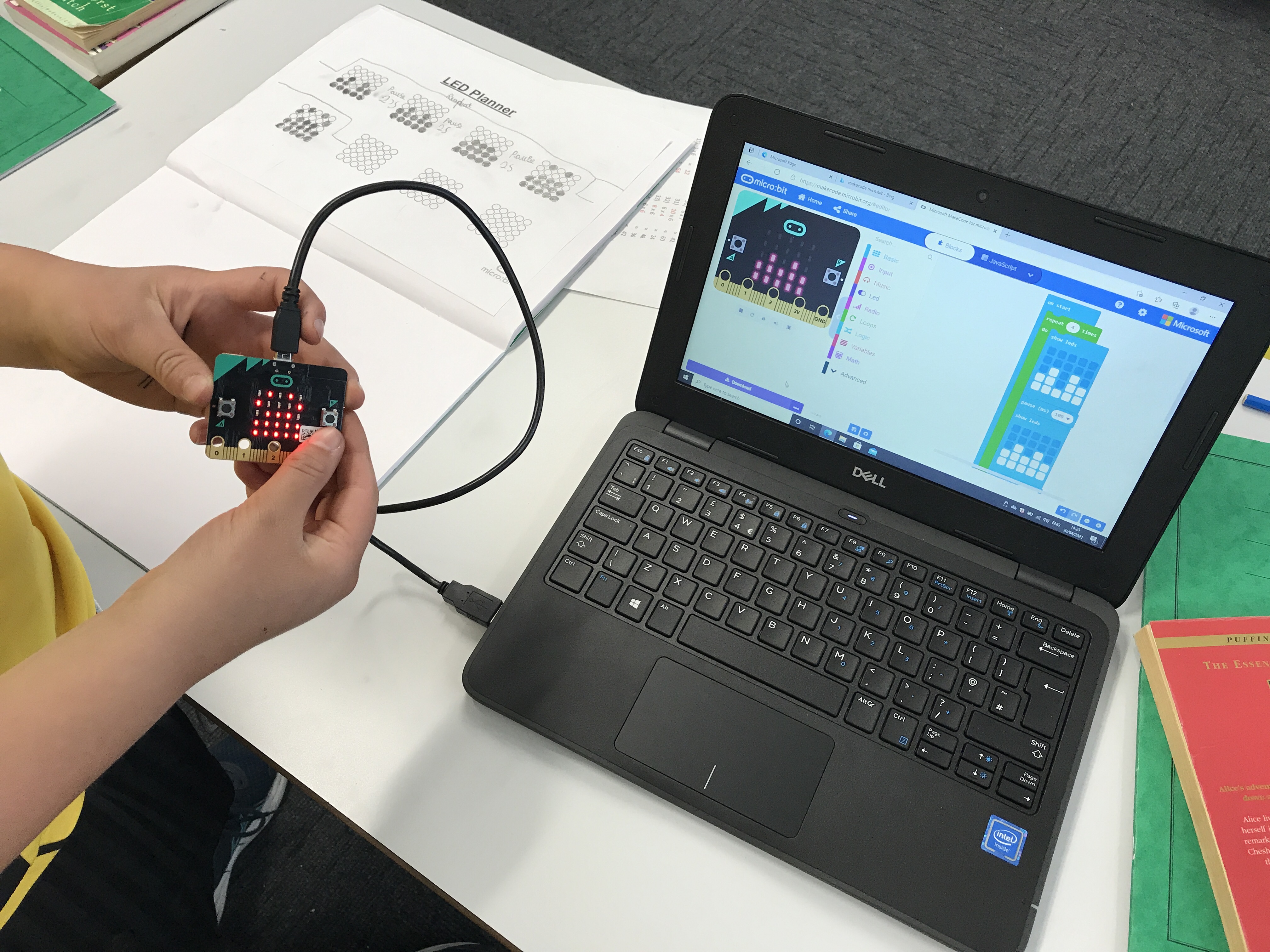
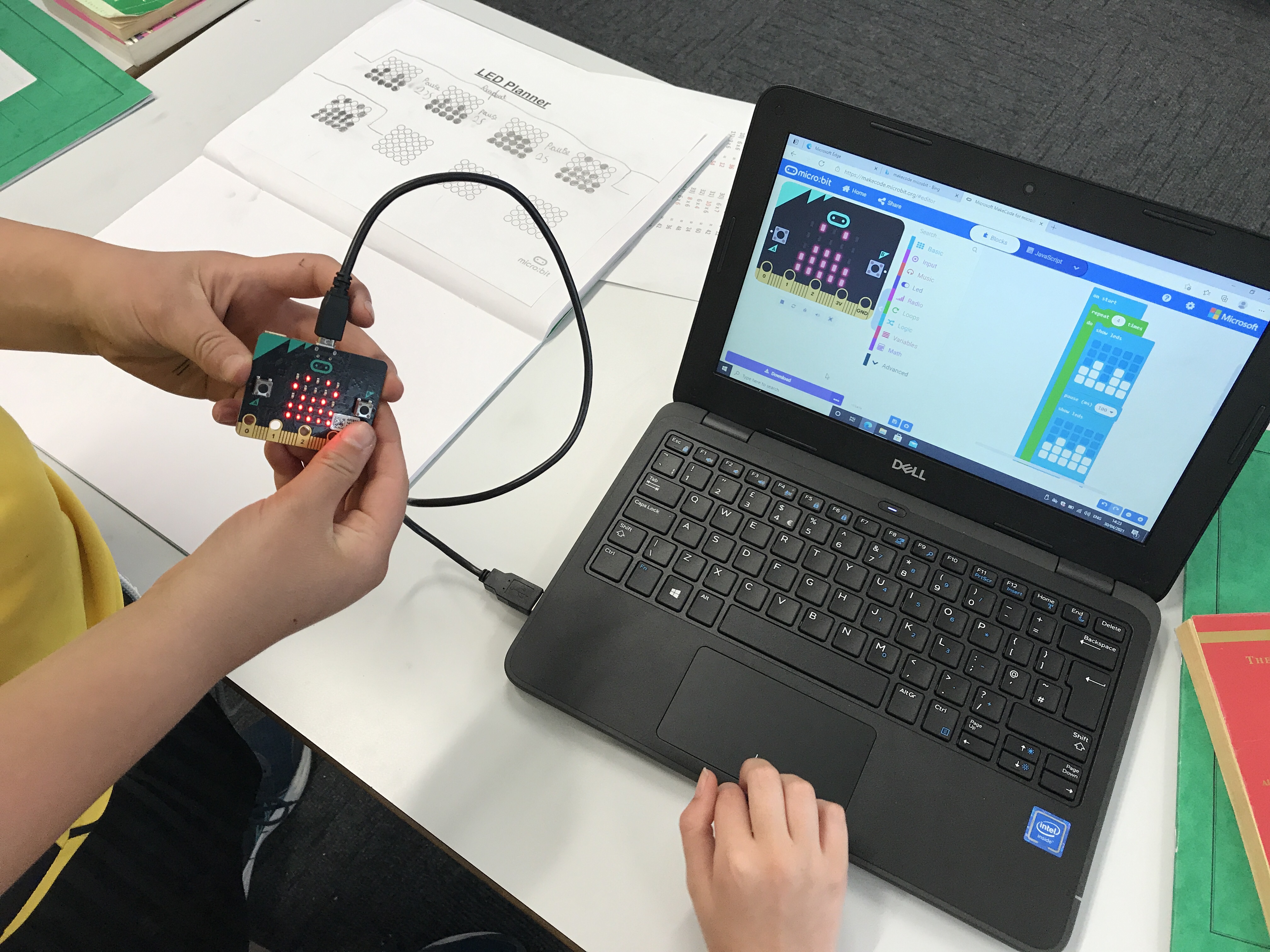
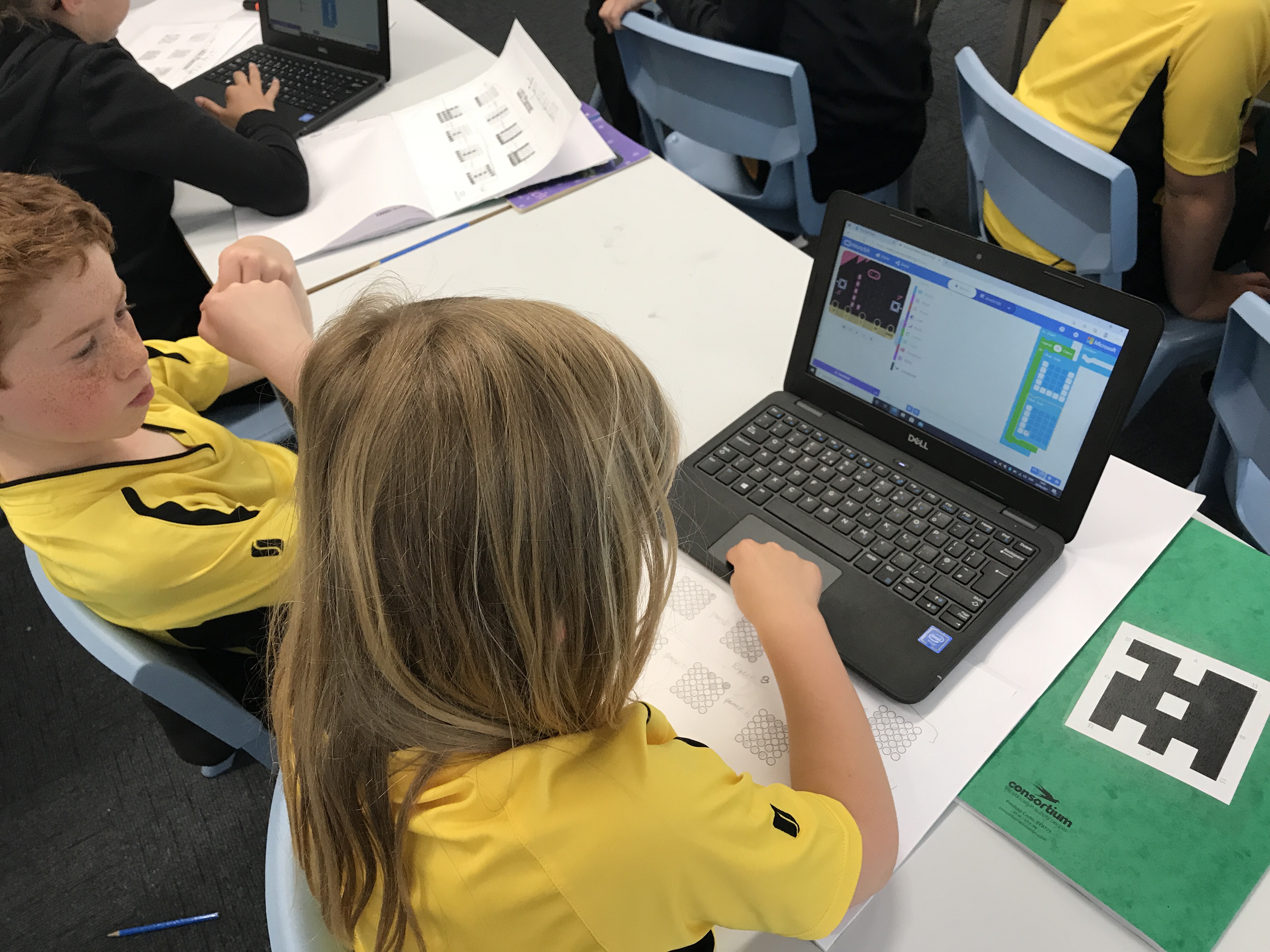
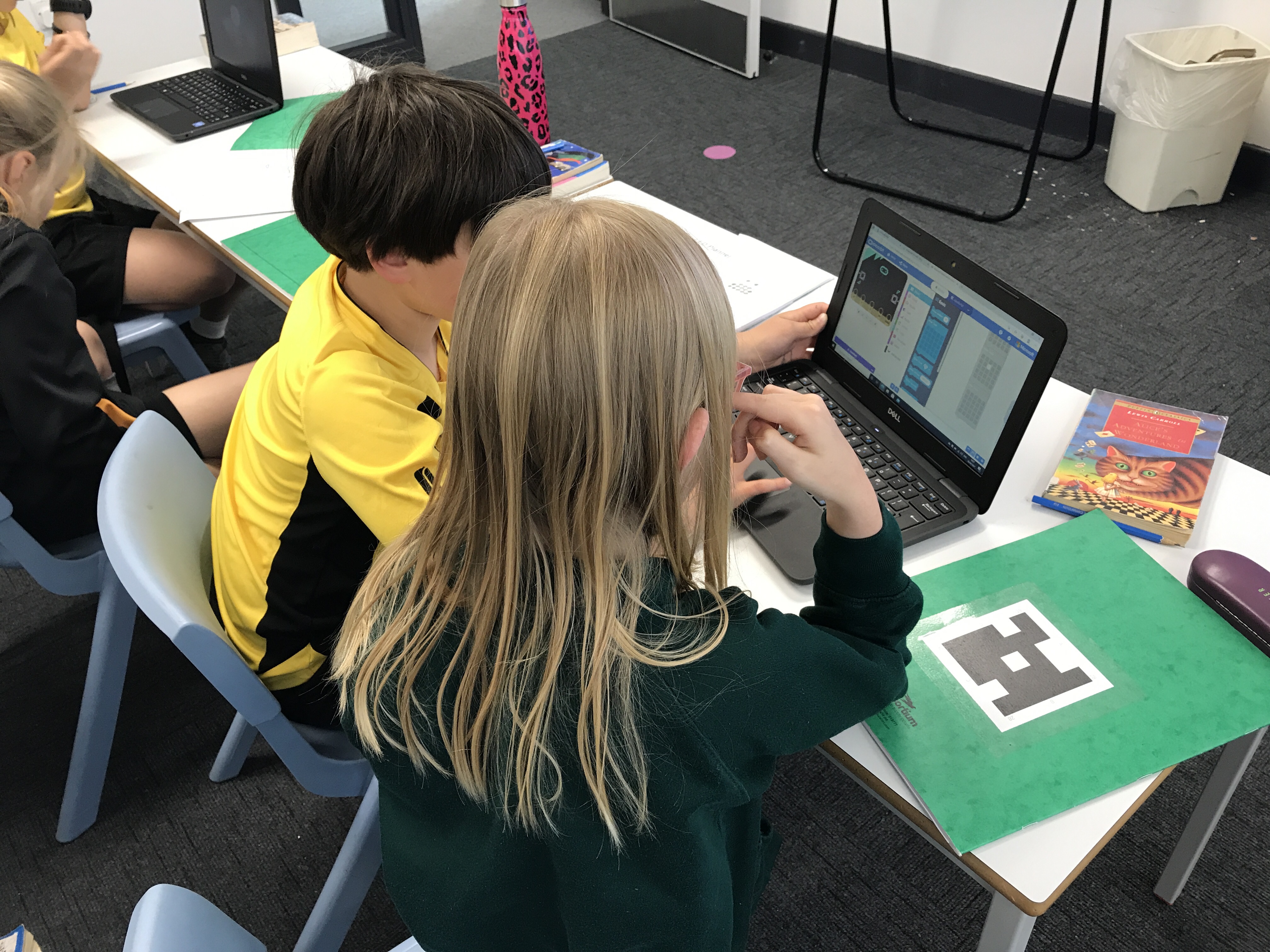
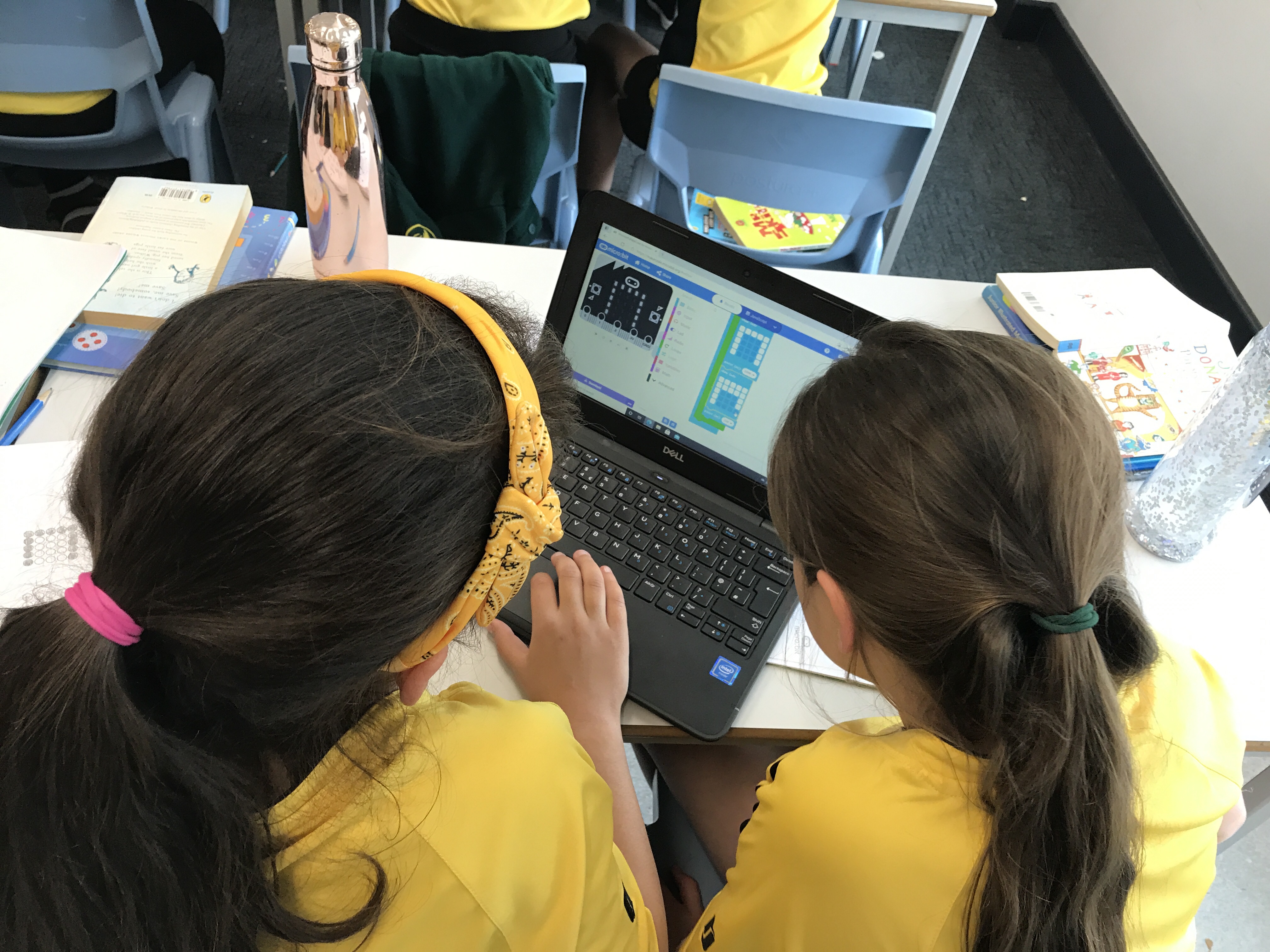
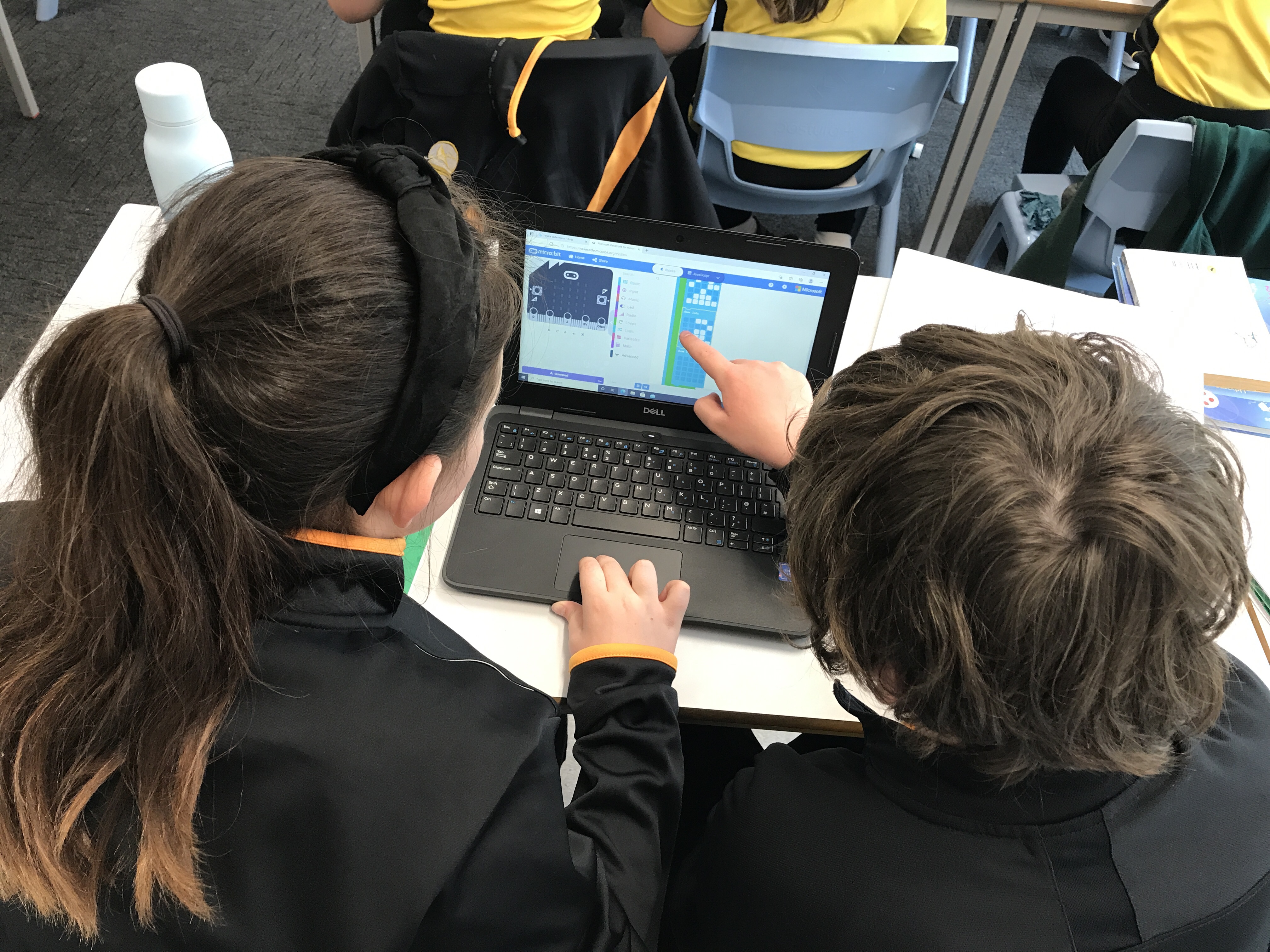
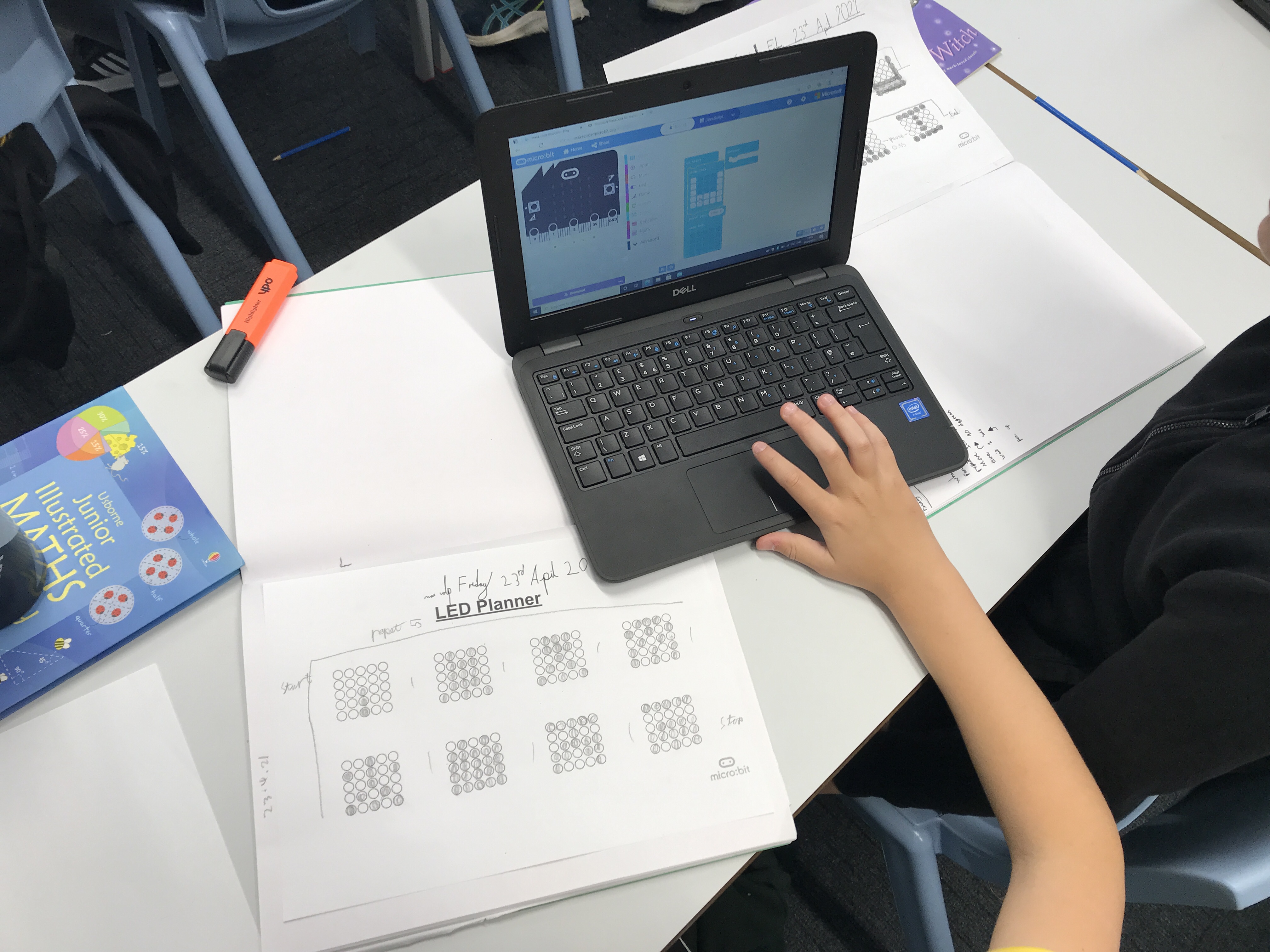
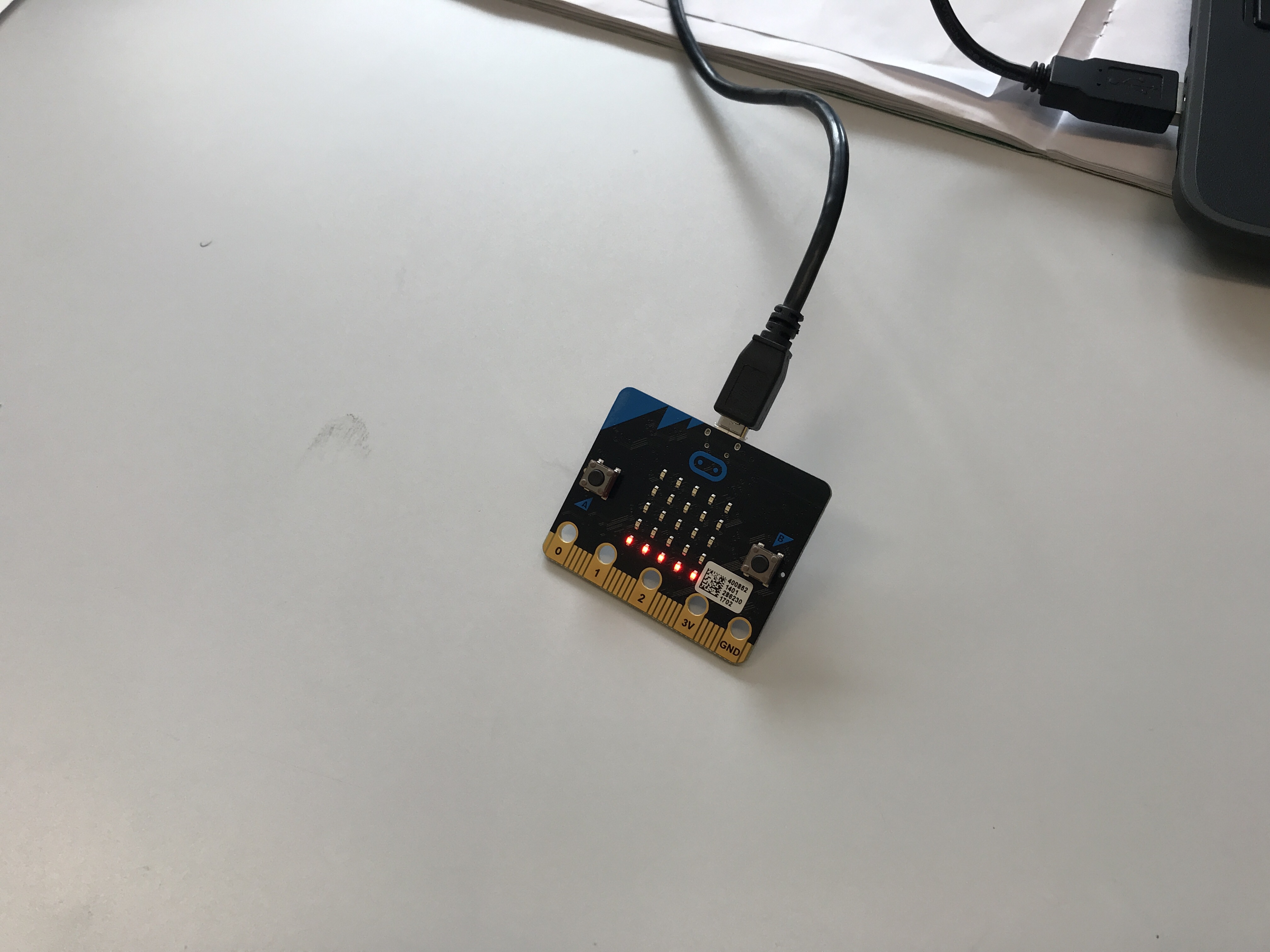
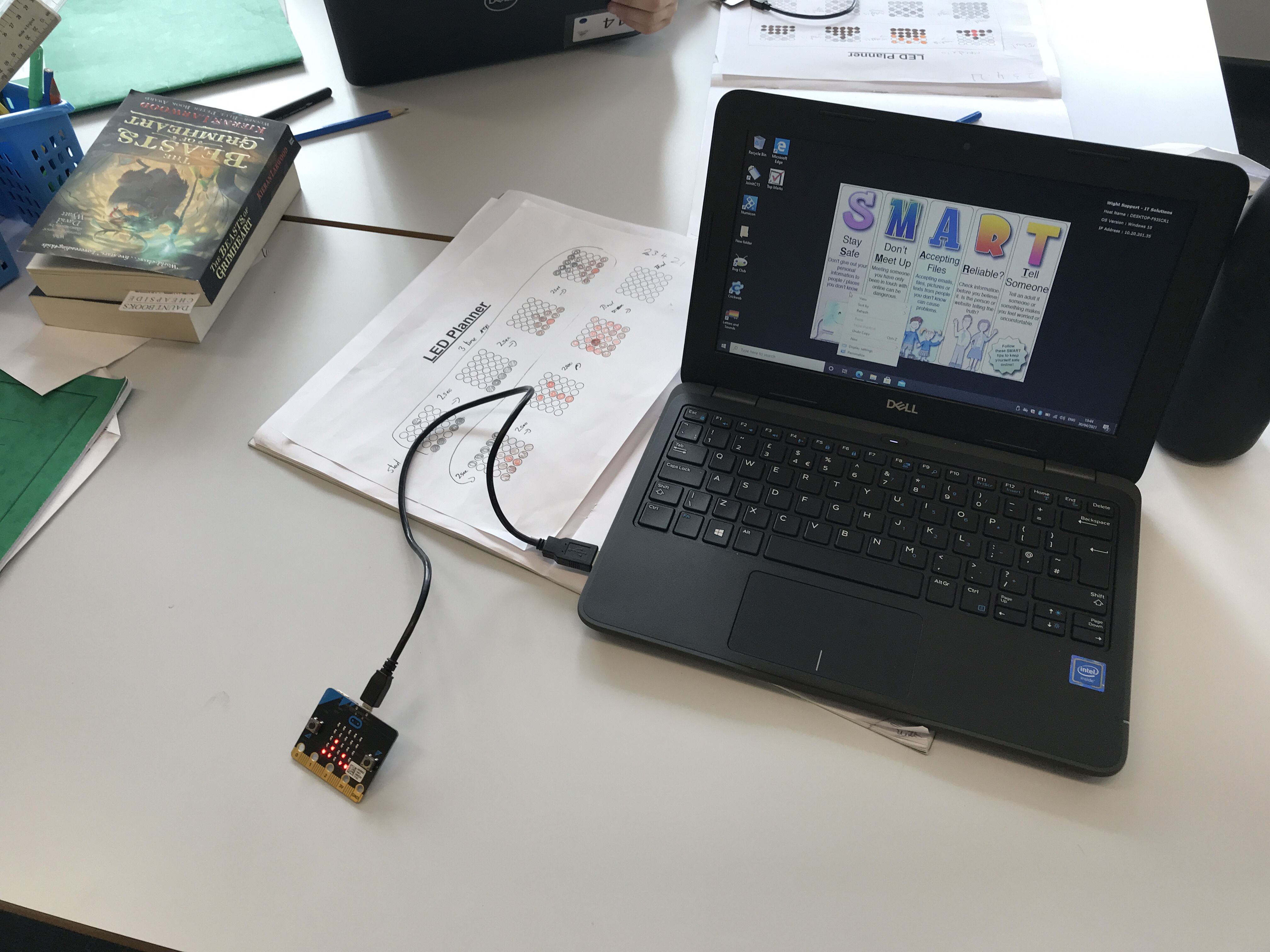
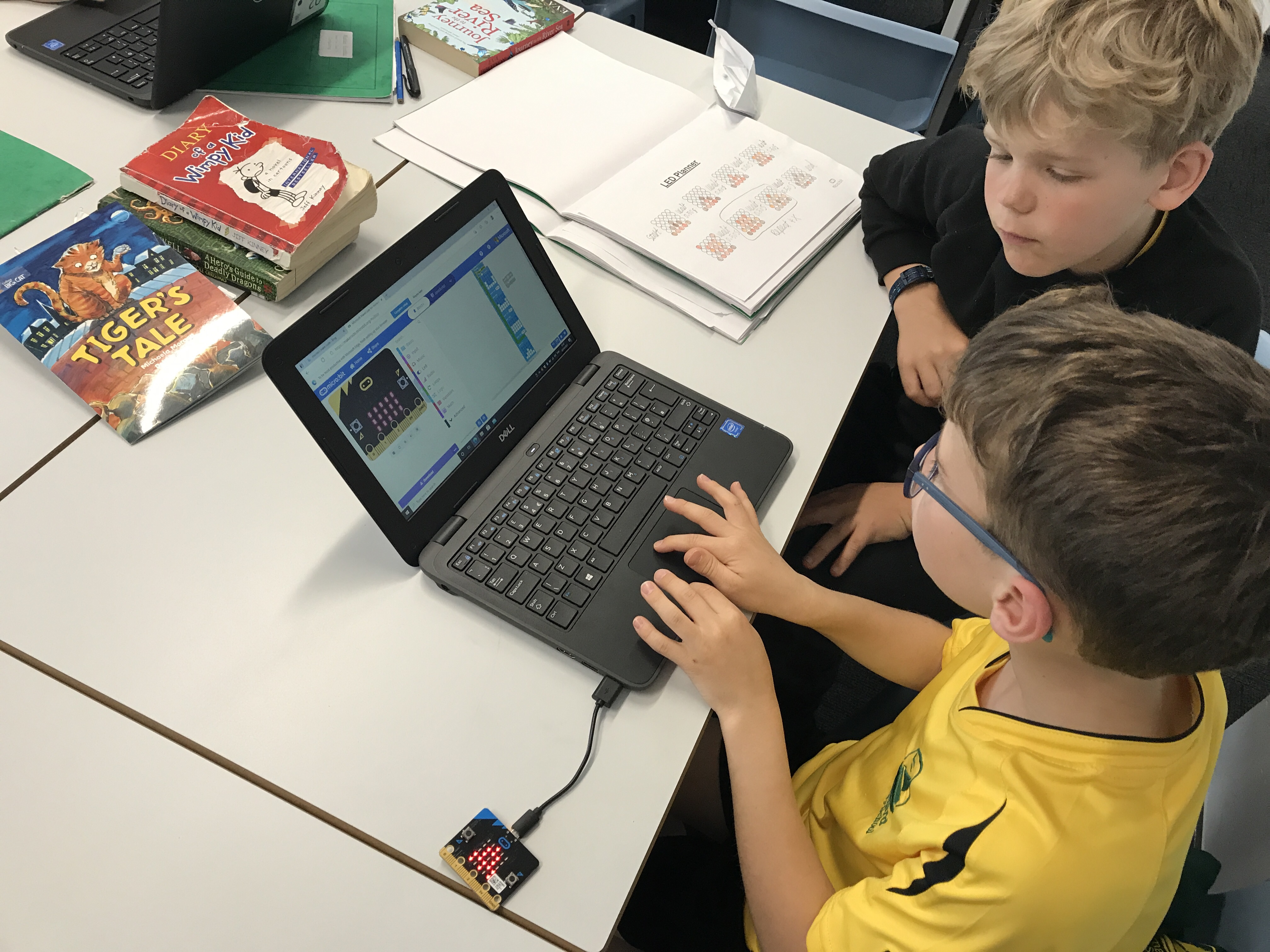
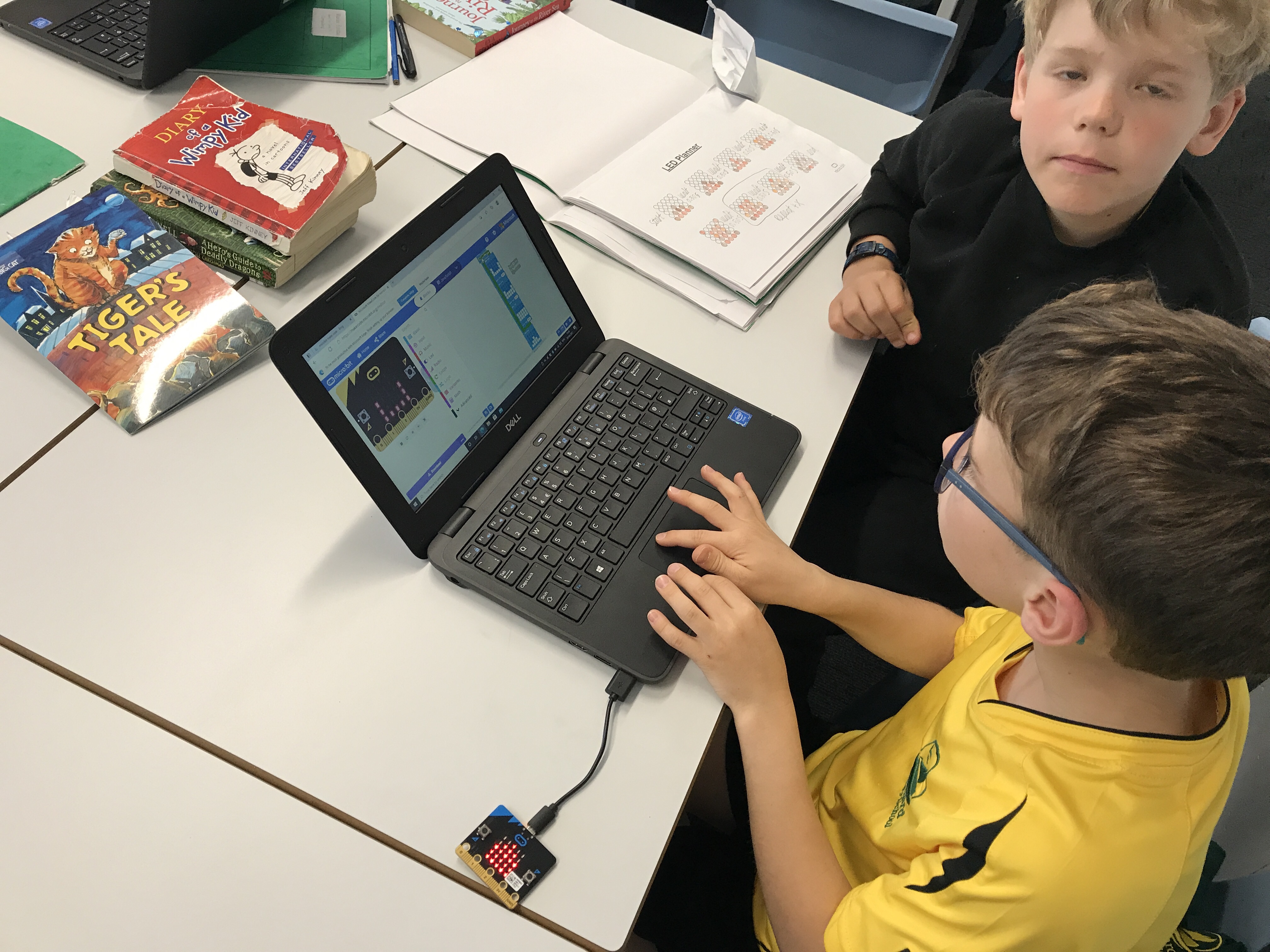
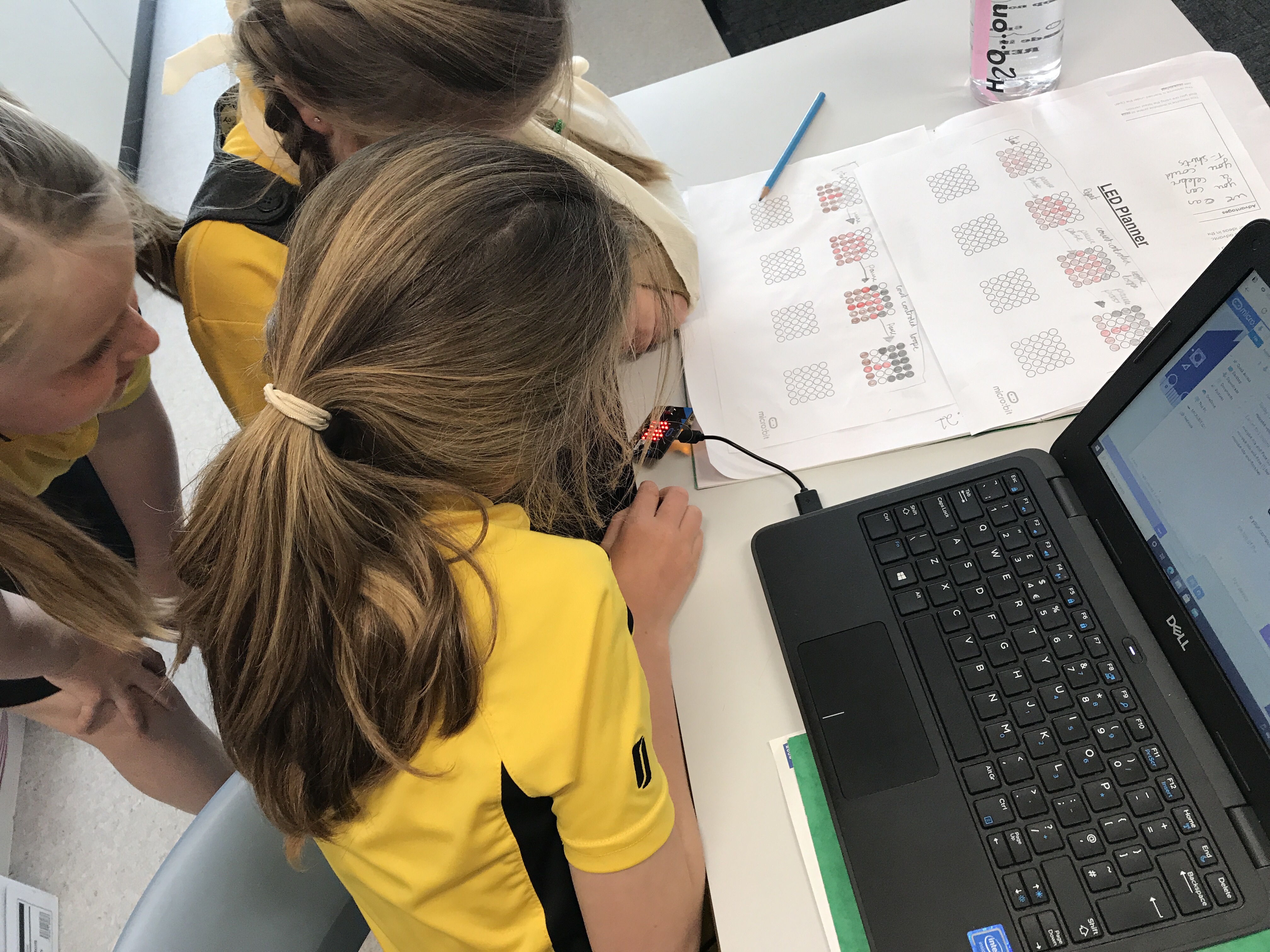
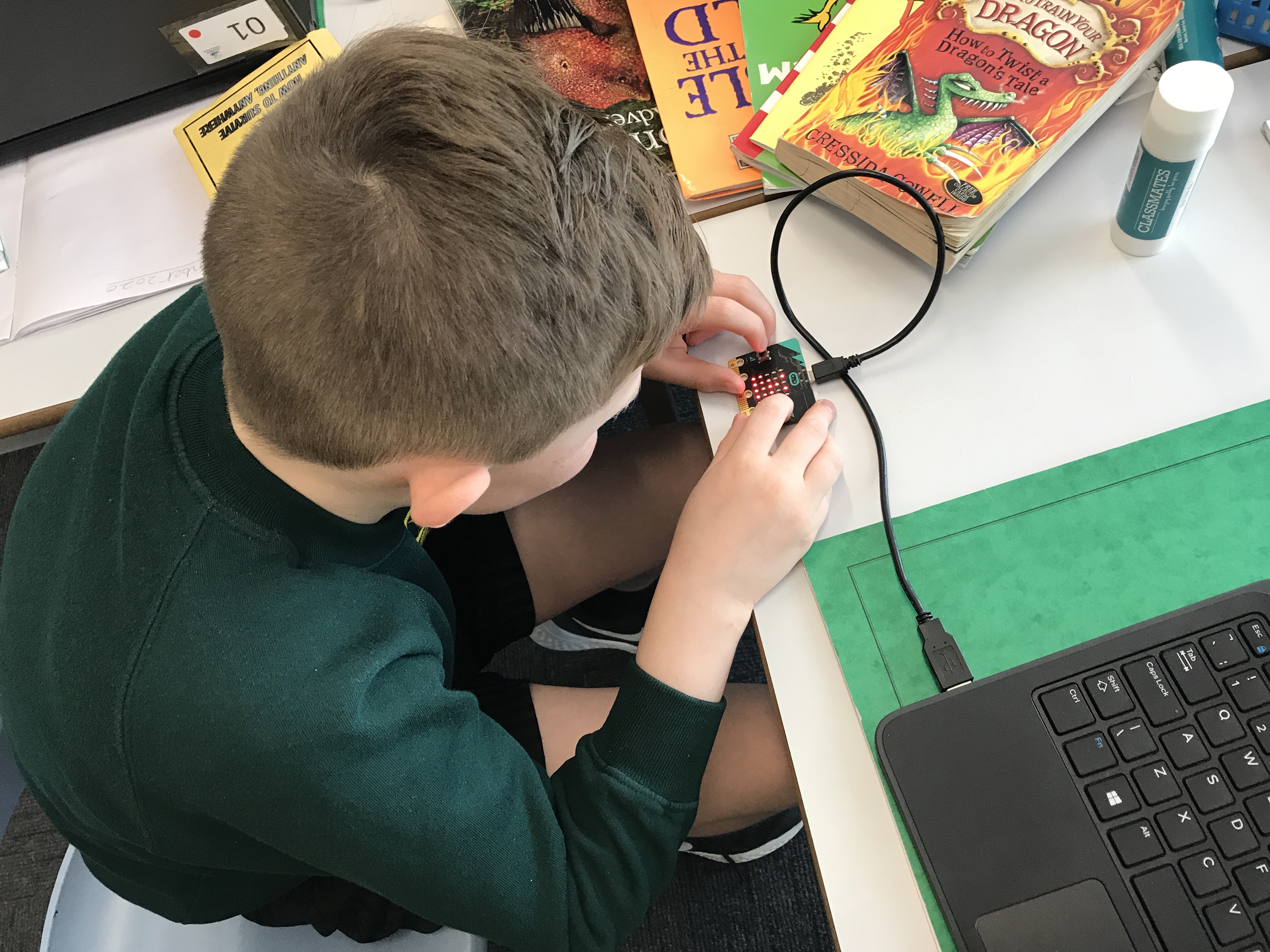
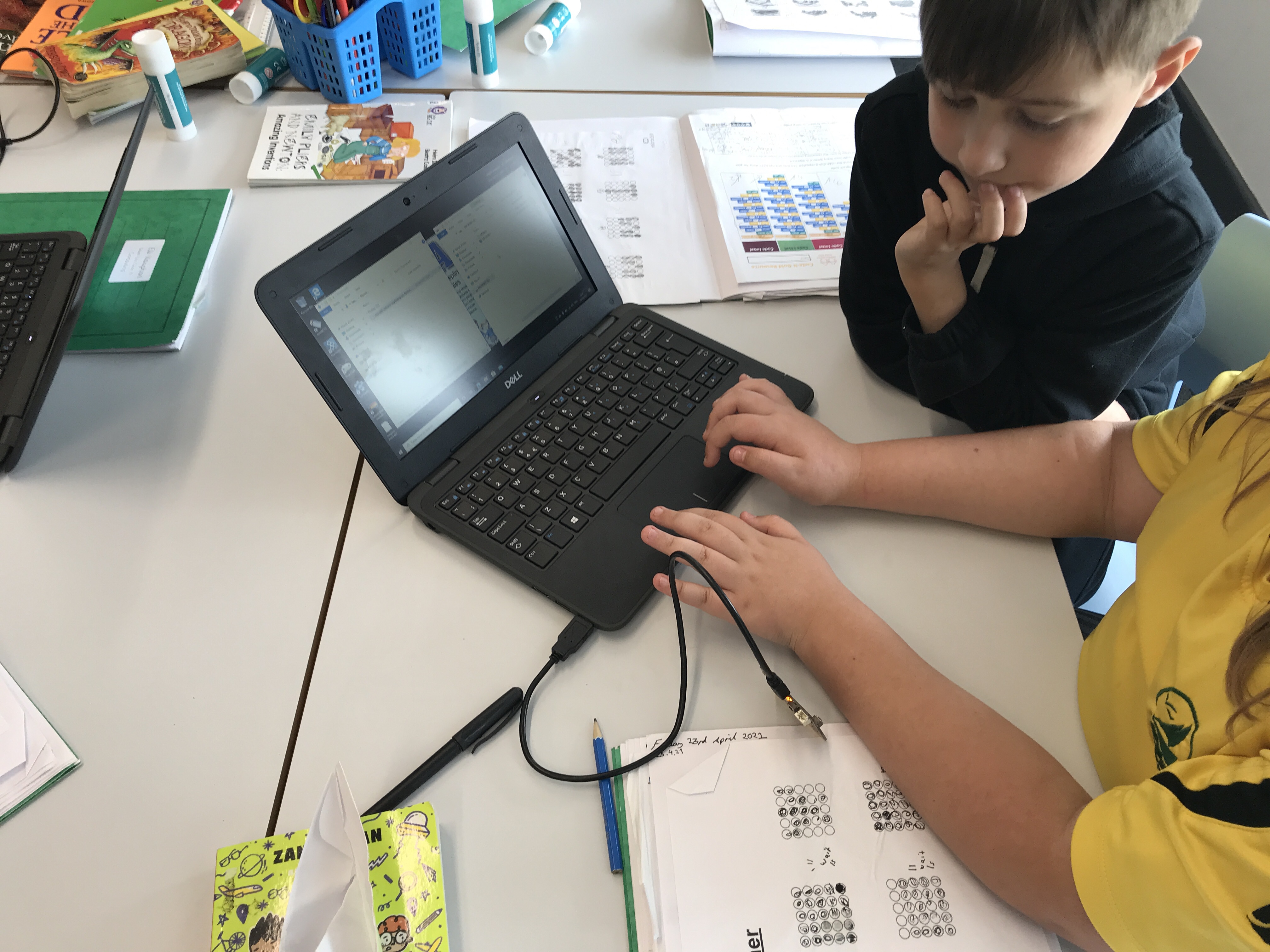
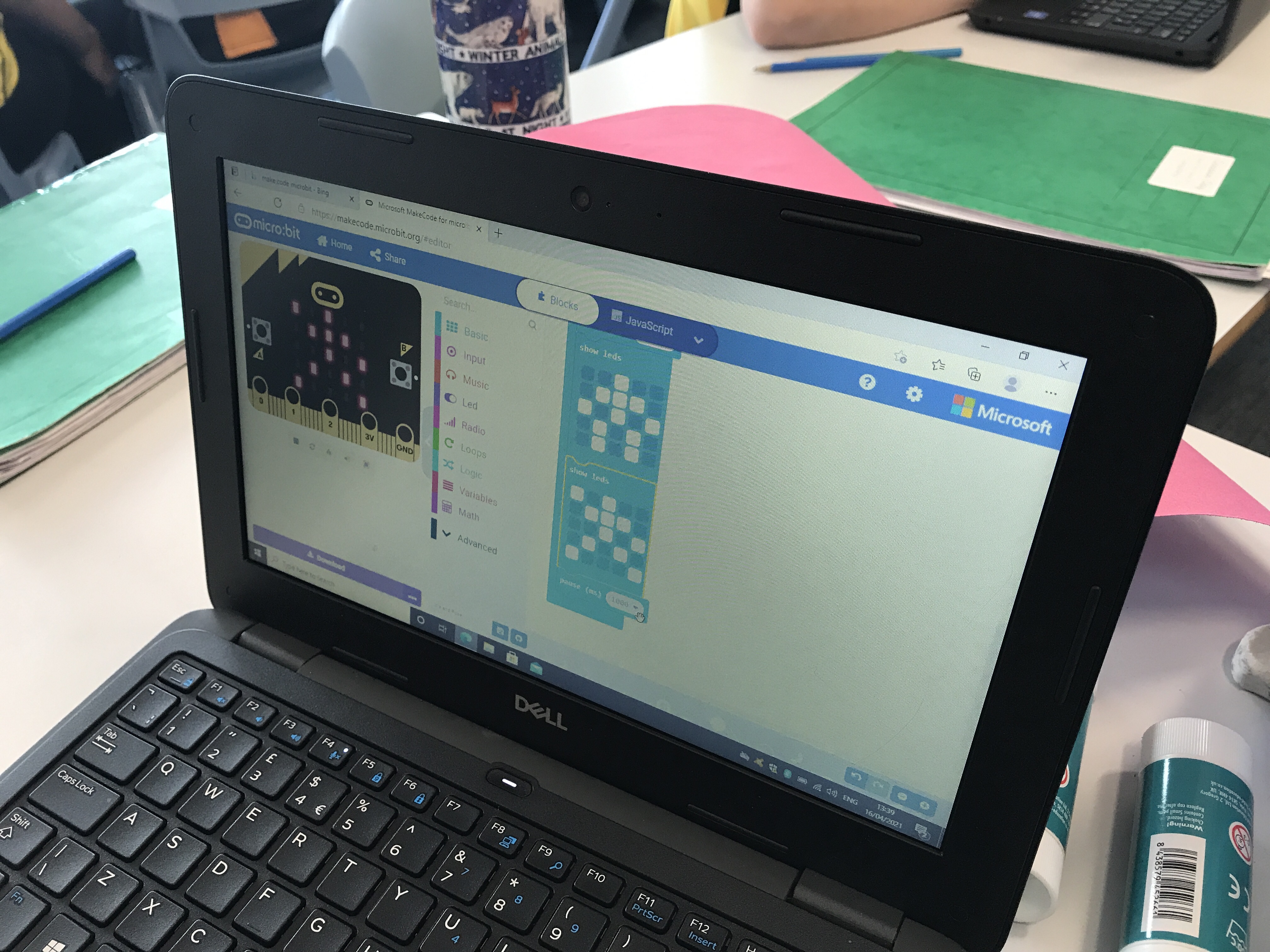
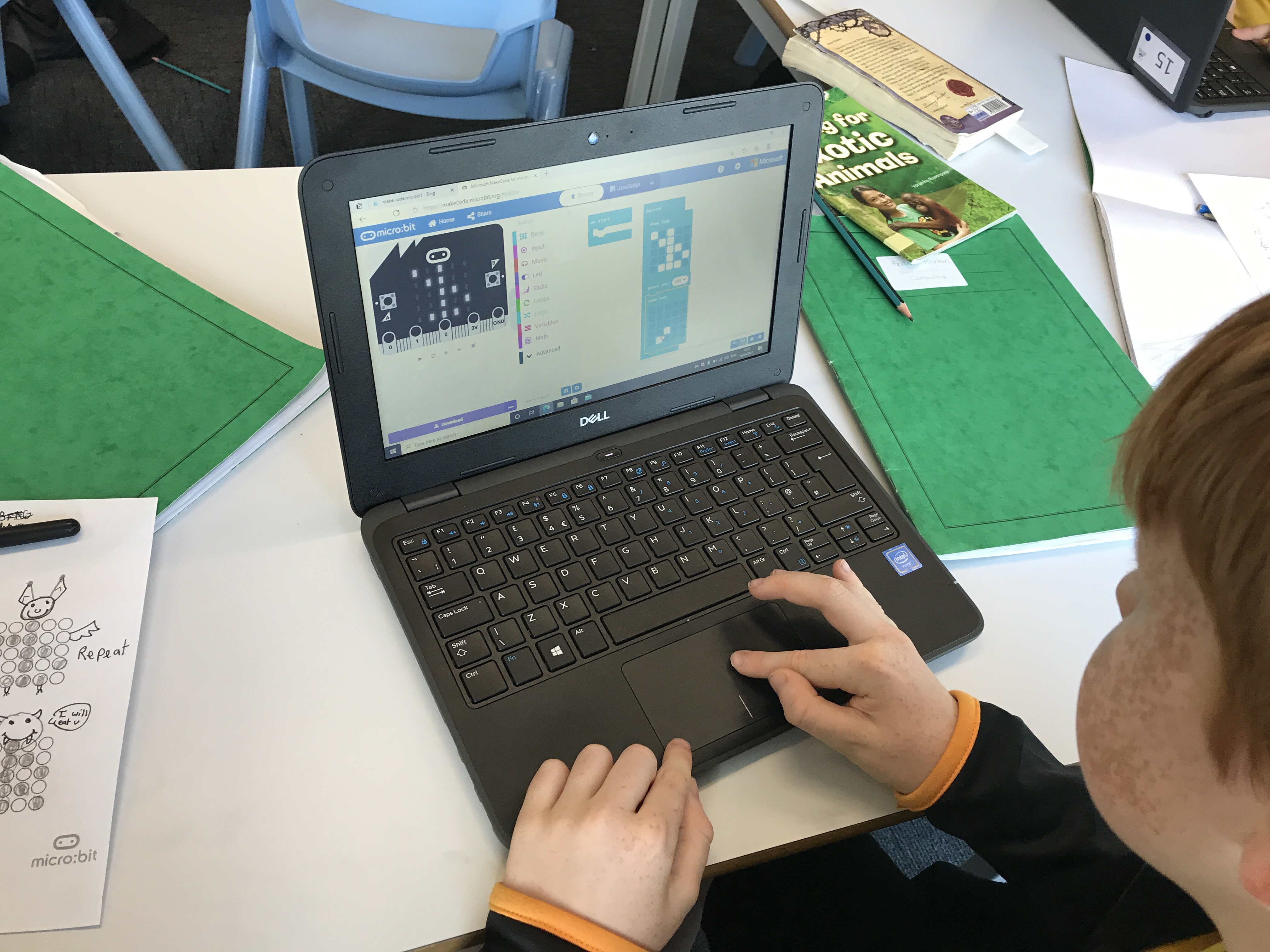
Today in computing Year 4 created the animations that they planned last week. They used the algorithms that they wrote to code an animation of a volcano erupting using the Micro:Bit’s LED outputs. They worked well in pairs and were able to demonstrate their understanding of algorithms, sequences and repetition.
Programming Animation L2 – Planning an Algorithm
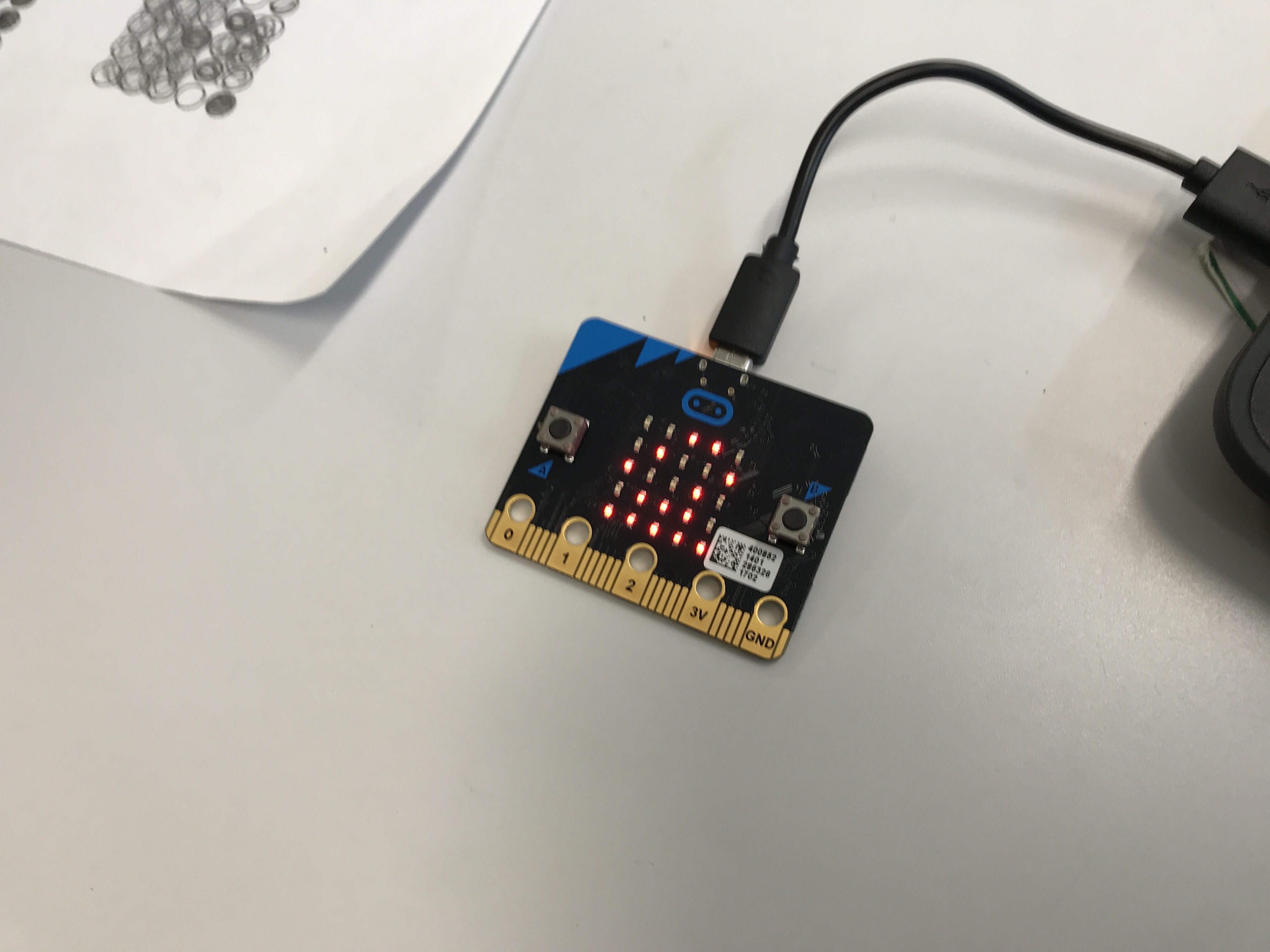
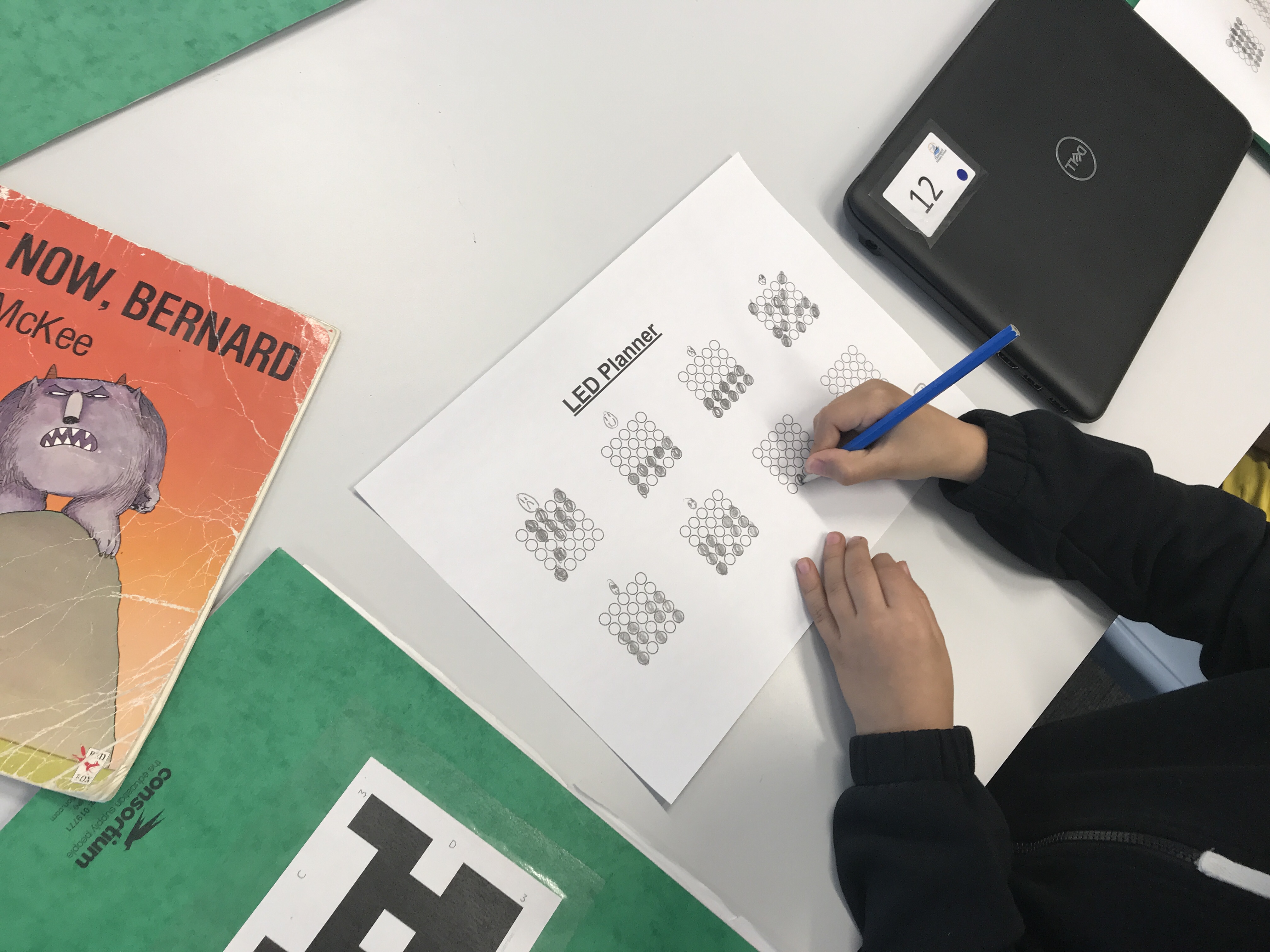
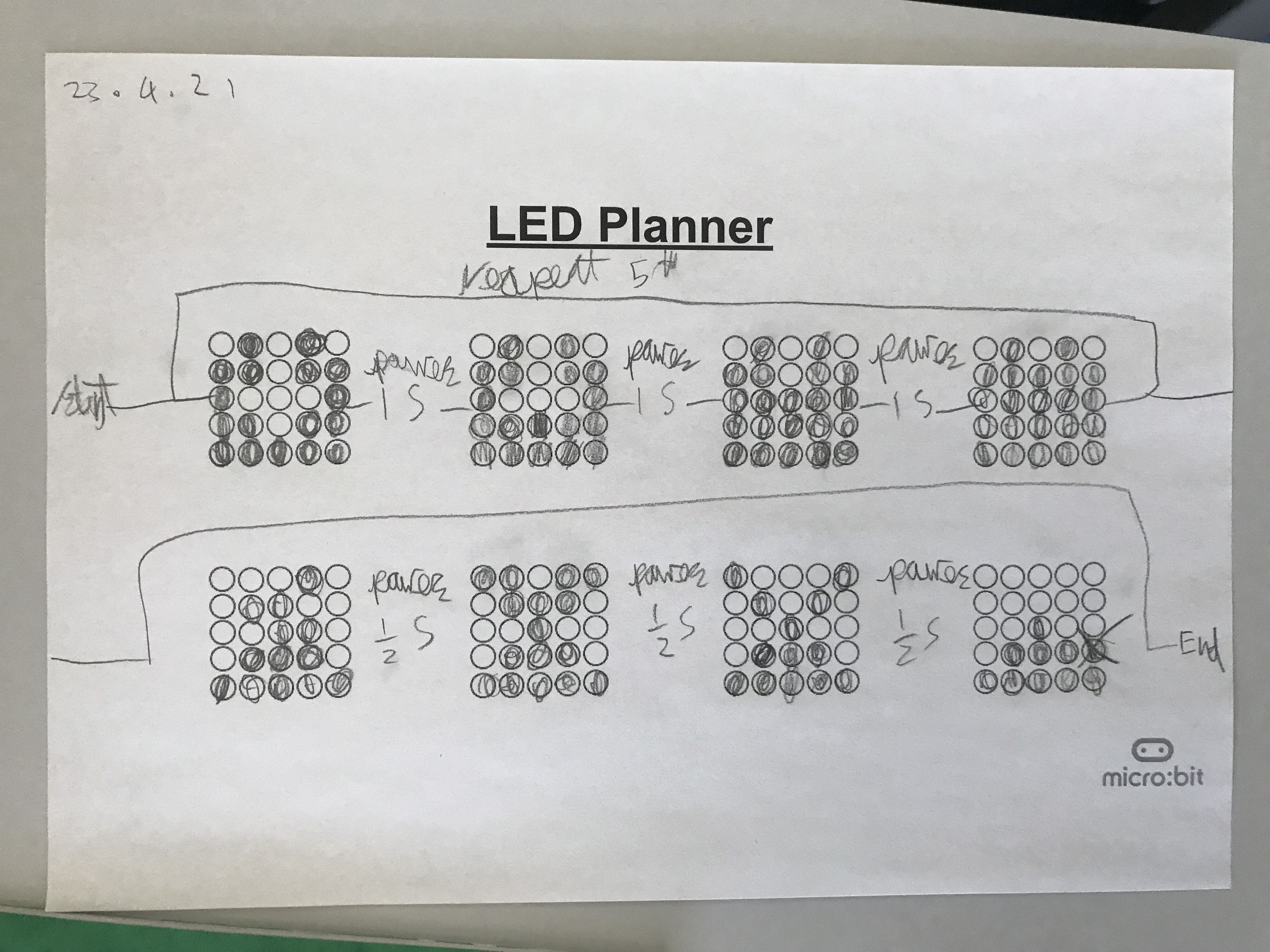
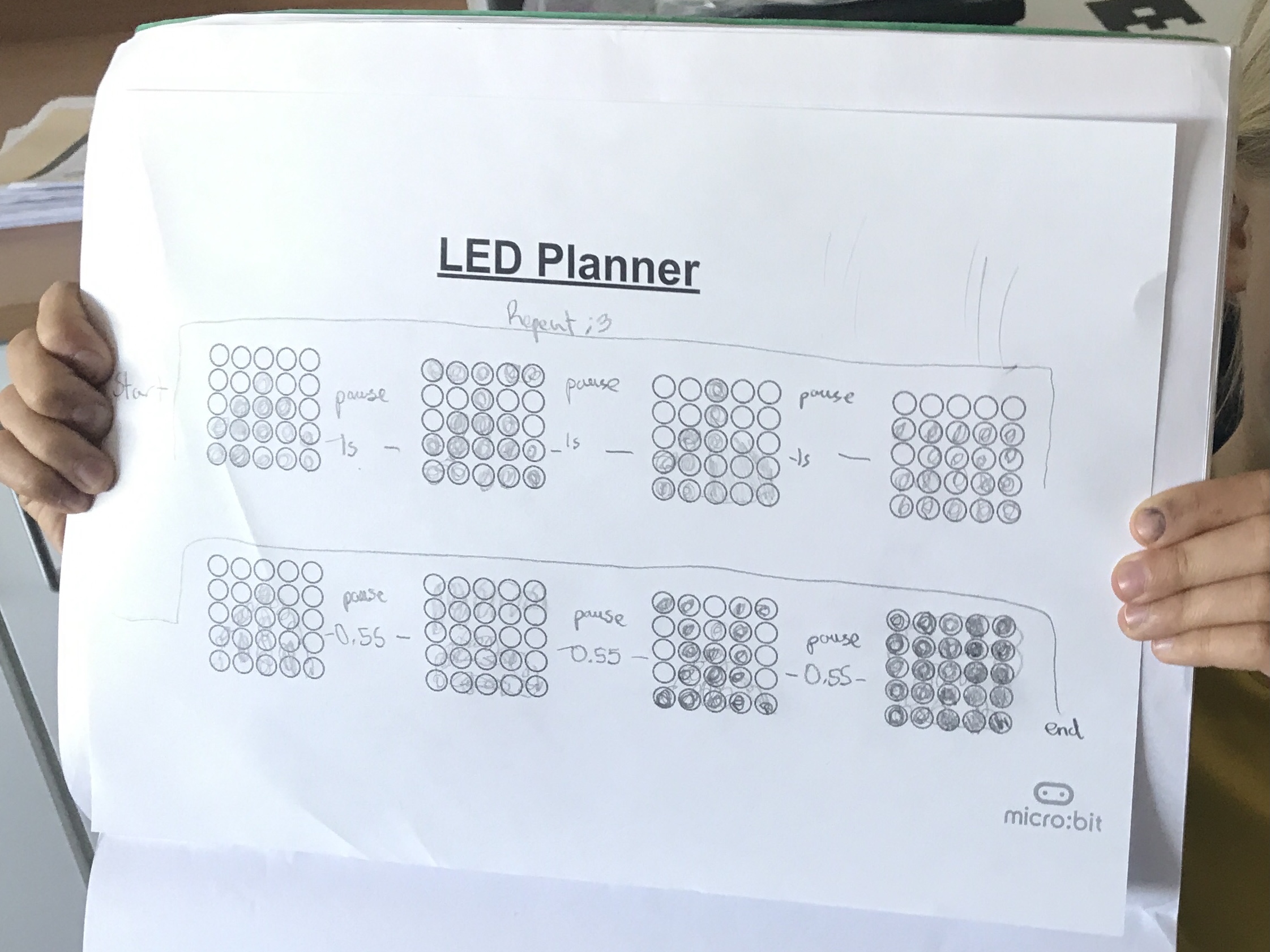
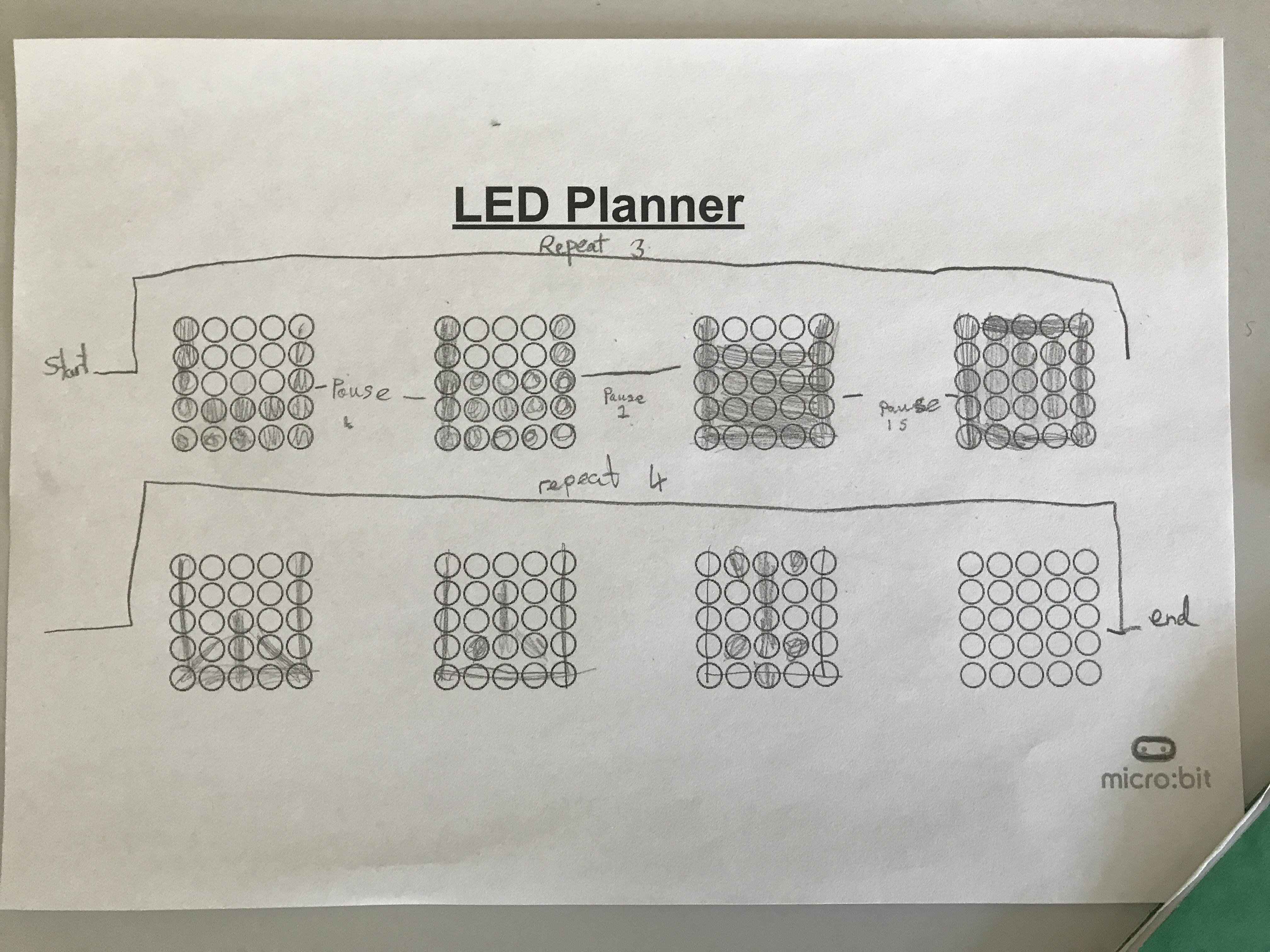
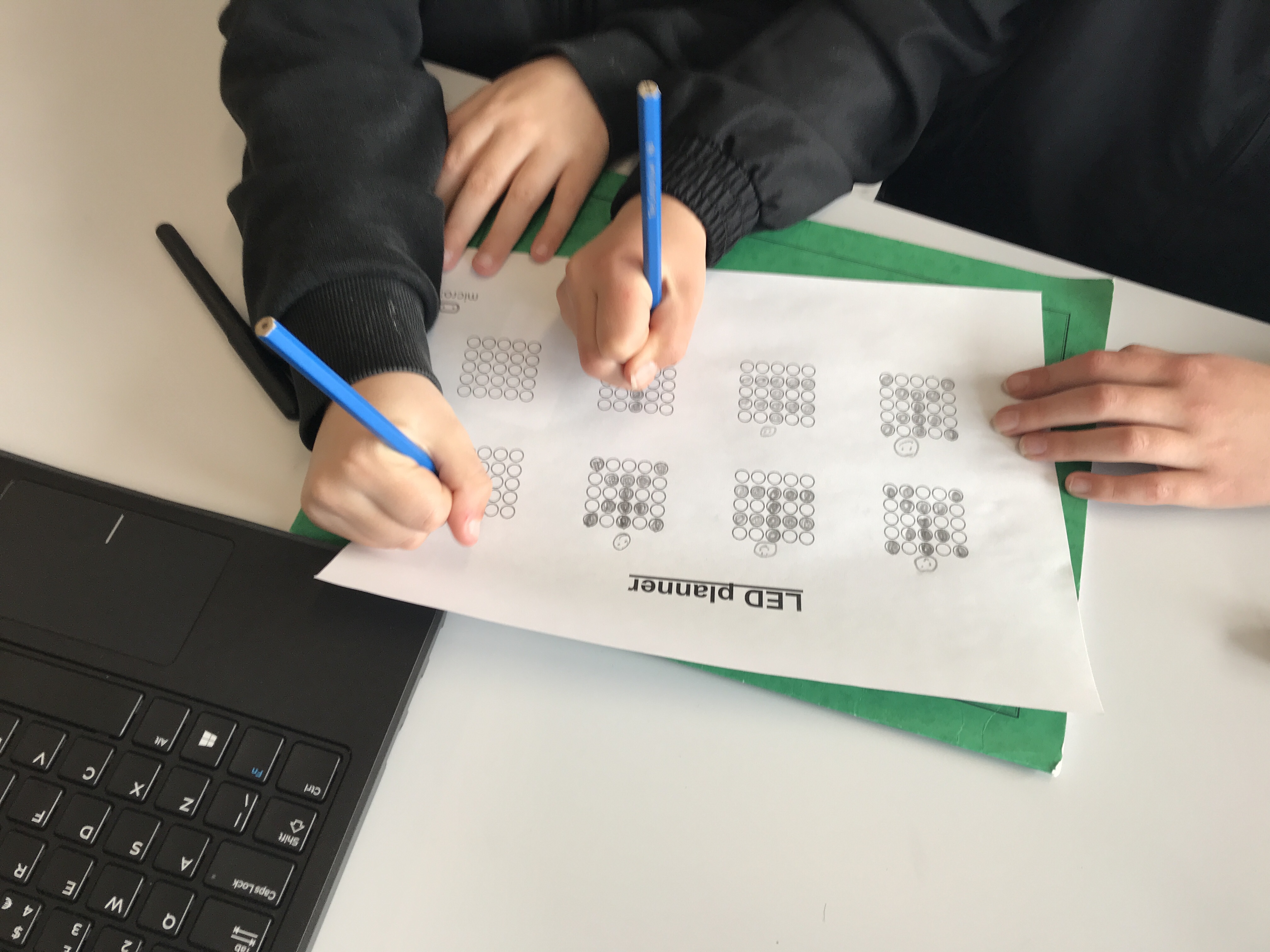
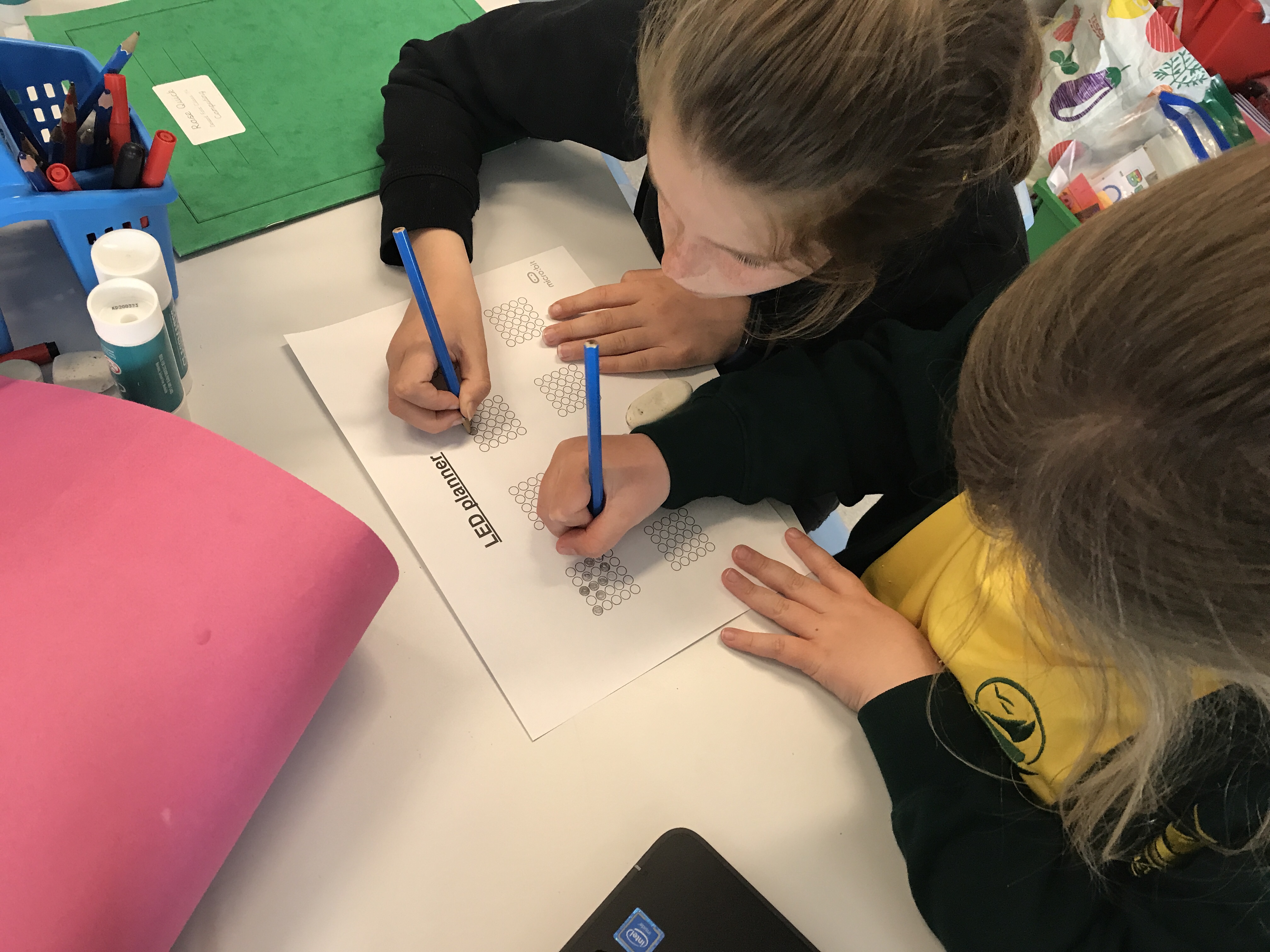
Today we used our understanding of algorithms and repetition to plan a volcano animation for the Micro:Bit controllers. We had to think carefully about the features of our animation and which parts could be repeated for effect. We then used count controlled loops to show how long the images would be displayed for. At the end of the lesson we used ‘Plickers’ to assess how well we had done!
Programming Animation L1 – Introduction to Micro:Bit
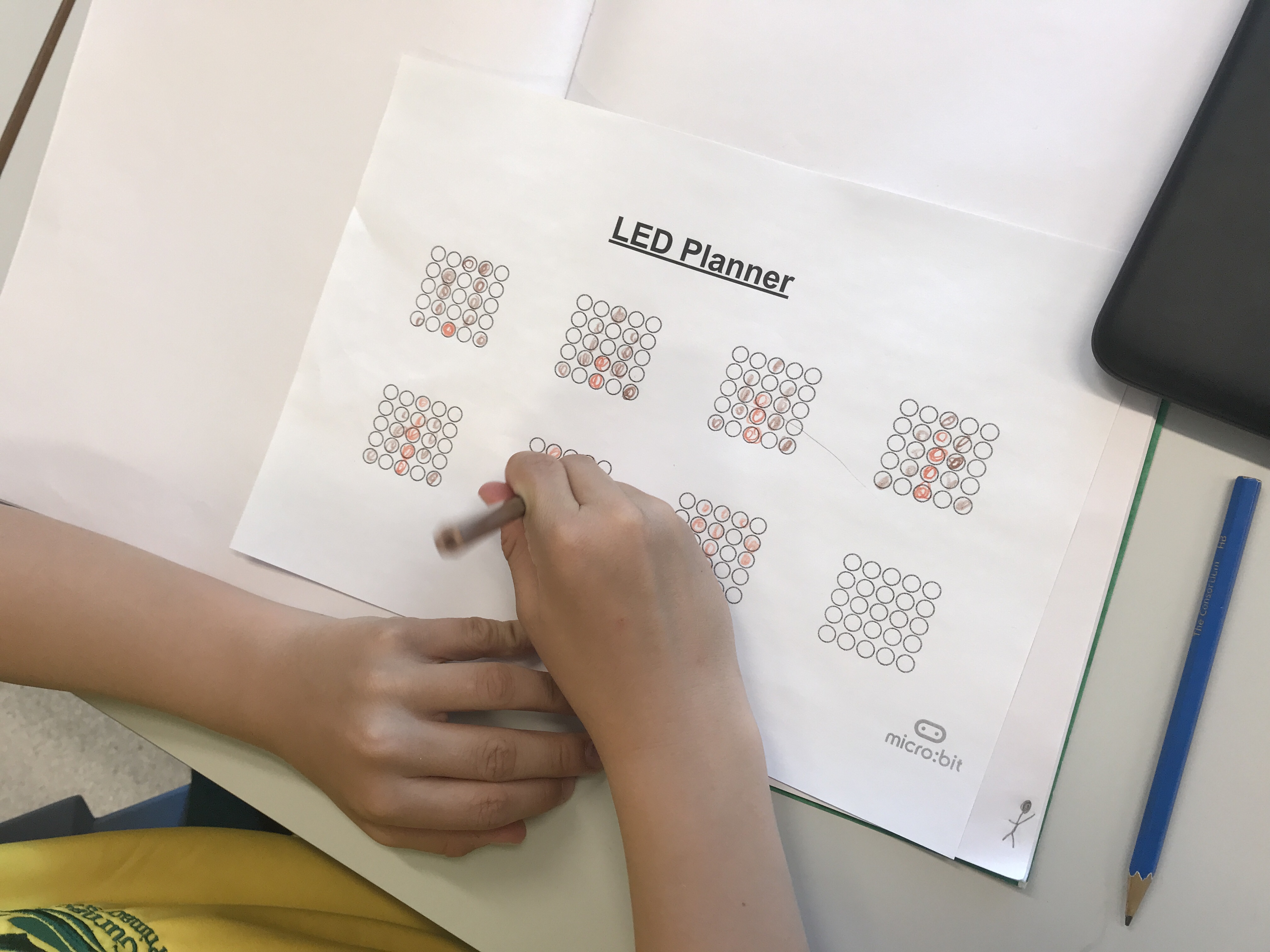
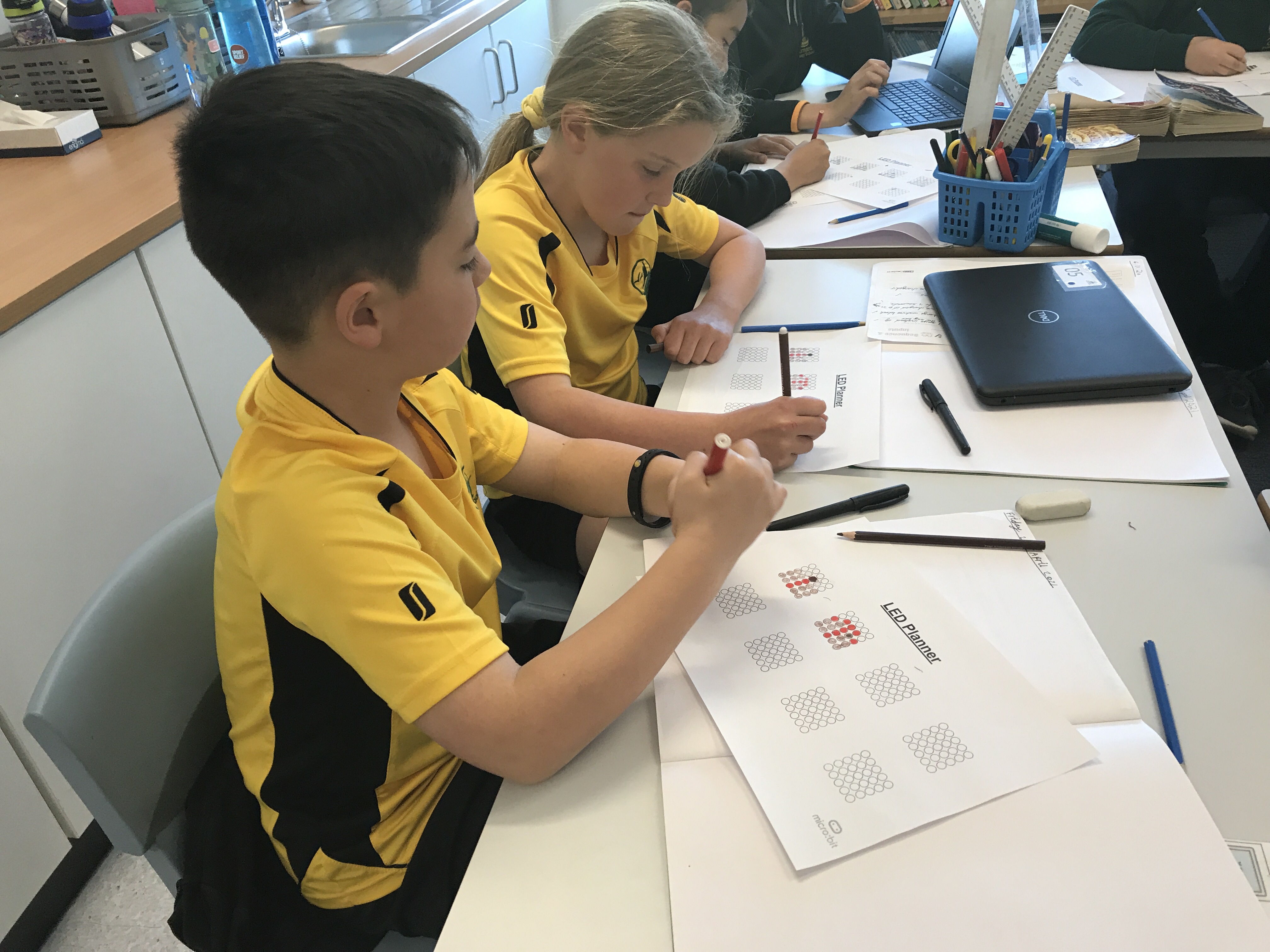
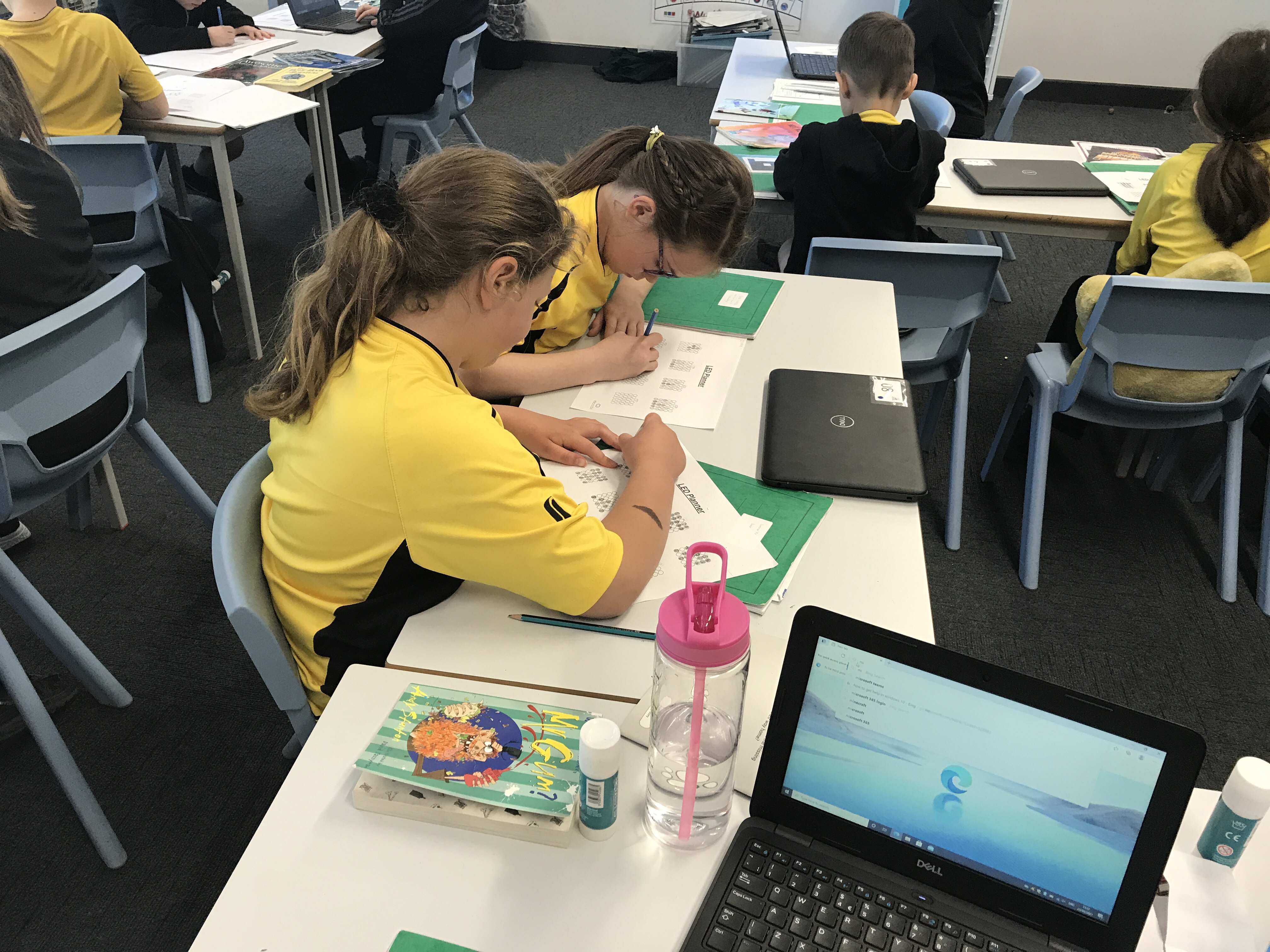
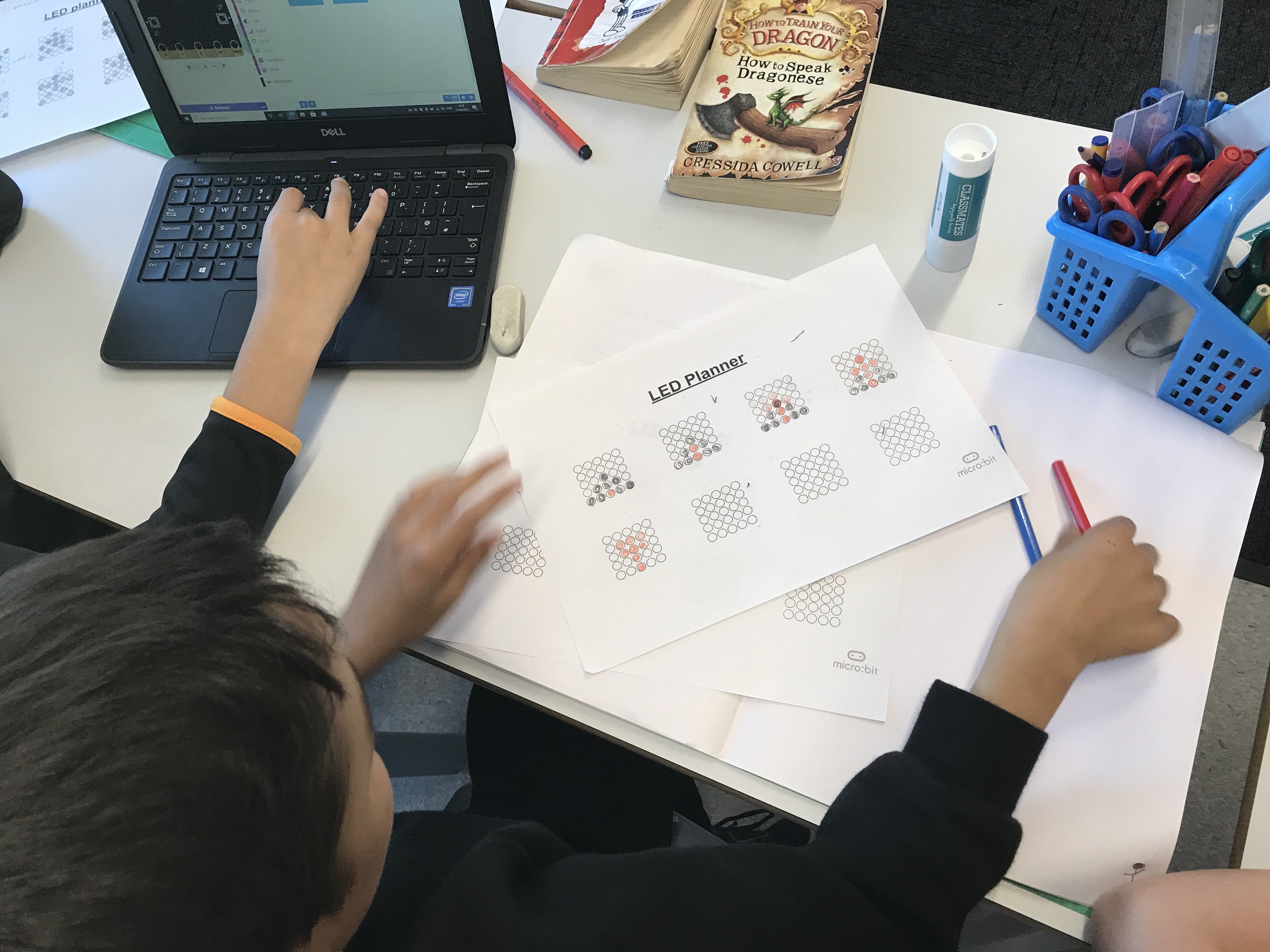
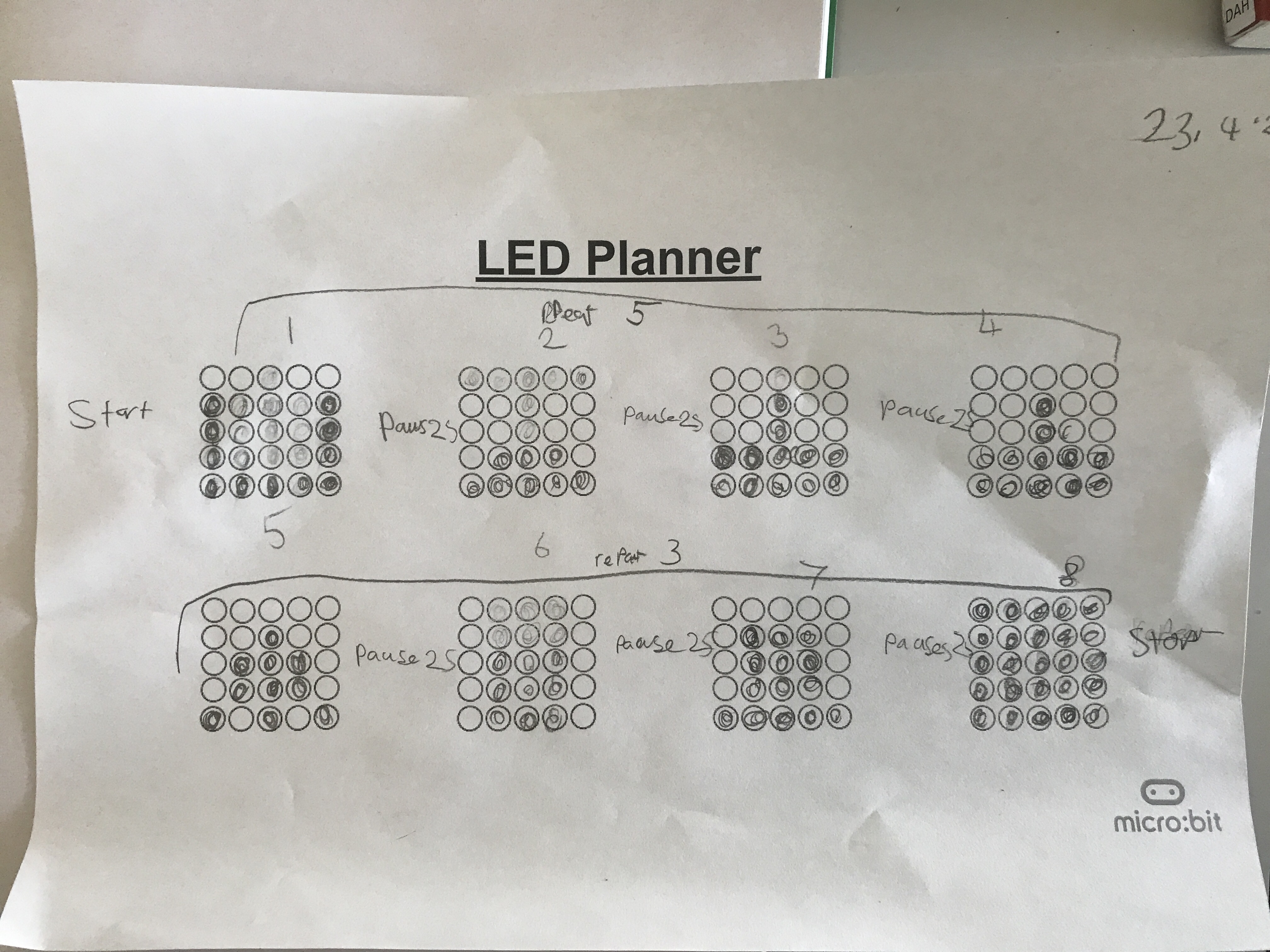
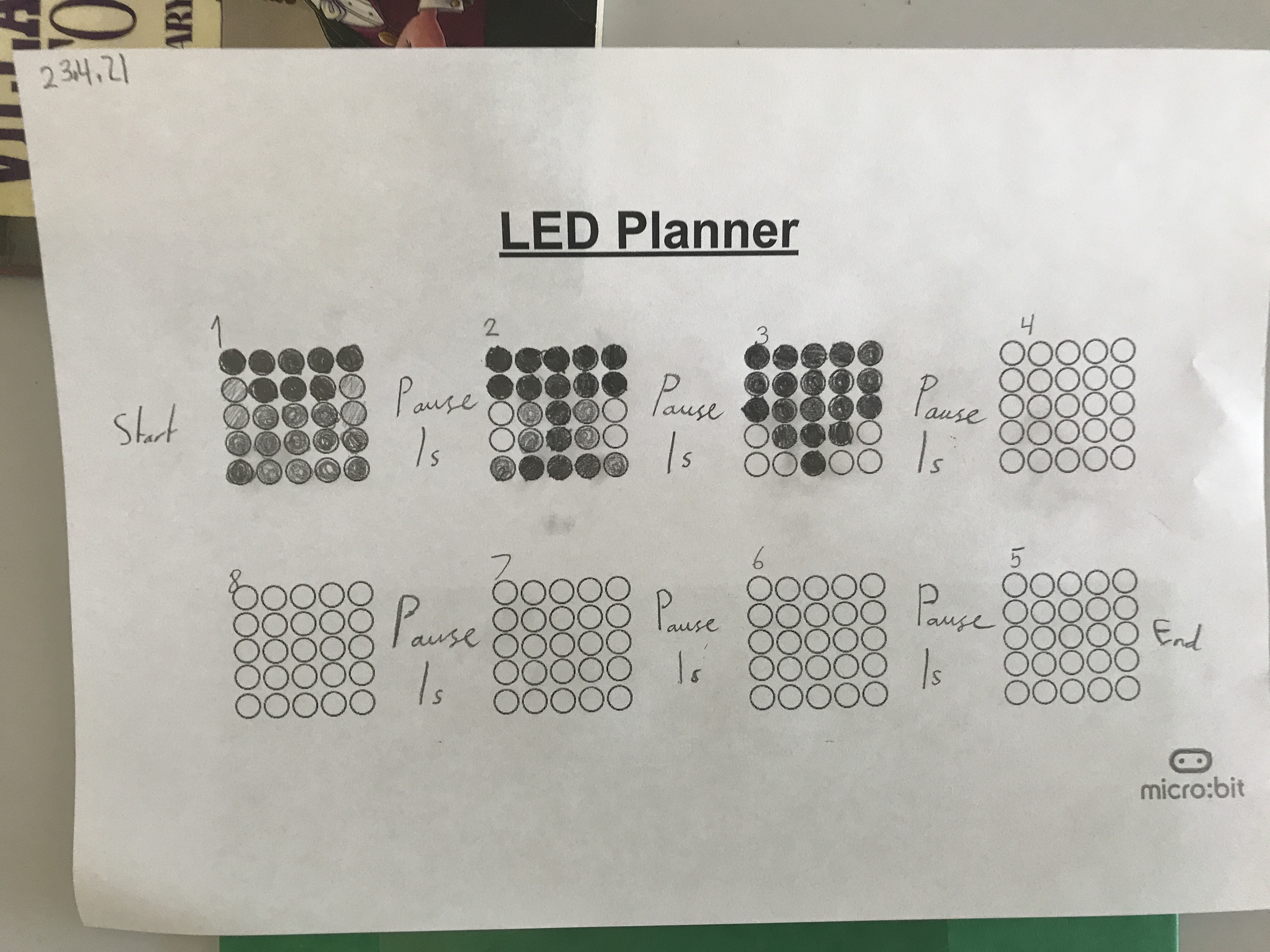
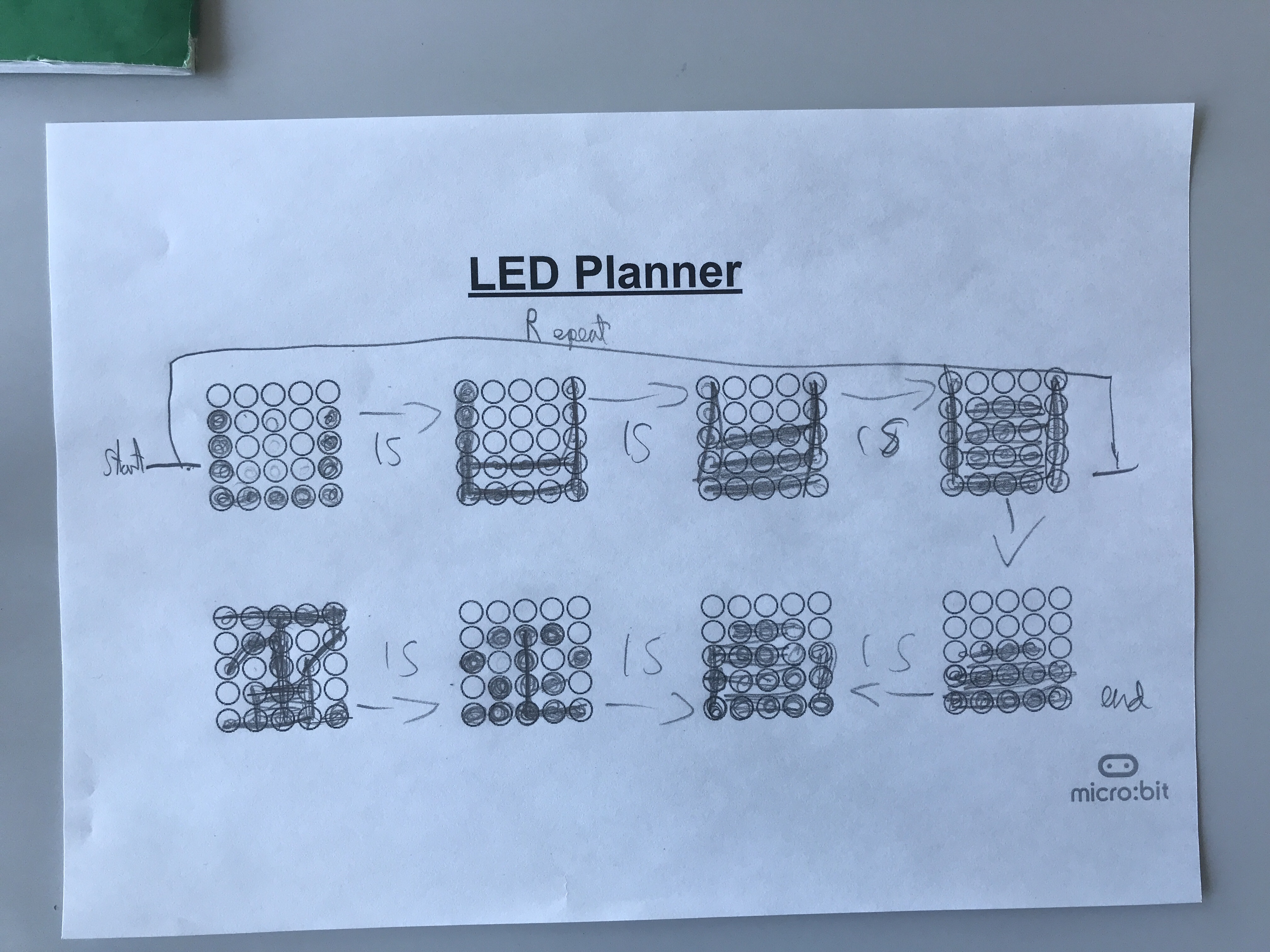
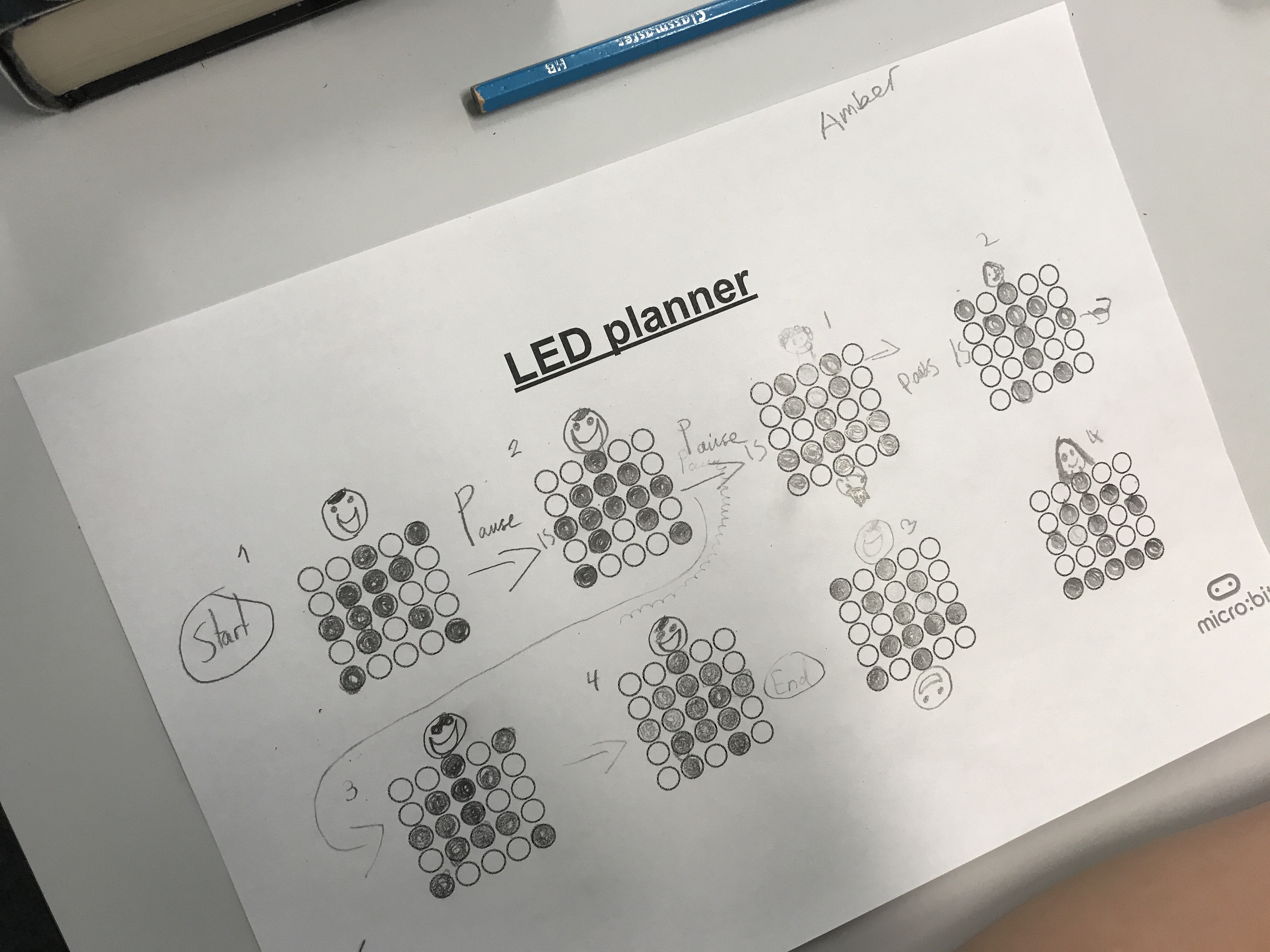
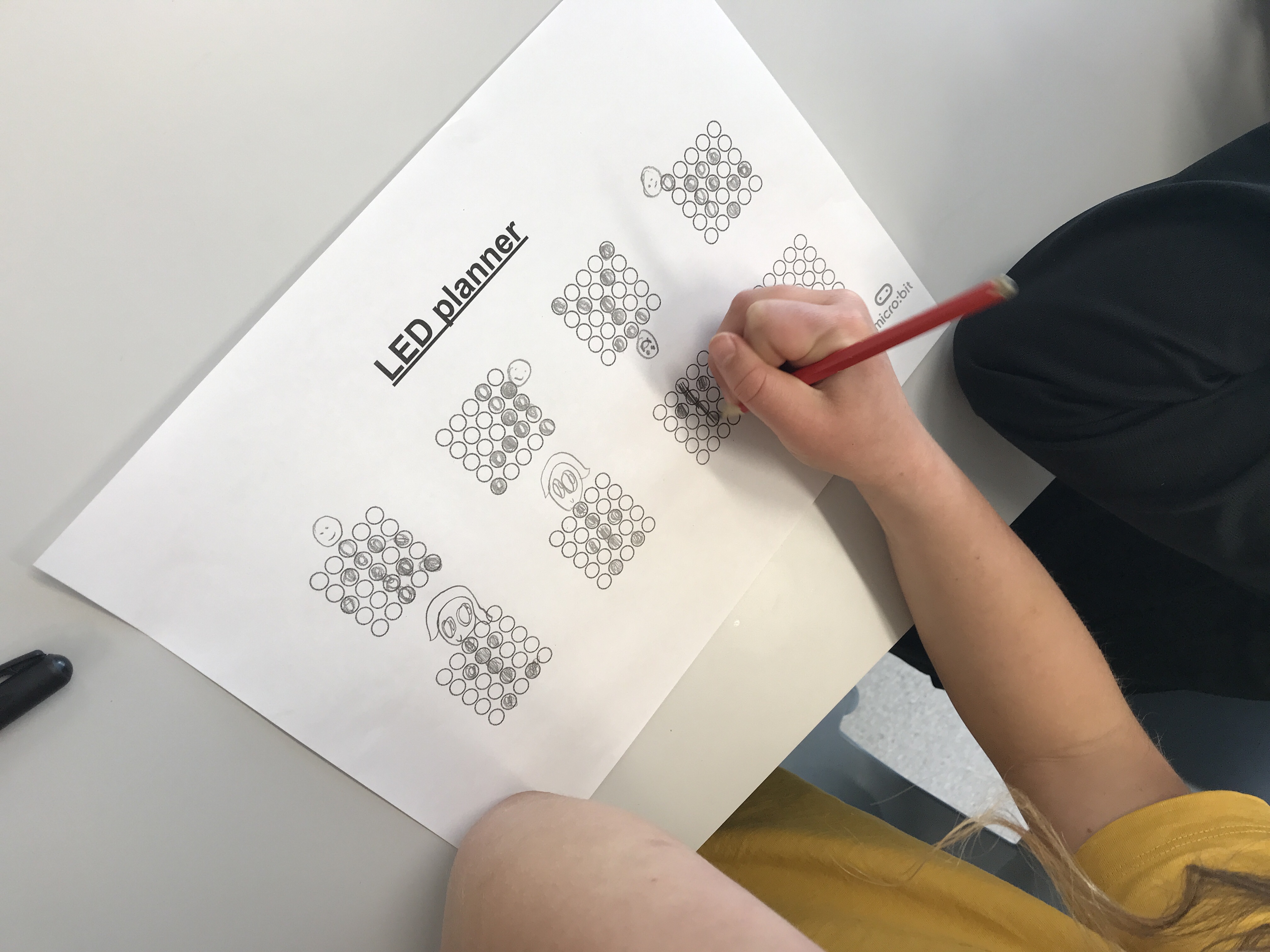
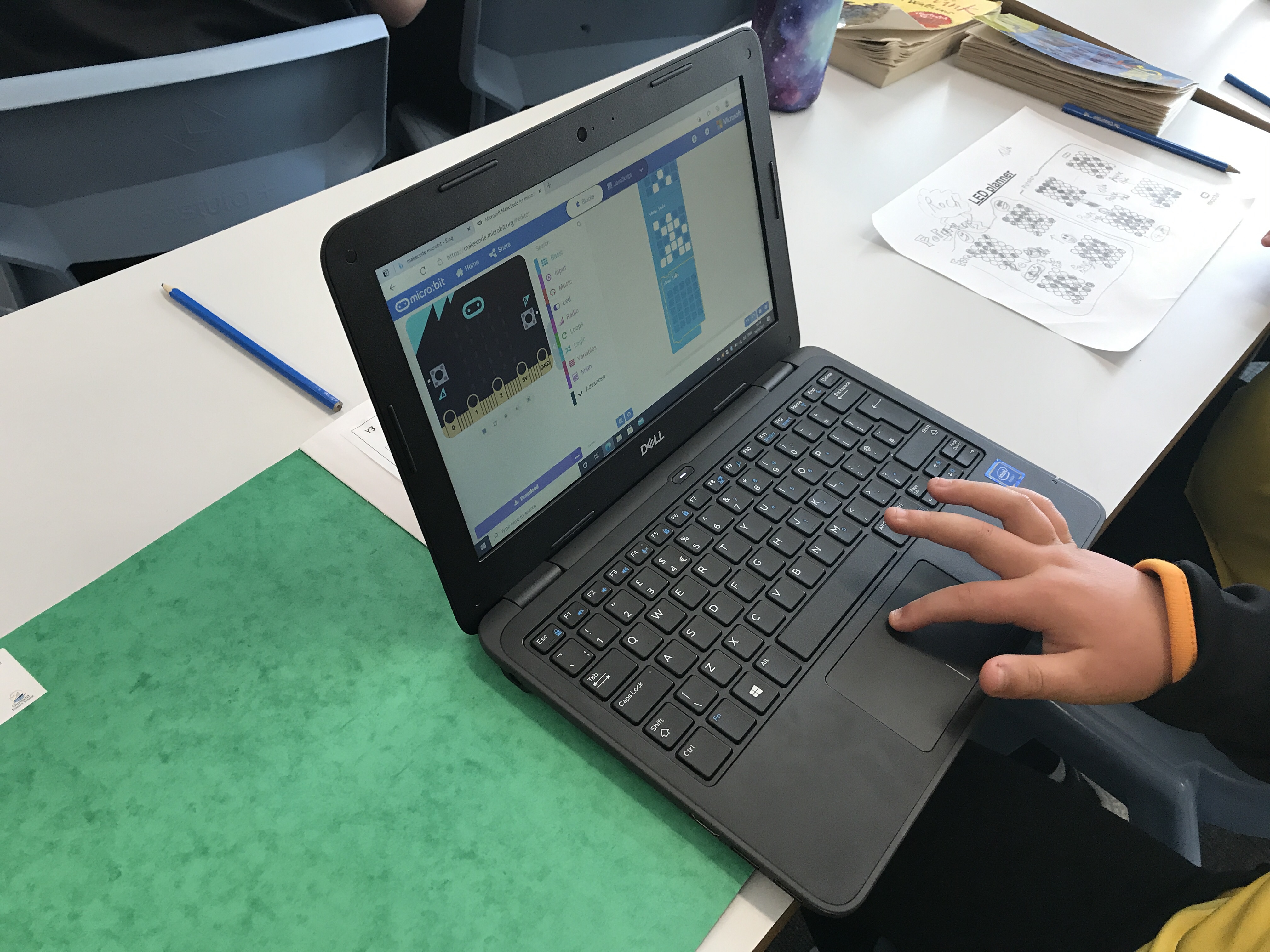
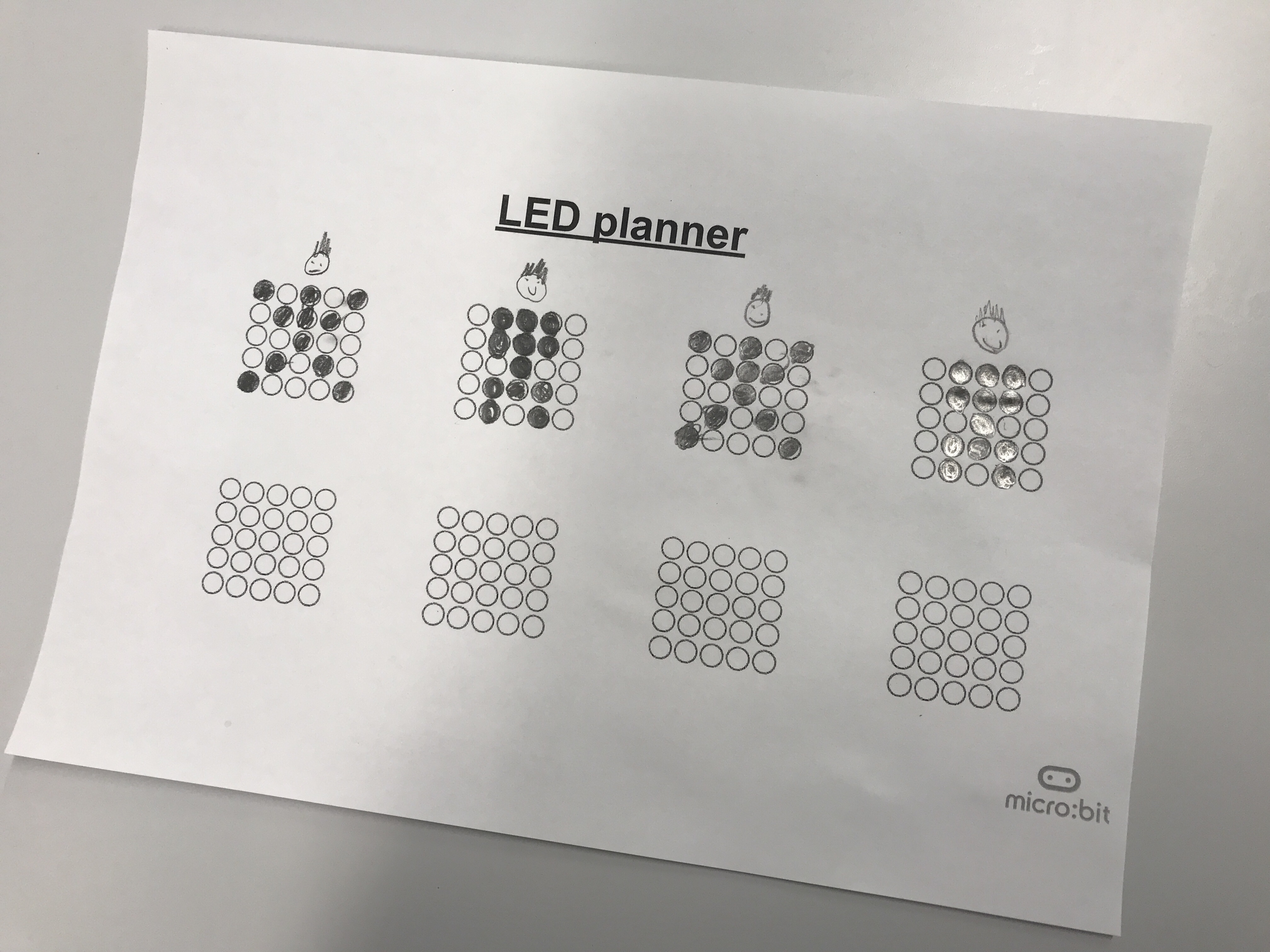
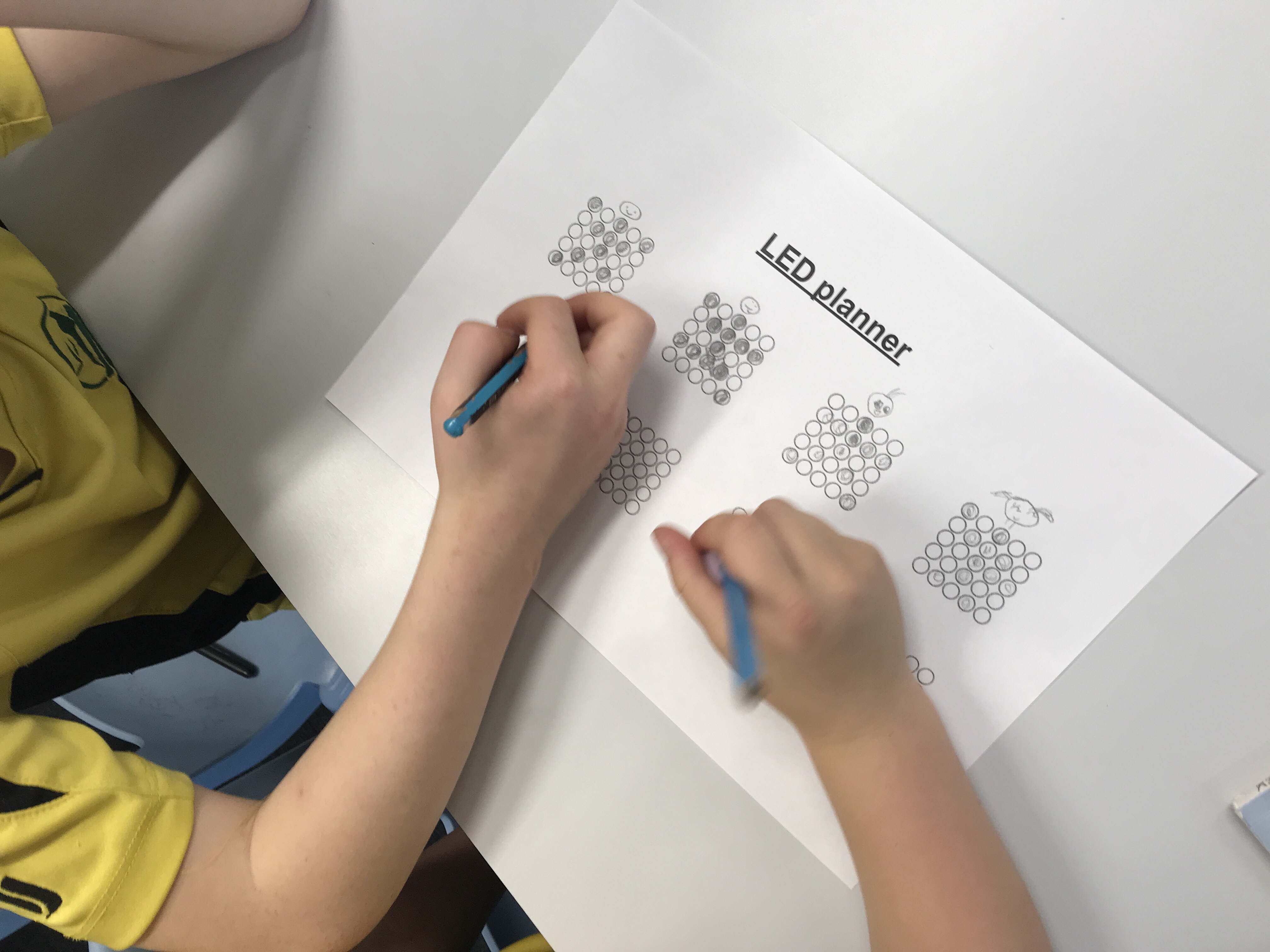
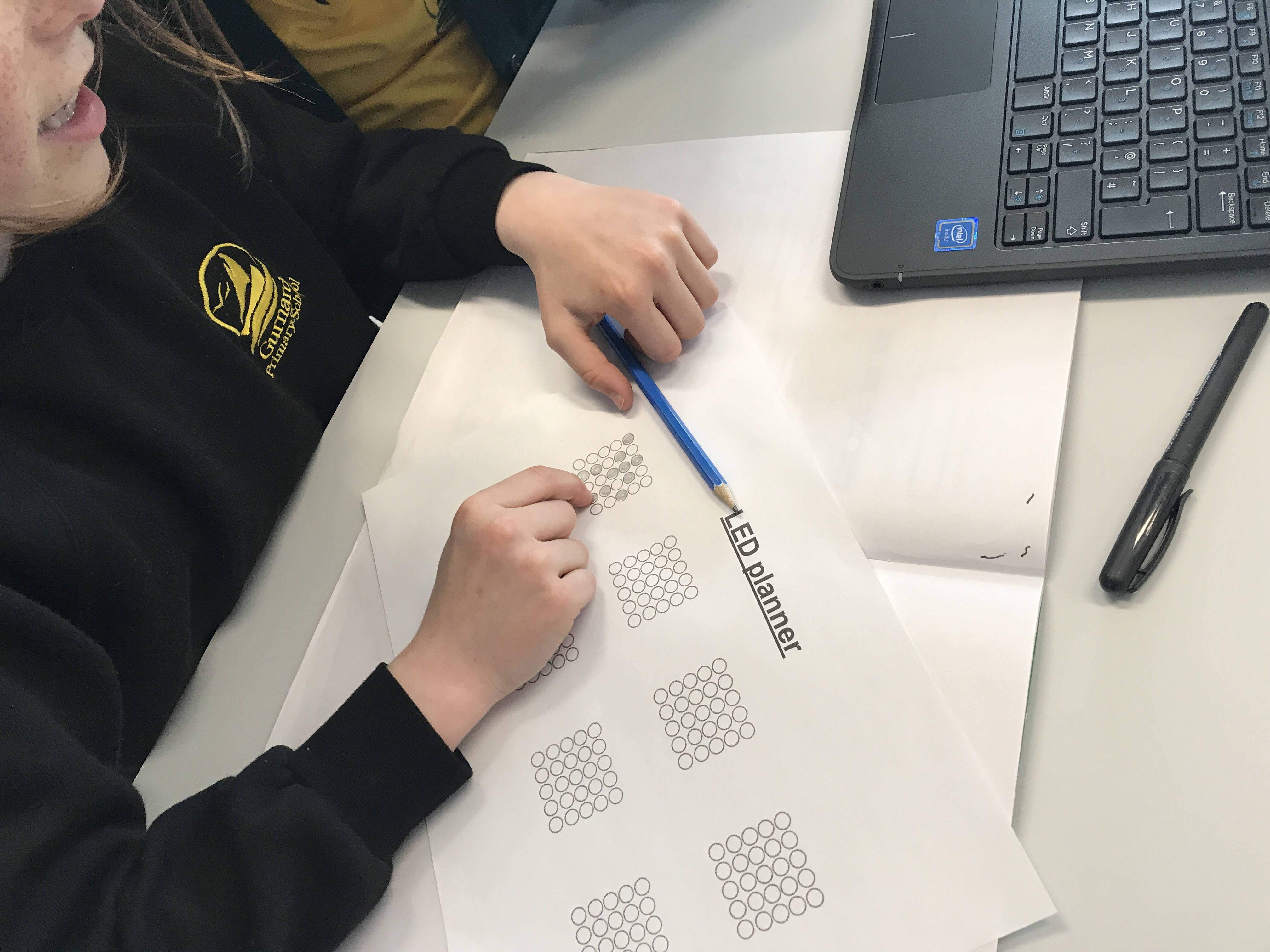
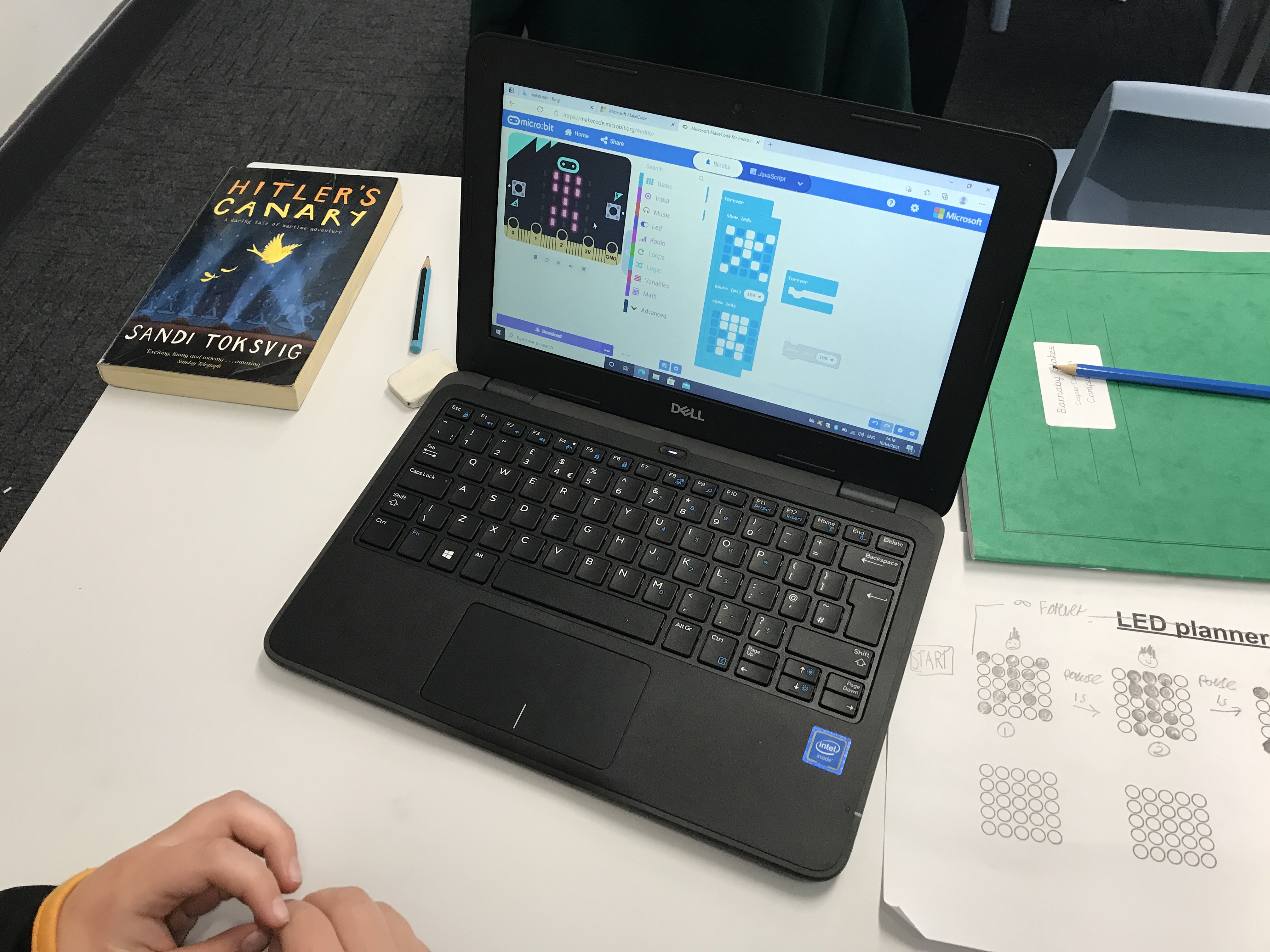
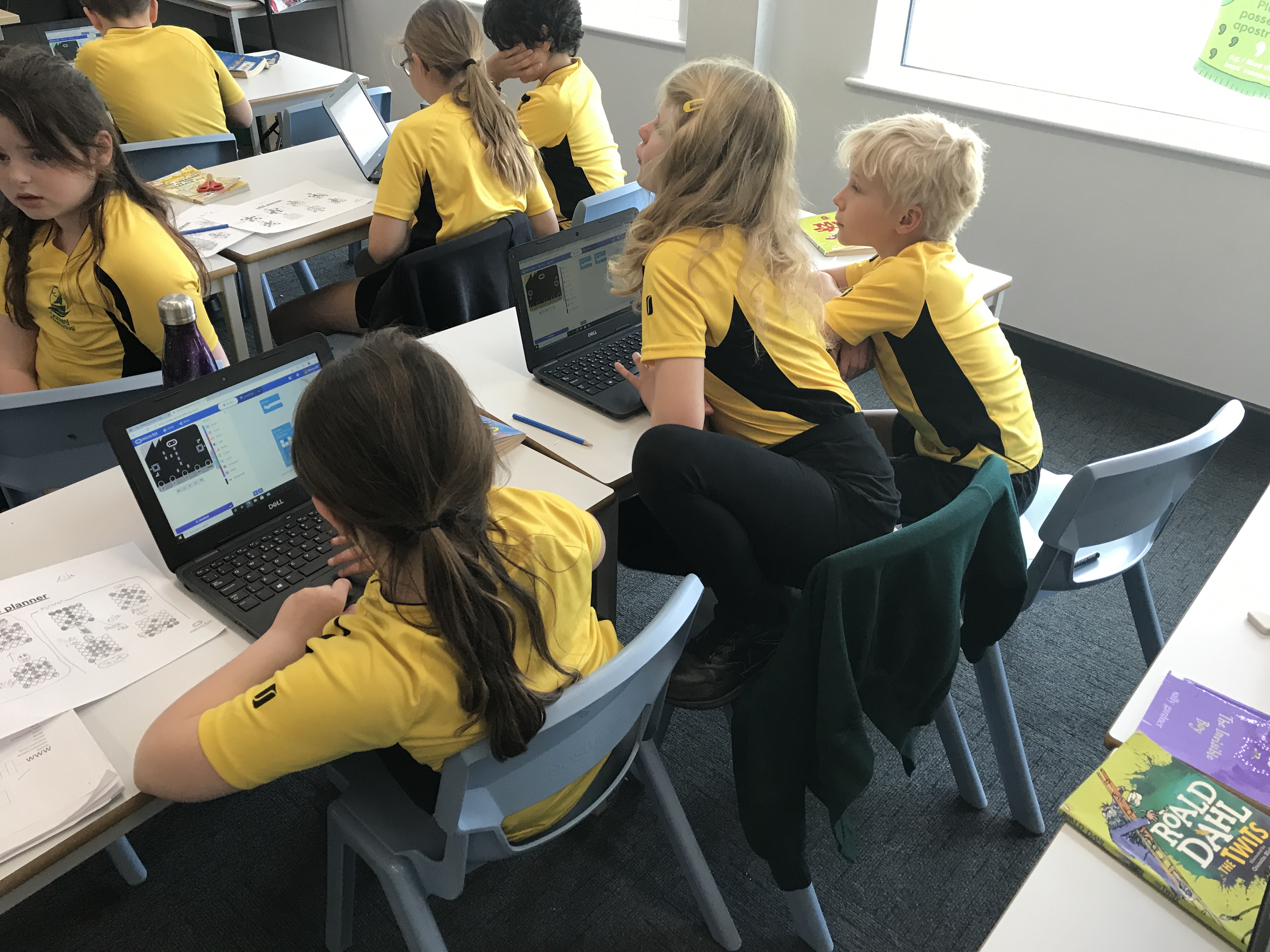
Today we began our unit on animation using code. We will be using the BBC Micro:Bit to physically show our creations on the LED display. In this lesson, we were introduced to the Micro:Bit and explored the software that we will be using to program the device. We modelled a ‘dance’ on paper and then turned our pictures into an algorithm. These algorithms were then used to program using the Make Code editor on the laptops.
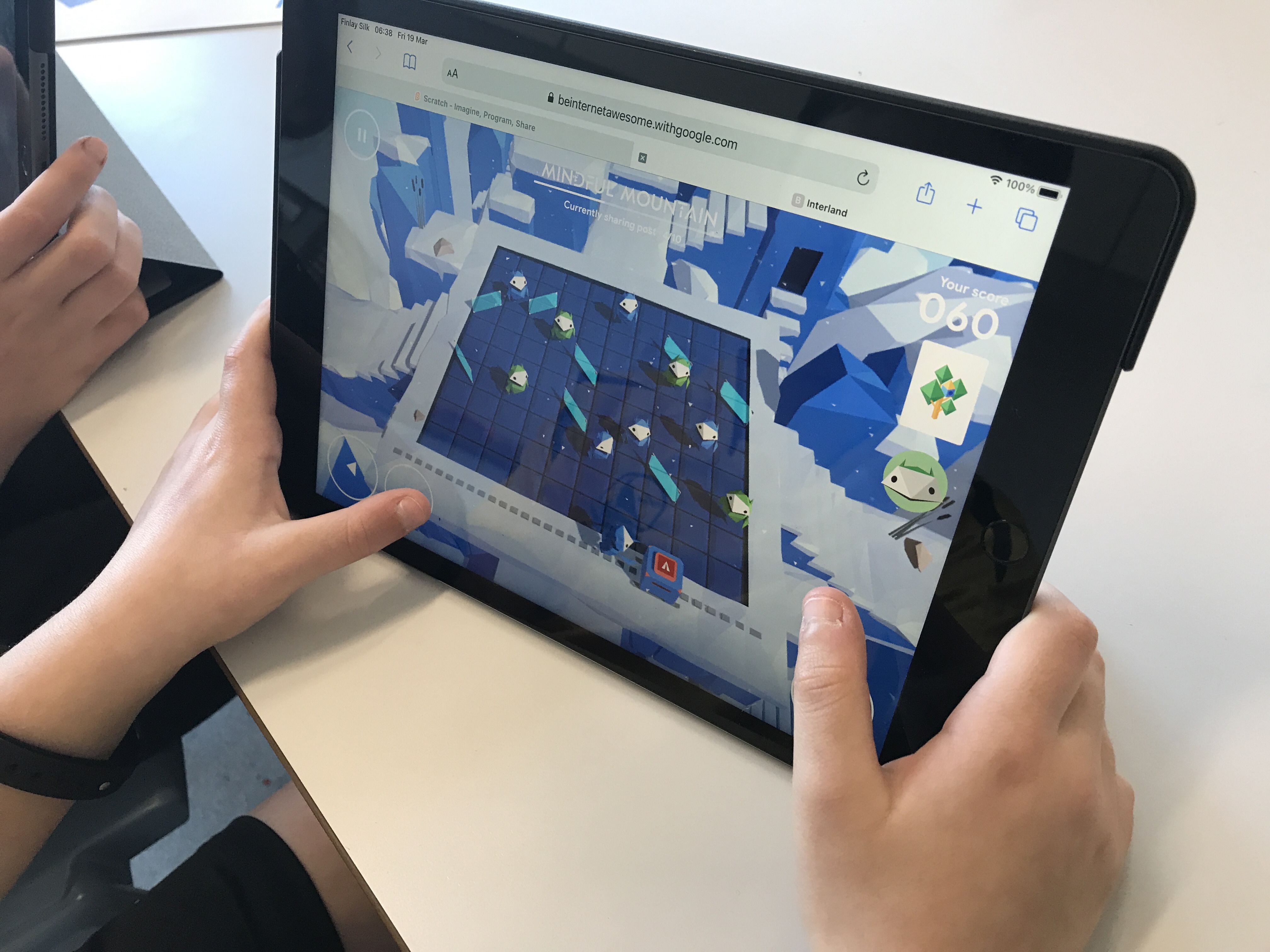
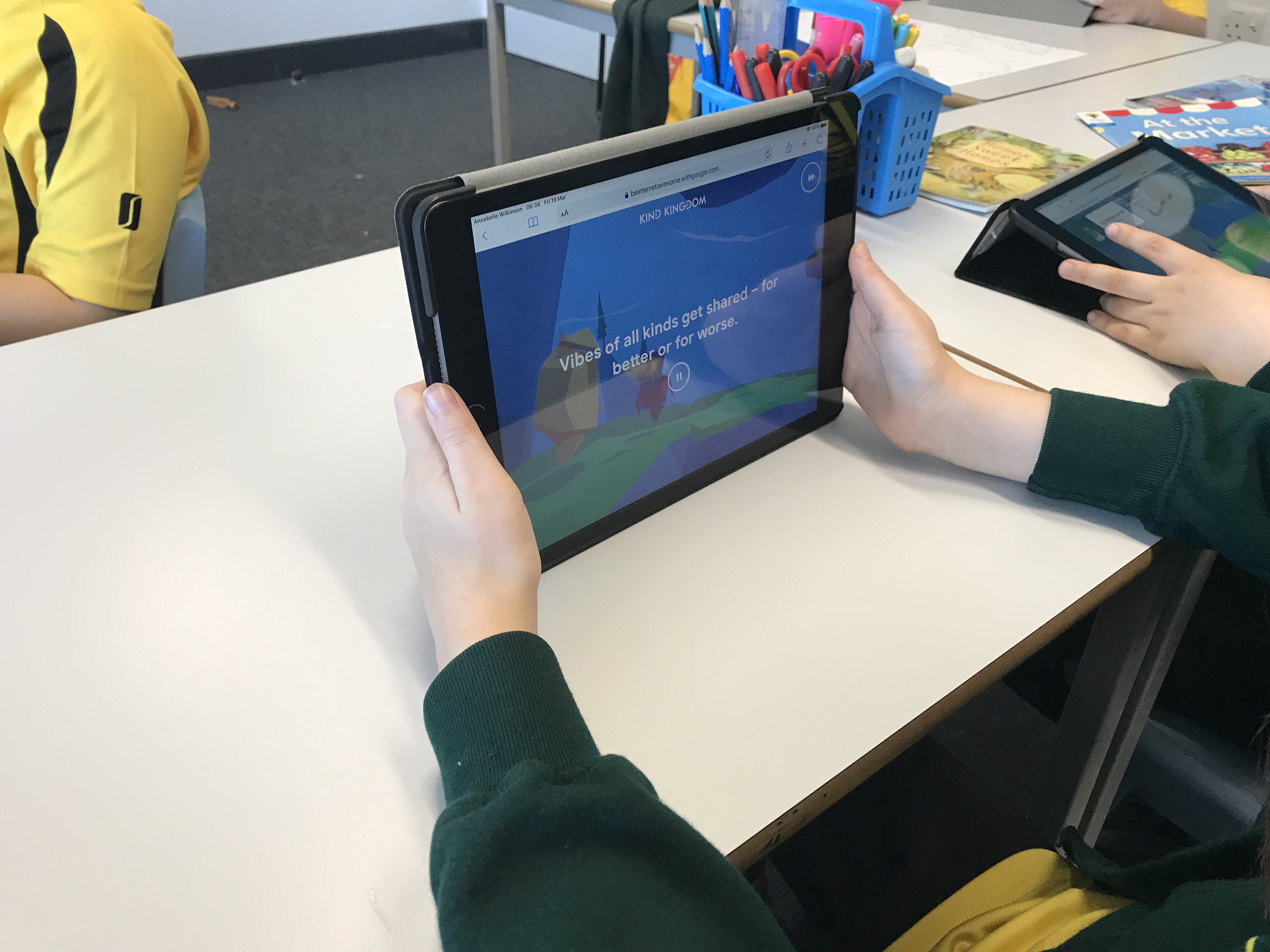
Online Safety – Interland
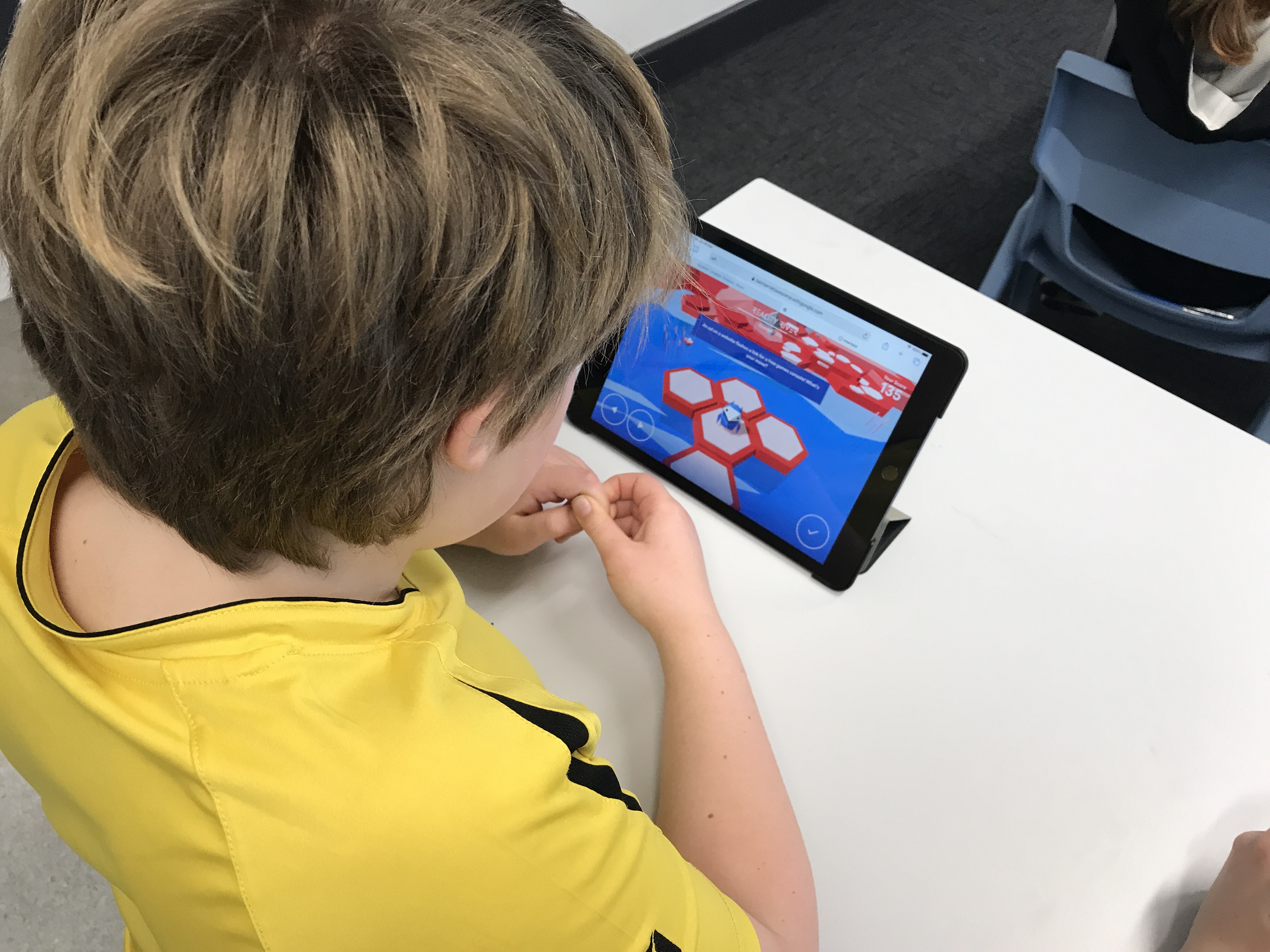
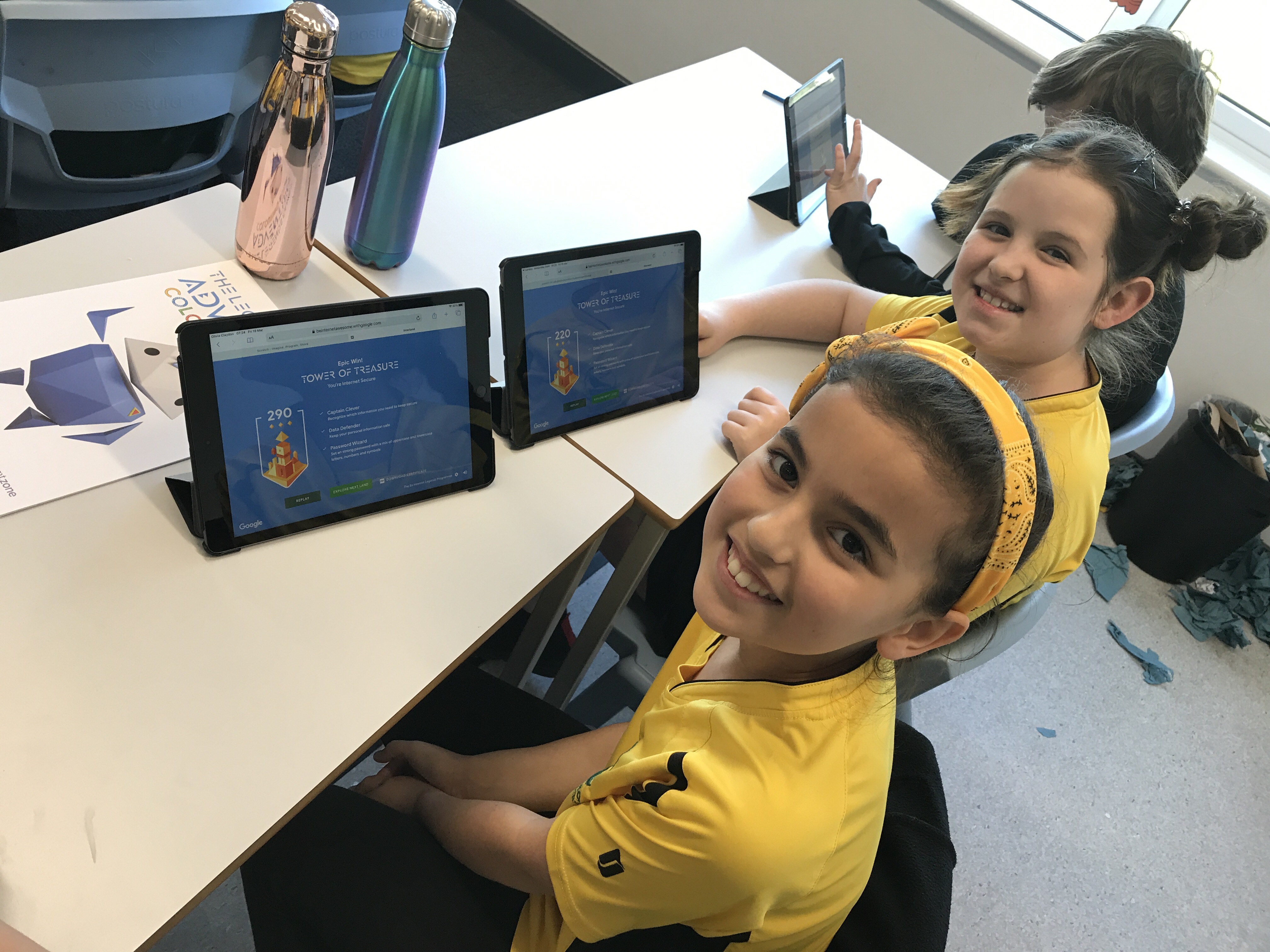
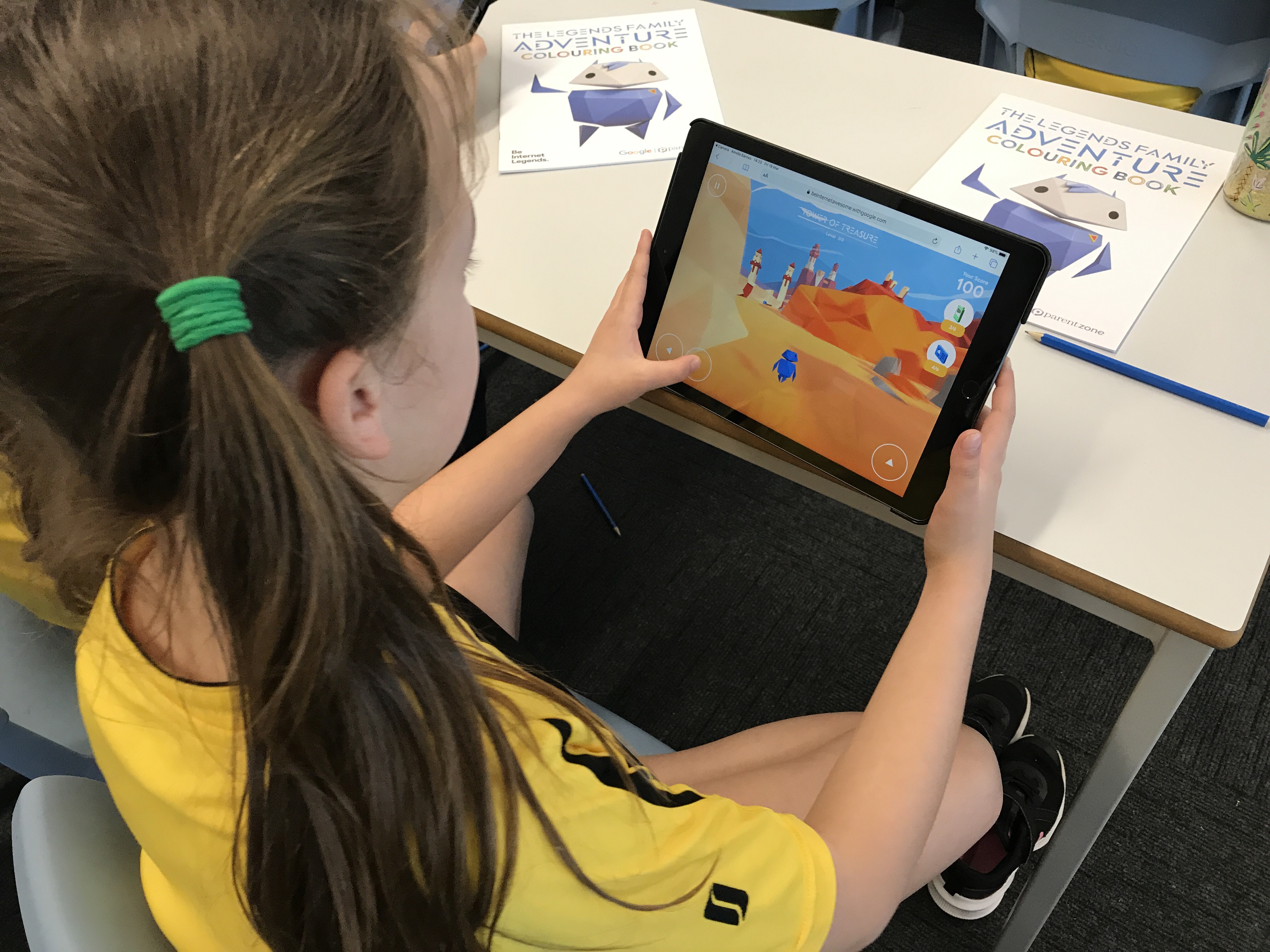
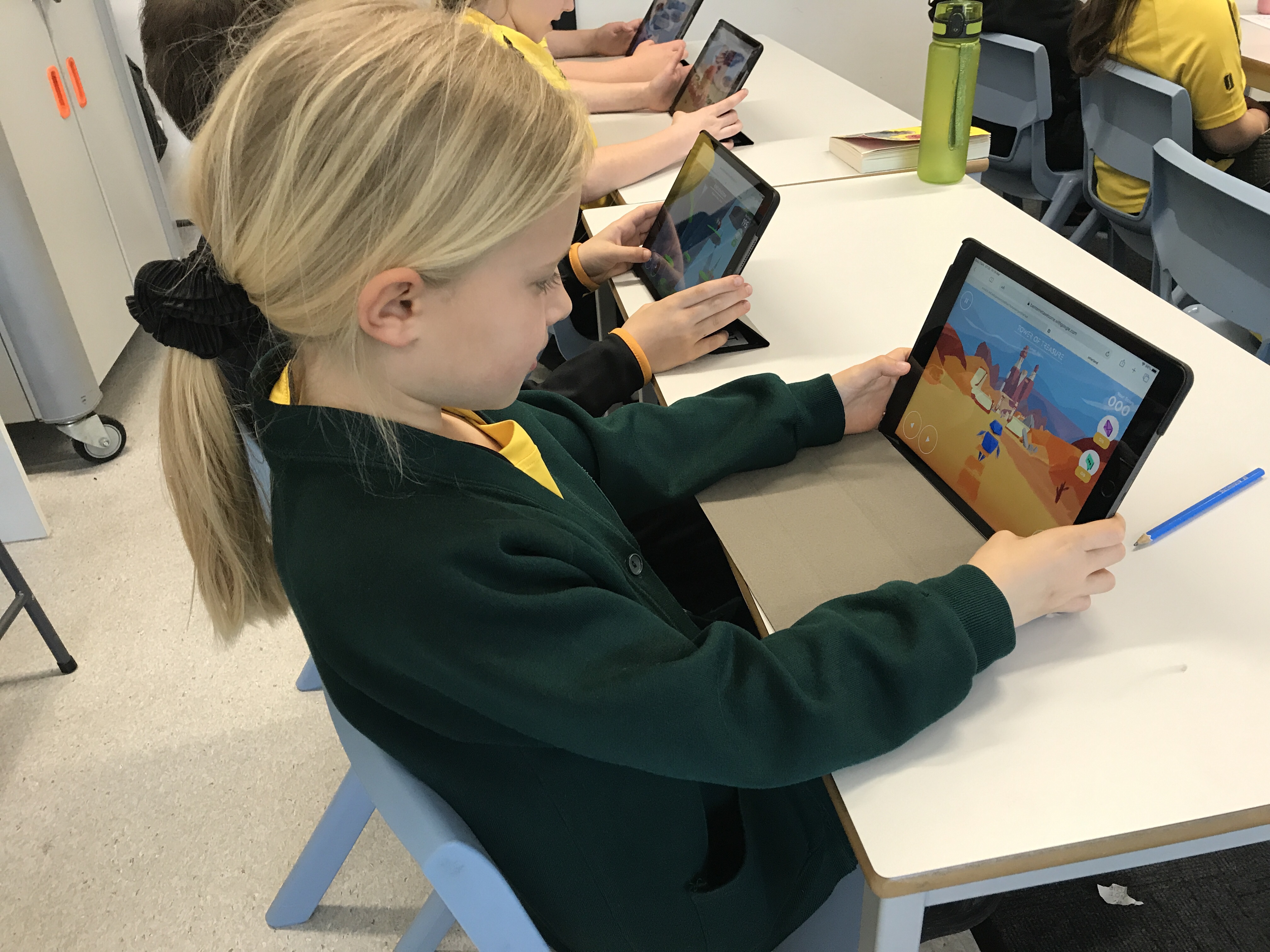
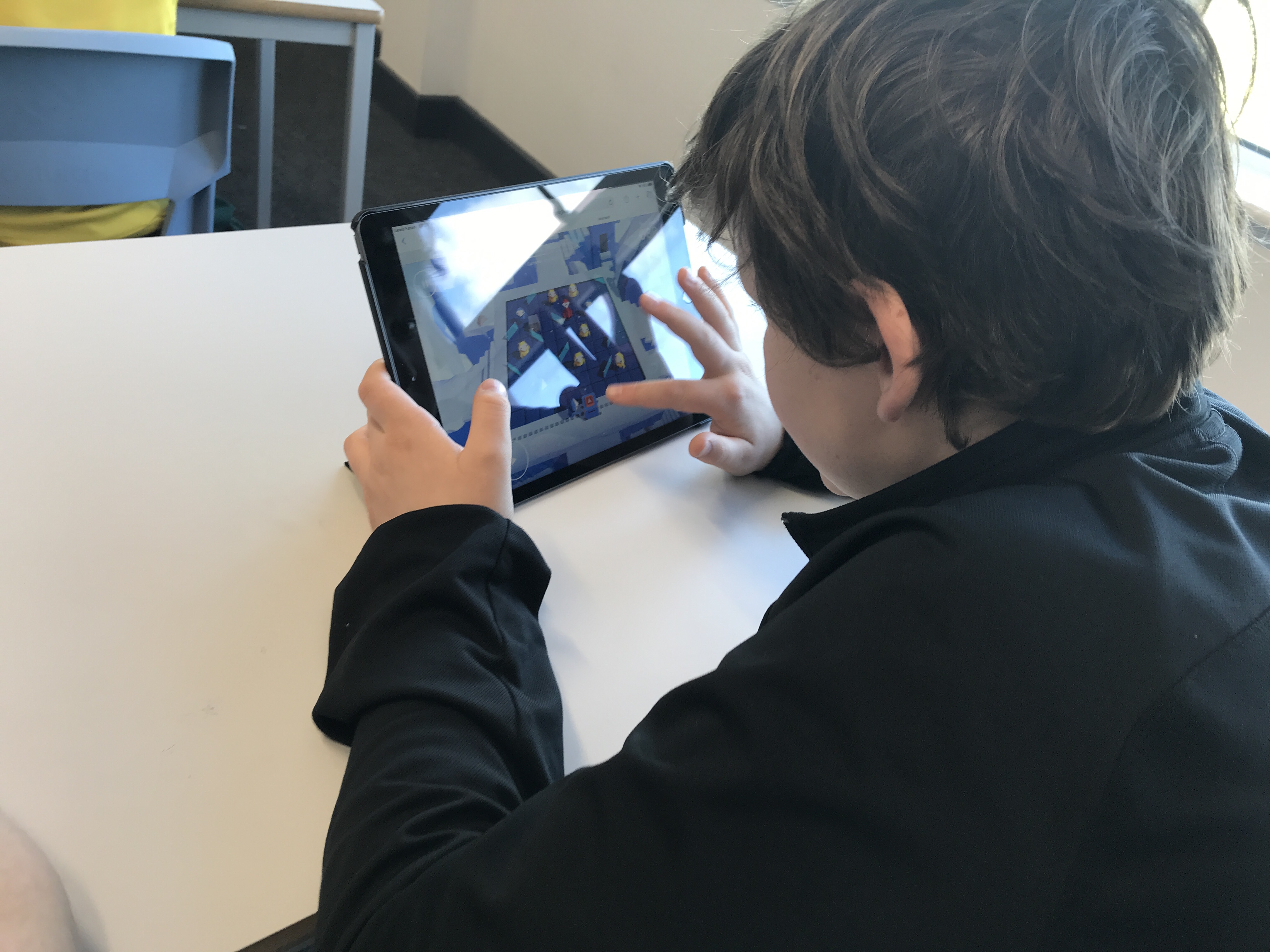
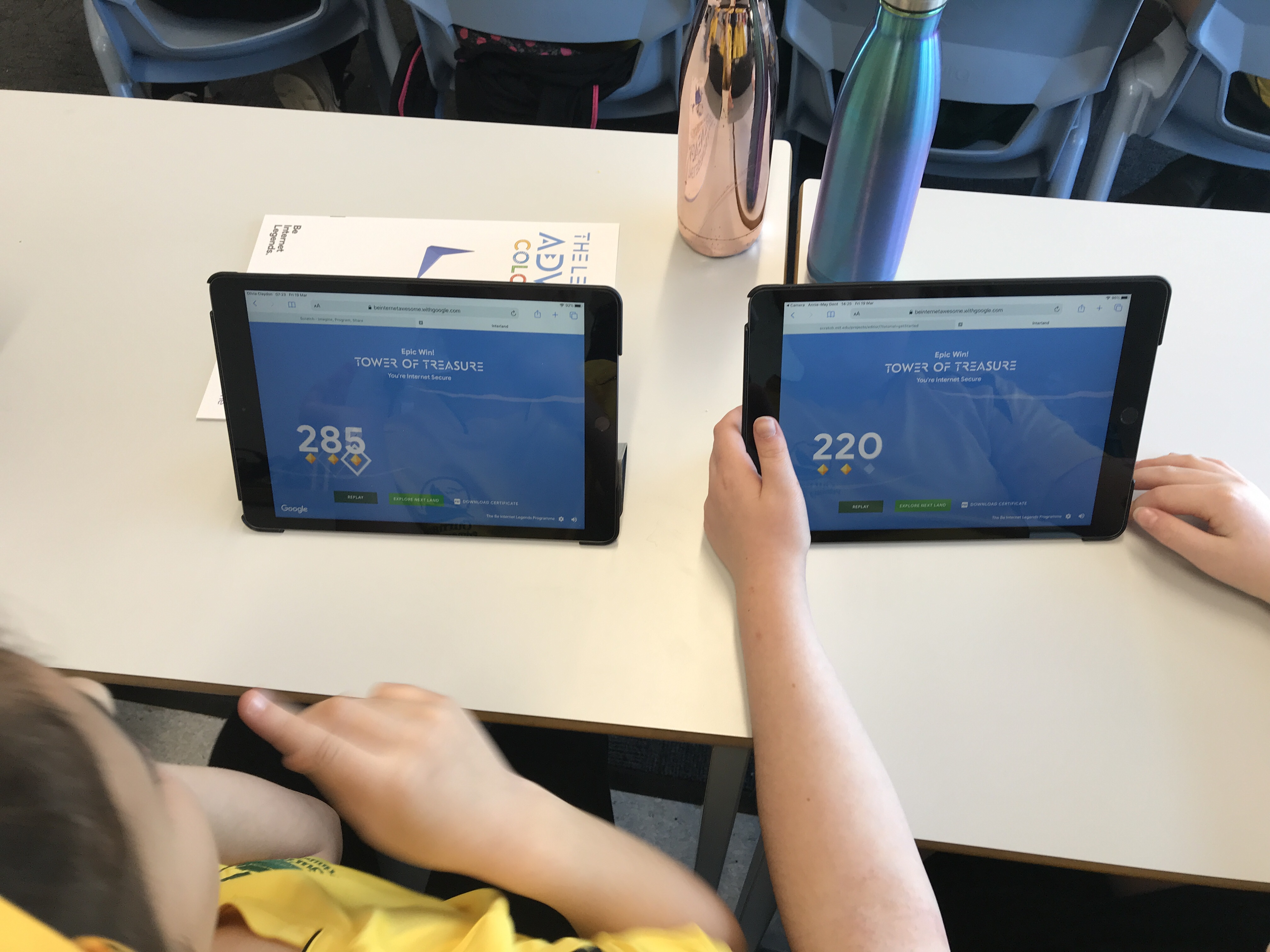
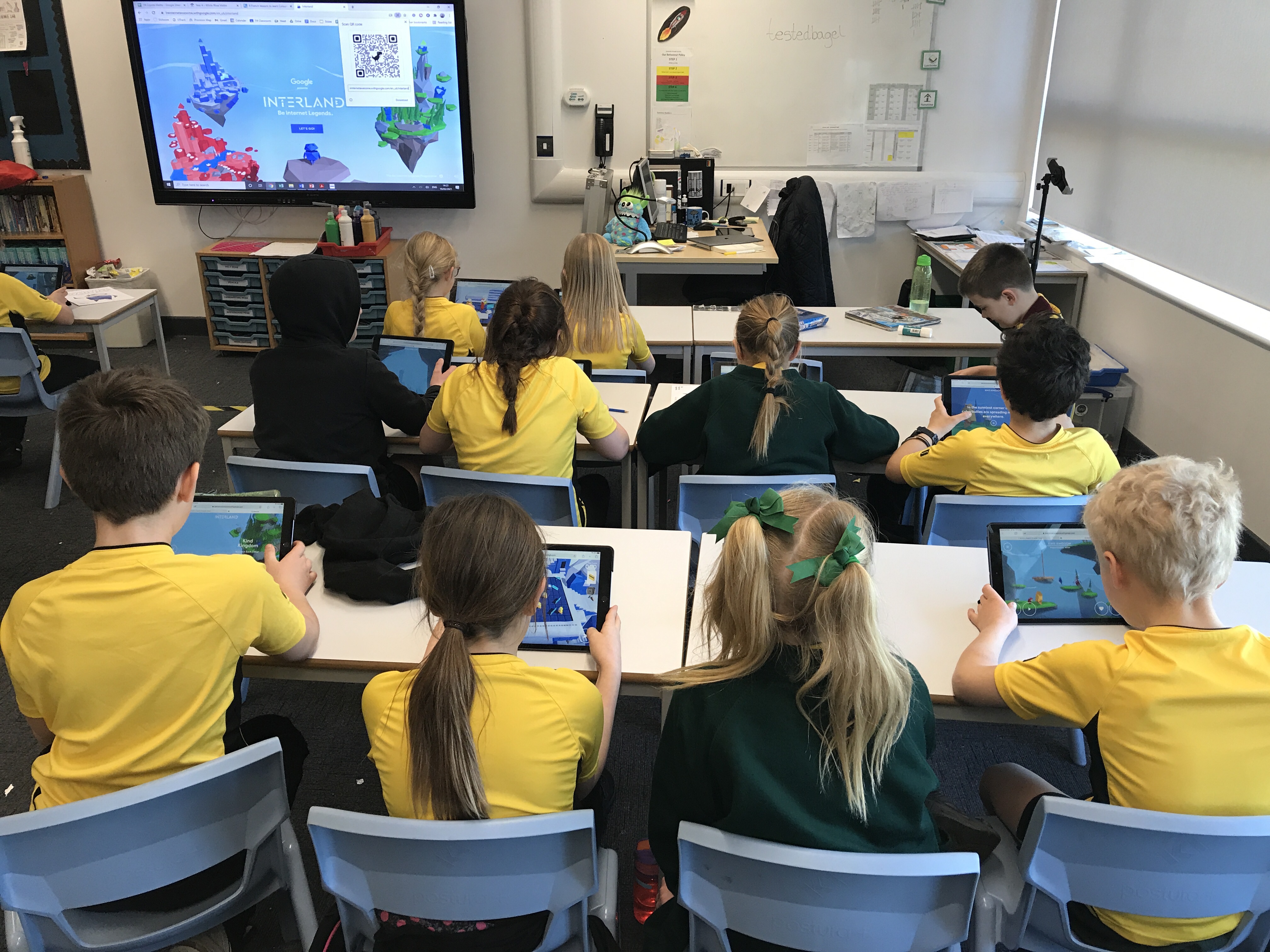
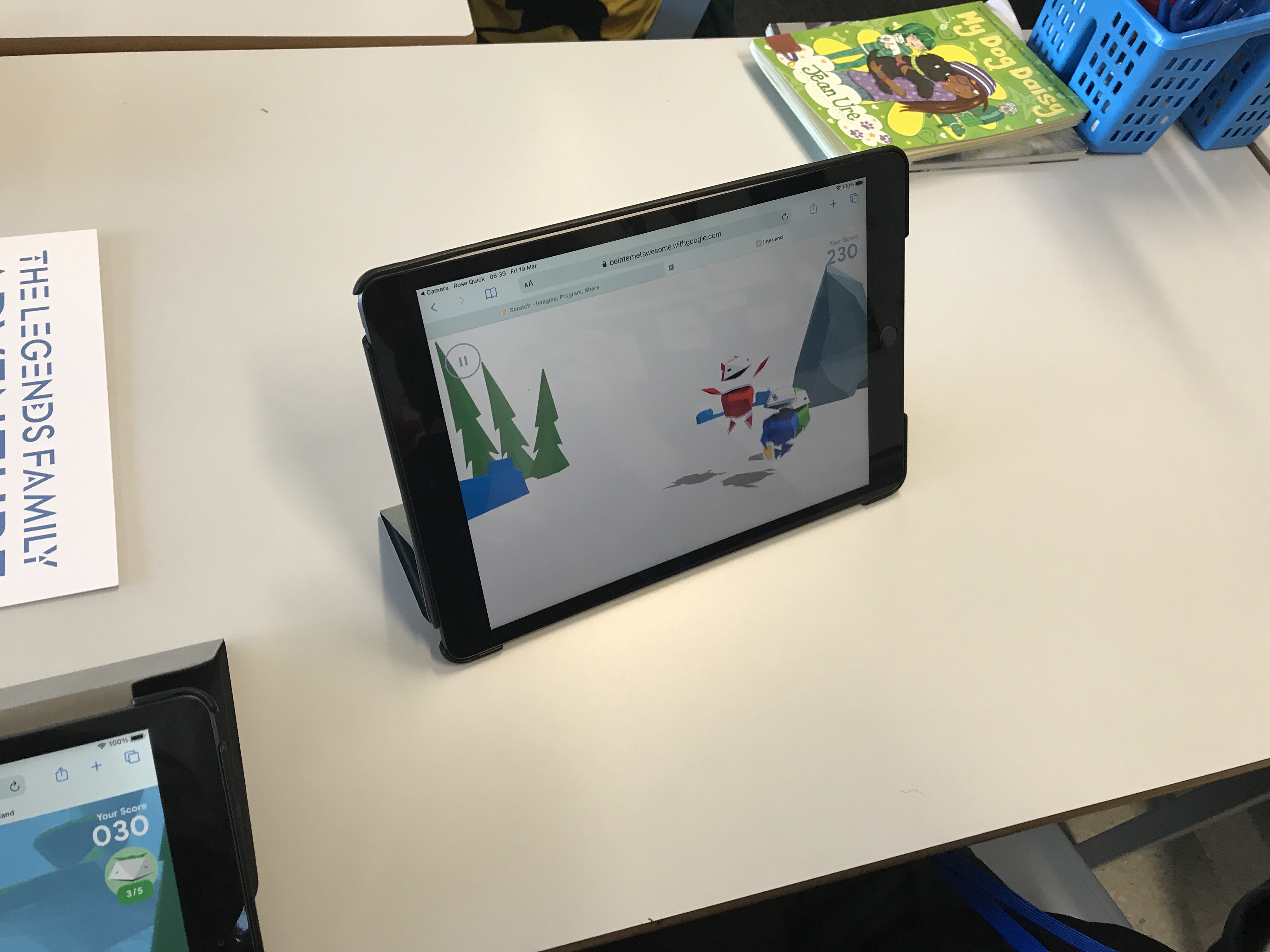
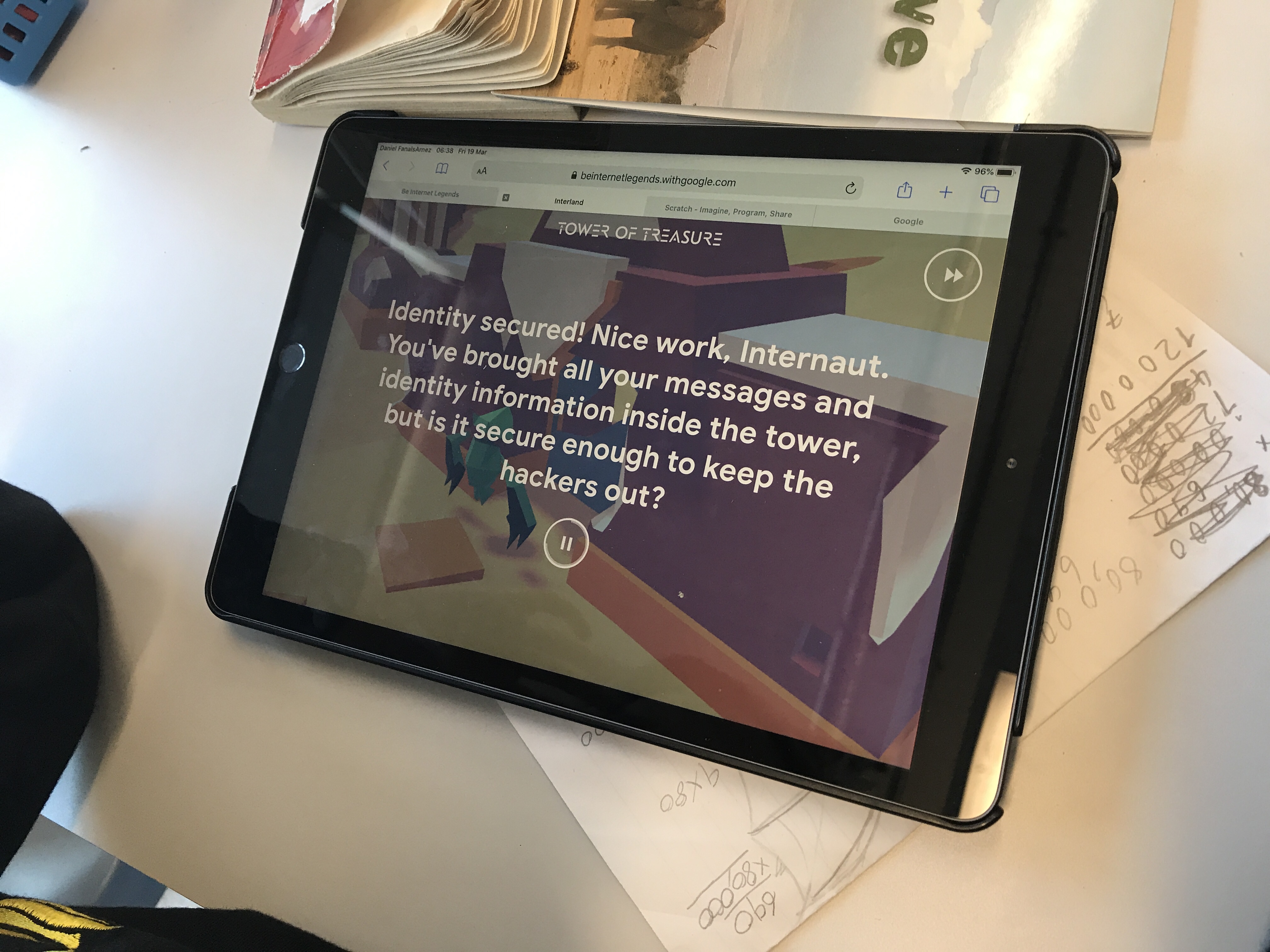
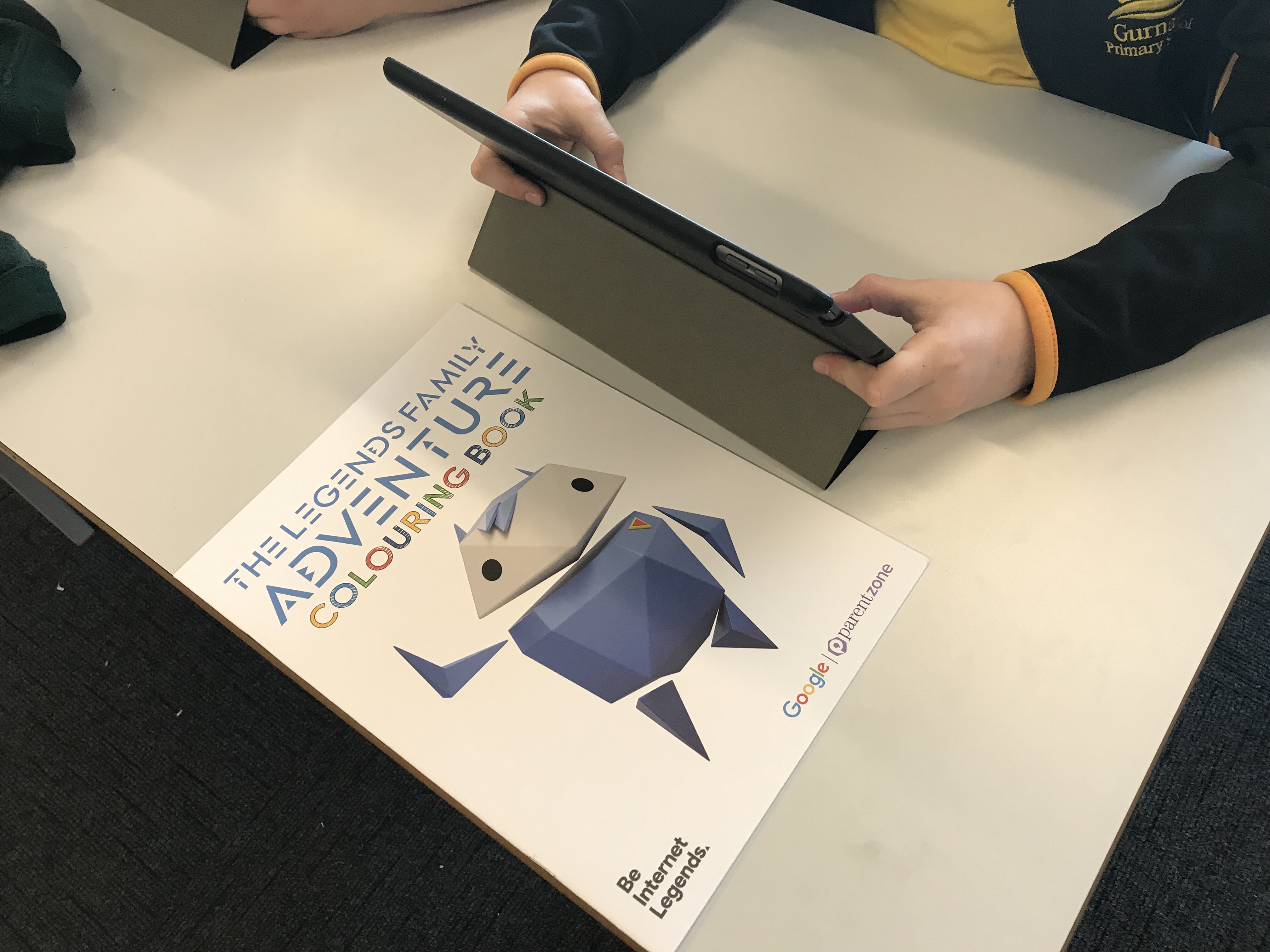
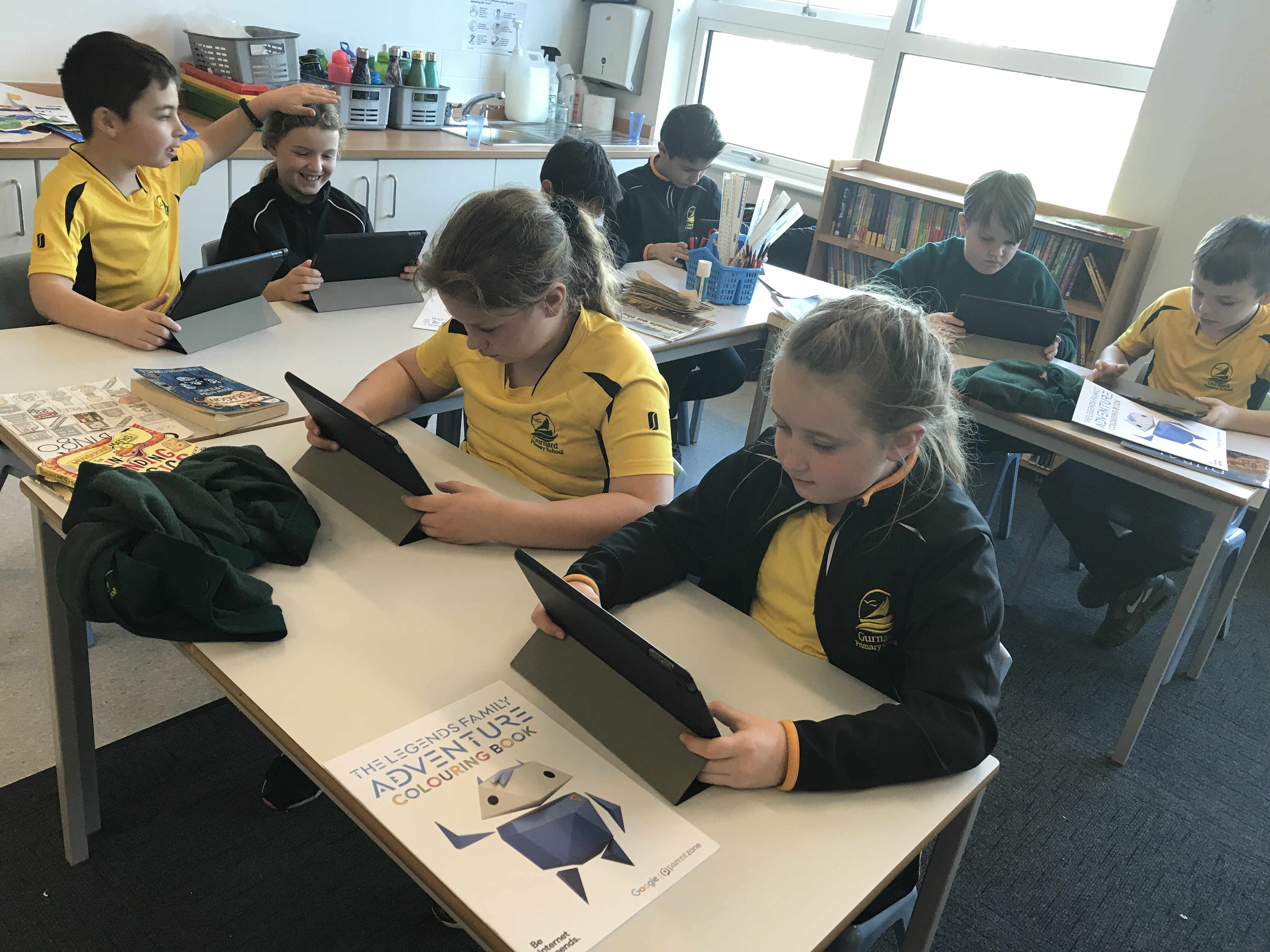
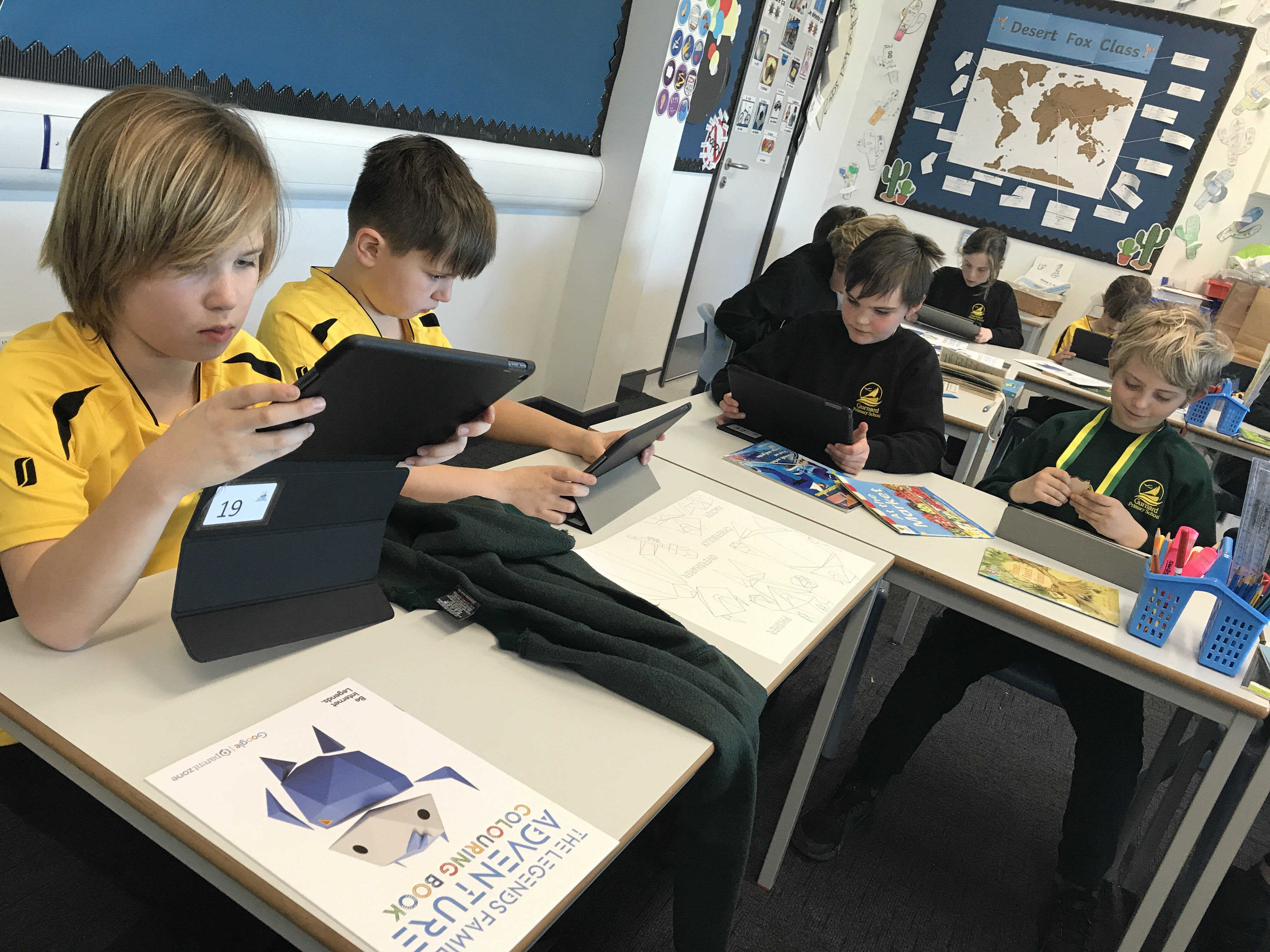
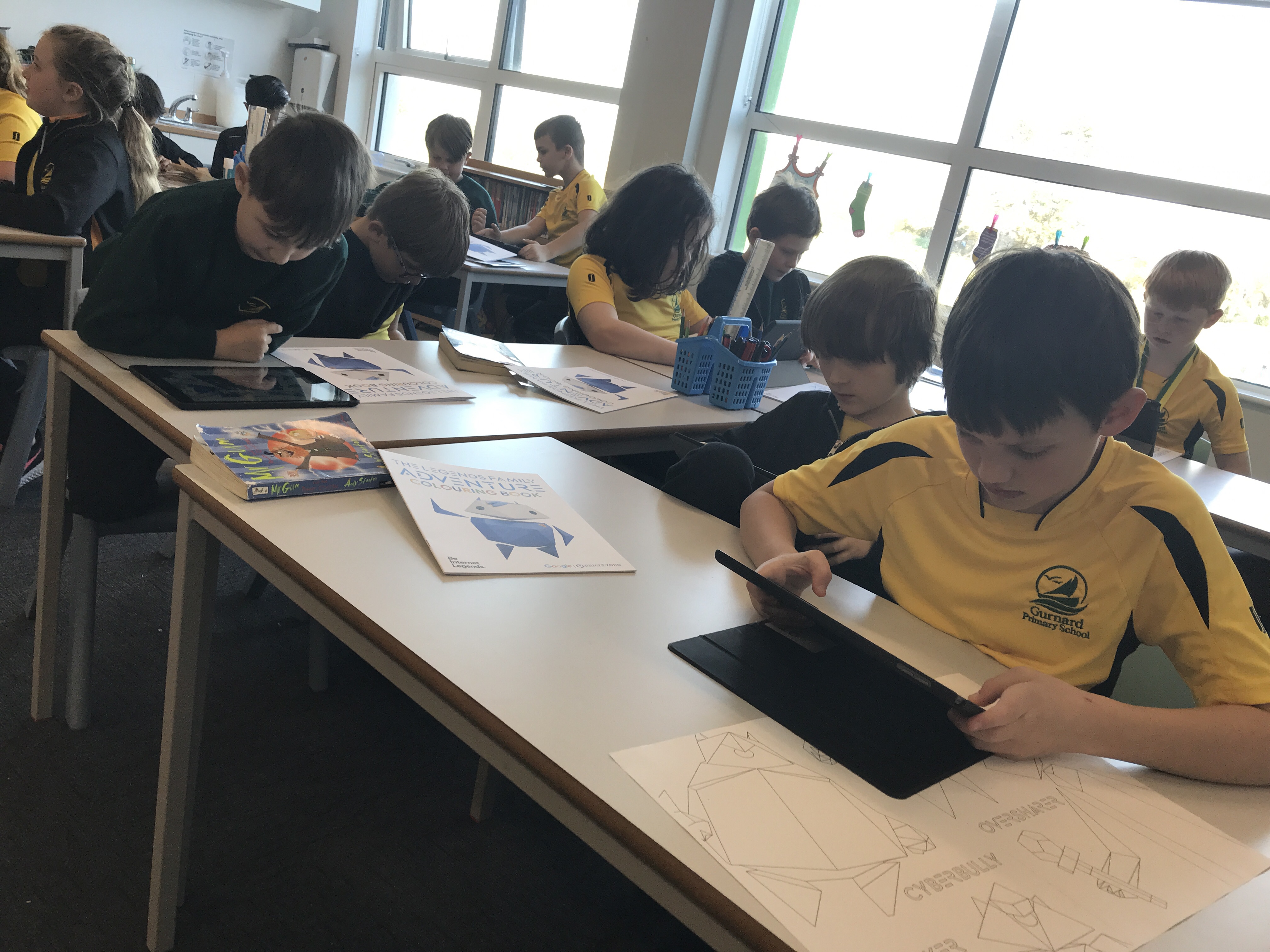
Following our Google Internet Legends assembly earlier in the day, we spent this afternoon exploring the Interland website to re-familiarise ourselves with the rules for staying safe online. Interland is a series of games that can be played to teach the benefits of using the internet safely.
Science Week & iPad logins
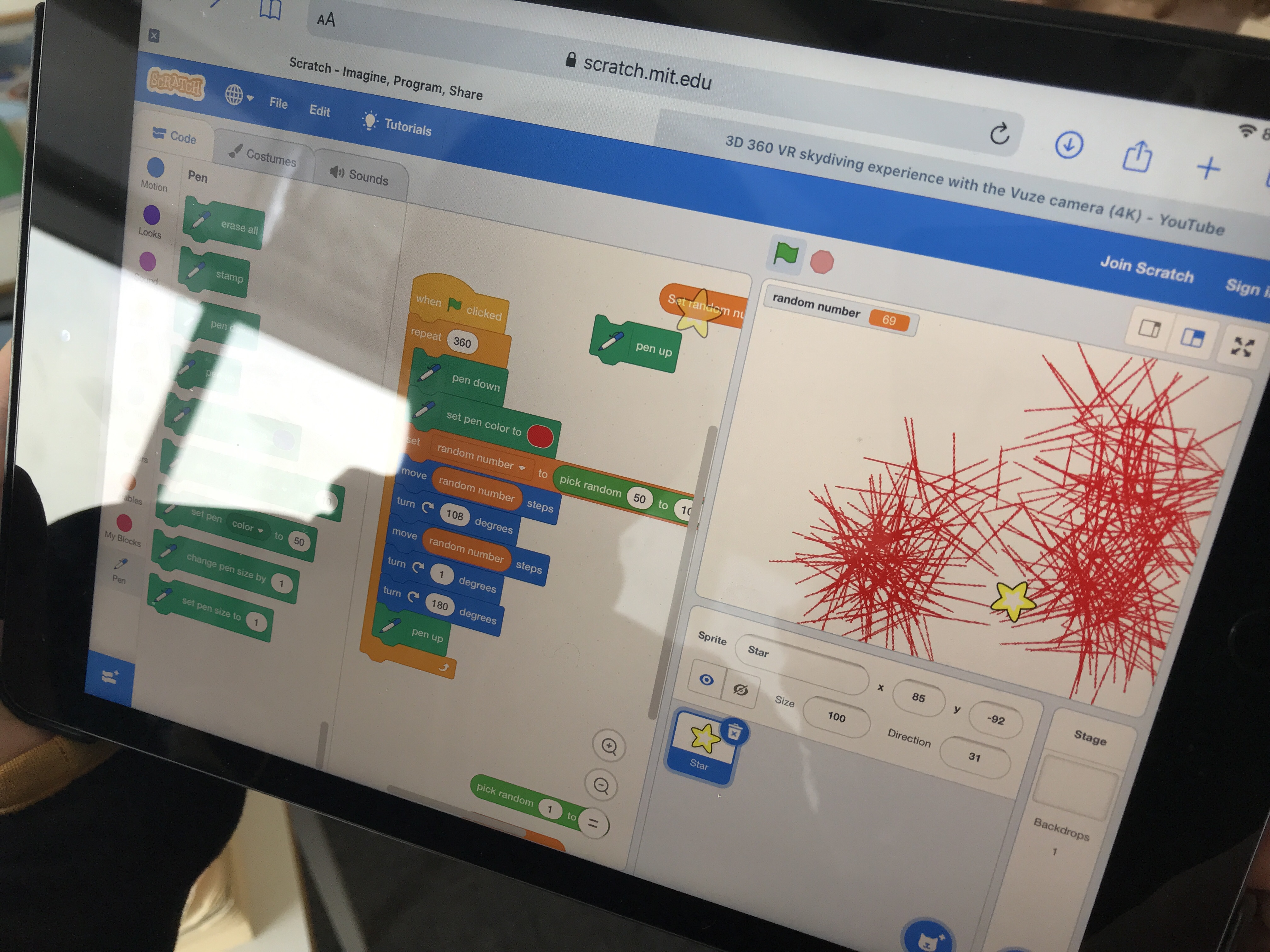
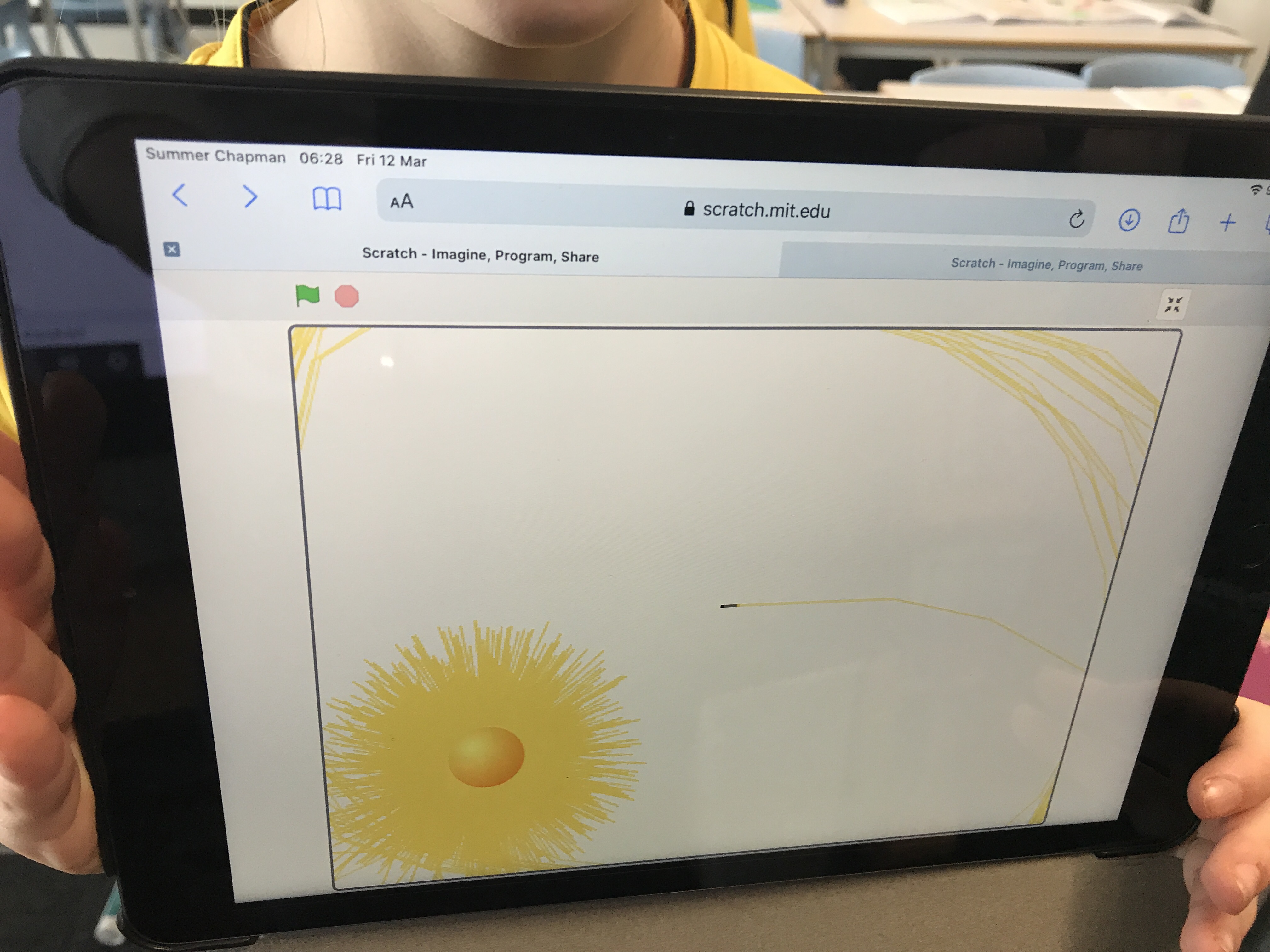
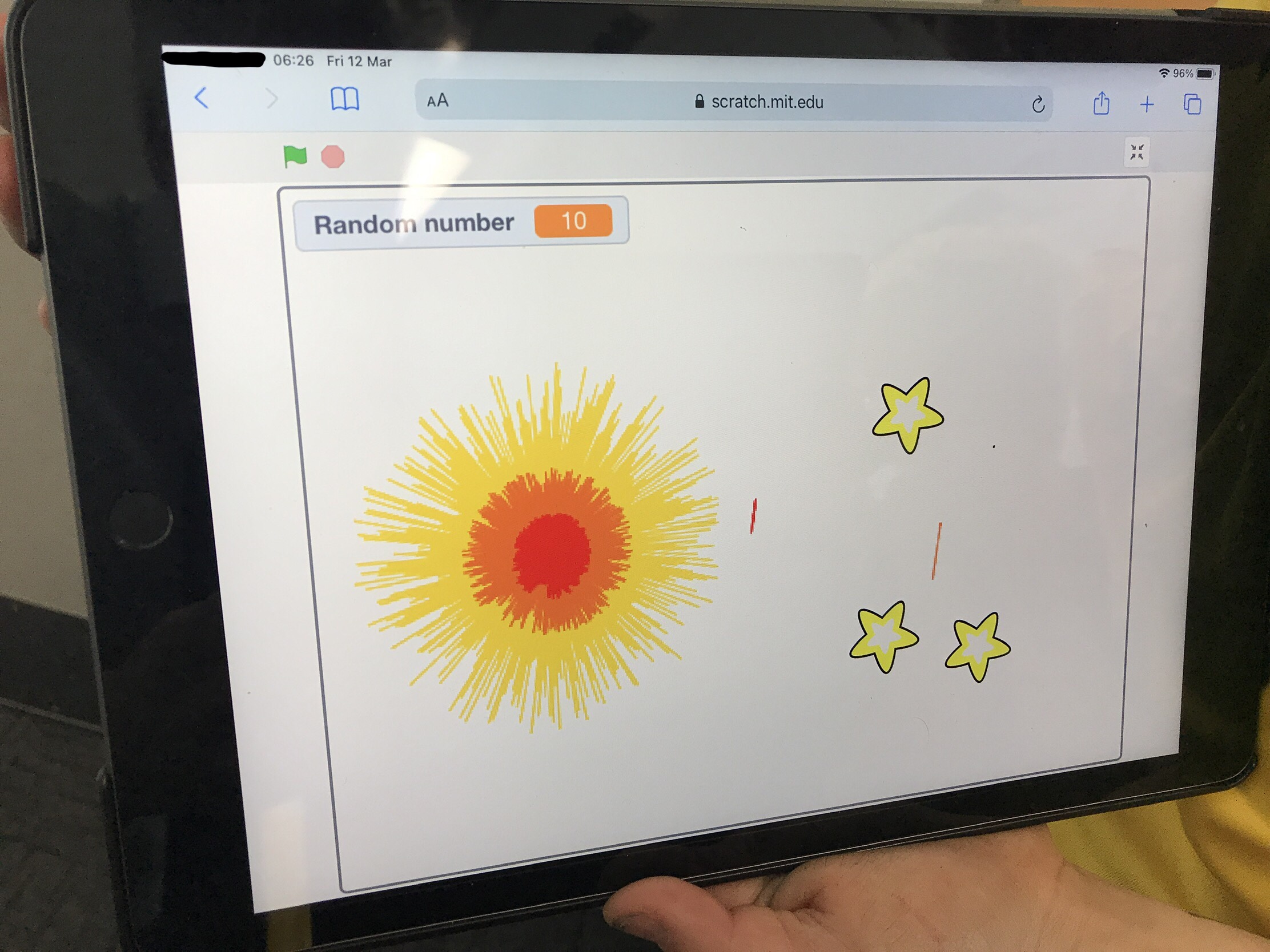
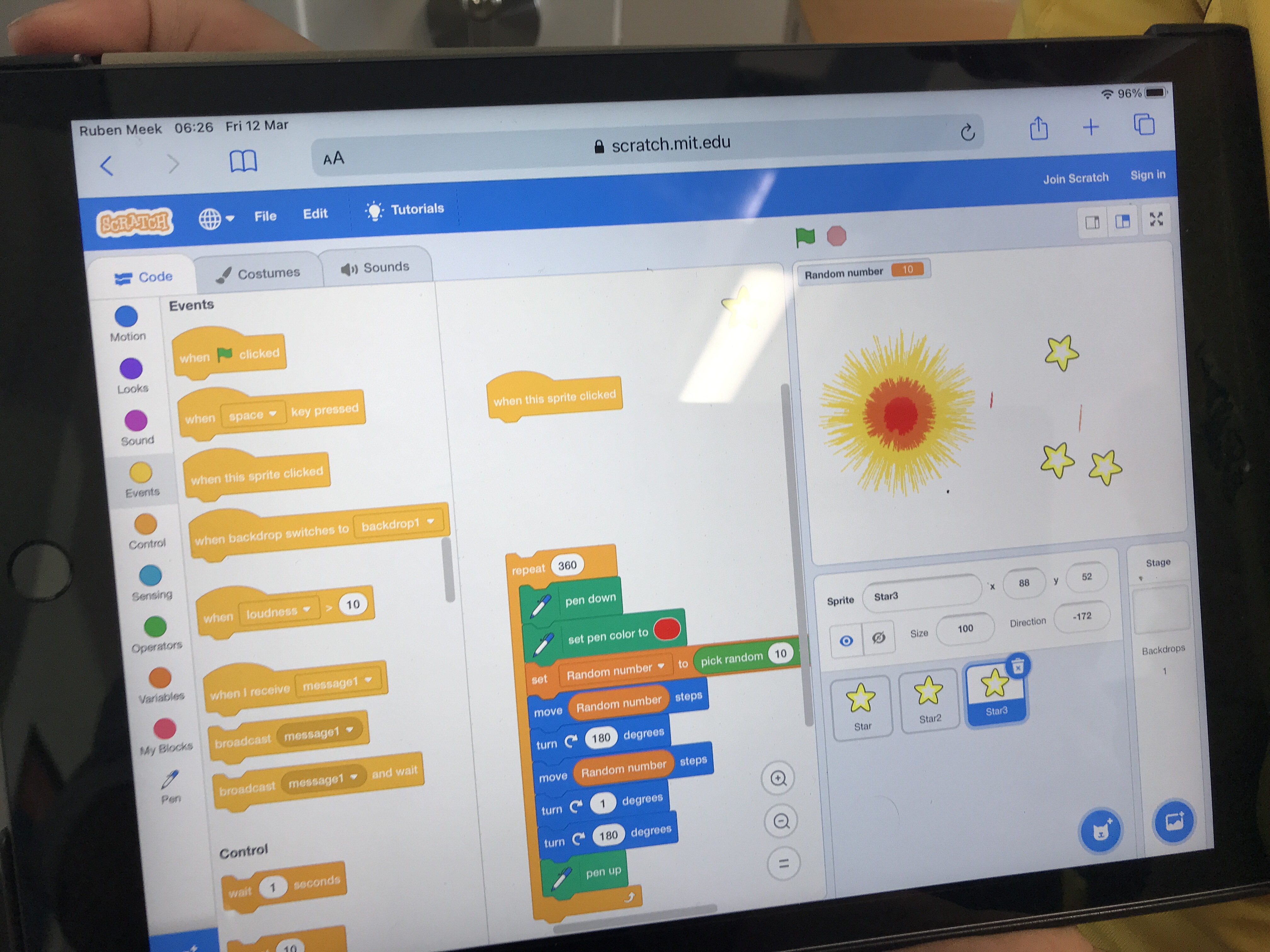
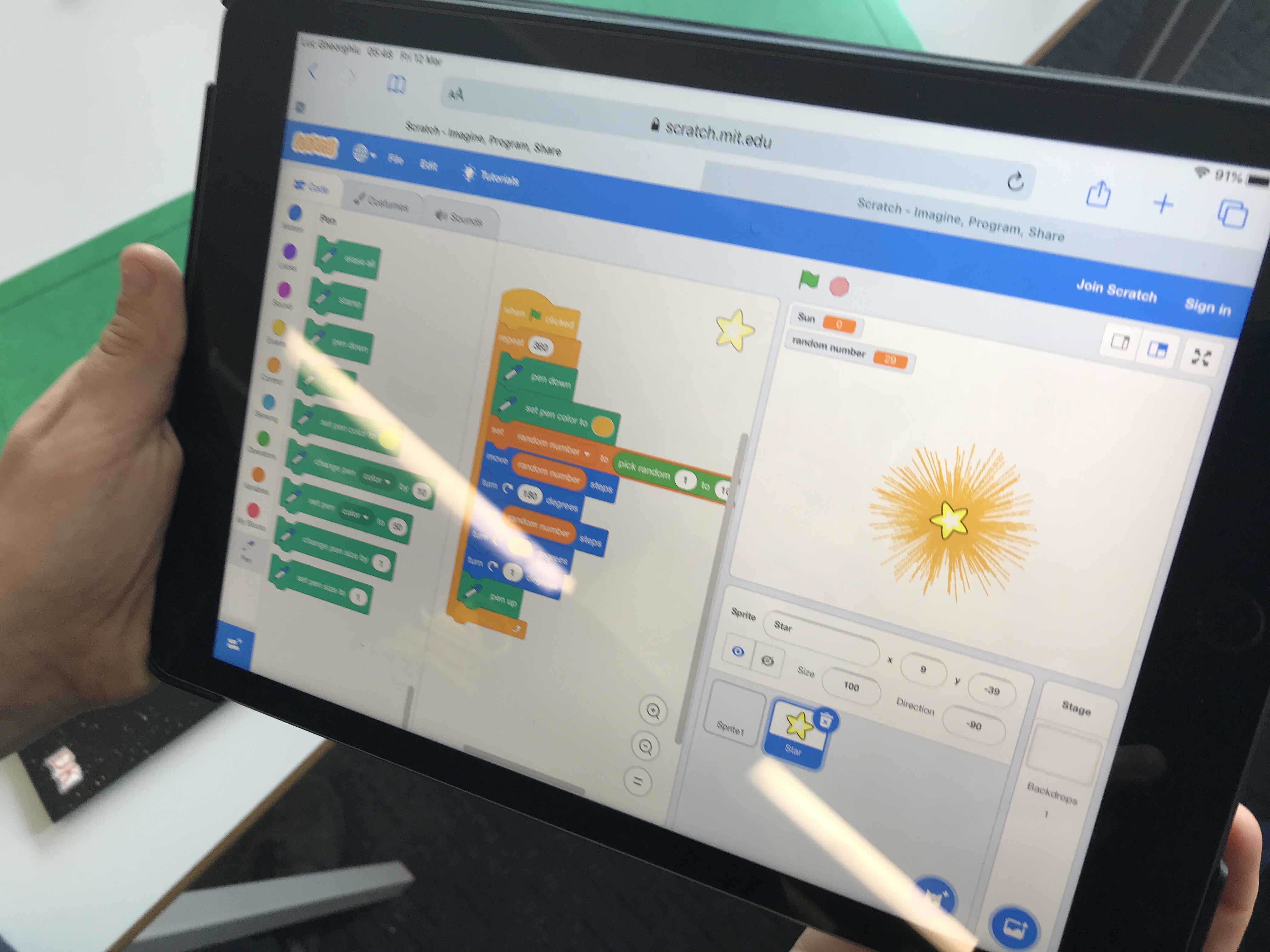
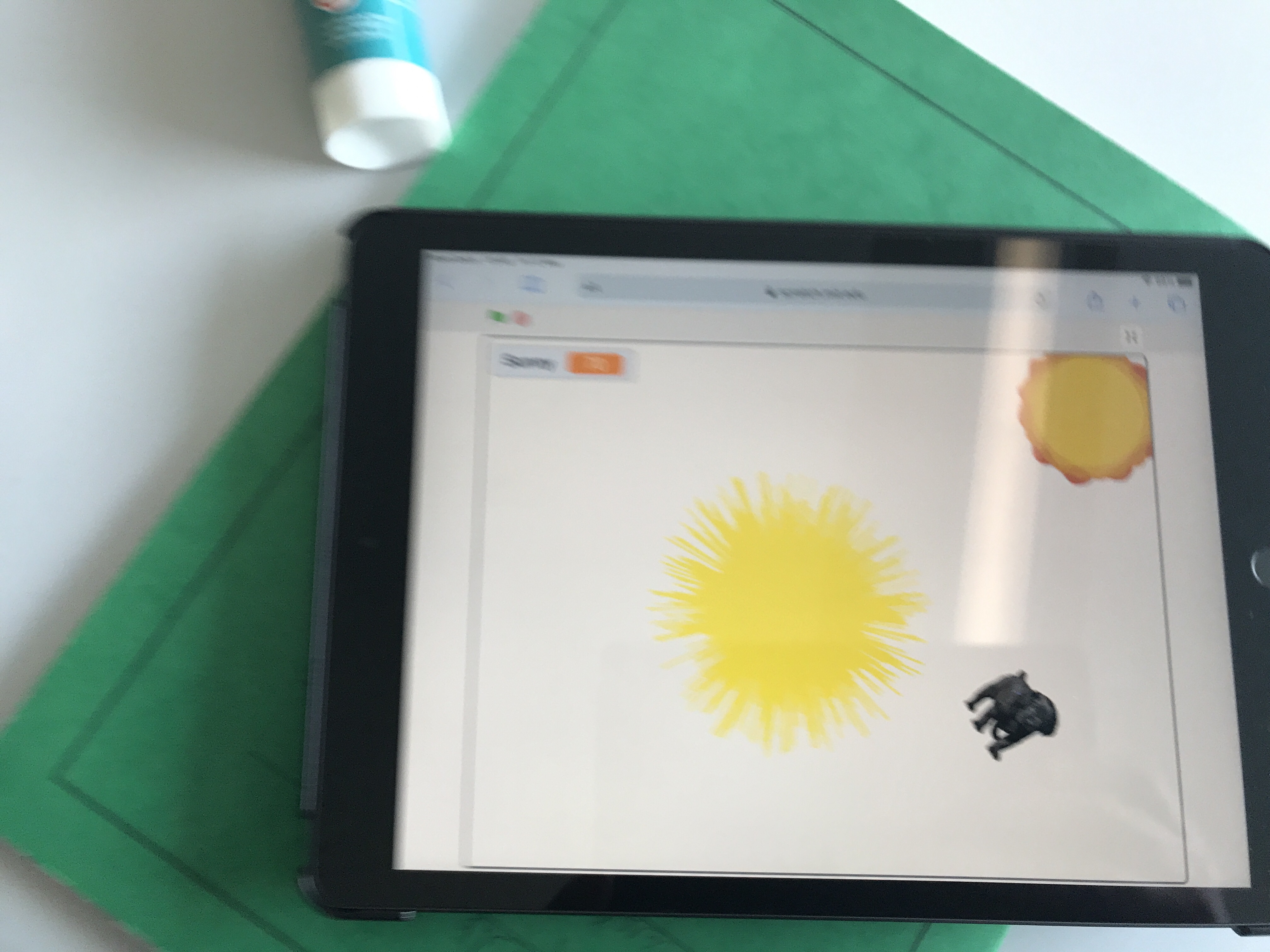
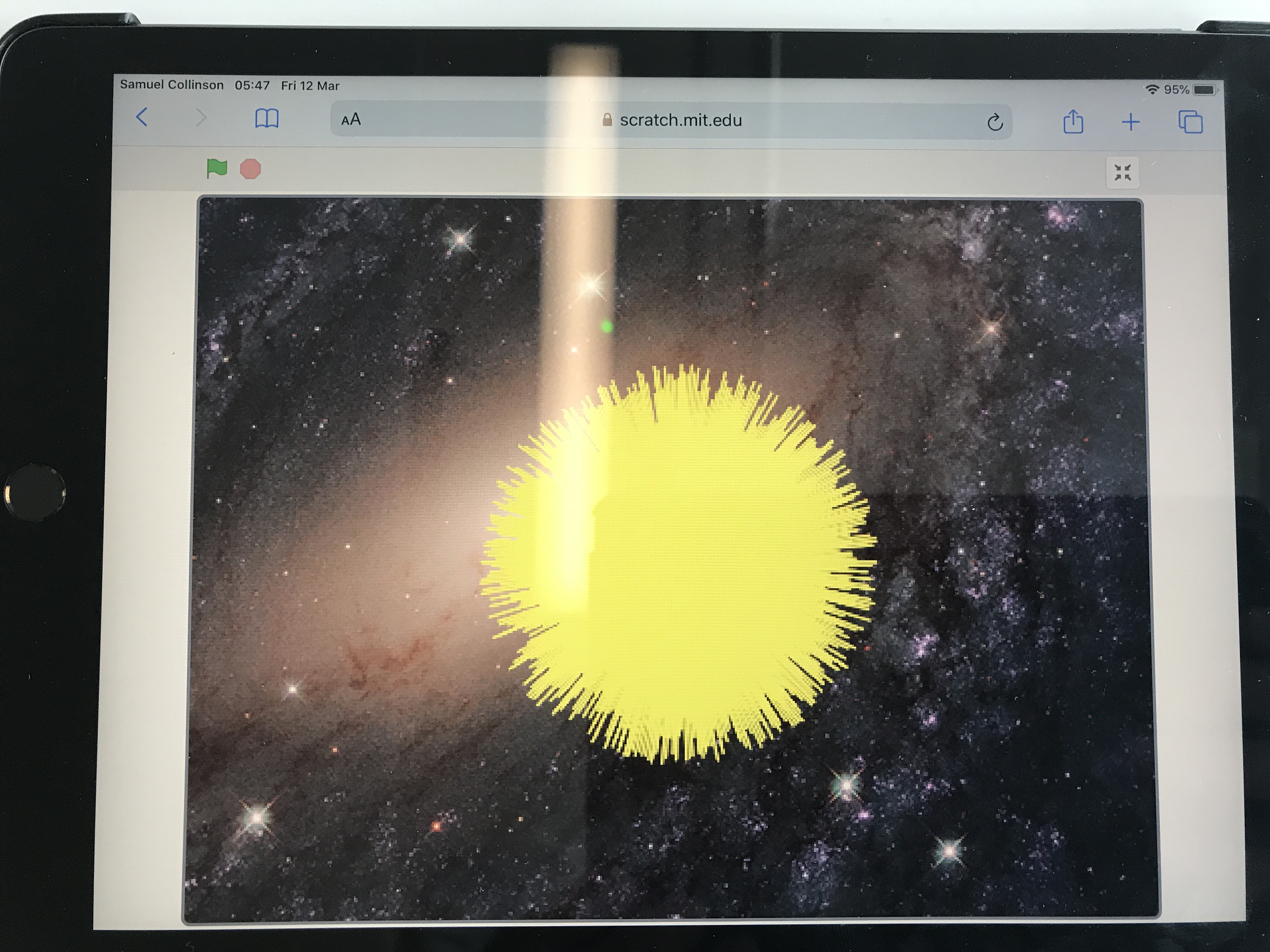
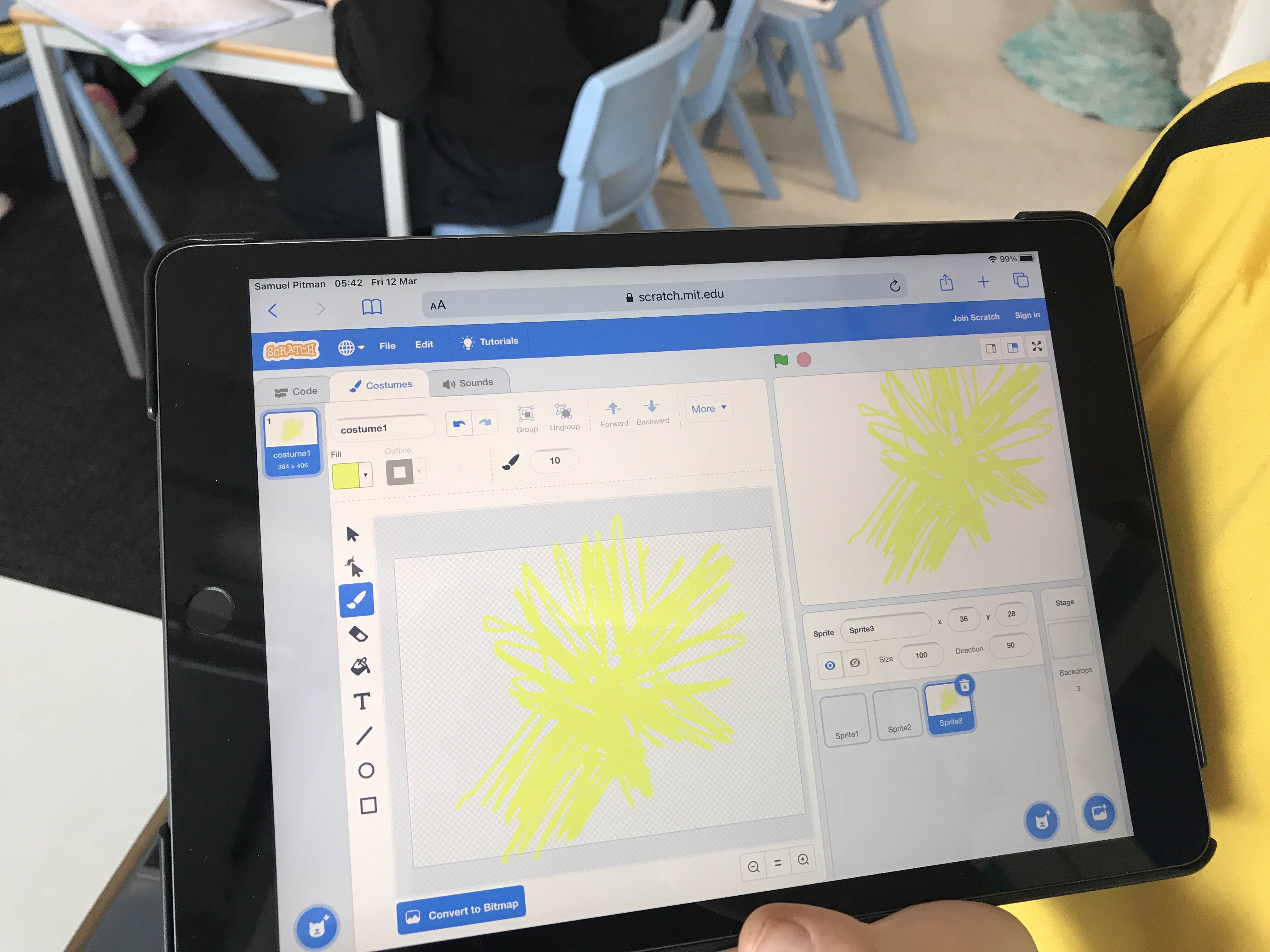
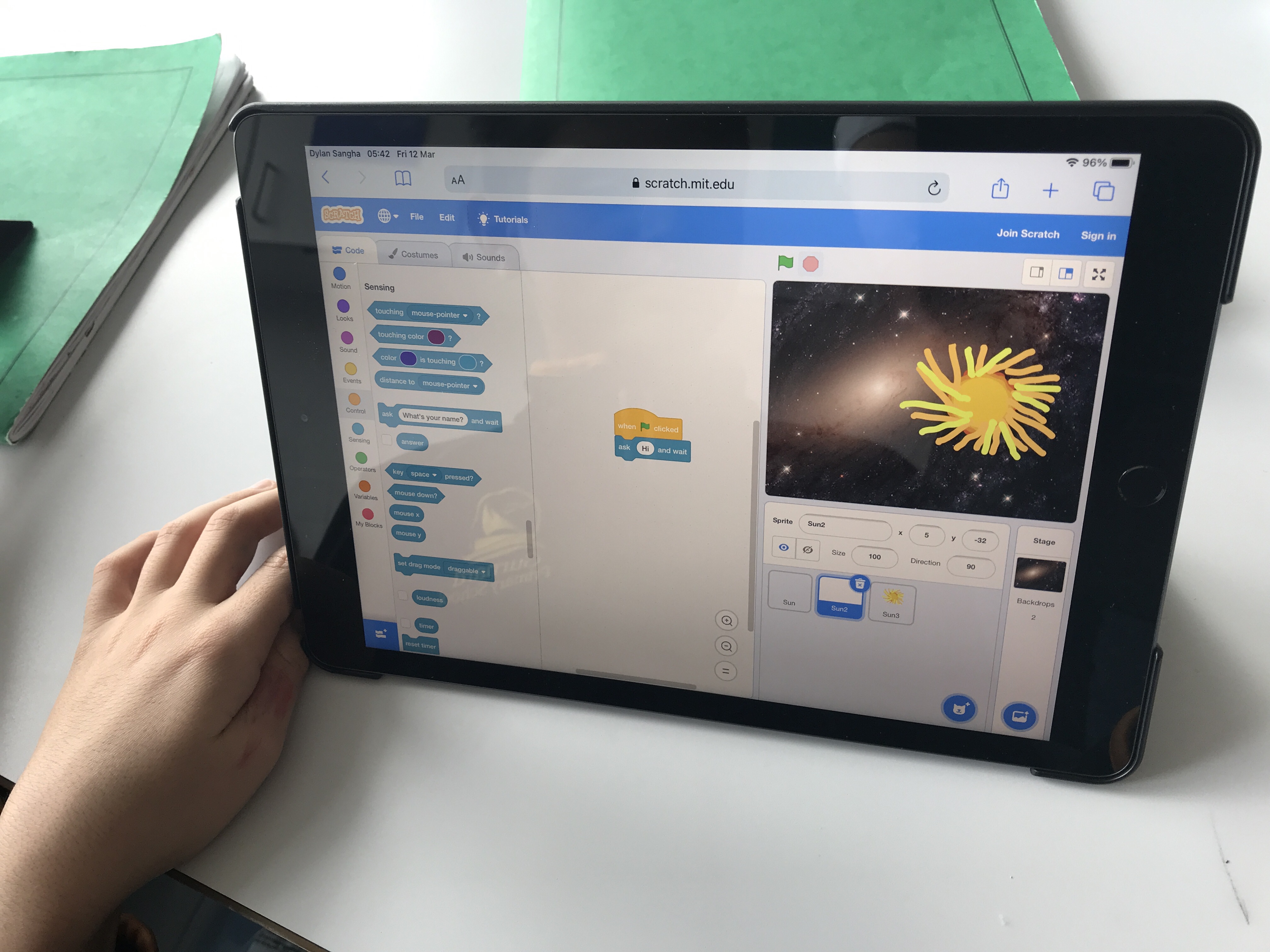
This week we learned how to login to our brand new accounts on the iPads. This was the first lesson where we were able to have an iPad each! Once we had logged in we used Scratch to create some science artwork for science week. We used the pen tool to code an image of the sun! Take a look at our creations below…

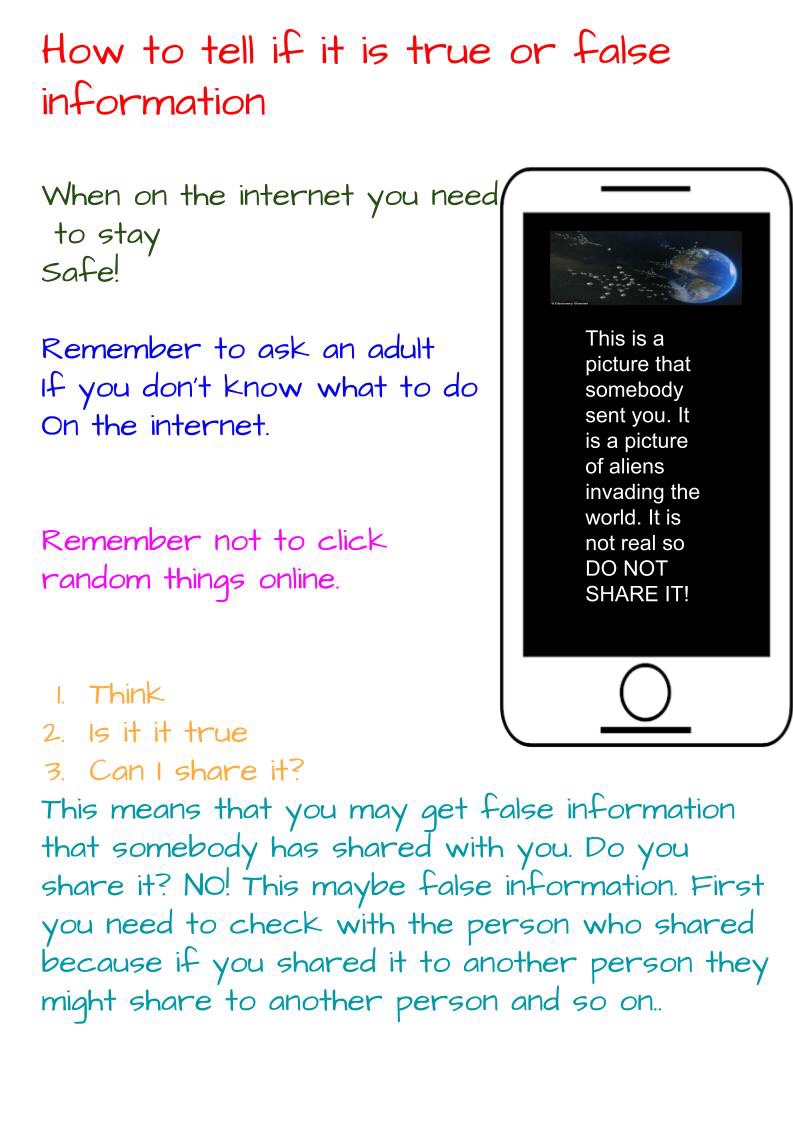
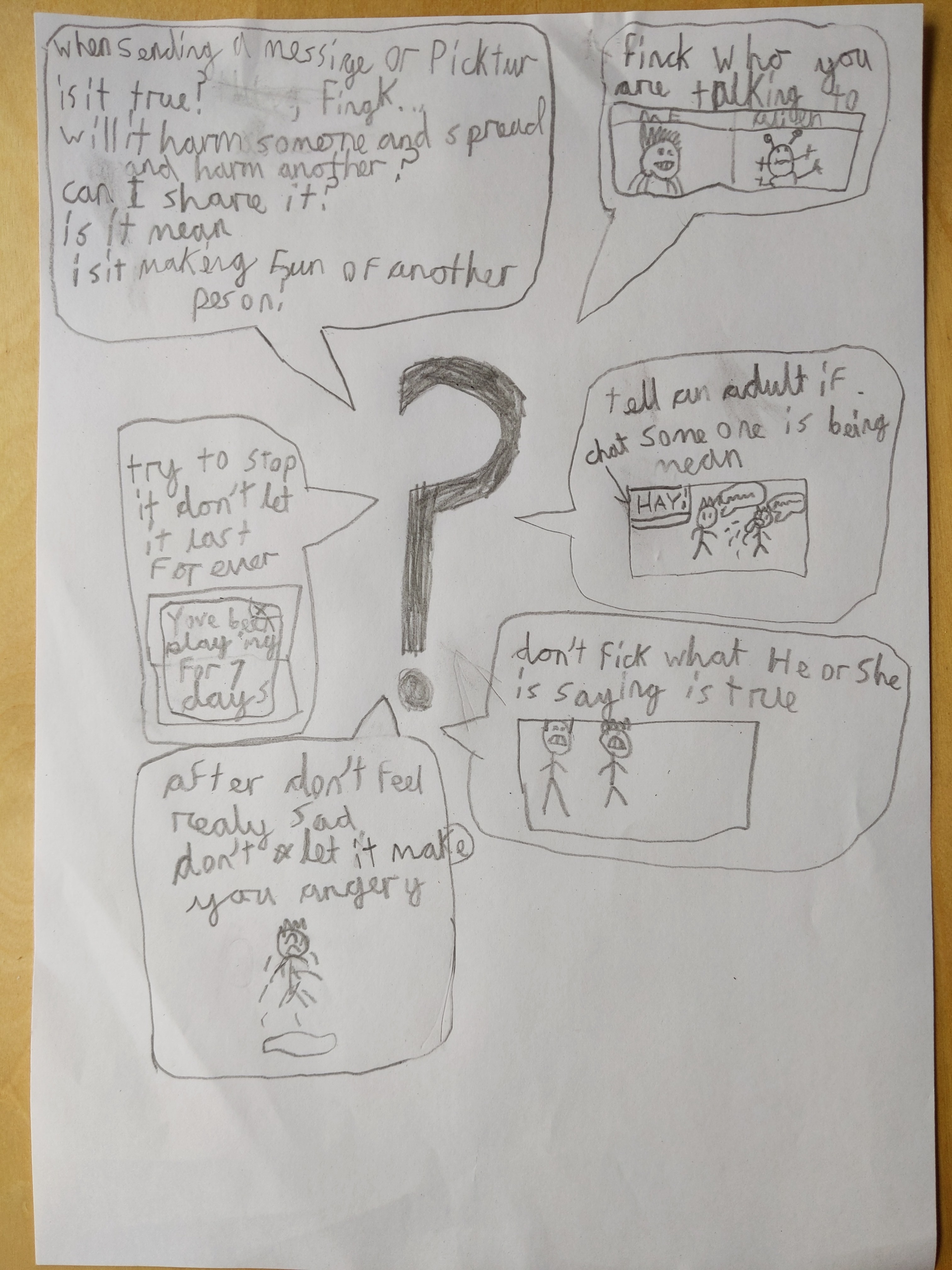
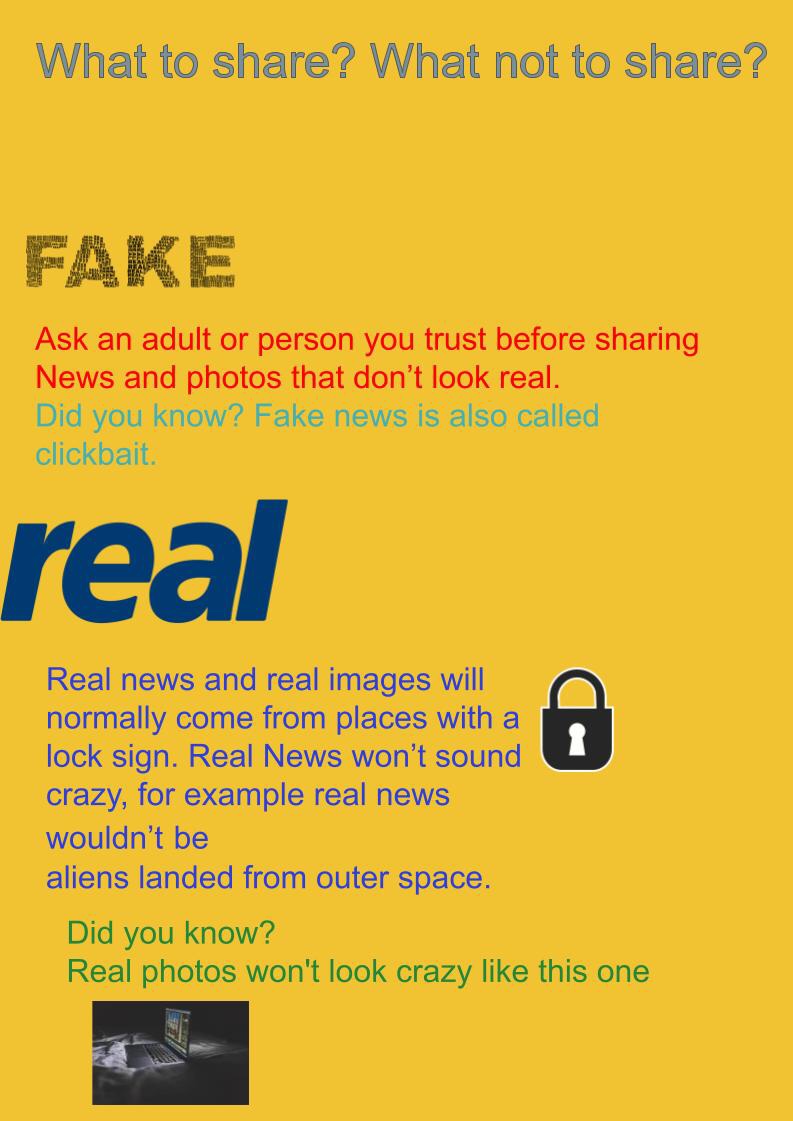
Networks L5 – Can I believe what I read?
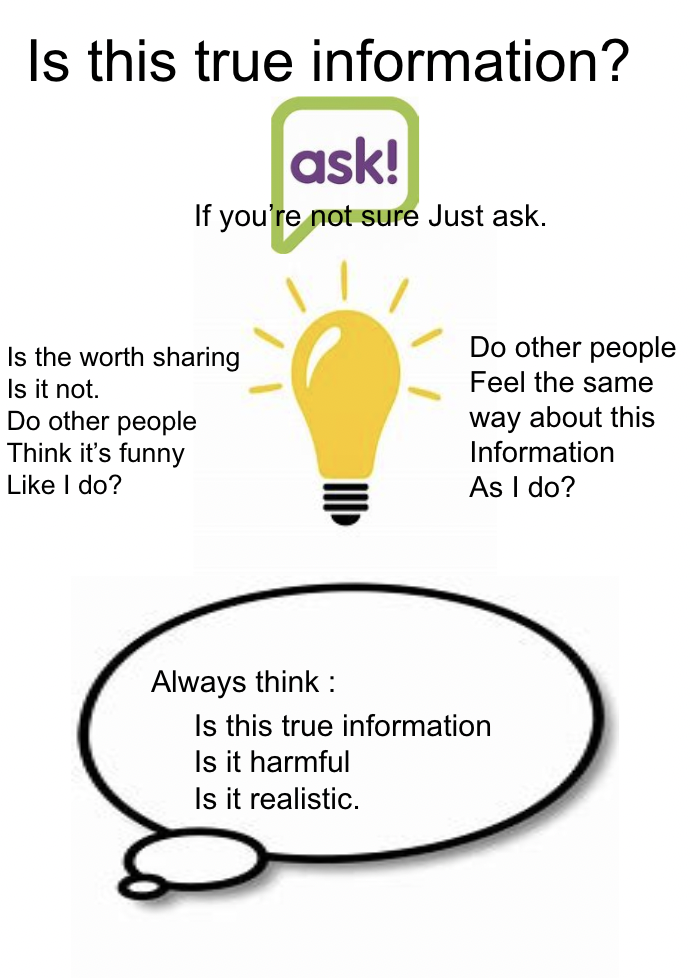
In this lesson we explored how information online can’t always be believed. We talked about how to judge this for ourselves and what to do if we found something that seemed false. We created posters to share this message with children in our school.
Networks L4 – who owns the web?
In this lesson we talked about the fact that all content on the WWW is created by people. We were able to suggest who owns the content on different sites and explain that there are rules to protect this content.
 Y4 Computing @ Gurnard Primary School